
Gmail Passwords at Risk? People’s Search Shows Rising Security Concerns
Why More Users Are Worried About Gmail Password Safety Than Ever Before

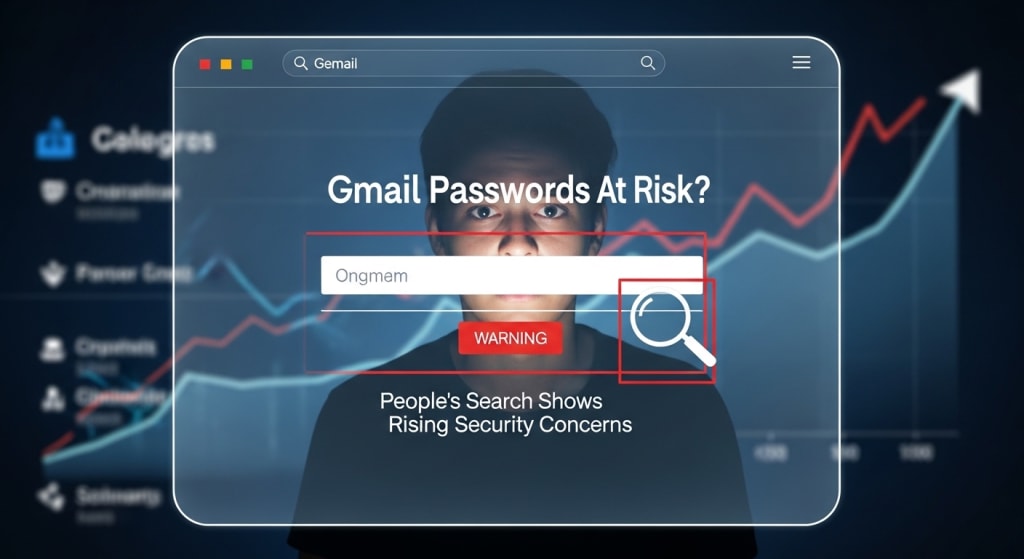
Many people are worried about their email safety, and online searches show a clear rise in fear around a gmail password leak.
This concern is not random, because Gmail passwords protect personal photos, bank alerts, work files, and private chats.
Gmail passwords are now one of the most searched security topics online.
People want to know if their accounts are safe and what they can do to stay protected.
This article explains why these fears are growing, how Gmail passwords get exposed, and what simple steps can help you stay secure.
Why Email Security Matters More Than Ever?
Email is the key to almost everything online today.
Your Gmail account can reset passwords for social media, shopping, and even banking apps.
When someone gets access to your Gmail password, they often gain access to much more.
This makes email accounts a top target for hackers.
Many users do not realize how powerful their Gmail access really is.
One weak password can open the door to many problems.
Search Trends Reveal Growing Worry
Online search data shows a clear spike in people asking about Gmail account safety.
This includes questions about hacks, stolen passwords, and suspicious login alerts.
People often search after hearing news stories or after seeing strange activity in their inbox.
Some users notice emails marked as read or recovery alerts they did not request.
These search trends show fear, but they also show awareness.
More people now want to protect their Gmail passwords before damage happens.
Gmail Password Leak: What It Really Means
A gmail password leak does not always mean Gmail itself was hacked.
Most leaks happen when users reuse passwords across different websites.
If another site gets breached, attackers try the same email and password on Gmail.
This method works because many people use the same login details everywhere.
Sometimes passwords leak through fake emails that look real.
These emails trick users into entering their Gmail passwords on fake pages.
Common Ways Gmail Passwords Get Exposed
There are several common reasons why Gmail passwords end up in the wrong hands.
Most of them happen without the user even noticing.
Here are the most common causes:
Fake login pages that look like Google
Using the same password on many websites
Clicking links in suspicious emails
Installing unsafe browser extensions
Using public Wi-Fi without protection
Each of these actions can silently expose your Gmail passwords.
Once stolen, attackers act quickly.
Real-Life Examples That Hit Close to Home
Many users share stories online about losing access to their Gmail accounts.
Some wake up to find their recovery email changed.
Others notice password reset emails for services they never touched.
In some cases, attackers send spam from the victim’s Gmail account.
These stories show how fast things can go wrong.
They also show that normal users, not just tech experts, are affected.
Warning Signs Your Account May Be at Risk
Gmail often sends alerts when something looks unusual.
Ignoring these alerts can be a big mistake.
Watch for these signs:
Login alerts from unknown locations
Password change notices you did not request
Emails missing from your inbox
Sent messages you never wrote
Recovery information changed
Seeing one sign does not always mean a gmail password leak, but it should not be ignored.
Quick action can stop bigger problems.
Simple Steps to Strengthen Your Gmail Security
Protecting Gmail passwords does not require advanced skills.
Small steps can make a big difference.
Here are easy actions anyone can take:
Use a long and unique password
Turn on two-step verification
Check account activity often
Remove unused apps and devices
Update recovery email and phone
These steps reduce the chance of unauthorized access.
They also help Google warn you faster if something goes wrong.
How Google Works to Protect Users?
Google invests heavily in account security.
It uses smart systems to detect unusual behavior.
If Google sees a login attempt from a strange location, it may block it.
Sometimes it forces a password reset for safety.
Google also offers security checkups.
These tools show users weak spots in their Gmail setup.
Still, no system is perfect without user care.
Strong habits work best alongside Google’s protection.
Why People Still Ignore Security Advice?
Many users believe hacks only happen to others.
This false sense of safety leads to risky behavior.
Some people avoid security steps because they feel annoying.
Others think their emails are not important.
The truth is simple.
Every Gmail account has value to attackers.
Ignoring security advice increases the risk of a gmail password leak.
Awareness is the first step toward change.
Staying Safe in a Digital-First World
Digital life keeps growing, and so do online threats.
Gmail passwords remain one of the most valuable targets.
Users who stay informed can reduce risks.
Simple habits can block most attacks before they start.
The goal is not fear, but readiness.
Knowing how leaks happen helps users stay ahead.
Final Thoughts
Rising search trends show that people are worried about Gmail security, and for good reason.
A gmail password leak can lead to lost data, stress, and privacy issues.
By understanding the risks and taking simple actions, users can protect their Gmail passwords.
Start today by reviewing your security settings and choosing stronger habits.
About the Creator
Time to change your life.
Is it even possible for you to change your life? A lot of people, more than there should be, are unhappy with their lives. But what are they doing about it? Usually nothing. People talk about how shitty their lives are and want change, but are they not taking the actions to change?
By Jen Phillips7 days ago in Humans



Comments
There are no comments for this story
Be the first to respond and start the conversation.