
How to Stop Spammy Faxes
The Original Spam, that worked very well...

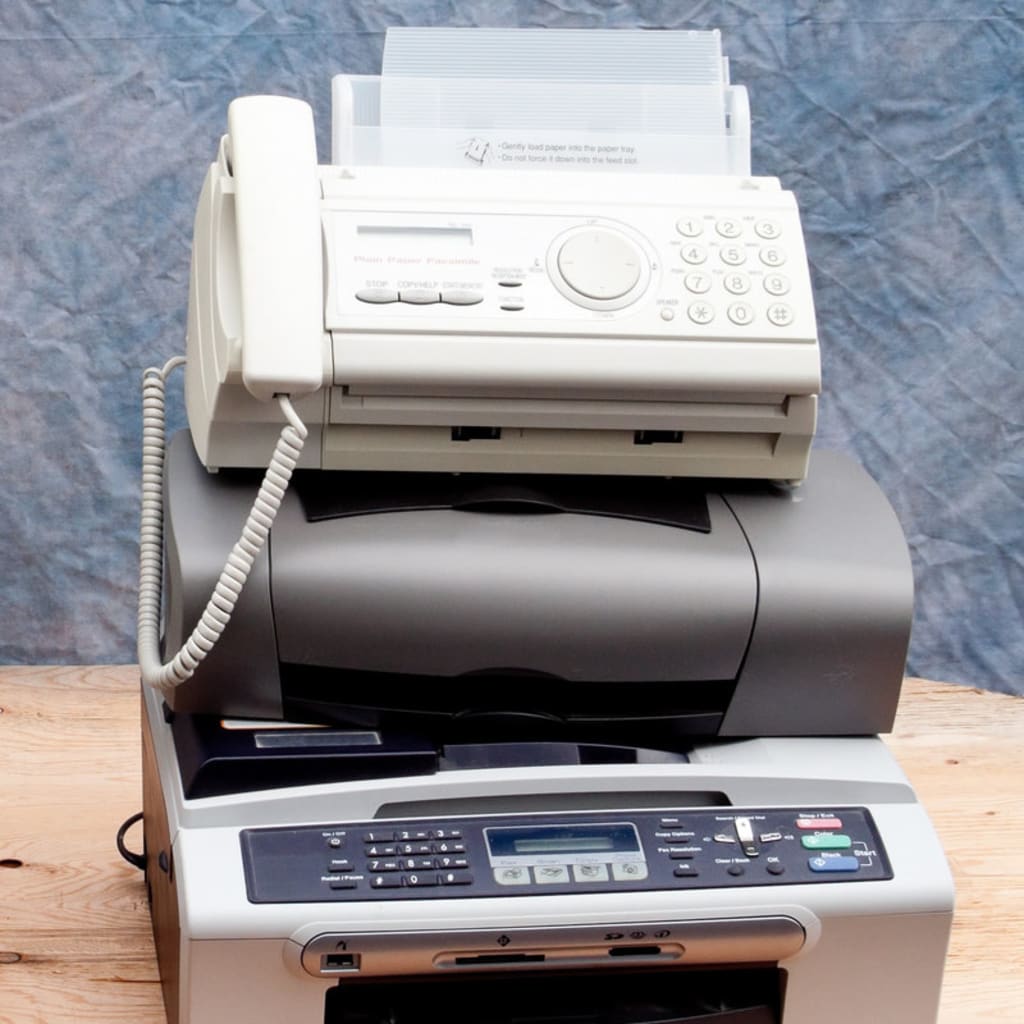
In the 1970’s, to send important documents around, a new business service was invented; Federal Express, now known ad FedEx. It changed how business was done and greatly improved efficiency. Interestingly, you NEVER got spam from FedEx. It was totally reliable and trusted, and it still is.
When the fax machine was introduced, it was predicted that FedEx would soon go out of business. Why pay them to deliver a document the next day when you could send it instantly.
As the fax machine began adaption by businesses, there was a problem. Not everyone had one. So, there was a bit of uselessness to them.
Then, when a company did finally get one, everyone wanted to play with this new technology. They became a novelty. When they found someone that they could fax with, they started sending things back and forth for fun. Joke lists, job applications, etc.
However, in the early days, this was an expensive hobby. Not only did the early fax machines require special thermal fax paper and expensive toner, they also incurred long distance charges. Since this was not traceable to individual users, the abuse escalated. The bosses were not happy.
And, that’s how SPAM started.
The original fax spam was an ‘Invoice for Faxing’. It was just a fake invoice but somehow, many people would pay them, not truly understanding the actual costs. They would go out monthly to the people that actually paid the invoice.
When long distance charges went away, the bad guys figured out how to mas fax their scams to the whole country. It’s never stopped.
So, how do you stop this fax spam?
Officially; FCC regulations require spam faxes to include a method to opt out of receiving future faxes, so this should be an option or it can be reported to the FCC.
- Obviously, the spammers don’t follow that rule. And, reporting them is useless as they just spoof random fax numbers.
The fix for spam faxes is to block the fax number in your mail client settings.
If you are receiving fax via email, you have the option to build a filtering rule within your email portal. Once you tag a number, any email that comes in containing that number, is automatically sent to the trash folder.
Here’s an example of how you can create a filtering rule for a spam fax number:
When you receive a fax from FAXtopia, the Subject line reads:
‘You have received a fax from 555-555-5555’
Within your e-mail client, set a Rule that any email that contains 555-555-5555 is automatically sent to the trash / deleted folder. You will never again see them in your inbox.
You can see a little more detail on this article about Fax Spam.
However, be super careful not to create a rule against actual the fax service provider. If you do all your faxes will get deleted. Just block the re-mails that contain the spam fax number.
If you need help with your specific e-mail system, just ask your system administrator to show you how to do this simple process.
My your future be a little less spammy.
About the Creator
Bob Costello
Senior Citizen / Digital Nomad, living near the beach.
I've been into digital marketing for a long time.
Keep reading
More stories from Bob Costello and writers in Lifehack and other communities.
Absolutely 100% Free Stuff With No Shipping Costs
In a world where everything seems to come with a price tag—including “free” offers that sneak in unexpected shipping fees—it can feel impossible to get truly free items. But with the right strategies, resources, and platforms, it is completely possible to score legitimate, 100% free stuff with no shipping costs or hidden charges. Whether you're looking to save money, reduce waste, or simply love the thrill of discovering freebies, this guide will walk you through the best ways to find authentic no-cost items online and in your local community.
By Master Binz4 days ago in Lifehack
Complete Guide to Wi-Fi Password Recovery & Protection
Understanding Wi-Fi Security Forgetting your Wi-Fi password is a common frustration in our connected world. This comprehensive guide explores legitimate methods to recover lost Wi-Fi credentials while emphasizing network security best practices. Whether you're a homeowner locked out of your network or an IT professional assisting users, this article provides ethical solutions while reinforcing the importance of protecting wireless networks from unauthorized access.
By Alexander Hoffmann2 days ago in Lifehack
Silver Screen Magic with Mae West
American actress and singer Mae West became a popular film actress during the Great Depression. She started entertaining in vaudeville, then performed on Broadway, and finally went to Hollywood. She signed up with Paramount Pictures and made her debut in the 1932 film “Night After Night.” She also starred in musicals, comedies, and crime dramas. The American Film Institute named her one of the best classic Hollywood actresses.
By Rasma Raisters4 days ago in Geeks


Comments
There are no comments for this story
Be the first to respond and start the conversation.