
Top 4 DRM MPD Downloaders: 2025 Latest
In this article, we are going to introduce the top 4 DRM MPD downloaders and teach you how to download MPD videos with DRM in a step-by-step guide.

YouTube, Netflix, and other sites are fun sites to watch videos. But sometimes the poor internet will ruin the watching experience. Videos keep buffering and get cut off midway. The best way is to download them for offline viewing. However, most streaming websites are DRM-protected, and they use the MPD streaming format. This makes it impossible to save.
But no worries, all you need is a DRM MPD downloader to do this job. In this article, we are going to introduce the top 4 DRM MPD downloaders and teach you how to download MPD videos with DRM in a step-by-step guide.
Part 1: Why Do We Need DRM MPD Downloader
What does DRM mean, and what is MPD? Here you can find the answers. Streaming websites like YouTube, Netflix, Amazon Prime, etc. do not use regular video files. They use two technologies to protect their videos: DRM and MPD.
DRM means Digital Rights Management, which is a method to control video streaming. It does not allow people to copy, download, or share the content without any permission. With DRM, even if you are able to find the video file, you cannot open or play it without the proper license.
MPD means Media Presentation Description. It is a file used in MPEG-DASH streaming. It's not a video file but a list that tells the video player where to get and play each tiny piece of the video. MPD files help websites stream videos in different resolutions based on internet speed. You cannot just download an MPD file and play it. It will not function just by itself.
Because of DRM and MPD, most tools can't download videos from streaming services like YouTube, Netflix, HBO Max, etc. You need a specialized DRM MPD downloader to accomplish the task that lets you download the complete video onto your device and open DRM-protected files in regular video formats. It's the best way to enjoy buffering-free offline playback without any problems. That's why more people are looking for the best MPD downloader that supports DRM protection nowadays.
Part 2: 4 Best DRM MPD Downloaders in 2025
Now, you may have a clear understanding of DRM and MPD. Let's see the top 4 DRM MPD downloaders that can help you download videos from the popular streaming sites with ease.
1. Moyea MPD Downloader
Moyea MPD Downloader is one of the most powerful tools for downloading DRM MPD videos from MPEG-DASH streaming websites. Different from some tools that require URL paste, Moyea features a fully integrated browser that you can directly browse, search, play, and download your favourite videos within the app, without changing tabs or copying URLs. It supports downloading up to 1080p resolution and can save videos in MP4 or MKV format. Subtitles and soundtracks can be selected and downloaded as per your preference. Moyea ensures quick, trouble-free downloading with ad-free viewing.
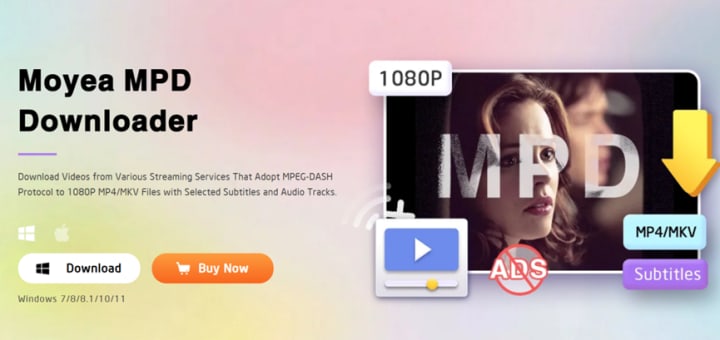
Highlight Features:
● Intuitive layout with built-in browser
● Batch download series or seasons
● Auto ads removal through downloading
● Support for multi-language subtitles and audio
● GPU acceleration to boost downloading speed
2. KeepStreams MPD Downloader
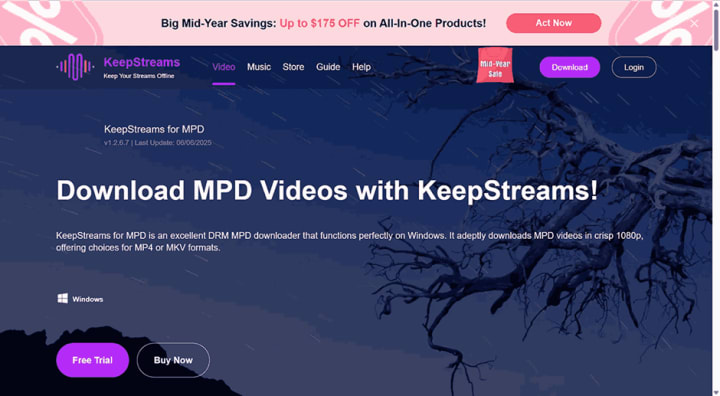
KeepStreams MPD Downloader is a DRM MPD video downloader that works well with Windows users. It comes with a built-in browser that you can search and play videos, and you can download the videos in the MP4 or MKV format at a 1080p resolution. You can even select audio and subtitle tracks before downloading, which ensures that you get the videos in your preferred language. It suffices for basic downloading needs from the major streaming services. But pay attention, it is not available for Mac users.
Highlight Features:
● Subtitle and audio track selection
● Built-in browser for direct access
● Batch downloading feature
3. StreamFab MPD Downloader
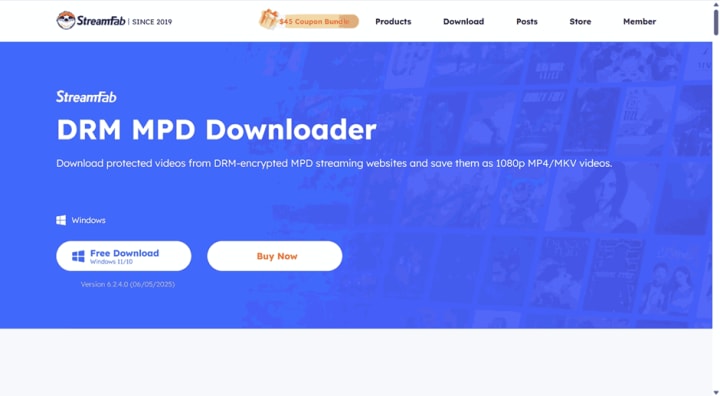
StreamFab MPD Downloader can download videos in 1080p quality in MP4 or MKV from sites like Starz, SHOWTIME, and ITV, and also offers support for choosing the audio and subtitles. The platform also keeps metadata like cast and season details, which can be very useful for organizing the media. However, the utility has a few downsides. It limits downloads to 100 per day and 700 per week, which can frustrate users who download bulkwise. It's a good choice overall, but not always the fastest.
Highlight Features:
● Preserves original metadata like title, cast, and cover
● Built-in browser for direct access to sites
● Auto-language detection of audio and subtitles
● Download several videos in batches
4. Cisdem Video Converter
Cisdem Video Converter is a multi-function converting, downloading, and compressing audio/video files tool. It supports over 600 formats, including MP4, MKV, AVI, and FLAC. Using it, you can download videos from more than 1,000 websites up to 8K resolution. It also accepts MPD sources and exports into 1080p MP4 or MKV. Fast speed while keeping the original quality of the video.
However, the Windows version misses some of the advanced features of the Mac version. It is somewhat overwhelming in terms of layout, so it could be very difficult for new users. It works well, but the experience may vary based on your system.
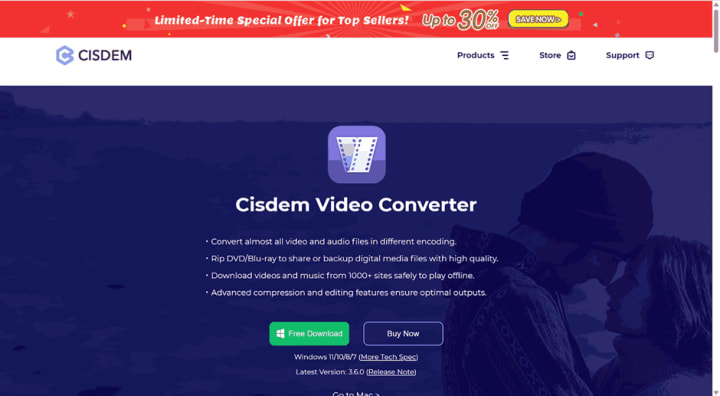
Highlight Features:
● Download from 1,000+ video/music sites
● Compression of big files with custom settings
● Basic editing: trim, crop, rotate, add effects
● Built-in presets for phones, consoles, and web
Part 3: How to Download MPD Video With DRM
All of the above tools are capable of downloading DRM MPD videos. The easiest one to use is Moyea MPD Downloader. It features a modern interface and has a smooth process. Follow the guide below to download DRM MPD videos using Moyea.
Step 1: Set the output folder
Open Moyea. In the top-right corner, click the three-dot icon. Navigate to "Settings." In the "General" tab, select a directory to store your videos. Also, you can adjust other settings if needed.
Step 2: Open the video
On the homepage, click on a site icon to directly visit it. For example, YouTube, Netflix, Amazon, etc., whichever you use. Search for the video you want to download. Play the video, and Moyea will parse it.
Step 3: Choose one resource to download
After parsing, a list of different formats and qualities will appear. Choose the needed one. Press the "Download" button to start downloading the video.
Step 4: Monitor the downloading
Go to the sidebar to monitor the download progress. You can pause or cancel tasks at any time if needed. Press "Open Folder" when it's done. You can transfer them to any device to enjoy at your convenience.
FAQs
1. Is it legal to decrypt DRM?
Normally, decrypting DRM videos for personal use only is not a problem. But that can vary from country to country. So, do check out the local copyright rules to stay safe.
2. Does Apple support MPD?
No. Apple does not support MPD streaming. Apple is using HLS(HTTP Live Streaming) as the default protocol to play content. So, if a website uses MPD, the content may not be played on Safari or IOS, unless you use a dedicated third-party tool.
3. Can I download MDP without installing any software?
Not really. Although you may have seen many online video downloaders, they may not handle DRM-protected MPD videos. MPD files are not complete video files but some playlist data pointing to the video segments, and every piece is DRM protected. Online video downloaders lack the ability to fully decrypt these pieces. To download DRM-protected MPD videos properly, you need to install a desktop tool like Moyea DRM MPD Downloader that can handle both MPD and DRM.
4. Why can't I open MPD directly?
Because MPD is not a video file, it's a playlist that tells the player where to find video segments. You need a dedicated MPD player or software that can open and play it.
Conclusion
So, for offline playback of DRM-protected MPD videos, a regular downloader just won't cut it. You need a DRM MPD downloader that can handle both the MPD file and DRM encryption. That's why we explored the 4 best MPD downloaders.
We can safely say Moyea is the most noticeable. It is easy, fast, and very beginner-friendly. If you have been wondering how to download MPD videos without all the hassle, this is a great place to start. No more buffering. Just straightforward, offline playback whenever you require it.
About the Creator
Leia
Leia is passionate about discovering and sharing practical life hacks that make everyday tasks easier and more efficient. From clever household tips to productivity boosts, I strive to uncover innovative solutions that simplify life.
Silver Screen Magic with Mae West
American actress and singer Mae West became a popular film actress during the Great Depression. She started entertaining in vaudeville, then performed on Broadway, and finally went to Hollywood. She signed up with Paramount Pictures and made her debut in the 1932 film “Night After Night.” She also starred in musicals, comedies, and crime dramas. The American Film Institute named her one of the best classic Hollywood actresses.
By Rasma Raisters6 days ago in Geeks
What if the Inhumans Were Never Missing?
The Marvel Cinematic Universe has never suffered from a lack of ideas. What it has suffered from, increasingly, is congestion—too many concepts competing for narrative oxygen, too many histories forced to coexist without the space to breathe. Few properties exemplify this problem more clearly than the Inhumans, a civilization introduced with enormous mythological potential and then effectively abandoned, left dangling somewhere between canon and apology.
By Jenna Deedy7 days ago in Geeks


Comments
There are no comments for this story
Be the first to respond and start the conversation.