
Real-time Motion Design with Unreal Engine
Technology is the engine of content production, empowering content creators to turn their ideas into tangible, engaging experiences. Technology has given us powerful tools to transform film production, broadcasting, video games, web design, and advertising. One such technology is motion design, a powerful tool for visual storytelling and short, dynamic content that captures the audience's attention. A well-crafted narrative enhanced with motion design technology provides higher engagement and more memorable content.


Why Motion Design Matters
Motion design is essential in modern entertainment and broadcasting for several reasons. Because of its dynamic nature, motion design is a sought-after skill across all areas of content production. From short ads to long broadcasts, it helps create visually appealing content that strengthens the overall message.
Compelling advertising videos and sponsored broadcast integrations help brands communicate their ideas and draw attention to their products and services. Even opening sequences, credits, and special effects in movies, series, and streams can serve as standalone works of art.
In video games, motion design elements like VFX and Interface animation create an engaging gaming experience, while on websites and apps, it enhances interactive digital experiences with dynamic, immersive 3D visuals. Users can interact with content, thereby becoming more engaged.
The graphic packages developed for sports and esports broadcasting serve as the primary carriers of brand identity, driving increased engagement and enhancing brand recognition over multiple seasons.
With motion design, you can integrate real-time statistics graphics, including score updates and player statistics, to maintain a more dynamic tempo and viewer interest during game broadcasts. Enhanced lower thirds, banners, and in-game HUDs deliver essential data without distracting viewers from the main content and aiding in a better understanding of the action on the field.
Given the rapid advancement of technology and the growing interest in video formats, motion design continues to evolve, discovering new ways to engage with audiences.
How Unreal Engine Transformed Production
At the turn of the 2020s, we heavily relied on classic triads such as Photoshop, After Effects, Cinema 4D - or - Blender, Figma, and After Effects. While these suites greatly aided production, the drawbacks included long rendering times and the tiresome task of cutting content for media servers.
As television technology advanced, motion design and live statistics merged together. Companies like Vizrt and Ross XPression appeared alongside the growing popularity of Adobe's MOGRT format, which enables streaming data into pre-rendered content. Also, professional solutions remained costly, and we still encountered long rendering times. This is where Unreal Engine comes into play.
Unreal Engine is a powerful tool for motion designers, offering many features for creating realistic 3D graphics and stylized visuals in real-time.
I began using Unreal Engine in April 2019, when version 4.22 was released. Before that, I worked on AR projects, creating everything in Cinema 4D and then transferring it to Vizrt. I was eager to continue developing my skills and master Unreal. This led to the idea of creating a draft of heroes for Dota 2, which were fully assembled and animated in Unreal. The presentation of this project took place in January 2020 at the official DPC tournament, WePlay! Bukovel Minor.
Unreal Engine, as a game engine, provides an advanced rendering system that utilizes DirectX 11 and DirectX 12 pipelines. This system offers global illumination, post-processing effects and GPU particle simulation. Combined with the use of PBR materials and real-time ray tracing technology, it provides a comprehensive preview of results directly in the viewport.
The optimization features, along with the LOD (Level of Detail) system and user-friendly interfaces of Unreal's sequencer, outliner, and material editor, contribute to rapid iteration and rendering. These tools allow designers to test and modify animations, materials, and lighting on the fly, accelerating workflow and reducing project timelines and costs.
Furthermore, specialists can connect Unreal Engine with various DCC software, such as Maya and Blender, to import 3D models and animations.
With Unreal Engine, designers can achieve impressive graphic quality within much shorter time frames. Additionally, Unreal Engine is widely used to develop content for Extended Reality (AR/VR/XR), ensuring the creation of unique user experiences beyond traditional video formats.
By June 2020, I had assembled my first Сinematic team, which used a pipeline of Blender, Maya, and Unreal. We created a fun and dynamic intro for the CS:GO tournament, WePlay! Clutch Island.
In August 2020, we used Unreal for broadcast design for the first time, developing studio backdrops and some 3D graphics entirely in Unreal Engine. The theme was Greek gods on Olympus for the OMEGA League tournament.
What's New in Unreal Engine 5.4?
The evolution from Unreal Engine 4 to 5 has introduced a powerful array of tools, including Lumen, a dynamic, GPU-powered global illumination and reflections system; Nanite, which simplifies the rendering of complex geometries and high polygon counts; and MetaHuman, a comprehensive framework for creating and animating highly realistic digital human characters. Additionally, Epic Games has integrated Quixel Megascans, a library of photogrammetric assets, into its ecosystem. Plus, the Motion Design plugin has officially launched. Motion Design is an internal editor plugin for broadcasting, enabling graphics creation, playout, and real-time data visualization for live television, esports, sports production, and other scenarios that demand rapid design and animation workflows.
Version 5.4 effectively addresses stability issues previously encountered under high loads common in cinematic and motion design workflows and enhances overall reliability. These updates position Unreal Engine as a leading choice for creating fast, realistic, and visually striking graphics, not just for game development but also for motion design, television graphics, and various Mixed reality.
It all started with Project Avalanche, which entered beta in October 2023. In April 2024, following the release of a stable Unreal Engine version 5.4, which integrated Project Avalanche as a native Motion Design plugin, we decided to switch to a commercial license and use this tool for our broadcast graphics work. Upon release, the plugin introduces a new workspace - Motion Design Mode - that combines elements comparable to After Effects and Cinema 4D.
The broadcast graphics package for Esfand's Draft Night Extravaganza 2024 and the studio backdrops were created mainly in Unreal 5.4, while we modeled assets in Cinema 4D and completed the final assembly in After Effects.
Since the project was centered around American football, we drew on our previous high-profile project from the 2023-2024 season - NFL Tuesday Night Gaming, Season 2 - where the broadcast package was also rendered in Unreal. This time, however, significant improvements in performance and the new, thoughtfully designed Motion Design Mode interface made a difference.
This workflow has a lot in common with Cinema 4D, however Lumen significantly accelerates rendering speeds, providing immediate feedback in the viewport. Unreal's rendering settings are managed by the Movie Render Queue, which supports essential render passes, including Cryptomatte, for subsequent editing and compositing. The plugin currently includes two promising features: Remote Control and Motion Design Broadcast, which facilitate output to media devices like AJA or Blackmagic.
The version 5.5 software update brings significant enhancements. Cloners and Effectors now include powerful features, such as Particle Color for visual control and Invert Volume for flexible manipulation. New shape options and advanced particle emitter workflows simplify managing particles and create more realistic interactions. Proximity Effects allow seamless colorization of cloner particles, offering dynamic, responsive color changes without manual adjustments.
The Material Designer now supports full PBR workflows, making it easier to create complex materials through a user-friendly drag-and-drop interface for texture sets and layering options. Text Animators offer non-destructive tools for precise text animations, while Property Animators streamline procedural animation for properties like position, scale, and visibility. Finally, Transition Logic improves live broadcast transitions, giving designers greater control over the timing and movement of on-screen elements.
Final Thoughts
Real-time graphics and modern broadcasting go hand in hand. They enhance broadcasts with impressive visualizations for critical game moments and integrate analytical data to present complex information. Designers can make rapid updates during broadcasts, ensuring graphics match the current gameplay.
You don't have to look far for examples; think of major television networks like ESPN, CBS, or ABC. News, weather, and sports channels compete for viewers' and subscribers' attention by integrating modern technologies into their graphics. Events such as The International 2023 in Seattle and the recent Super Bowl in Las Vegas utilized real-time graphics for impressive broadcasts.
Fortunately, many resources are available for learning Unreal Engine, and beginners are encouraged to combine different learning formats to understand the engine's capabilities comprehensively. You can start by reading the official Unreal Engine Documentation, a great resource with guides and examples covering all aspects of working with the engine. Plus, the "Learn" tab on the Epic Games Launcher offers educational scenes that address various aspects of the engine, making it very convenient and interactive.
Other educational resources include Unreal Academy, a unique platform developed by Epic Games specifically for educating the community of real-time 3D creators, and online courses on platforms like Udemy, Coursera, and Pluralsight. YouTube channels from recognized professionals can be beneficial, too. My favorites include the official Unreal Engine channel, Jonathan Winbush, William Faucher, Ryan Manning, Stylized Station, CGHOW, and Tech Art Aid.
However, I recommend starting small projects using these learning materials. Practice is the best way to master the engine. With the growing demand for dynamic data visualization, now is the perfect time to begin exploring, learning, and harnessing the potential of these immersive experiences that are shaping production.
About the Creator
Dima Drapikovsky
Primarily involved in design management and art direction, leading the CG department across multiple Graphic and Motion design teams, as well as the Unreal Engine art team for numerous high-profile esports events and entertainment shows.
Keep reading
More stories from writers in Geeks and other communities.
Silver Screen Magic with Mae West
American actress and singer Mae West became a popular film actress during the Great Depression. She started entertaining in vaudeville, then performed on Broadway, and finally went to Hollywood. She signed up with Paramount Pictures and made her debut in the 1932 film “Night After Night.” She also starred in musicals, comedies, and crime dramas. The American Film Institute named her one of the best classic Hollywood actresses.
By Rasma Raisters11 days ago in Geeks
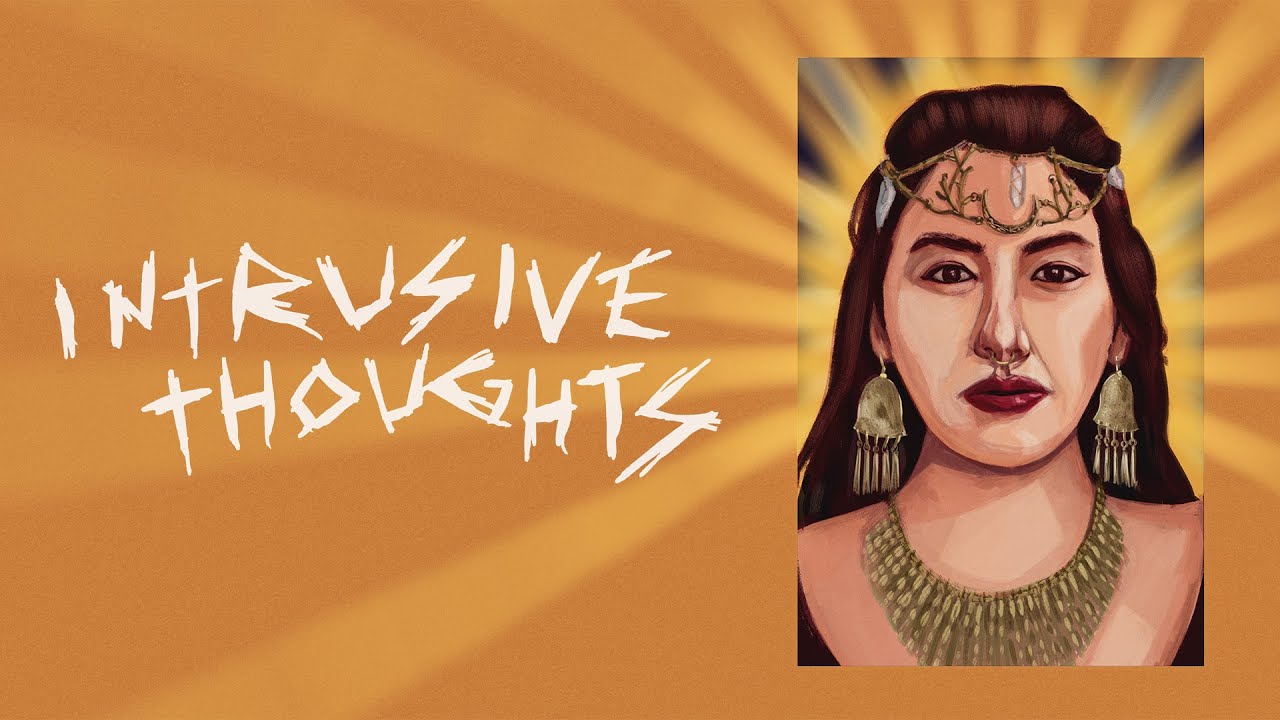
Intrusive Thoughts Movie Review
Intrusive Thoughts is the kind of psychological film that doesn’t announce its intentions loudly. Instead, it creeps in quietly, mirroring the very phenomenon it explores. Rather than relying on spectacle or overt horror tropes, the movie builds its impact through mood, interior conflict, and an unsettling sense of familiarity. For viewers who have ever experienced unwanted, repetitive thoughts that seem to appear out of nowhere, this film feels uncomfortably close to home.
By David Cook3 days ago in Geeks
The Summer I Was Chosen by a Northern Mockingbird
During the long, suspended days of the pandemic, a wild mockingbird began visiting my driveway and chose me, again and again. What started as a strange encounter became a brief, meaningful connection that I still carry with me.
By Erica Roberts 4 days ago in Petlife



Comments
There are no comments for this story
Be the first to respond and start the conversation.