
10 App Development Tools to Enhance UI
How to enhance UI for your app? Check out 10 app development tools to design great UI designs for digital products.


When a consumer searches for an app in the app store, the first thing they see is the design. A user selects whether to download an app based on the screens and descriptions. So, even before a user downloads an app on their device, app design influences their decision-making process.
Before deciding to design a mobile app, you need to examine many elements. UI design can make or ruin any digital endeavor. Fortunately, modern designers realize this and strive to offer the greatest product possible. This post will cover the top 10 mobile UI design tools for creating great UI designs for digital products.
1. Adobe Photoshop
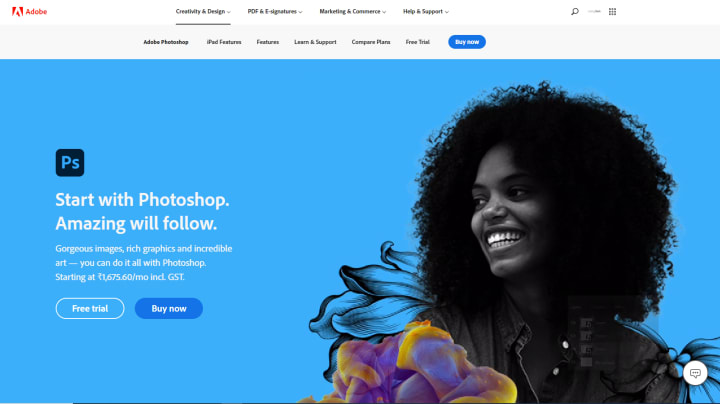
Adobe Photoshop is an image editing program for Windows and Mac. It is $9.99/month to subscribe. You may test it out for seven days before deciding whether to buy it. This program is easy to learn. The foundations are simple, but learning all the techniques takes time and work.
For long years, designers have preferred Adobe Photoshop. Designers may create simple web pages to complicated mobile apps using these app design tools. This application provides the finest export choices for pixel-based graphics. Also, Photoshop users may control the quality of their graphics with this tool.
2. Sketch
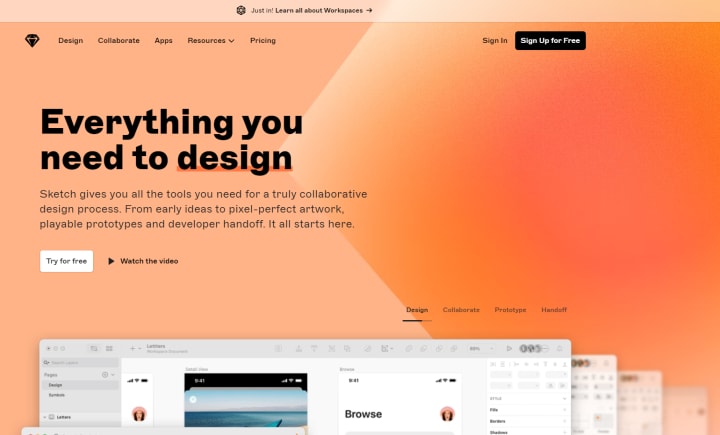
Sketch is another frequently used design tool. It's an iOS app that costs $99 a year. This product comes with a 30-day free trial. Like Photoshop, understanding the basics of Sketch is simple. But perfecting the tool requires time and effort.
Sketch is a contemporary UI/UX design tool. Sketch facilitates design team cooperation. Users may create, change, and share a single source for a design component. Styles and symbols between documents are straightforward using Sync Cloud. Sketch also offers several useful plugins.
3. InVision
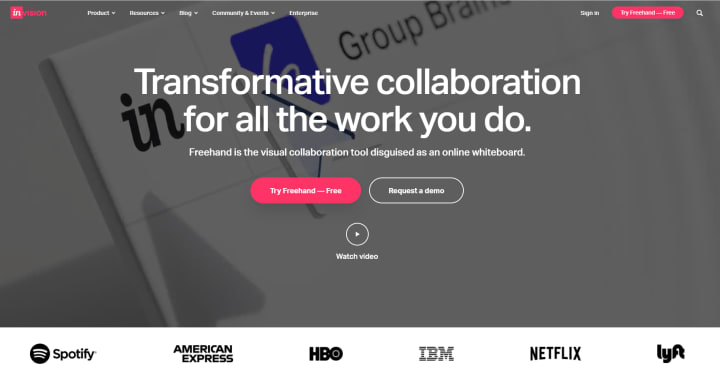
InVision is a contemporary app design tool created by designers. InVision works with Edge, IE, Firefox, Chrome, and Safari. Unlimited prototypes for one team cost $99 per month. When working with one prototype, you can get a free trial.
InVision is simple to learn. Make dynamic clickable prototypes and mockup designs using this tool! You may easily collaborate with your team by sharing InVision files within the app.
4. Avocode
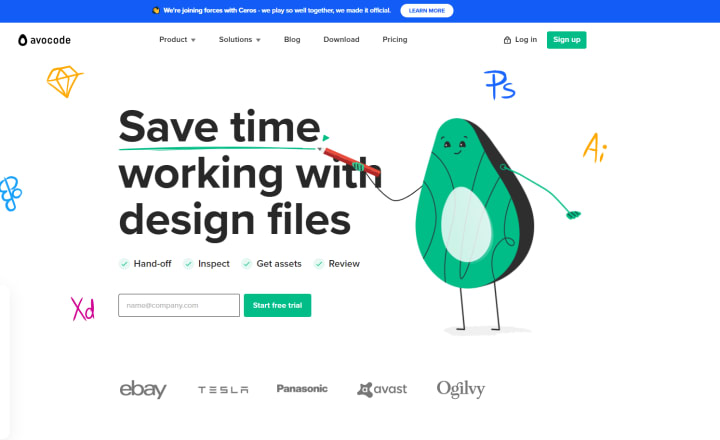
Avocode is scarcely a UI design tool. It can't be used to build prototypes. But this program is great for designing. It costs $14 per person and $90+ for a team per month. You may test it for 7 days for free. Avocode's clear UI makes it simple to learn.
In Avocode, you may drag and drop designs, import design prototypes, export layers, and comment on any component. You may mark a design area, discuss modifications in threads, and tag collaborators. Avocode can cover the workflow from design to code.
5. 3ds Max
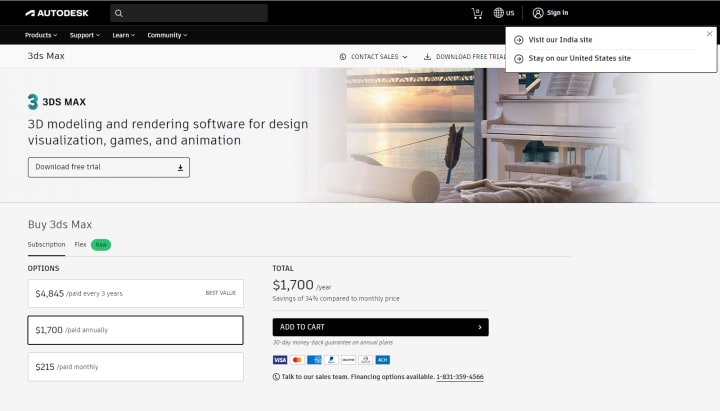
This is a popular design tool for rendering, animation, and 3D modeling. It was created for game design visualization. 3ds Max costs $1,545.00/year. It's free for 30 days. It is simple to learn. 3ds Max is exclusively for Windows.
Designers may use 3ds Max to create stunning 3D animations and models. There is a huge collection of 3D stuff available for 3ds Max projects. There are also several programs that assist designers to increase their efficiency and work speed.
6. Mock-ups
It is a strong yet easy design tool. It costs $199 a year per user for Windows, macOS, and Android. You may also download a demo version with restricted features. Building interactive components and pages with this tool.
Mockups support easy drag-and-drop. This easy-to-use mobile app design program facilitates prototyping. Designers may use this program to generate mobile, web, and desktop mockups. Mockups contain several useful icons and a Sketch plugin.
7. Adobe Illustrator
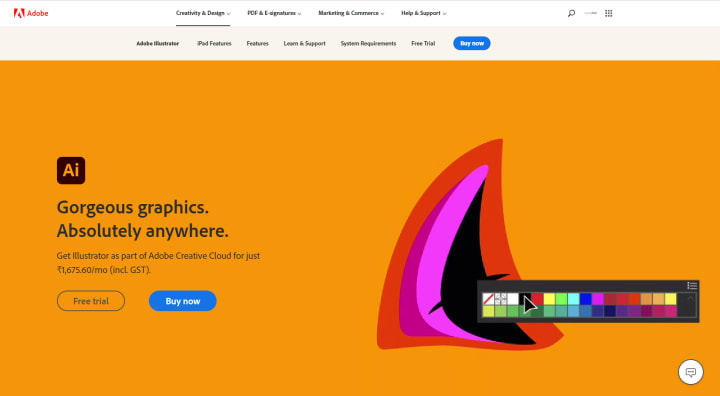
Designers often utilize Adobe Illustrator to create mobile app UI. It starts at $29,99 per month and comes with a 7-day free trial. This program runs on Windows and Mac. It's not the easiest tool to master, but it's worth it.
Adobe Illustrator has long been the industry standard for vector graphics. Create stunning logos, typography, graphics, and videos using this application. Most popular for mockup and UI prototype. Overall, Illustrator is a sophisticated product that every designer should know.
8. Zeplin
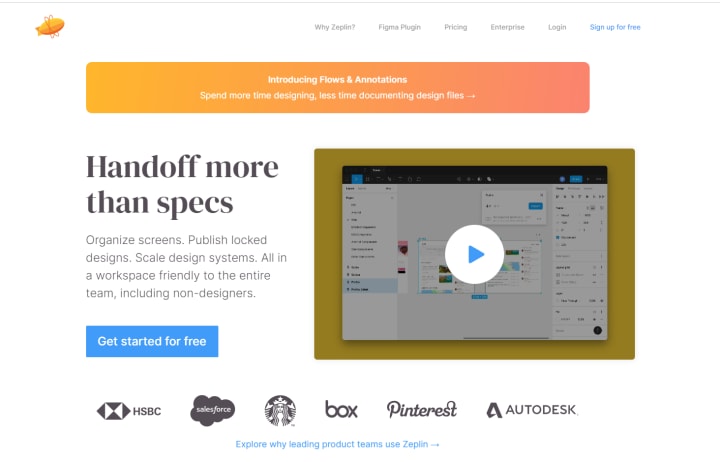
Zeplin is a new UI design tool. It ranges from $17 for three projects to $129 for limitless projects. You may try it out for one project for free. The Zeplin software runs on Windows and macOS. Download a Chrome, Firefox, Safari, or Edge web app. Zeplin plugins for Photoshop and Sketch are also available.
Zeplin is a reliable tool that may improve designers, developers, and teams' everyday work. This tool facilitates developer-designer collaboration. Designers may use Zeplin to offer specs to developers throughout the design phase.
9. Figma
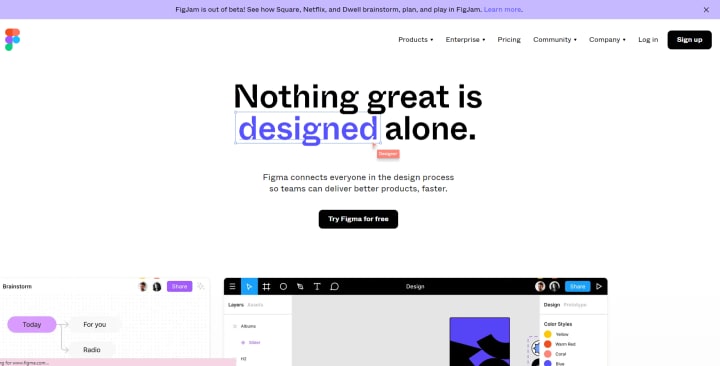
Design tool Figma works with Chrome, Firefox, Safari, and Edge. It ranges from $12 to $45+ a month and has a free individual plan. Figma is a browser-based design tool. It means you don't have to worry about updating it or fixing compatibility concerns.
Figma has 60fps interactive editing. It lets you create for any screen size. There is also a simple pen tool. Team libraries make it easy to share styles and components. Designers may use this tool to quickly generate app prototypes.
10. Adobe After Effects
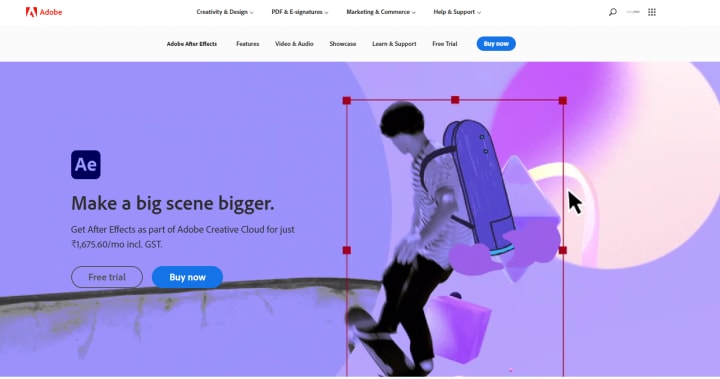
Adobe After Effects is a powerful mobile app design application for Windows and macOS. It's $19.99 per month with a 14-day free trial. It's not the easiest design program to learn, but it's so full of fantastic features you won't regret it.
Adobe After Effects allows you to create motion graphics, animations, and even short films. Mobile interface design uses Adobe After Effects. Using this tool ensures that the design adheres to the platform's rules and is usable. Designers also use it for animation prototyping. However, Adobe After Effects prototyping takes time.
Too many tools. Leave it to professionals. Find the best app developer Denver has and wait for a visually appealing UI to engage your customers.
About the Creator
Listing Tech
Listing Tech is a tech review company. We help individuals and businesses find web and mobile app development companies, software service providers, and similar services.
Keep reading
More stories from writers in Education and other communities.
Golf Handicap Reduction Without a Swing Overhaul: Smarter Ways to Play Better Golf
Lowering your handicap does not always require technical changes or hours on the range; it requires rebuilding your swing. Many golfers overlook the fact that scoring improvement often comes from strategic thinking, mental discipline, and better preparation. By focusing on how you play rather than how you swing, you can unlock consistent progress and enjoy the game more. This article explores practical, on-course methods that help you shoot lower scores while keeping your swing exactly as it is.
By Ian Schenkel Haliburtonabout 7 hours ago in Education
The Editorial Stack: Building Content Teams for the Multi-Platform Era
In an age where content travels across screens, feeds, formats, and audiences in real time, the old newsroom model no longer fits the demands of digital publishing. Today's media landscape requires more than great writers and sharp editors—it demands a multi-disciplinary, agile, and strategically aligned editorial stack. From video producers to data analysts, newsletter editors to TikTok creators, modern content teams must be designed with versatility and collaboration at their core.
By James Kaminskyabout 11 hours ago in Education



Comments
There are no comments for this story
Be the first to respond and start the conversation.