
How to Put Your Design on a Mockup in Canva: A Step-by-Step Guide
How to Put Your Design on a Mockup in Canva

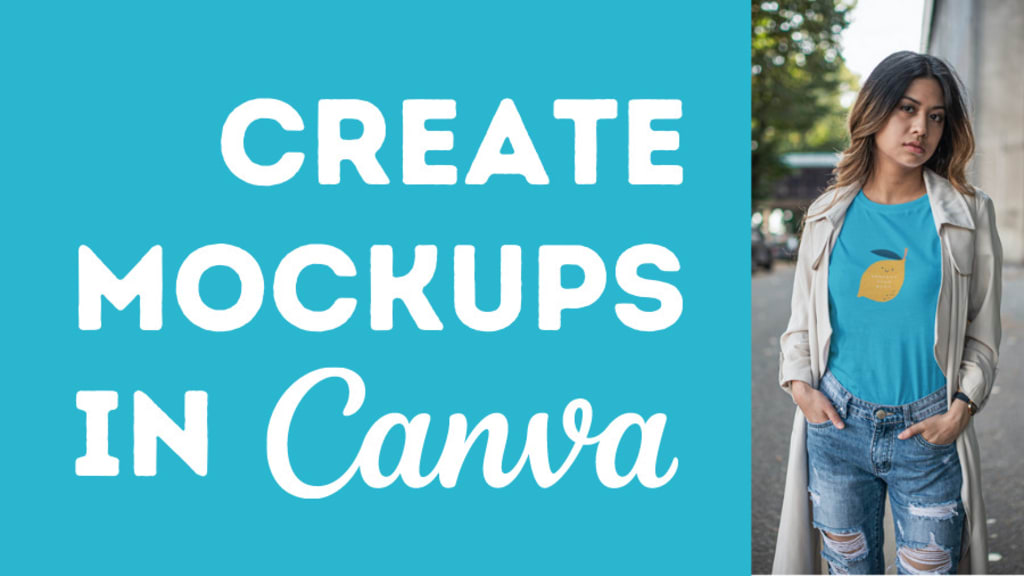
If you're a designer, print-on-demand seller, or entrepreneur in the apparel industry, using mockups is a must for showcasing your work. Mockups allow you to see how your design would look on physical products without actually printing them. In this guide, we'll walk through how to easily create a clothing mockup using Canva, a user-friendly design platform, with secondary keywords like clothing mockup, mockup generator, and apparel mockup to enhance your blog’s SEO.
What is a Mockup?
A mockup is a visual representation of your product with a design applied to it. It provides a realistic preview of how a design will look when printed on an item, whether it's apparel, mugs, or bags. Mockups are essential for e-commerce stores, as they give potential buyers a clear idea of the final product.
Why Use Canva for Mockups?
Canva is an excellent tool for beginners and professionals alike. It offers an easy-to-use interface with tons of design elements, and its mockup generator feature can quickly bring your creative vision to life without any advanced technical skills.
Step-by-Step Guide to Creating a Clothing Mockup in Canva
1. Sign Up or Log In to Canva
If you haven’t already, head over to Canva and sign up for a free account. Canva offers a variety of templates and design tools, many of which are free.
2. Search for Apparel Mockup Templates
Once logged in, use the search bar to find apparel mockup or clothing mockup templates. Canva has a wide variety of mockup templates for T-shirts, hoodies, tote bags, and more. You can also search for more specific products like "T-shirt mockup" or "hoodie mockup" to find the right fit.
3. Select the Right Template
Choose a template that matches the type of apparel you’re designing. For example, if you're creating a T-shirt design, find a clothing mockup template for T-shirts. This will make your mockup look more professional and tailored to the product you're working on.
4. Upload Your Design
Once you’ve selected your template, it’s time to upload your design. Go to the "Uploads" tab on Canva’s sidebar and click on the "Upload Media" button to import your design from your computer. Once uploaded, drag the design onto the mockup template. Canva makes it easy to resize and position the design so it fits perfectly on the apparel.
5. Adjust Design Placement
Ensure that your design is properly centered and scaled on the apparel. You can easily resize and reposition the design using Canva's drag-and-drop tools. Double-check how the design looks on different sections of the mockup and make sure it reflects your desired outcome.
6. Customize the Mockup Background
To make your mockup even more appealing, you can customize the background. Canva allows you to change colors, add patterns, or use pre-made backgrounds that make your clothing mockup stand out.
7. Preview and Download Your Mockup
Once you’re satisfied with your design and placement, it’s time to preview your mockup. Click the “Download” button in the upper right corner and choose your preferred file format (JPEG, PNG, or PDF). For high-quality images, choose PNG or PDF. Now, you have a professional mockup ready to be shared on your website, online store, or social media.
Bonus Tips for Creating Apparel Mockups in Canva
Experiment with Multiple Templates: Canva offers various mockup generators, so you can try out different styles and angles to find the best fit.
Use Transparent Backgrounds: If you’re creating mockups for your e-commerce site, opt for a transparent background. This allows you to seamlessly place your apparel mockup on product pages without clashing with the website design.
Brand Consistency: Ensure your designs and mockups maintain a consistent color palette and style, aligning with your brand identity.
Why Mockups Matter for Your Business
Using mockups, especially for apparel, can enhance your product’s marketability. They give potential buyers confidence in their purchase by providing a visual representation of what the product will look like. Plus, realistic mockups can significantly reduce return rates by setting the right expectations for the final product.
Conclusion
Canva is an excellent tool for quickly and easily creating professional mockups for your clothing designs. With a variety of apparel mockup templates, the platform simplifies the design process, making it accessible even to those without a design background. Whether you're creating a clothing mockup for T-shirts, hoodies, or other merchandise, Canva's drag-and-drop interface and customizable templates make it the perfect mockup generator for your business.
By following this guide, you can effectively showcase your apparel designs, attract customers, and boost your online sales.
How to Create Mug Mockup for Your Etsy Store
How to Create Clothing Mockups: A Step-by-Step Guide for Beginners
About the Creator
ladali official
I am a content creator with a love for storytelling and turning ideas into visuals that captivate and connect. I focus on creating engaging, high-quality content that speaks to audiences across platforms
Keep reading
More stories from ladali official and writers in Art and other communities.
How to Create Mug Mockup for Your Etsy Store
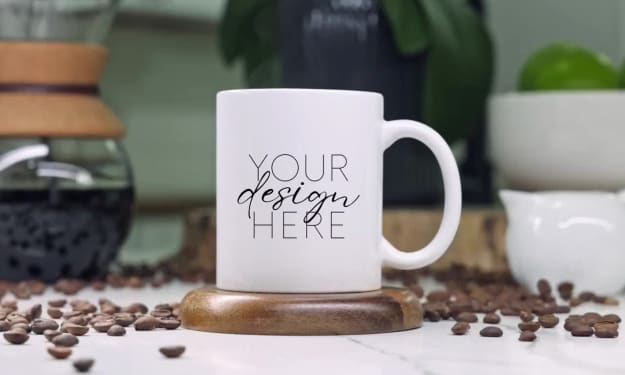
If you sell custom mugs on Etsy, having high-quality mockups is essential to showcase your products in the best light. A good mug mockup gives potential customers a realistic idea of how the design will look on an actual mug, helping them imagine it in their own homes. Today, I’ll walk you through how to create beautiful mug mockups using mug mockup generators that will help your Etsy listings stand out.
By ladali officialabout a year ago in Art
Smart phones, Humans and Aliens.
WARNING. I will be tapping into one of your favorite creative tensions: The absurdity of humans worshipping their glowing rectangles as if they were tiny oracles. There’s something deliciously poetic about that contradiction, and it lends itself beautifully to an instructive proviso.
By Novel Allen5 days ago in Poets



Comments
There are no comments for this story
Be the first to respond and start the conversation.