
Exploring the Versatility of the Segoe UI Font
Segoe UI Font

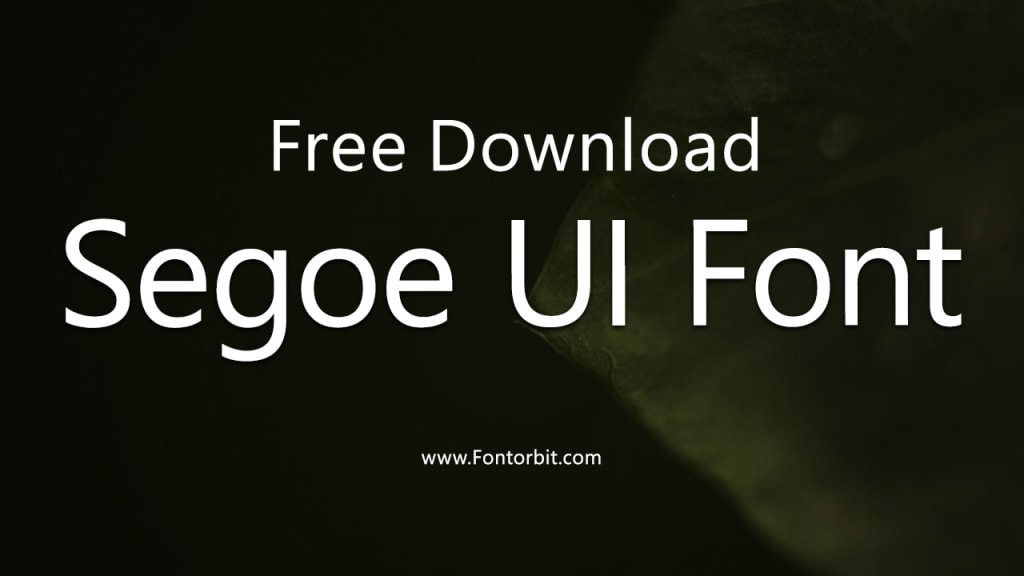
Segoe UI is a typeface that has become synonymous with clarity, modernity, and versatility. Created by Microsoft, it serves as the default system font for various versions of the Windows operating system.
Beyond its functional role, Segoe UI has garnered appreciation for its clean design, which makes it suitable for a variety of applications. In this article, we delve into the features, history, and applications of Segoe UI, exploring why it remains a favorite among designers and developers.
A Brief History of Segoe UI
The Segoe family of fonts was originally designed by Steve Matteson for Agfa Monotype and later licensed by Microsoft. The "UI" in Segoe UI stands for "User Interface," highlighting its primary role in enhancing readability and usability within digital environments.
First introduced with Windows Vista in 2007, it replaced the older, less modern fonts used in previous Windows versions. Its design adheres to principles of legibility and neutrality, making it a perfect fit for modern user interfaces.
Key Features of Segoe UI
Legibility:
Segoe UI is optimized for on-screen readability, with clear letterforms and well-proportioned characters. Its design ensures that text remains legible across various screen resolutions.
Versatility:
The font comes in multiple weights, including light, regular, semibold, and bold, making it adaptable for different design needs.
Modern Aesthetic:
Its clean and minimalist design aligns well with contemporary visual trends, contributing to its widespread use in branding and UI design.
Multilingual Support:
Segoe UI supports a wide range of languages, including those with complex scripts, ensuring global usability.
Applications of Segoe UI
User Interfaces:
Segoe UI’s primary application is in UI design, where its legibility and neutral aesthetic enhance user experiences. It’s a staple in Windows products, including the operating system, Office suite, and other Microsoft applications.
Web Design:
Thanks to its web-friendly features, Segoe UI is often used in website design to maintain readability and visual consistency.
Branding and Marketing:
Many brands use Segoe UI to convey a professional and modern image. Its clean lines and neutral tone make it a popular choice for logos, advertisements, and other marketing materials.
Print Materials:
While primarily designed for digital use, Segoe UI also performs well in print applications, such as brochures and business cards.
Advantages of Using Segoe UI
Consistency: As a system font, Segoe UI ensures consistency across different platforms and devices.
Accessibility: Its design facilitates easy reading, making it suitable for users with visual impairments.
Neutral Design: The font’s neutrality allows it to pair well with other typefaces and visual elements.
Conclusion
Segoe UI stands out as a font that seamlessly combines functionality with aesthetics. Its history as a Microsoft system font underscores its significance in digital design, while its adaptability has broadened its appeal to other creative fields.
Whether you’re designing a website, crafting a user interface, or developing print materials, Segoe UI offers a dependable solution that emphasizes clarity and professionalism.
FAQs
1. What is Segoe UI primarily used for?
Segoe UI is primarily used for user interfaces, digital platforms, and websites due to its excellent readability and modern design.
2. Is Segoe UI a free font?
Segoe UI is not available for free download but is included with Microsoft Windows and other Microsoft products.
3. Can Segoe UI be used for print materials?
Yes, while it is optimized for digital use, Segoe UI also works well for print applications like business cards and brochures.
4. What makes Segoe UI different from other fonts?
Its legibility, neutrality, and versatility make Segoe UI stand out among other fonts, especially for digital interfaces.
5. Does Segoe UI support multiple languages?
Yes, Segoe UI supports a wide array of languages, including those with complex scripts.
6. What are the alternatives to Segoe UI?
Popular alternatives include Helvetica, Arial, and Roboto, depending on the specific use case.
7. Can I use Segoe UI for my personal projects?
You can use Segoe UI if it is installed on your system, but it is subject to Microsoft’s licensing terms.
About the Creator
Jillur Rahaman
Jillur Rahman is the creative mind behind FontOrbit. This website is a vibrant hub for typography enthusiasts. With a CSE degree and over a decade of experience in web design & development, Jillur got passion for sharing knowledge.
Keep reading
More stories from Jillur Rahaman and writers in Art and other communities.
Comic Sans Font: The Tale of a Controversial Typeface
Comic Sans is one of the most recognized and polarizing typefaces in the world. Designed in 1994 by Vincent Connare for Microsoft, this font was intended to mimic the handwritten style of comic book lettering.
By Jillur Rahamanabout a year ago in Art
Lauren Sánchez and Jeff Bezos turn heads in the front row at Paris Haute Couture Week
Lauren Sánchez and Jeff Bezos are painting the town red — and silver — in Paris. The former journalist, 56, and her billionaire husband, 62, kicked off Haute Couture Week on Monday, attending the Schiaparelli and Dior Spring 2026 fashion shows in the City of Light.
By Dena Falken Esqabout 12 hours ago in Art


Comments
There are no comments for this story
Be the first to respond and start the conversation.