
How to Create SEO-Friendly URLs for Improved Website Ranking
Understanding the Anatomy of a URL
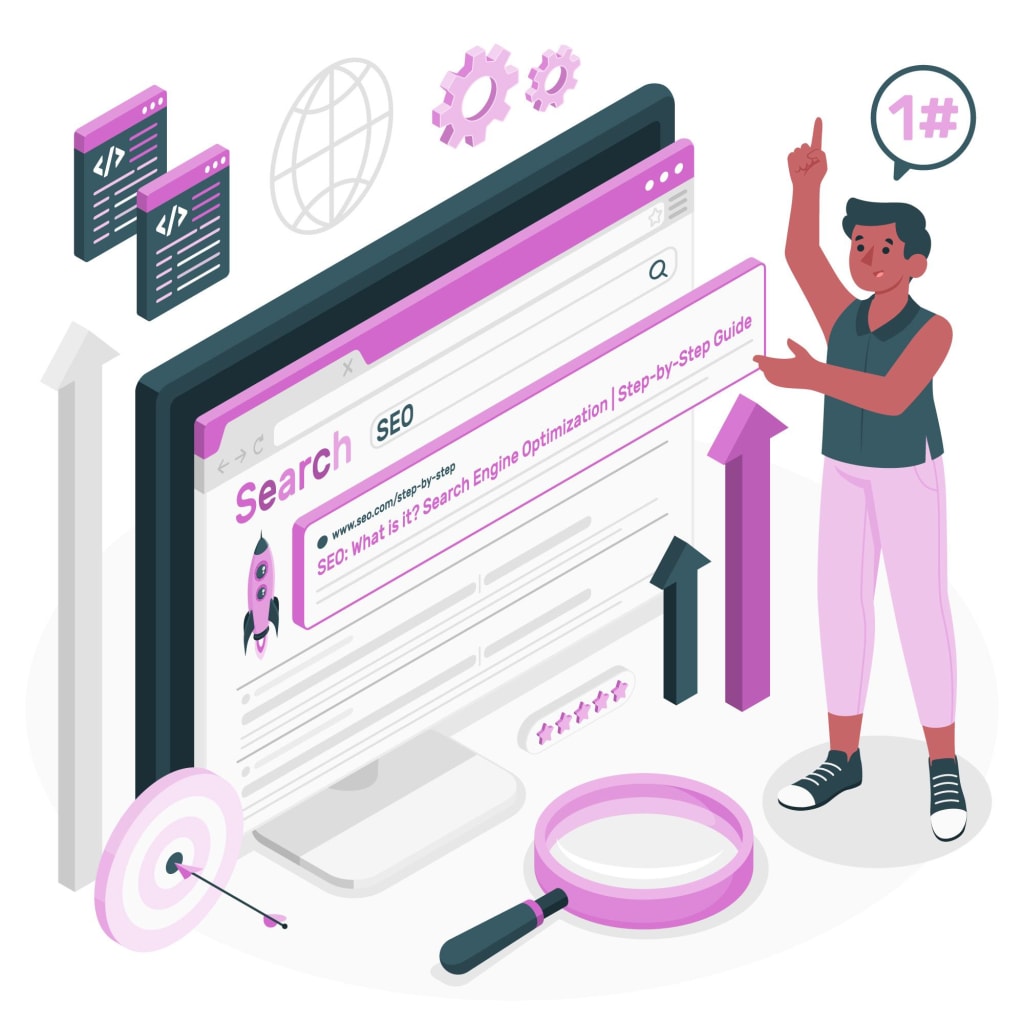
Search engine optimization (SEO) plays a vital role in determining how well your website ranks on search engine result pages (SERPs). One important aspect of SEO is optimizing your URLs to make them more search engine and user-friendly.
Creating SEO-friendly URLs doesn’t have to be a complex task. By following a few simple steps and best practices, you can ensure that your URLs are optimized for search engines while providing a positive user experience. In this comprehensive guide, we will walk you through the process of creating SEO-friendly URLs step-by-step.
The URL slug is the part of the URL that represents the title or topic of your page or post. It’s essential to choose an optimized URL slug that accurately reflects the content of your page and contains relevant keywords. Here is a step-by-step process for creating an SEO-friendly URL slug:1. Start with your page title
One of the easiest ways to create an SEO-friendly URL slug is to start with your page title. Most page titles can be converted into URL slugs with a few modifications. For example, if your page title is “How to Craft the Perfect SEO Title Tag (Our 4-Step Process)“, you can use a simplified version of it as your URL slug.
In some cases, using an exact-match keyword as your URL slug may not provide enough context or be too generic. To add more specificity and relevance to your URL slug, consider including keyword modifiers. Keyword modifiers are related words or phrases that provide additional context to your URL slug. Choose modifiers that are relevant to your content and enhance the overall meaning of your URL.
While not necessary, making your URL slug more readable can improve user experience and make it easier for visitors to understand the content of your page. Consider adding conjunctions, pluralizing words, or rephrasing your URL slug to make it sound more natural and readable. However, ensure that the readability doesn’t compromise the accuracy or relevance of your URL slug.
Spaces are not allowed in URLs and are typically replaced with “%20” by browsers. However, for better readability and usability, it’s recommended to replace spaces with hyphens in your URL slug. Google officially recommends using hyphens instead of underscores for better recognition and readability. Hyphens are more commonly used and familiar to users, making them a preferred choice for URL structure.
Subdomains are separate sections of a website that are typically used to categorize or organize content. While Google treats subdomains as separate entities, it’s generally recommended to use subfolders (also known as subdirectories) instead. Subfolders provide a sense of hierarchy and make it easier for search engines to understand the structure and organization of your website.
When selecting a domain for your website, prioritize memorability and brandability over keyword-rich or exact-match domains. While keywords in a domain can be beneficial, they don’t guarantee automatic ranking for those keywords. Choosing a memorable domain helps users easily recall and access your website, improving brand recognition and user experience.
The top-level domain (TLD) is the part of the domain that comes after the dot (e.g., .com, .org, .net). When targeting a global audience, choose a generic top-level domain (gTLD) like .com. If you’re targeting a specific country, consider using a country-code top-level domain (ccTLD) specific to that country. Avoid using TLDs associated with spam or low-quality websites, as they may negatively impact your website’s credibility and ranking potential.
Subfolders help create a hierarchical structure within your website, making it easier for search engines and users to navigate and understand your content. Use subfolders to categorize and organize your pages into relevant sections. For example, if you have an online store selling shoes, you can create subfolders like “store/footwear/sneakers” to provide a clear hierarchy and context to your URLs.
About the Creator
Keep reading
More stories from writers in Writers and other communities.
How to Hire a Virtual Assistant for Personal Organisation and Scheduling
If your calendar feels like a battlefield back-to-back meetings, personal errands, rescheduling, missed reminders you’re not alone. In 2025–2026, more professionals and founders are hiring a virtual assistant (VA) not for “extra help,” but to build a system that keeps life and work running smoothly.
By Michael Coplin5 days ago in Writers



Comments