
How to Convert Video to Speech
Transcribe and convert video to text for free with 99% accuracy

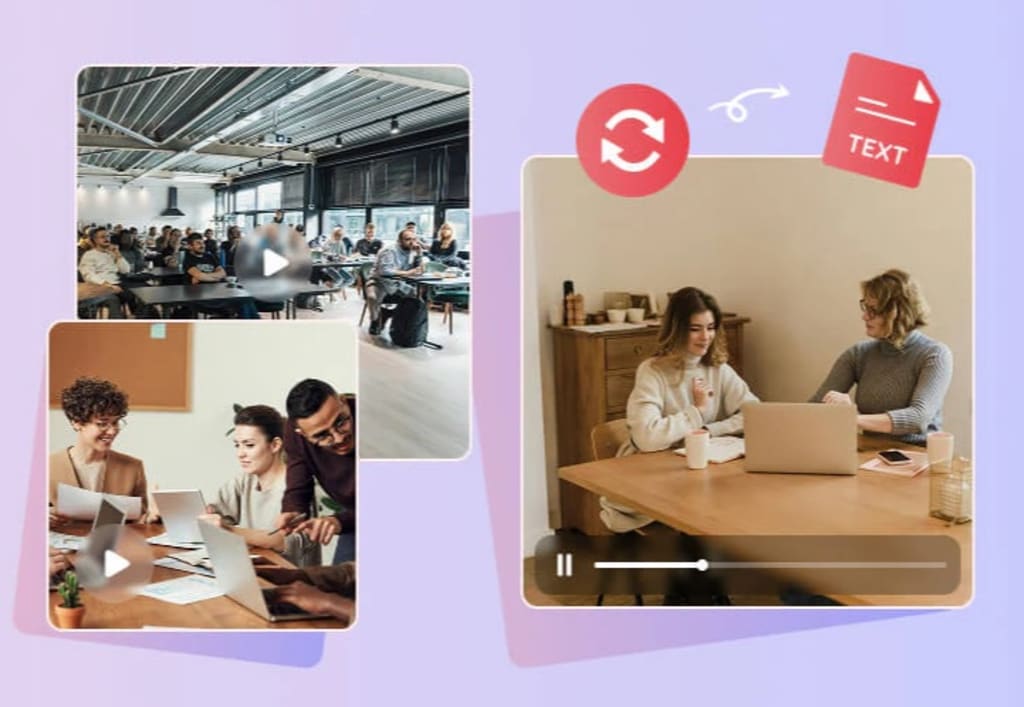
Key Features of Any Video Converter
* Freely convert lectures, conferences, and more videos to text
* Transcribe video to text in multiple formats and languages
* Advanced AI model to achieve up to 99% accuracy
* Effortlessly transcribe video to text and save the hassle
* One-stop tools: edit and add transcription as subtitles
Effortlessly Convert Lectures, Conferences, Interviews, and More Videos to Text
Any Video Converter has a powerful Speech to Text tool that can easily convert videos to text. Whether it is a long conference video, a content-intensive academic lecture video, or a fast-paced interview video, it can accurately analyze and transcribe the dialogue, explanation and other key information in the video and present it in the form of text.
This free video to text converter greatly saves your time and energy in word-by-word dictation, allowing you to more efficiently obtain the core knowledge points in the video.
Create TXT, SRT, CSV, VTT, and LRC Format According to Your Needs
When processing videos, different contents often require text in different formats. Any Video Converter supports converting videos directly into five practical text formats: TXT, SRT, CSV, VTT and LRC.
Whether you are organizing video records, making multilingual subtitles, counting interview duration or creating music lyrics, this video to text converter can provide targeted text formats, allowing the information in the video to be efficiently converted into editable and analyzable text resources.
Automatically Transcribe and Output in Desired Languages
Any Video Converter Pro has precise recognition capabilities, and can quickly and accurately transcribe videos in English, Chinese, and Japanese, as well as minority languages. Moreover, it automatically adds timestamps to the output text, which means each sentence or paragraph will mark the time node when the corresponding video appears.
This feature is extremely useful in academic research, multinational conference records, and multilingual films. The time-stamped transcript can help you quickly locate key information in the video or find the parts of interest for focused study and review.
Up to 99% Accuracy and No Need to Manually Correct Words Twice
When you unlock Any Video Converter Ultimate, you can get three AI models in the speech to text tool: Primary, Intermediate, and Advanced. The advanced model can accurately transcribe academic lectures with dense professional terms or interview videos with accents and fast speech, up to 99% accuracy.
Such a high accuracy rate means that you can get the transcribed text and use it directly for conference review, study notes, etc. without secondary modification, which truly realizes efficient conversion from video to text.
Much More than Video to Text Converter: Add Transcription as Subtitles
From adding transcribed text as subtitles to editing styles, switching between multiple tools is not only cumbersome, but also prone to format incompatibility issues. Any Video Converter breaks this limitation. It is not just a simple video to text converter, but an all-round assistant that provides you with one-stop video editing services.
Once you have converted video to text using Any Video Converter, you can add the transcribed text as video subtitles directly. It gives you a high degree of freedom in subtitle editing, allowing you to change the subtitle font, size, color, and position at will.
How to Convert Video to Text with Any Video Converter
Step 1: Choose "Speech to Text" Tool
Upload your video file in this video to text converter.

Step 2: Customize Settings
Output Profile: select TXT, SRT, CSV, VTT, or LRC format you want.
AI Settings: you need to upgrade to Pro/Ultimate version and unlock multiple languages and AI models.
Generate text and preview: click this button to preview the text before starting the conversion.

Step 3: Convert Video to Text
Click the "Convert Now" button to start transcribing video to text.

About the Creator
Keep reading
More stories from Joanna Wang and writers in Writers and other communities.
How to Increase Video Quality for Free: Beginner, Professional, Online
In this digital age, video content has become a vital part of the marketing strategy for businesses and brands. Videos can help you stand out on social media, attract new followers, and improve your company's visibility on search engines. However, not all videos are created equal. Sometimes low-resolution clips with poor lighting and shaky cameras can be a deal breaker for your audiences.
By Joanna Wang7 months ago in Writers
Early March 2026: 4 Goals Accomplished
It's early March and I've now accomplished my 4th writing goal for the year of 2026. Before diving into the behind-the-scenes of it... why not tell you up front what that accomplishment was? I was published in a 2nd publication for this year. Published in Helix Literary Magazine out of Central Connecticut State University. You can read it for free right now!
By Stephen Kramer Avitabile5 days ago in Writers
Vocal Creators it's time for Spring cleaning
It's time for Spring cleaning on Vocal Hello, fellow Vocal creators. With the season changing from Winter to Spring and the recent announcement about changes to the platform, I decided this was the ideal time to get things in order. Perhaps you should consider some Spring cleaning for your own articles.
By Cheryl E Preston4 days ago in Writers
The Politics of Playing Dress-Up
Well, to start off I'd like to say a happy world book day to all who celebrate. I know I haven't really posted anything on my socials about it but I'm not a jubilant kind of person. I lay low most of the time. Let's start off with a popular anecdote from the vaults...
By Annie Kapur5 days ago in Geeks




Comments
There are no comments for this story
Be the first to respond and start the conversation.