
Best Form Builder for Shopify: A Comparison of Top Apps
Compare Top Shopify Form Builder Apps and Find the Perfect Fit for Your Store’s Needs
When running a Shopify store, having the right tools can significantly impact your efficiency, customer experience, and conversion rates. One essential tool is a form builder app, which allows you to collect customer information, leads, requests, feedback, and more — all without coding.
With so many form builders available in the Shopify App Store, it can be tricky to know which one fits your needs. Below is a comparison of some of the top form builder apps for Shopify, including one tailored specifically for B2B stores.
1. Form Builder with File Upload by HulkApps
HulkApps’ Form Builder is one of the most popular Shopify apps for creating forms quickly and easily.
Key features:
- Drag-and-drop form builder
- File upload capability
- Conditional logic for dynamic forms
- Email notifications on submission
- Google reCAPTCHA to reduce spam
Best for: Stores that need versatile forms such as contact, survey, or wholesale forms with an easy-to-use interface.
2. Powerful Contact Form Builder by POWR.io
POWR.io offers a flexible and customizable form builder with a wide range of templates.
Key features:
- Multi-step forms for better user experience
- Conditional logic and dropdown menus
- File uploads
- Customizable design and colors
- Built-in analytics to track submissions
Best for: Merchants wanting advanced customization, analytics, and engaging form layouts.
3. Form Builder by Globo
Globo’s Form Builder strikes a great balance between simplicity and robust features.
Key features:
- Drag-and-drop editor
- Conditional logic and multi-column layout
- Email autoresponder
- Integration with Google Sheets
- Advanced styling options
Best for: Stores looking for highly customizable forms, especially for B2B orders, product customization, or event registrations.
4. Form Builder with File Upload by Expert Village Media
This app is great for handling custom product requests and inquiries.
Key features:
- File upload and attachments
- Conditional fields
- Google reCAPTCHA
- Email alerts and confirmations
- Easy embedding on product or custom pages
Best for: Stores managing custom orders, product inquiries, or needing customers to submit attachments.
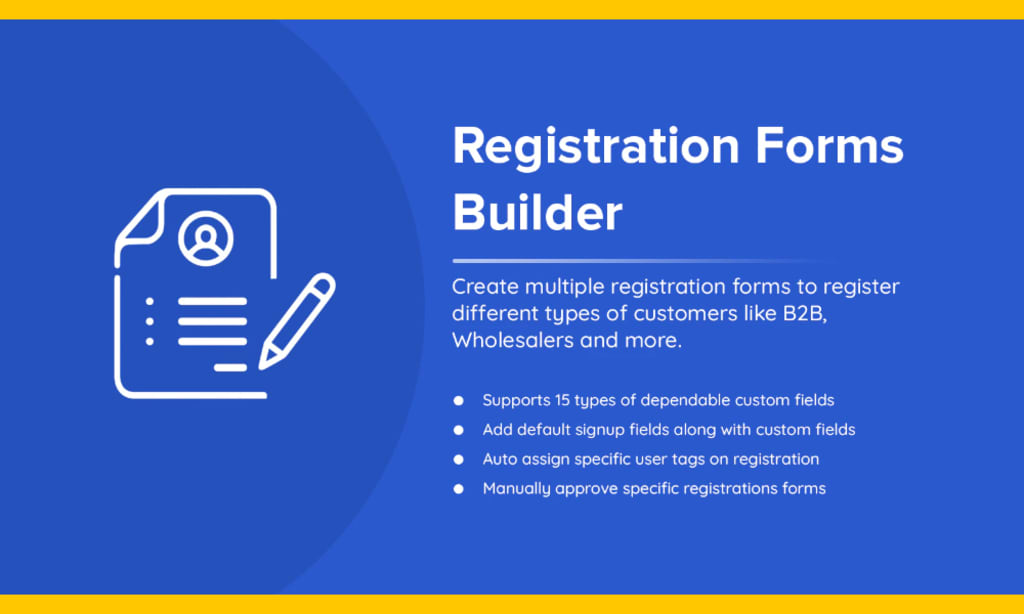
5. B2B Registration Forms Builder
Specifically designed for B2B businesses, this app helps streamline B2B registrations, approvals, and onboarding.
Key features:
- B2B customer registration forms
- Approval workflow for new accounts
- Customizable fields and design
- Multi-language support
- Integration with Shopify’s customer groups
Best for: Shopify stores focused on wholesale or B2B selling that need to pre-qualify or approve customers before they can place orders.
How to Choose the Right Form Builder
When picking the best form builder for Shopify, consider:
Ease of use — Do you need a drag-and-drop builder or more technical features?
Customization options — Will you use conditional logic, multi-step forms, or file uploads?
Specific use case — Are you running a B2C or B2B store? Do you need approval workflows?
Integrations — Do you need Google Sheets, Mailchimp, or CRM connections?
Budget — Some apps have free plans, while others require a monthly fee.
Final Thoughts
Whether you’re managing a small boutique or a large B2B operation, the right form builder app can help you streamline operations, improve customer engagement, and boost efficiency. Take time to compare these top apps and pick the one that best fits your store’s unique needs.
About the Creator
Published in Portrait of New England
My quest to find many publications with prestige to submit to has worked out even better than I thought. I was searching for more publications with more prestige in order to bolster my resume. I truly thought I'd try this for a year and not get published anywhere... maybe if I was lucky... in one of them. And I was OK with that... I was just going to try again the following year, and the year after that, and so on.
By Stephen Kramer Avitabile29 days ago in Writers



Comments
There are no comments for this story
Be the first to respond and start the conversation.