
Easiest Ways to Make a Collage on Instagram Story
Easiest Ways to Make a Collage on Instagram Story

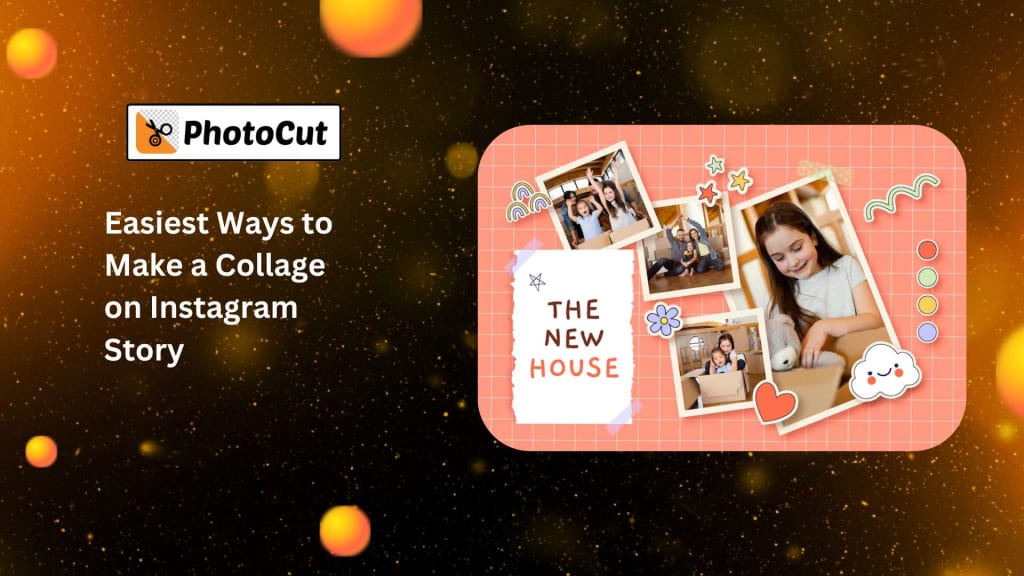
Making a collage on your Instagram story lets your followers see your daily life and experiences. Oftentimes, you post several photos making a string of stories. That is where a photo collage comes in handy. You can present multiple images as one to create a more organized and creative story to make your followers take an interest in your account.
Here is a guide to creating an Instagram story photo collage using its features and popular third-party applications to design original, stylish collages for your stories.
Two Easiest Methods for Making an Instagram Story Photo Collage
Instagram offers easy and efficient ways of creating photo collages within the app itself. Here are two of the easiest methods to add multiple pictures to your story to make it look more beautiful.
Method 1: How to Make a Collage on Instagram Using Stickers
One of the easiest ways to make a photo collage using Instagram is via the sticker method. This app lets you align multiple images for free, making it possible for you to fit them in and size them while determining their placement to your liking. You can do the following to begin:
1. Open Instagram: Open the Instagram app on your phone.
2. Create a New Story: Click on your profile picture, or the "Your Story" icon to make a new story on Instagram.
3. Select a background: Choose a background image or a color that would be the starting point for the collage.
You can also change the background color of your photo.
4. Use Stickers To Add Photos:
- Tap the sticker icon at the top of your screen to expand the sticker choices.
- Select the "Camera" sticker icon to choose extra images you want from your gallery, or you can take new shots.
- You can add multiple images by adjusting their size and position on your story screen. You can also rotate or flip the images for creative effects.
5. Customize Your Collage:
- Add text, animated gifs, music, or stickers to add personality and make your story funnier and unique.
- Express yourself with different stickers, including emojis. Add captions or quotes to give your story an appealing look.
6. Post Your Collage: After you've finalized your collage, click the "Send To" button to share it with your followers or close friends.
Method 2: How to Make a Collage on Instagram Using Layout Mode
Instagram allows us to create structured collages by dividing the story into different sections and choosing different ways to lay out images inside the app. Multiple grid layouts are available in the Layout mode. You can add multiple images in a clean and organized way.
1. Open Instagram: Open the Instagram app on your phone.
2. Create a New Story: Make a new story by tapping the "+" icon or the profile picture at the top-left corner.
3. Select the Layout Icon:
- Once you’re on the story creation screen, tap the “Layout” icon. It looks like a grid.
- Choose a grid layout that suits your style. Instagram offers various options, like 2x2, 3x3, or other grid variations, depending on how many photos you want to add.
4. Select Photos: Tap on each section of the grid to select a photo from your camera roll. You can add up to 6 images in one layout.
5. Customize Your Collage:
- Once the images are placed in the grid, add text, stickers, and filters to your collage to make it more creative.
- You can adjust the size and position of the images within the grid for a better visual balance.
6. Post Your Collage: After customizing your collage, tap "Send To" to share it with your followers or close friends.
Great Apps to Make Instagram Story Collages
If you want to elevate your Instagram collage game, some third-party apps offer advanced and creative features. Using such applications, you can create dynamic and personalized collages for your Instagram story. Here are the three top apps that will help you create spectacular collages for your Instagram story:
1. PhotoCut
A user-friendly app like PhotoCut creates beautiful collages easily. An app that lets you design the collage with plenty of templates, stickers, filters, and more so that your work looks professional.
PhotoCut can also help you change your eye color in photos.
Features:
- Multiple collage templates and layouts.
- Stickers, text, and effects to enhance your collage.
- Simple interface with easy-to-use tools.
- Free to download and use with no complicated steps.
How to Use:
- Open the app and choose a collage template.
- Upload your photos and place them in the selected template.
- Customize your collage by adding filters, stickers, and text.
- Save your collage and upload it directly to your Instagram story.
2. Adobe Express
Adobe Express is perfect for more advanced users who want professional-quality results. The app offers powerful editing tools and high-quality templates for creating unique Instagram story collages.
Features:
- Professional-level editing and design options.
- Wide range of collage templates.
- Customizable fonts, colors, and graphics.
- Free to download with optional paid features.
How to Use:
- Open the app and select the Instagram Story template.
- Choose a collage layout and add your photos.
- Customize your collage with text, filters, and other design elements.
- Download your finished collage and post it on Instagram.
3. StoryChic
A creative and entertaining software, StoryChic makes it simple to make stunning collages. For users who wish to create visually striking Instagram stories, it provides a wide range of themed templates and filters.
Features:
- Hundreds of stylish templates and filters.
- Easy-to-use interface for beginners.
- Themed templates for holidays, special events, and more.
- Free to download, but some advanced features require payment.
How to Use:
- Open the app and go through the templates offered.
- Select your layout and fill it with pictures for your collage.
- Decorate your collage with available stickers, texts, and more.
- Save the collage and upload it to your Instagram story.
Conclusion
Creating a photo collage through Instagram is a great way to share multiple images in one post and keeps your story organized, and visually attractive. Whether you use the built-in features of Instagram like stickers or Layout mode, or third-party applications, such as PhotoCut, Adobe Express, or StoryChic, there are plenty of ways that you can design a beautiful collage for your Instagram story. You can also blend two photos to create unique visuals.
Using the simple methods and apps listed above, you can easily spice up your Instagram game and come up with stand-out stories. Try these tools and share your creative and engaging collages with your followers today!
Check out the best family tattoo ideas to inspire your next tattoo.
FAQs
Q1. How do I create a collage on my Instagram Story?
Ans. You can use third-party apps like Canva, Adobe Spark, or Layout from Instagram to create an Instagram story collage. However, these applications allow you to get a group of assorted photos under one collage which you can share as your Instagram Story.
Q2. How do I create a collage on Instagram Story without any third-party app?
Ans. No, the application does not allow the creation of collages. But it is still possible; you simply upload many photos as separate Stories and use the "See More" link feature to connect them all together.
Q3. Which third-party app is the best for making collages on Instagram Story?
Ans. Your requirements and interests will determine which of the many fantastic third-party applications available for Instagram Story collage creation is perfect for you. Canva, Adobe Spark, and Layout from Instagram are a few of the most widely used third-party apps.
Q4. Can I use stickers and text in my Instagram Story collage?
Ans. Yes, you may add text, stickers, and other accessories to the collage that you will create through any third-party program, by using the editing tools that come pre-installed from Instagram. You just need to use the editing tools from the collage you post on your Instagram Story.
Q5. How can I ensure that my Instagram Story collage fits flawlessly?
Ans. Be sure your collage is the right size to publish through Instagram Story while designing it. So, while creating your collage, remember to take into consideration the 9:16 aspect ratio for stories so that the picture fits your screen perfectly, uncropped or warping slightly.
Q6. Can I save my collage to my camera roll and download it for later use?
Ans. After creating a collage, you would end up saving your collage onto the camera roll which later you will get to post for as many people as possible; first, save your photo from the third-party apps to then upload on your story.
Q7. Can I create an animated collage on Instagram Story?
Ans. You can't make moving collages through Instagram stories, but you can create a video collage using InShot or Videoshop and upload it to your Instagram story.
Q8. Can I create a collage using videos on Instagram Story?
Ans. Unfortunately, Instagram Story does not have a built-in feature for creating collages using videos. You can only create collages using still photos. However, you can use a third-party app like Videoshop to create a video collage and then upload it to your Instagram Story.
About the Creator
PhotoCut
AI Photo Editing Tool - Remove or Change your Background & Enhance Product Photos
Keep reading
More stories from PhotoCut and writers in Photography and other communities.
Create Your Tier List with PhotoCut
Since it rates everything, including video games, your favorite movies, and restaurants, making a tier list is enjoyable. Comparing what you have by contrasting your alternatives is made easier by the ability to arrange anything based on quality, importance, or personal taste. Whether you’re a gamer wanting to rank your favorite characters or a movie lover looking to rank your top films, PhotoCut makes it easy to create a custom tier list in no time!
By PhotoCutabout a year ago in Photography
The Gold Tone (Orotone) Technique
She picked it up from a dusty shelf at an estate sale, thinking it was just an old frame. Then the light caught it. The image glowed, not like a print, not like a painting, but like something that seemed to carry its own inner warmth. That was her first encounter with an Orotone, and she bought it without asking the price.
By CurlsAndCommas4 days ago in Photography



Comments
There are no comments for this story
Be the first to respond and start the conversation.