
5 Best Slow Motion Video Editors to Slow Down Video Online
Elevate Your Visual Storytelling: Effortless Tools for Online Video Time Manipulation

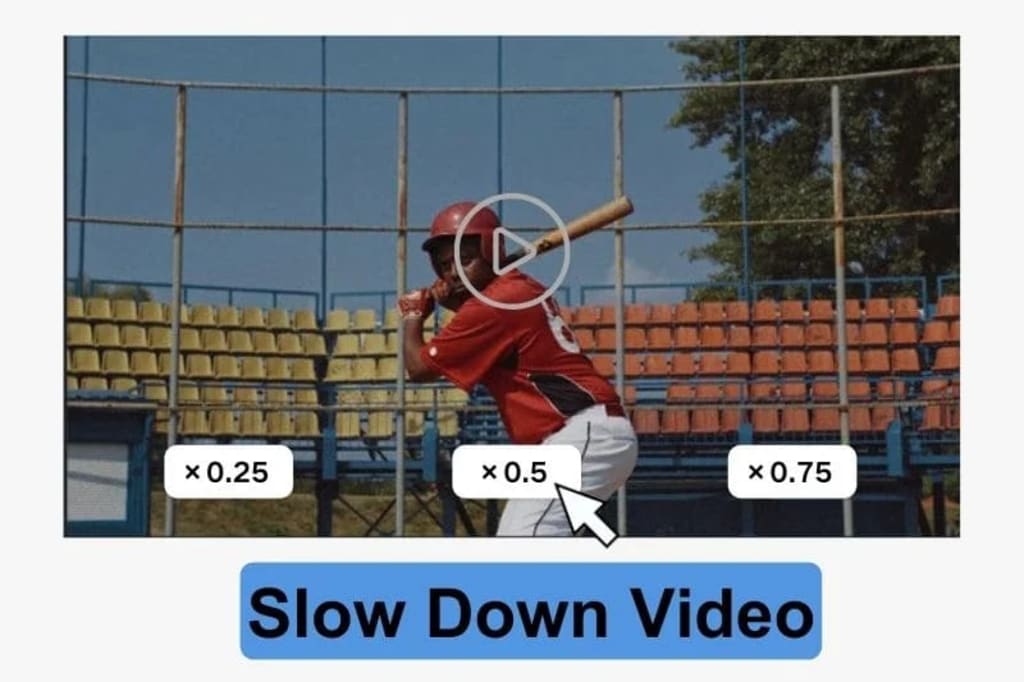
Looking to take your video content to the next level? Slow motion is a powerful tool beloved by creators worldwide. It allows you to extend pivotal scenes, enhancing the drama and emotional depth.
Curious about how to capture this sought-after slow-motion look without spending a fortune?
Your search ends here! This article introduces the top 5 FREE online video editing tools for slow motion, ideal for hassle-free editing on the move. Additionally, we'll reveal an extra piece of computer software for those aiming for advanced slow motion techniques.
Part 1: Top 5 Online Tools to Slow Down Video Free
To slow down video free, you need Clideo, Ezgif, Kapwing, Canva and Flixier. All them are online free video speed changers.
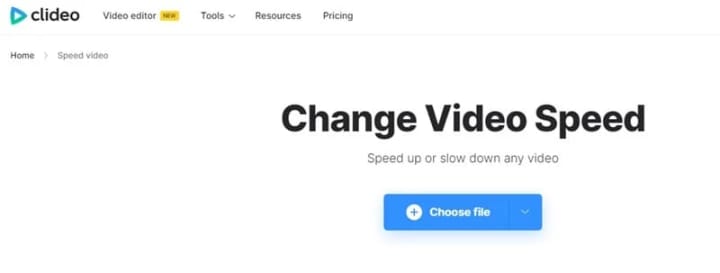
1. Clideo
Website: https://clideo.com/change-video-speed
Clideo is a versatile online media editor designed for both video and audio. It offers a multitude of features such as slowing videos, making edits, compressing files, and cropping images.
There's no need for users to install any software; they can simply load a video file directly in their web browser to slow down the video online. Additionally, Clideo offers mobile apps for iPhones, ensuring users can conveniently access and utilize the editing tools at any time and from any location.
Pros:
- Allow muting video.
- Precisely adjust the slowdown factor.
- Support saving videos in various formats.
Cons:
- Free to use but with a watermark (You need to pay to remove the watermark).
- Video quality has been reduced.
2. Ezgif
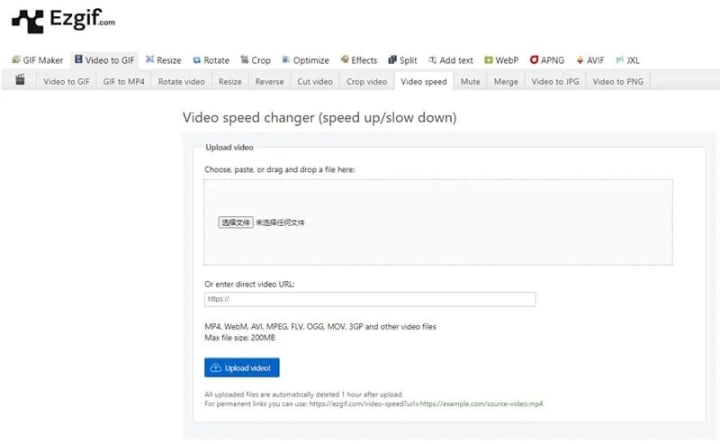
Website: https://ezgif.com/video-speed
Ezgif is a free online toolkit tailored for creating GIFs and performing basic edits on images and videos. It includes a straightforward option to slow down videos, where users can enter a specific multiplier to achieve a slow-motion effect. Plus, it offers control over the audio by providing options to silence it, retain the original sound, or change the sound speed.
Pros:
- Free to slow down video with no watermark.
- Offers various speed adjustments and the ability to loop clips.
- Provide options for audio control.
- Input an speed multiplier to slow down the video, with precision up to 0.0001.
Cons:
- Can only save video in MP4 format.
- The slow motion effect is very laggy.
- Video uploads are slow and take a long time to process.
- Interface might seem dated to some users.
3. Kapwing
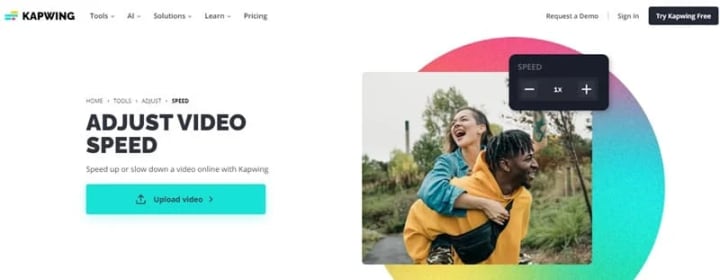
Website: https://www.kapwing.com/tools/adjust/speed
Kapwing is an all-inclusive online editing suite that provides a wide array of editing capabilities and templates. It enables users to carry out multiple editing actions in one go using web-based utilities, including slowing videos, trimming them, and enhancing their colors, all without the need to download or install any additional software.
This slow motion video editor allows you to select specific parts of your video to slow down and add slow motion effects by manually dragging the speed bar with an accuracy of 0.1.
Pros:
- Support adding slow motion effect to a certain segment of the video.
- Allow various editing of videos simultaneously.
Cons:
- Free to slow down video online but with watermark.
- Video can only be exported in MP4 format.
- Videos can only be saved in up to 720p, and higher resolutions require payment.
- The interface is not concise and clear.
4. Canva
Website: https://www.canva.com/features/slow-motion-video/
Canva not only provides powerful image editing features, but also has excellent video editing tools. In addition to being available as an online tool, there are also apps for computers and mobile phones. Most of the video editing features can be used by simply signing up for a Canva account. It allows you to cut and crop operations, as well as adding 0.25x, 0.5x and 0.75x slow motion effects to your videos.
Read more: avclabs.com
About the Creator
Keep reading
More stories from Madeline and writers in Photography and other communities.
How To Make Background Transparent in 2024?
If you’re looking to remove the background from a product or a portrait photo, the five background transparency tools highlighted in this article can effortlessly facilitate this process, opening up a plethora of creative opportunities. These techniques cater to both novices and seasoned professionals alike. Continue reading to discover step-by-step instructions on how to create a transparent background.
By Madeline2 years ago in Photography
The Gold Tone (Orotone) Technique
She picked it up from a dusty shelf at an estate sale, thinking it was just an old frame. Then the light caught it. The image glowed, not like a print, not like a painting, but like something that seemed to carry its own inner warmth. That was her first encounter with an Orotone, and she bought it without asking the price.
By CurlsAndCommas4 days ago in Photography



Comments (1)
Thanks for the analysis