
10 Tips for Staying Organized at Work
Discover simple and effective strategies for staying organized at work, from creating a to-do list and keeping your workspace clean to using a calendar and tools like Taskmaster.


Are you constantly feeling overwhelmed and disorganized at work? Try implementing these simple tips to boost your productivity and get more done each day:
Create a to-do list: Write down everything you need to accomplish each day, and tackle the most important tasks first.
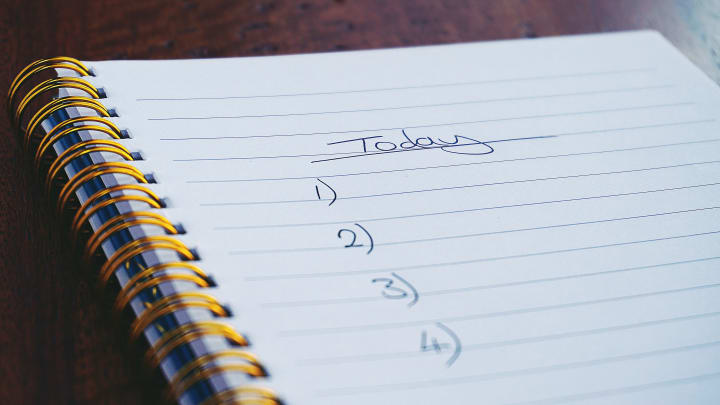
Start by writing down everything you need to accomplish each day. This can include tasks related to work, personal projects, errands, and anything else you need to get done.
Prioritize your tasks by identifying the most important or time-sensitive items and placing them at the top of your list.
Consider using a tool or app to help you manage your to-do list. There are many options available, ranging from simple pen-and-paper lists to sophisticated digital apps.
By following these steps, you can create a simple and effective to-do list that helps you stay organized and productive.
Keep your workspace clean and clutter-free: A cluttered desk can be a major distraction. Take a few minutes each day to tidy up and file away any papers or other materials you no longer need.
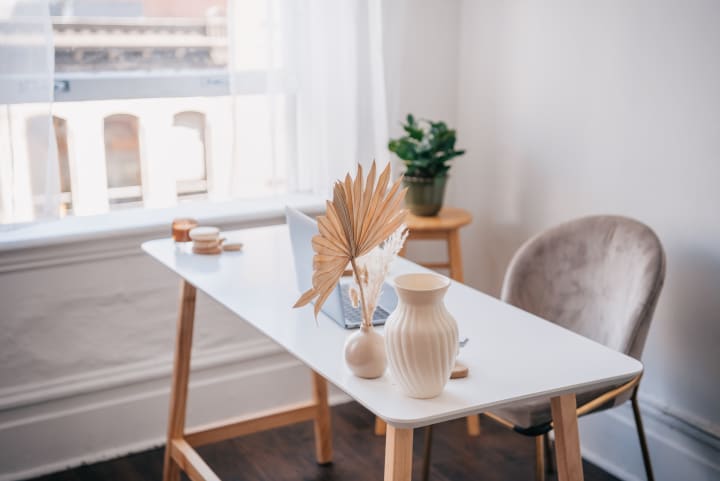
Tidy up your desk daily: Take a few minutes each day to file away papers, throw out any trash, and tidy up your desk. This can help prevent clutter from accumulating and can keep your workspace looking neat and organized.
Invest in storage solutions: Consider investing in organizers and storage solutions that help you keep your papers and other materials organized. Options such as file folders, drawer organizers, and desktop organizers can help you keep your workspace clean and clutter-free.
Consider going paperless: If you're struggling to keep up with papers and other physical documents, consider going paperless wherever possible. Use digital tools such as cloud storage, electronic signatures, and digital filing systems to reduce the amount of paper you need to store and manage.
By following these tips, you can help keep your workspace clean and clutter-free, which can improve your productivity and overall work experience.
Use a calendar: Whether you prefer a physical planner or an app on your phone, a calendar can help you keep track of deadlines, meetings, and other important events.
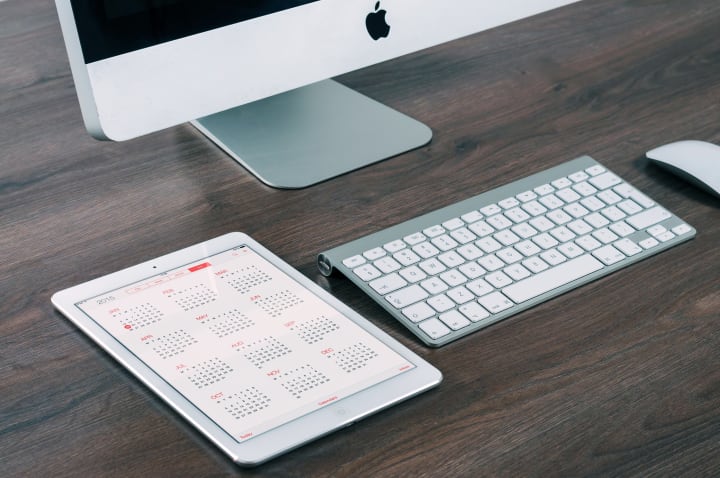
Choose a calendar that works for you: There are many different types of calendars available, including physical planners, desktop calendars, and apps for your phone or computer. Choose a calendar that fits your needs and preferences.
Add important events and deadlines: Use your calendar to keep track of important events such as meetings, appointments, and deadlines. Set reminders for yourself as needed.
Review your calendar regularly: Take a few minutes each day or week to review your calendar and make any necessary adjustments. This can help you stay on top of your schedule and avoid missing important events.
By using a calendar to manage your schedule, you can stay organized and on top of your commitments, which can help you be more productive and achieve your goals.
Take breaks: It's important to take breaks and step away from your desk throughout the day. This will help you stay focused and avoid burnout.

Schedule regular breaks: Plan specific times throughout the day to step away from your desk and take a break. This can help you stay energized and focused.
Get up and move: Use your breaks to get up and move around. Engage in physical activities such as walking or stretching to help you stay energized.
Disconnect and relax: During your breaks, try to disconnect from work as much as possible. Avoid checking your work email or engaging in work-related activities, and instead focus on relaxing and recharging.
By following these tips, you can take effective breaks that help you stay focused and avoid burnout.
Use labels and folders: Keep your documents organized by using labels and folders. This will make it easier to find what you need when you need it.

Label your folders: Use clear and descriptive labels on your folders to make it easier to find what you need. For example, you might label a folder "Project A - Meeting Notes" or "Client X - Invoices".
Use a consistent system: Choose a consistent system for labeling and organizing your documents, and stick to it. This could include using a specific naming convention for your files, or using a standardized set of labels for your folders.
Regularly review and update: Take a few minutes each week to review and update your labels and folders. Remove any documents that are no longer needed, and make sure that everything is organized in a way that makes sense to you.
By following these tips, you can create a system for organizing your documents that makes it easy to find what you need when you need it.
Set aside time for email: Instead of constantly checking your inbox throughout the day, set aside specific times to respond to emails. This will help you stay focused on other tasks.

Choose designated times: Decide on specific times of day when you will check and respond to your emails. This could be once in the morning, once in the afternoon, and once in the evening, for example.
Turn off notifications: To help you stay focused on other tasks, consider turning off email notifications on your phone or computer. This can help you avoid the temptation to constantly check your inbox.
Use the "unsubscribe" button: If you find that you are receiving a lot of emails that you don't have time to read, use the "unsubscribe" button to stop receiving them. This can help reduce the number of emails in your inbox and make it easier to manage your time.
By following these tips, you can set aside dedicated time for email and stay focused on other tasks throughout the day.
Use a timer: Set a timer for specific tasks to help you stay on track and avoid getting sidetracked.
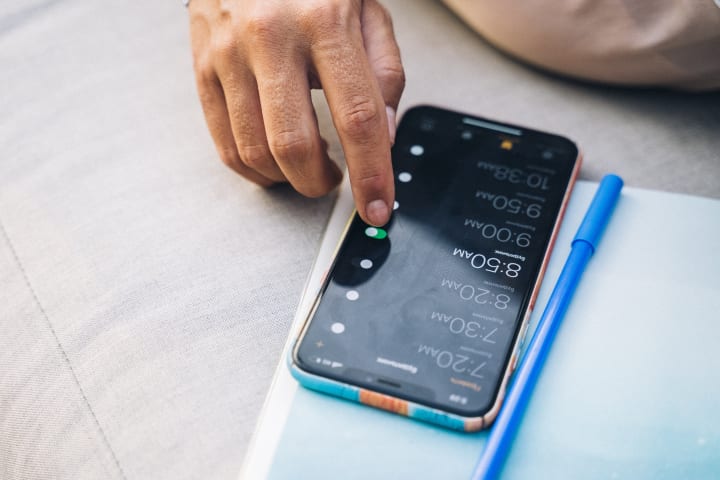
Set a time limit: Decide on a specific time limit for each task, and set a timer for that amount of time. This can help you stay focused and avoid getting sidetracked.
Use a timer app: There are many timer apps available that can help you manage your time more effectively. Choose an app that works for you and use it to set and track your time limits.
Take breaks: It's important to take breaks and rest between tasks. Set a timer for your breaks as well, and use this time to rest and recharge.
By using a timer to manage your time, you can stay on track and avoid getting sidetracked, which can help you be more productive.
Delegate tasks: Don't be afraid to ask for help or delegate tasks to others. This will allow you to focus on the most important tasks and ensure that everything gets done.

Identify which tasks can be delegated: Take a look at your to-do list and identify which tasks can be delegated to others. Consider factors such as your own skills and expertise, and the skills and expertise of others.
Choose the right person for the task: When delegating a task, choose the person who is best suited to handle it. This might be someone who has the necessary skills and experience, or someone who is eager to learn and take on new responsibilities.
Communicate clearly: Make sure to clearly communicate the expectations and deadlines for the task when delegating it to someone else. This will help ensure that the task is completed effectively and efficiently.
By delegating tasks to others, you can free up time to focus on the most important tasks and ensure that everything gets done.
Say no: It's okay to turn down requests or obligations if they will take up too much of your time or energy.

Prioritize your time and energy: Consider your current workload and commitments, and think about how much time and energy you have available to take on additional tasks or obligations. If you are stretched too thin, it may be necessary to say no.
Be honest and direct: When turning down a request or obligation, be honest and direct about your reasons. This can help avoid any misunderstandings or hard feelings.
Suggest alternatives: If you are unable to take on a task or obligation, try suggesting alternatives. For example, you might recommend someone else who might be able to help, or offer to help in a different way.
By learning to say no, you can protect your time and energy and ensure that you are able to focus on the tasks and commitments that are most important to you.
Take care of yourself: Remember to take care of your physical and mental health. This will help you feel more energized and better able to handle the demands of work.

Get enough sleep: Make sure to get enough sleep each night to help you feel rested and energized. Aim for 7-9 hours of sleep per night.
Exercise regularly: Regular exercise can help improve your physical and mental health. Find an activity that you enjoy and try to incorporate it into your routine at least a few times per week.
Eat a healthy diet: A healthy diet can help you feel more energized and better able to handle the demands of work. Focus on eating a variety of fruits, vegetables, and whole grains, and limit your intake of processed and sugary foods.
By taking care of your physical and mental health, you can feel more energized and better able to handle the demands of work.
In order to stay organized and productive at work, it's important to implement a variety of strategies and tools. This can include creating a to-do list, keeping your workspace clean and clutter-free, using a calendar to manage your schedule, taking breaks to recharge, using labels and folders to organize your documents, setting aside time for email, using a timer to stay on track, delegating tasks to others, learning to say no when necessary, and taking care of your physical and mental health. By following these tips, you can create a more organized and efficient work environment that helps you get more done each day.
About the Creator
Mahmoud Essam Mohamed Shepl
Hi, I'm Mahmoud and I'm passionate about helping others achieve their financial and weight loss goals through my blog. I've learned a lot on my own journey and want to share my experiences to provide support and encouragement to others.
Keep reading
More stories from writers in Motivation and other communities.
One Hard Thing
Stop me if you’ve heard this one before: You have the number, you know your schedule- you’ve even picked out the perfect day and time to make this appointment. Shoot, you’ve even picked out alternative days and times just in case their schedules can’t accommodate you!
By Taylor Rigsby8 days ago in Motivation
The Quiet Choice That Changed Her Life
Her job was to smile, check people in, answer the same questions, and pretend she enjoyed it. Tourists came and went. Business travelers complained about late flights. Her life stayed exactly the same. Every evening at 9 p.m., Emily walked back to her rented room, reheated leftovers, and scrolled through social media. She watched people talk about new businesses, fitness journeys, and creative projects. She double-tapped their posts but never imagined herself doing anything like that. She told herself she was being realistic. Her parents liked that she had a steady job. Her friends said she was lucky to be employed. Even her manager once told her, “You’re reliable. Not everyone is.” Reliable began to feel like a cage. One rainy Tuesday, a guest left a notebook on the counter. It was thin and blue, with a quote on the cover: If not now, when? Emily opened it to find pages filled with hand-drawn sketches of buildings, cafés, and streets in Brussels and New York. They were beautiful—simple but full of life. At the back, a note was written in careful handwriting: “Started drawing at 42. Wish I had started at 22.” Emily stared at that sentence long after the guest had returned to collect the notebook and thank her. That night, she couldn’t sleep. She thought about all the things she used to enjoy before life became about rent and schedules. As a teenager, she loved designing logos and posters on her old laptop. Teachers said she had an eye for detail. But after school, she went straight into work. Art became something she “used to do.” At 2 a.m., she opened her laptop and downloaded a free design app. She told herself she was just playing around. No pressure. No dream. Just curiosity. Her first design looked terrible. Her second looked slightly better. By the third night, she was watching tutorials and copying simple layouts. She designed fake café menus and event flyers. No one saw them. No one praised them. But something inside her felt awake for the first time in years. Weeks passed. Emily began waking up an hour earlier to design before work. Her mornings became her secret world. The hotel still felt dull, but it no longer owned all of her energy. One day, a small bakery near her flat put up a sign: “Opening Soon – Logo Needed.” Emily walked past it twice. The third time, she went inside. “I saw your sign,” she said quietly. “I’m learning graphic design. I could try to make something… if you want.” The owner, a tired woman with flour on her apron, smiled. “If it’s better than what I have now, I’ll use it.” Emily spent two nights working on that logo. When she showed it, her hands were shaking. The owner’s face lit up. “This is perfect.” She paid Emily £40. It wasn’t much. But it wasn’t about the money. It was proof. Emily created a small online page to show her designs. She offered cheap work to local shops, cafés, and small businesses. Some ignored her. Some said no. A few said yes. Each project made her braver. Six months later, she had five regular clients. She designed menus, Instagram posts, and simple websites. Her hotel job paid the bills. Her design work fed her confidence. Then something unexpected happened. A café owner in London shared her design on social media. A restaurant in Belgium messaged her for a menu design. A small brand in the U.S. asked for a logo. Emily started working evenings and weekends. She was tired, but it was a good tired—the kind that comes from building something. One year after finding the blue notebook, Emily stood in her manager’s office. “You’re resigning?” he asked. “But you’re doing well here.” She smiled politely. “I don’t want to be reliable anymore. I want to be responsible for my own future.” Her first month as a freelancer was scary. Some days, she had no work. Some days, she had too much. She learned to budget carefully. She learned to say no. She learned that confidence grows when you keep your promises to yourself. Two years later, Emily worked from a small desk by her window. She had clients in the UK, the USA, and Belgium. She still wasn’t famous. She still wasn’t rich. But she woke up knowing her time belonged to her. One afternoon, she found an old photo from her hotel job—standing behind the counter in a stiff uniform, forcing a smile. She didn’t hate that version of herself. She thanked her. Because that version chose not to stay comfortable.
By Iazaz hussain3 days ago in Motivation




Comments
There are no comments for this story
Be the first to respond and start the conversation.