
What’s the Best Ergonomic Chair for Back Pain? We Found Out!
Ergonomic Chair for Back Pain

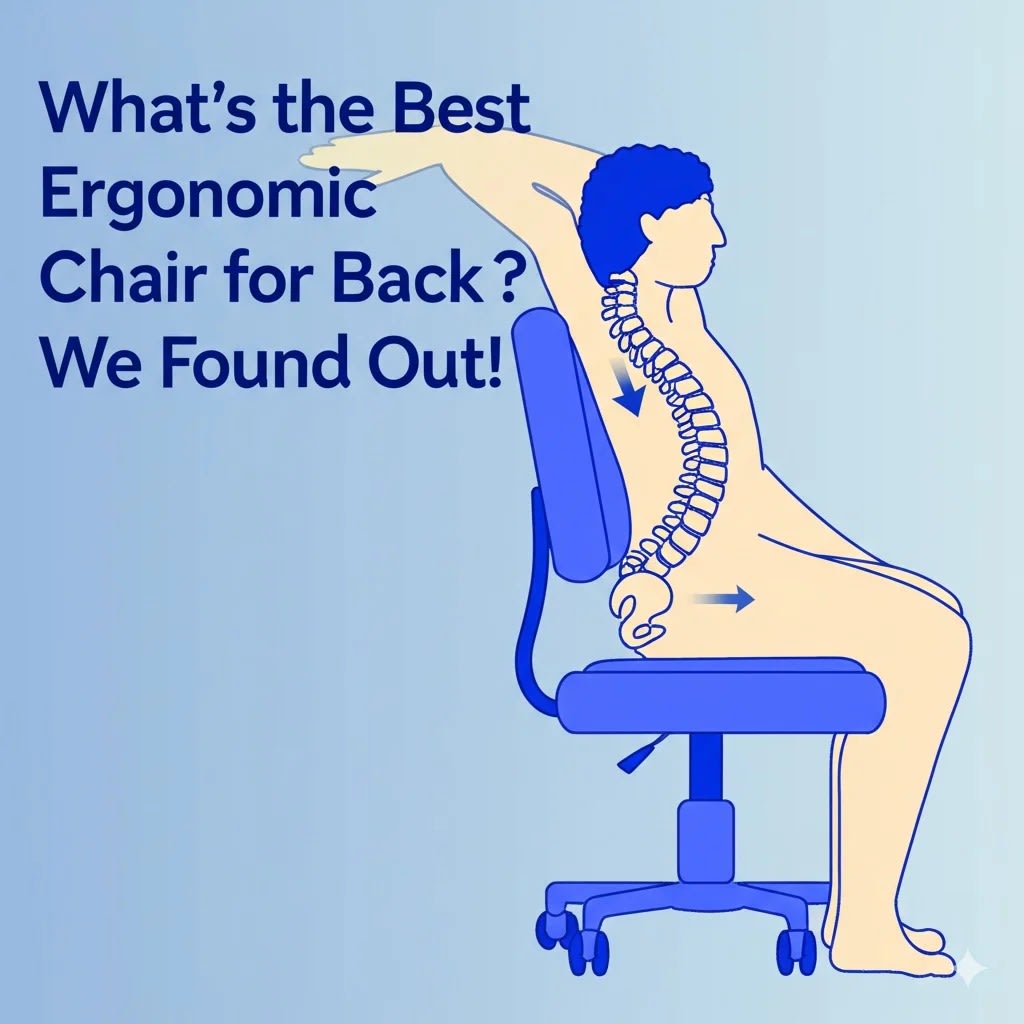
If you’re reading this, chances are you’re one of the millions of Americans experiencing back pain, particularly the kind that creeps up after hours spent sitting at a desk. It’s a modern ailment, often exacerbated by the very chairs we rely on for work or relaxation, and finding relief often requires implementing specific ergonomic tips for your home office. The question then becomes urgent: What is the best ergonomic chair for back pain?
It’s a question we hear constantly, and frankly, the answer isn’t a single brand or model. Instead, the “best” chair is the one that best fits your body, your specific pain points, and your work habits. But don’t worry, we’re not leaving you hanging. We’ve delved into the research, consulted with experts, and identified the crucial factors and features that define a truly back-friendly ergonomic chair.
This isn’t just about comfort; it’s about health, productivity, and reclaiming pain-free hours in your day. Let’s navigate the world of ergonomic seating together.
Why an Ergonomic Chair Isn’t Just Hype (Especially for Back Pain)

Let’s face it: prolonged sitting, especially in a poorly designed chair, is tough on your spine. Slouching, hunching, lacking proper support – these postures place unnatural stress on your vertebrae, discs, muscles, and ligaments. Over time, this strain can lead to:
- Lower back pain (most common)
- Upper back and neck pain
- Sciatica (pain radiating down the leg)
- Muscle fatigue and stiffness
- Reduced circulation
An ergonomic chair is specifically engineered to counteract these negative effects. It’s designed to promote good posture, provide adequate support where needed, and allow for healthy movement, even while seated.
“A good ergonomic chair acts like a supportive partner for your spine,” explains Dr. Sarah Klinesmith, a physical therapist with over 15 years specializing in spinal health. “It encourages the natural ‘S’ curve of your spine, reducing pressure on the intervertebral discs and minimizing muscle strain that often contributes to chronic back pain.”
The Non-Negotiable Features: What Experts Say to Look For
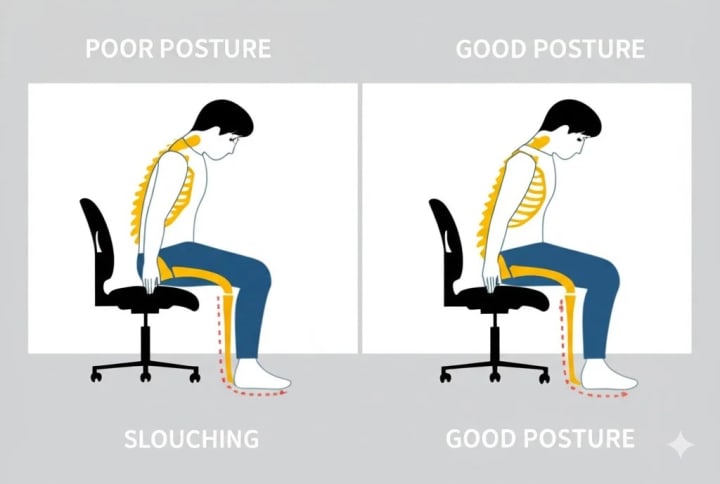
Finding the right chair means understanding its components. Based on ergonomic principles and expert recommendations, here are the key features that make a significant difference for back pain sufferers:
1. Adjustable Lumbar Support: This is arguably the most critical feature. Your lower back (lumbar region) has a natural inward curve. A good chair must have support that fits into this curve.
- Expert Insight: John Riveter, a Certified Professional Ergonomist (CPE), emphasizes adjustability: “Look for lumbar support that adjusts both in height (to position it correctly in the small of your back) and depth (to control the amount of pressure). Fixed lumbar support might work for some, but adjustable is far more likely to provide personalized relief.” Don’t settle for a chair without effective and adjustable lumbar support.
2. Seat Height Adjustment: Your feet should rest flat on the floor (or on a footrest) with your knees at roughly a 90-degree angle. A pneumatic lever is standard and allows for easy adjustment. This prevents strain on your lower back and promotes good circulation in your legs.
3. Seat Depth Adjustment: The ideal seat depth allows you to sit with your back fully against the backrest while leaving about 2-4 inches of space between the front edge of the seat and the back of your knees. Too deep, and it can press against your knees and hinder circulation; too shallow, and it won’t provide adequate thigh support.
- Expert Insight: Dr. Klinesmith notes, “Proper seat depth ensures your weight is distributed correctly and prevents you from perching on the edge, which negates the backrest’s support.”
4. Adjustable Armrests: Armrests should support your forearms lightly, allowing your shoulders to relax. Look for armrests that adjust in:
- Height: To match your elbow height when arms are relaxed.
- Width: To keep your arms close to your body.
- Pivot (Optional but helpful): To support your arms during different tasks (typing vs. reading).
- Poorly positioned armrests can lead to shoulder and upper back tension.
5. Backrest Angle & Recline: The backrest should be wide enough to support your back and ideally adjustable in angle. A slight recline (around 100-110 degrees) is often more comfortable and less stressful on the spine than sitting perfectly upright (90 degrees) for long periods. Some chairs offer synchro-tilt, where the seat tilts in coordination with the backrest, maintaining proper posture during recline.
6. Swivel Base & Casters: The ability to easily turn and move the chair prevents twisting your torso, which can strain your back. Ensure the casters are appropriate for your flooring (hard floor vs. carpet).
7. Material & Breathability: While not directly structural, a breathable mesh back can prevent overheating and discomfort during long sitting sessions, indirectly contributing to better posture as you won’t shift around as much due to being hot. Padded fabric or leather can also be comfortable, provided the underlying structure is sound.
About the Creator
Muhammad Raffay
Hi! My name Muhammad Raffay ali passionate web developer and SEO expert with three handsome experirnce. And also the CEO of everythingsblogs company that provide informational blogs or update about Technology or AI to people on google
Keep reading
More stories from Muhammad Raffay and writers in Lifehack and other communities.
The Psychology Behind FBI Warning Email Scams: Why People Fall for Them
Have you ever received an email that made your heart skip a beat? Maybe it claimed you were in legal trouble or demanded payment to avoid arrest—signed by none other than the FBI. These are FBI warning email scams, and they’re more common than you might think. As someone who’s spent a decade crafting content and digging into online trends, I once analyzed a scam email claiming FBI authority that landed in my inbox. It was polished—complete with an official-looking logo and a stern tone—but a quick check revealed it was a fake. That experience opened my eyes to how cleverly these scams play on our minds. Let’s unpack the psychology behind why people fall for them and how you can stay one step ahead.
By Muhammad Raffay10 months ago in Lifehack
Apple iPhone Security Warning: What’s Happening, Why It’s Trending, and How to Protect Your Device
Search interest in the phrase “Apple iPhone security warning” has surged dramatically across the UK in the past 24 hours, according to Google Trends. The sudden spike suggests that thousands of iPhone users are encountering or at least hearing about the security alerts and are unsure whether they are legitimate or a cause for concern.
By James Anderson3 days ago in Lifehack
Wild Card Weekend Recap: What Happens Now?
I think I figured out why I love Wild Card Weekend so much. It's because it's the first playoff anything of the calendar year. The NFL season starts in the fall, and once upon a time, the champion was crowned either on or slightly before New Year's. The evolution of the NFL schedule has resulted in the playoffs starting just into the New Year, and currently, the final week of the season falls on the first weekend of the New Year, with Wild Card Weekend coming a week after that. So yes, chronologically, the NFL's Wild Card Weekend serves as the first playoff anything of the calendar year.
By Clyde E. Dawkins4 days ago in Unbalanced




Comments
There are no comments for this story
Be the first to respond and start the conversation.