
The Impact of Blue Light on Sleep: How to Protect Your Rest
Rest Assured: Protecting Your Sleep from Blue Light Exposure
Introduction:
In our modern world, we are surrounded by screens emitting blue light - from our smartphones and tablets to our laptops and televisions. While these devices have become an integral part of our daily lives, research suggests that excessive exposure to blue light can have a detrimental effect on our sleep quality. In this article, we will explore the impact of blue light on sleep and provide practical tips on how to protect your rest.
Understanding Blue Light:
Blue light is a short-wavelength, high-energy light that is naturally emitted by the sun. During daylight hours, exposure to blue light is beneficial as it helps regulate our circadian rhythm, keeping us awake and alert. However, when we are exposed to artificial sources of blue light in the evening, it can disrupt our sleep-wake cycle and interfere with our ability to fall asleep and stay asleep.
The Effects of Blue Light on Sleep:
Blue light affects sleep by suppressing the production of melatonin, a hormone that regulates our sleep-wake cycle. When we are exposed to blue light in the evening, our bodies interpret it as daylight, signaling our brains to stay awake. This can lead to difficulty falling asleep and a decrease in the overall quality of our sleep.
Tips to Protect Your Sleep:
1. Limit Screen Time Before Bed: Avoid using electronic devices at least one hour before bedtime. Instead, engage in relaxing activities such as reading a book or practicing relaxation techniques.
2. Use Blue Light Filters: Many devices offer blue light filter settings that reduce the amount of blue light emitted. Enable these filters in the evening to minimize the impact on your sleep.
3. Wear Blue Light Blocking Glasses: Specialized glasses with blue light-blocking lenses can be worn in the evening to filter out blue light and promote better sleep.
4. Opt for Night Mode: Many smartphones and tablets have a night mode feature that shifts the screen colors to warmer tones, reducing the amount of blue light emitted.
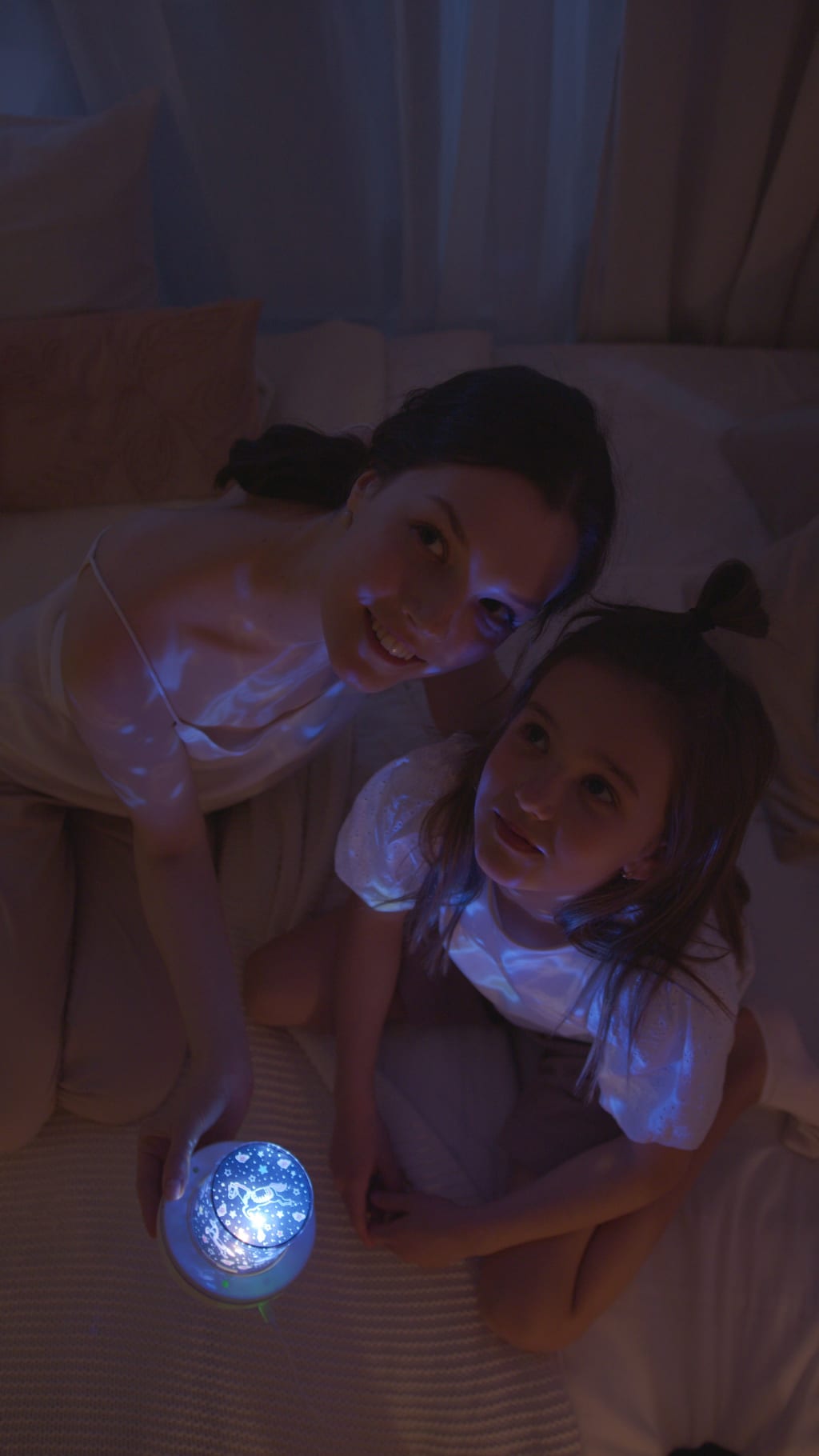
5. Create a Sleep-friendly Environment: Make your bedroom a sanctuary for sleep by keeping it dark and cool. Use blackout curtains or an eye mask to block out external light sources.
6. Establish a Bedtime Routine: Develop a relaxing routine before bed that signals to your body that it's time to wind down. This can include activities such as taking a warm bath, practicing mindfulness, or listening to calming music.
7. Consider Light Therapy: Light therapy devices emit specific wavelengths of light that can help regulate your circadian rhythm. Use them in the morning to promote wakefulness and reset your sleep-wake cycle.
8. Embrace Natural Light: Spend time outdoors during the day, exposing yourself to natural sunlight. This can help regulate your circadian rhythm and make you more susceptible to feeling sleepy in the evening.
9. Invest in a Blue Light Filter for your Devices: Consider purchasing a blue light filter or screen protector for your devices. These can significantly reduce blue light exposure and protect your sleep.
10. Prioritize Sleep Hygiene: Establish a consistent sleep schedule, create a comfortable sleep environment, and practice other healthy sleep habits like regular exercise and avoiding stimulants close to bedtime.
Conclusion:
While technology and artificial lighting have become an integral part of our lives, it's essential to recognize the potential impact of blue light on our sleep. By implementing these tips to protect your rest, you can minimize the negative effects of blue light, improve your sleep quality, and wake up feeling refreshed and rejuvenated. Remember, prioritizing your sleep is crucial for your overall health and well-being.
About the Creator
Keep reading
More stories from Ravi Tyagi and writers in Lifehack and other communities.
The Benefits of Outdoor Exercise: Taking Your Fitness Routine to Nature
Introduction: Are you tired of the same old gym routine? It's time to take your fitness journey to the great outdoors! Outdoor exercise offers a multitude of benefits for both your physical and mental well-being. In this article, we'll explore the incredible advantages of exercising in nature and provide you with inspiration to revitalize your workouts. Get ready to embrace the beauty of the outdoors and supercharge your fitness routine!
By Ravi Tyagi3 years ago in Lifehack
Top Career Paths After a PGDM With Dual Specialisation
Let’s be honest, careers today don’t stay in neat boxes. One day you’re analysing numbers, the next day you’re working on a pitch or solving a people issue. That’s exactly why a PGDM with Dual Specialization makes so much sense right now.
By Johan Olers4 days ago in Lifehack




Comments
There are no comments for this story
Be the first to respond and start the conversation.