
Finally, a Video Editor That Doesn’t Make You Want to Throw Your Laptop: Google Vids is Here for Everyone
Nothing fancy, just something to share with the team and clients...

You know the feeling. Your manager’s email pops up: “Hey, can you whip up a quick video for the new campaign? Nothing fancy, just something to share with the team and clients.”
Your heart does a little sink. “Quick video.” Those two words are arguably the biggest lie in the modern workplace. What they really mean is: please spend the next six hours wrestling with complicated software, scrolling through endless stock footage sites, trying to sync audio that stubbornly refuses to line up, and ultimately producing something that looks like it was edited by a very enthusiastic, but tragically untalented, badger.
For so long, creating a professional-looking video has felt like a secret superpower reserved for a select few. The rest of us are left fumbling in the dark, our great ideas hamstrung by a steep learning curve. But what if that entire struggle just… evaporated?
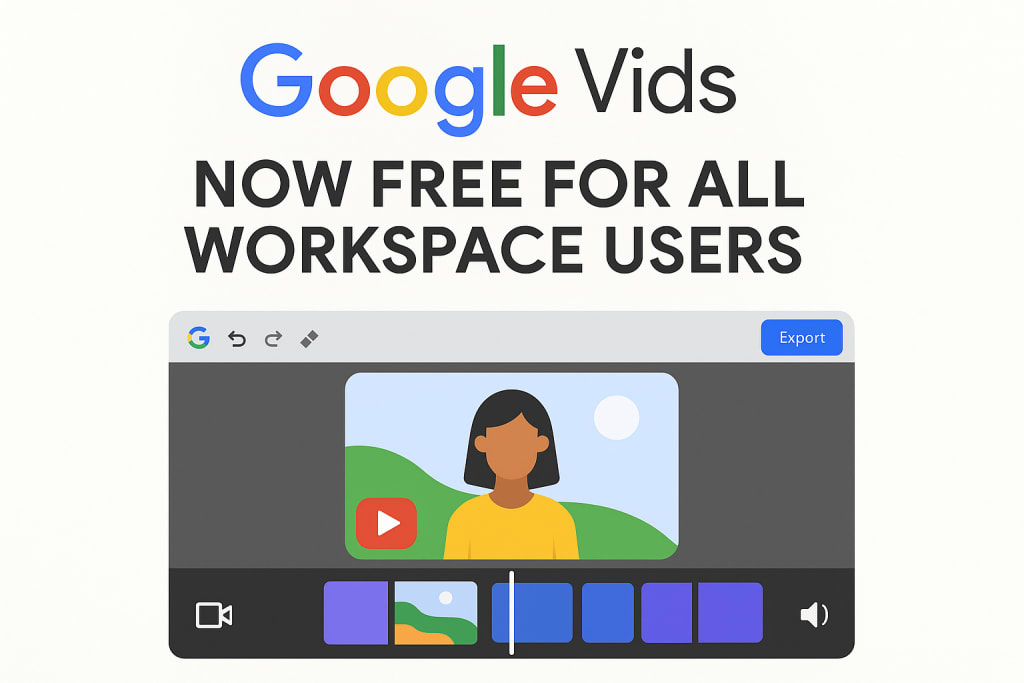
Hold onto your hats, because the game has officially changed. The big news rippling through the digital workspace is that Google Vids video editor is now free for all Workspace users. This isn’t just another software update buried in a blog post. This is a potential revolution for how we communicate, and it’s sitting right there, likely in a tool you’re already using every single day.
From Panic to Play: My First Dance with Google Vids
I’ll be honest, when I first heard the buzz, I was skeptical. “Another ‘simple’ editor,” I thought, “probably just a glorified slideshow maker.” But curiosity got the better of me. I opened up Google Drive, clicked “New,” and there it was, nestled between “Google Docs” and “Google Sheets”—a new, friendly icon for “Google Vids.”
The prompt was simple: “What’s your video about?” I typed in a real-world scenario I’d been putting off: “A quarterly update for our remote team, highlighting key wins and morale-boosting.” I hit enter, and something magical happened. It didn’t just open a blank timeline with a bunch of scary tools. It started building a storyboard for me.
It suggested a structure: a catchy intro, a section for data highlights using graphs (which it can pull directly from my Google Sheets!), a segment for team shout-outs, and a uplifting conclusion. It was like having a friendly, hyper-organized producer sitting next to me, asking “What about this?!”
This is the core of what makes Google Vids different. It’s not just an empty toolbox; it’s a collaborative partner built for the way we actually work.
Why This is a bigger Deal Than You Might Think
Let’s rewind a bit. For years, the mantra has been “video is king.” We’re told it’s the most engaging way to train employees, to pitch clients, to update stakeholders. But for the average person—the marketer, the teacher, the project manager, the small business owner—the king has been an expensive, demanding tyrant.
High-quality editors like Premiere Pro or Final Cut require a significant financial investment and, more crucially, a massive time investment to learn. The free or freemium alternatives often come with watermarks, limited features, or export quality that makes your professional content look, well, unprofessional.
Google Vids smashes this barrier. By integrating seamlessly into the Google Workspace universe—that’s Gmail, Drive, Docs, Sheets, and Meet for over three billion users—it removes the two biggest hurdles: cost and complexity.
The fact that Google Vids video editor is now free for all Workspace users means that a small non-profit can now create compelling fundraising videos with the same ease as a Fortune 500 company. A teacher can create engaging lesson recaps without needing a film degree. A sales rep can personalize a pitch video by dropping in a client’s logo and pulling data from a spreadsheet, all in one place.
It democratizes a form of communication that was previously gated. That’s not a small thing; it’s a seismic shift in accessibility.
Storytelling in the Real World: How People Are Actually Using It
The true test of any tool isn’t in its features list, but in the stories of how it gets used. Let’s imagine a few characters:
Sarah, the Head of Marketing: She’s launching a new product. Instead of writing a long, easily-ignored email, she uses Google Vids. She records a quick personal intro using her laptop camera (no fancy equipment needed), imports some slick product shots from a shared Drive folder, uses the AI voiceover to narrate key features, and drops in a live graph showing pre-order numbers from Google Sheets. She shares the video link with her team for feedback—they leave comments directly on the timeline, suggesting edits. The whole process, from idea to a polished video ready for the sales team, took her under an hour.
David, the Project Manager: His team is scattered across three time zones. A complex project is hitting a snag. Instead of scheduling another draining Zoom meeting, David creates a “Google Vids” video. He uses the screen record feature to walk through the problem in a spreadsheet, uses arrows and text overlays to highlight specific issues, and clearly lays out his proposed solutions. His team can watch it async, on their own time, and come to the next sync-up prepared and aligned. He’s just saved everyone hours and reduced meeting fatigue.
Elena, a Freelancer: She’s pitching a new client. She wants to stand out. She creates a personalized video proposal in Google Vids. She uses a template to give it a professional base, inserts screenshots of her previous work, and even uses the stock footage library (with commercial-use rights!) to add some cinematic b-roll. She records her pitch directly into the camera, making a human connection before she’s even met them. The client replies, “Wow, no one has ever sent a pitch like this before.” Elena wins the contract.
These aren’t futuristic fantasies. This is the practical, tangible power of having a capable video editor living right inside your browser, connected to everything else you do.
More Than Buttons and Knobs: The Magic is in the Connection
What makes Google Vids truly special isn’t a specific filter or effect. It’s the philosophy behind it. It understands that creation doesn’t happen in a vacuum.
It’s Collaborative: You can share a video draft just like you share a Google Doc. Your colleagues can leave comments on specific seconds of the video: “Maybe add a graph here?” or “This clip is perfect!” It turns video editing from a solitary, stressful task into a true team effort.
It’s Integrated: Need a chart? Pull it directly from Sheets. Need a script? It can draft one based on your topic, or you can import text from a Doc. All your assets are already in Drive. This eliminates the agonizing process of downloading, uploading, converting, and hoping file formats play nice.
It’s Assistive, Not Prescriptive: The AI inside Google Vids isn’t there to take over. It’s there to help. It’s the co-pilot that handles the tedious stuff—finding a piece of stock music that matches the tone, suggesting a story flow, generating a clean voiceover—so you, the human, can focus on the heart of the message: the story, the emotion, the connection.
So, What Does This Mean For You?
The announcement that Google Vids video editor is now free for all Workspace users is an invitation. It’s an invitation to stop being afraid of the blank screen and the intimidating timeline. It’s permission to experiment, to play, and to find your voice.
For years, we’ve been told our ideas need to be bigger, our communication more impactful. Now, the tools have finally caught up to that ambition. They’ve become accessible, intuitive, and woven into the fabric of our daily digital lives.
This isn’t about making everyone a Hollywood director. It’s about empowering everyone to be a better communicator. In a world saturated with text and endless notifications, a two-minute, thoughtfully crafted video can cut through the noise. It can convey nuance, build culture, and foster understanding in a way that a twelve-paragraph email simply cannot.
Your next great idea doesn’t have to die in a dense paragraph of an email. It doesn’t have to be lost in a spreadsheet cell. It can come to life. It can have a voice, a rhythm, and a story.
So next time that email comes in—“Hey, can you whip up a quick video?”—instead of that familiar dread, maybe you’ll feel a little spark of excitement. You’ll open up your browser, click that familiar Drive button, and start something new.
The blank page is gone. In its place is a friendly, capable partner, waiting to help you tell your story. What will you create first?
About the Creator
John Arthor
seasoned researcher and AI specialist with a proven track record of success in natural language processing & machine learning. With a deep understanding of cutting-edge AI technologies.
Keep reading
More stories from John Arthor and writers in Lifehack and other communities.
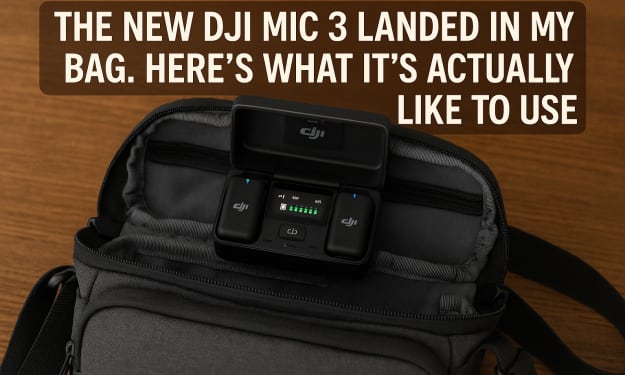
The New DJI Mic 3 Landed in My Bag. Here’s What It’s Actually Like to Use
I’ll never forget the first time I lost an entire interview to bad audio. I was filming a craftsman in his workshop, the light was perfect, his stories were gold, and I was floating on a cloud of directorial bliss. Then I got back to my computer. A faint, hissing hum—the shop’s industrial fan—had laid itself over his every word like a filthy blanket. My heart sank. No amount of fiddling with knobs and sliders could fully rescue it. That clip, and the lesson it taught me, is burned into my memory: great video is nothing without clean, clear, reliable sound.
By John Arthor7 months ago in Lifehack
Don't Miss The Fun Extras Offered by Your Favorite Companies
National retailers know the way to a customer’s heart is by giving them a little something extra. Many companies offer customers incentives such as free goodies, sample boxes, and workshops. The problem is that many of the offers aren’t widely advertised. Are you missing out on cool extras from your favorite companies?
By Criminal Matters4 days ago in Lifehack


Comments
There are no comments for this story
Be the first to respond and start the conversation.