
The Best SVG Generator For Cricut and More
Sourcing your own high quality SVG designs for your next project


SVGs - Scalable Vector Graphics - are images that can scale up or down, infinitely, without losing any quality. People prefer them for logos, icons, patterns, and they're the best image format to work with if you're in the cutting machine, engraving, or POD world.
The cool part is that SVG files are essentially just code—meaning you can create them with the right tools, no fancy graphic design skills required.
There are so many sites out there to generate SVGs from that things get confusing fast when you start trying to find designs for your next project.
I've been doing this long enough that I think I have a pretty solid list of SVG resources, and I hope it helps anyone else out there looking for fresh designs!
Here’s a list of popular SVG generators and resources that make it super easy to create custom, scalable designs:
1. SVG Bloom
SVG Bloom is a new AI-powered SVG generator that let's you create your own unique designs quickly and cheaply. You basically tell it a little about the design you have in mind and let the AI handle the rest.
The best part about SVG Bloom is that it can reliably output text in its designs, which most other SVG generators cannot do. So if you're in the market for one of those 'Live, Laugh, Love' designs, SVG Bloom is your best bet in my opinion.
You can generate 4 designs at once, you get free credits for signing up, and it's not subscription based. I'm a big fan.
2. SVGOMG (SVG Optimizer)

SVGOMG isn't exactly a generator, but it’s worth mentioning because it can take SVGs you already have and make them a lot smaller in size, which makes them load faster on websites.
This can be really useful if you’ve created an SVG elsewhere but need to optimize it before uploading. It’s simple to use, with sliders and toggles that allow you to control things like precision, color removal, and more.
3. SVGator

SVGator is an online tool that lets you create and animate SVGs from scratch. It’s really good if you want to make SVG animations without getting into coding.
You just draw or upload shapes, apply animations, and customize how they’ll move, bounce, or rotate. Although it’s a bit more complex than other options, it’s fantastic for creating interactive SVGs, like animated logos or icons.
4. PatternPad
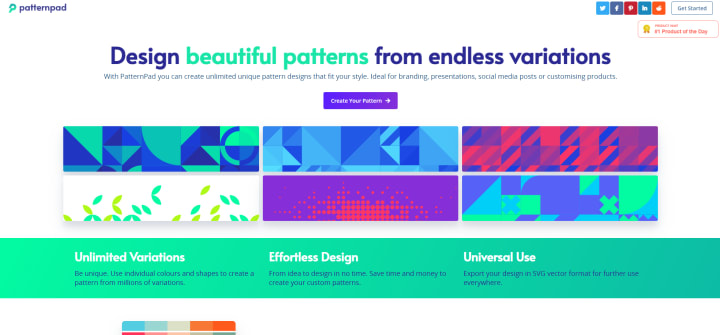
If you’re looking to create a repeating background pattern for a website, PatternPad is a great choice. This tool is specifically designed for creating SVG patterns. You can pick shapes, change colors, and adjust spacing, creating seamless patterns that you can download as SVG files.
It’s ideal for web designers who want custom backgrounds or anyone who wants something a bit more interesting than a plain white background.
5. Haikei
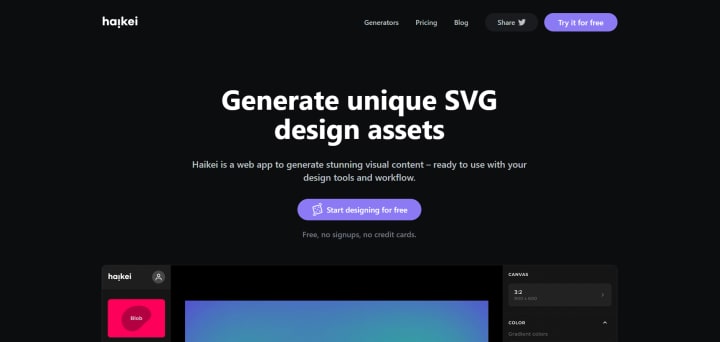
Haikei is a bit of a powerhouse because it gives you several SVG generators in one place. With Haikei, you can make things like blobs, waves, grids, and other abstract shapes.
The interface is pretty straightforward—just pick a shape type, customize it with sliders (like adjusting the wave height or blob smoothness), and download. If you want unique visuals that look modern, Haikei has you covered.
6. Blobmaker
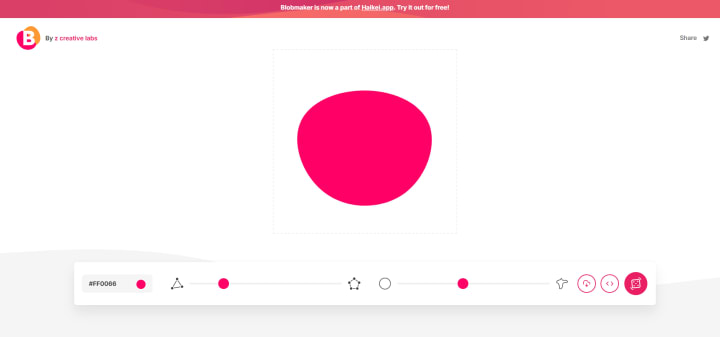
Blobmaker is super simple and fun. It’s exactly what it sounds like—a generator that creates random blob shapes. You adjust the “blobbiness” with a slider, making the shape smoother or more abstract, then download it as an SVG.
Blobs are really trendy in web design right now, so it’s a nice tool if you’re looking to create some stylish, soft-edged visuals quickly.
7. Shape.so
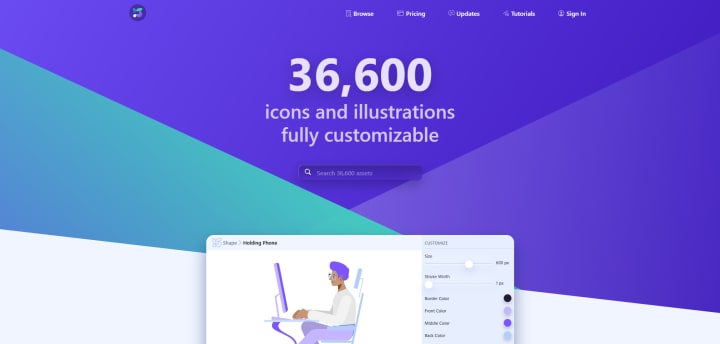
Shape.so is perfect for generating simple shapes like circles, triangles, and squares, but with a twist. You can make them appear in cool, modern styles that can be used as backgrounds or icons.
Shape.so gives you fine control over size, color, and even shadows, making it super flexible. And once you’ve got your shape just right, you can export it as an SVG to add directly into a project.
8. Squoosh
Like SVGOMG, Squoosh is technically a file optimization tool, but it’s incredibly useful for SVGs, especially if you’re planning on using them on a website. Squoosh was developed by Google, and it’s super easy to use.
Just upload your SVG file, tweak a few settings, and download an optimized version. This tool is great for reducing file size while keeping the quality high.
9. Figma
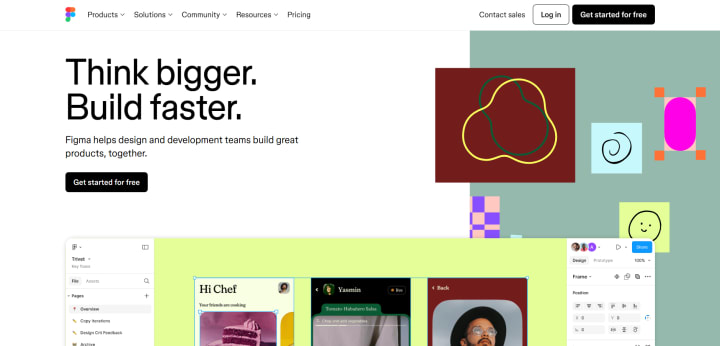
Figma is a full-fledged design tool that also lets you create and export SVGs. You can draw shapes, add colors, and even export your whole design as an SVG. It’s not as specialized as some of the other tools here, but if you’re already familiar with Figma, it’s great for creating SVGs without learning a new tool.
Plus, if you want to make more complex designs, Figma is really powerful.
Each of these SVG tools is unique in its own way, and the best one really depends on what you need. If you want text or fast, high quality Cricut designs, try svgbloom.com.
If you want quick shapes or blobs, try something like Blobmaker or Haikei. For animations, SVGator is top-notch.
And if you just need to polish or shrink an SVG you already have, give SVGOMG or Squoosh a try.
About the Creator
Roger Stanley
Small business owner, dog lover, Cricut enthusiast
Keep reading
More stories from writers in Journal and other communities.
Driving Simulator Market: What’s Next for Virtual Roads
You grip the wheel. The road ahead never existed in the real world. Yet every curve feels familiar, every reaction instinctive. No risk, no injuries, no traffic. Just you and a digital highway that teaches you how to drive better than any classroom lecture ever could.
By william jack7 days ago in Journal
🅼🅸🅳🅽🅸🅶🅷🆃 🆂🅽🅰🅲🅺🆂
"It's 10 in Tuscon! We all know what that means... It's Time for Midnight Snacks with your man, Gerald Gee! Ready to spend the night together? Me too! I'm full of snacks and can't wait to regurgitate them all back into your hungry ears. Crack a brew! Pop some corn! Anything to get ready for one hell of a show where the talk maybe cheap but the words cut deep...
By Lamar Wiggins4 days ago in Fiction
Autonomy Is The Real Privilege
Good morning, freedom-seekers! Today we’re gonna be looking at autonomy. A strange word, I know; one many would probably look at blankly and run away from on sight. We’re gonna figure out what it actually means, consider how it’s achieved, and decipher just how deeply most of us are tangled up in dependence without realising it.
By That ‘Freedom’ Guy7 days ago in Humans



Comments
There are no comments for this story
Be the first to respond and start the conversation.