
How to become a Digital Artist in 2021
People make a lot of money this way

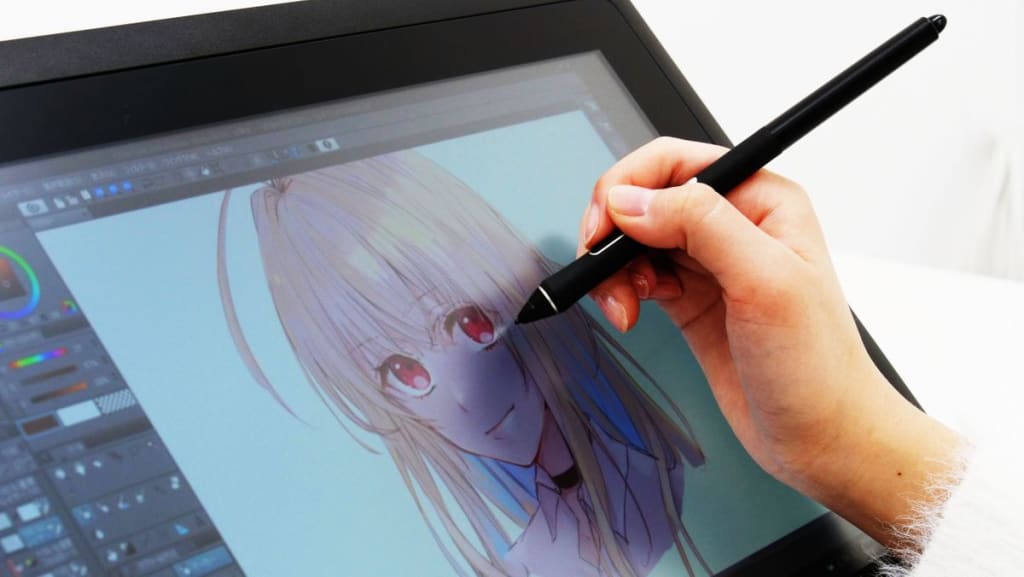
Aside from having hardware and software, being a digital artist overall you need artistic skill and general creativity. But if you already have those things, let's dive in.
Drawing Tablet
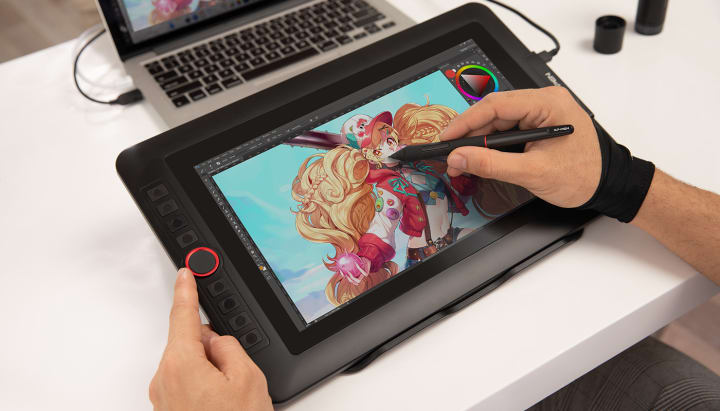
There are a number of brands for Drawing tablets, but the good 3 name brands you need to know are: Huion, XP-Pen or Wacom.
Most tablets that these have to offer are really good, some being more expensive than others. Some things you want to focus on are: Price, Express Keys (the buttons on the tablet), Drawing surface size and Pen.
Huion and XP-Pen are probably the best bang-for-your-buck, but if you have an excessive budget then Wacom might be the place to go. Huion and XP-Pen are brands generally bought by beginners and enthusiasts, because they have really good value. Wacom was meant for professionals, hence it has a professional price.
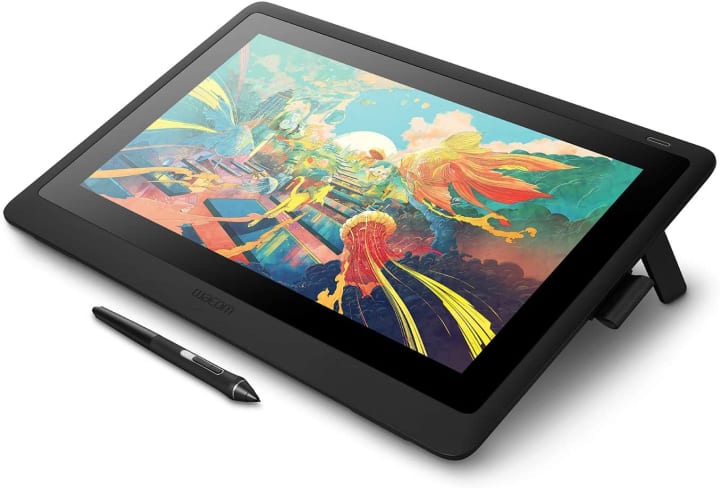
Wacom isn't recommended, but if you really want it then go for it. All 3 of these brands offer Graphics Tablets, they are drawing tablets without a display. They look like this:
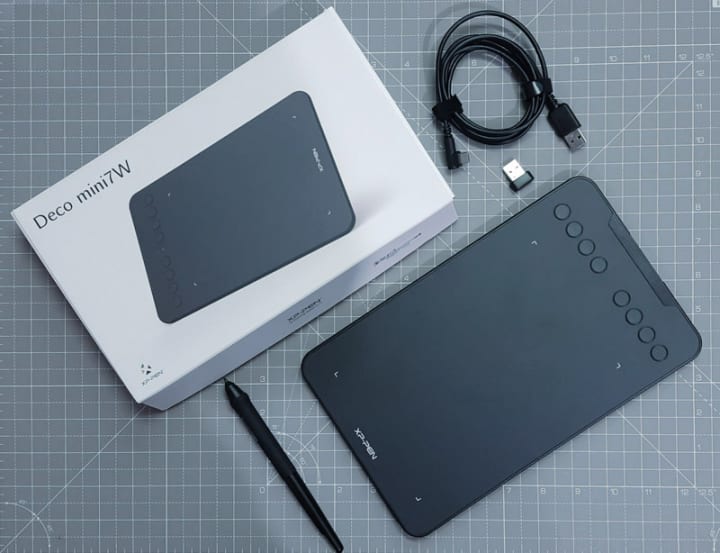
In order to use the tablet, one needs a good sense of hand-eye coordination. These types of tablets are usually cheaper, and offer everything you would need to draw digital art, such as express keys and pen pressure. Express keys are buttons at the side of drawing tablets that can be assigned to a certain function. For an example, one button can be assigned to Ctrl + Z, to undo an action while drawing.
Pen displays (drawing tablets with a display) are usually $200+ more expensive than graphics tablets, but are larger and do not require hand-eye coordination.
There are Pen computers, both offered by Huion and Wacom. They are standalone tablets that do not need a computer to work, because they are their own computer. They run on windows, and offer a GPU as well as a CPU. They start at around $1,500.
Almost all Drawing Tablets require a separate computer to work
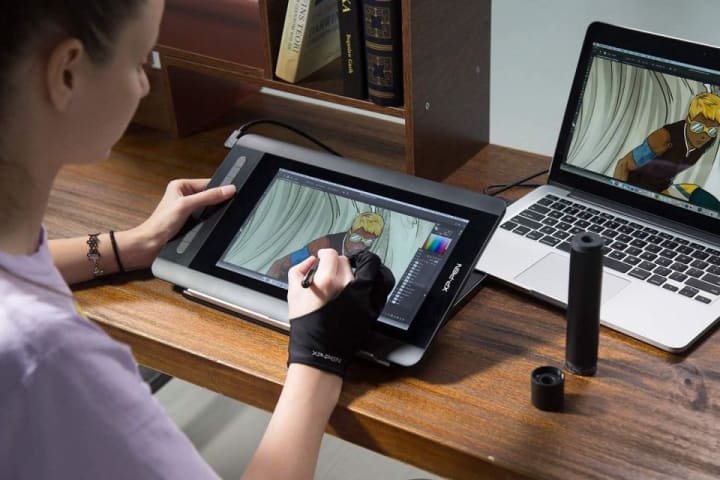
As you can see above, the pen display is connected to a MacBook, and it displays everything on the Macbook's screen. Pen displays are basically secondary monitors, but with a digital pen support and express keys. That being said, monitors need a primary computer to work, and same is true for both graphics tablets and pen displays. You can think of a graphics tablet like a mouse, but with pen support.
Depending on your software, you would generally want a computer with:
-At least 8GB of RAM
-A discrete GPU separate from your CPU
-At, least an Intel Core i5 or Ryzen 5, or something equivalent
-You can also ignore all of these if you have a Mac with the M1 ARM CPU
Ok, now you got your Tablet and your computer, now what?
Software
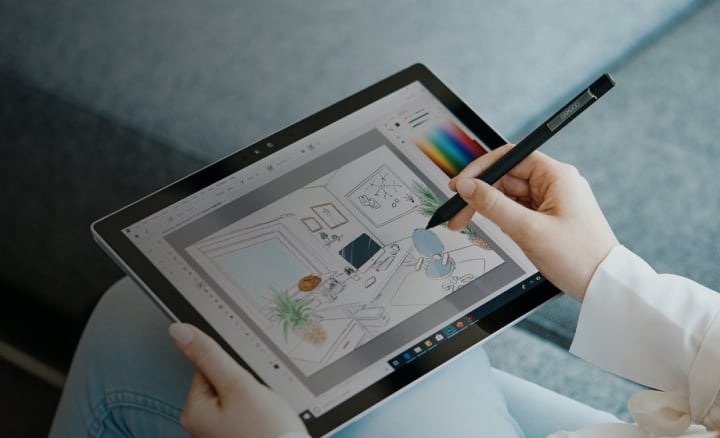
The last thing you need to start drawing is software. This can be drawing software, or it can be 3D modeling software, or even animation software. Whatever works for you.
Photoshop is the king of drawing software, but it's a little expensive, being $20 per month without creative cloud. There are free alternatives to it, like Krita or Autodesk Sketchbook. You can make photo-realistic drawings with these applications, there are a ton of drawing tutorials online. You can also sell your art as a NFT, some artists make millions this way. But unfortunately, it's unlikely since >7% of artists make millions this way. You can still make a few thousand within a year.
Other Tablets
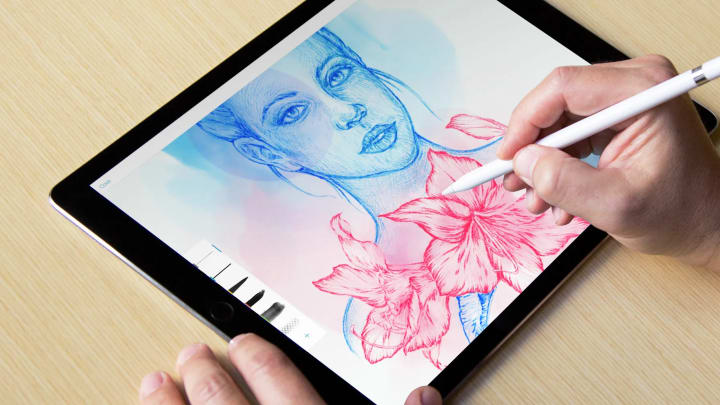
You can always use other standalone tablets, like the infamous Apple iPad or Samsung Tab lineup, if getting a new drawing tablet and computer is too expensive. Both tablets have pen support, but I would go for the Samsung. The Samsung supports more apps, and the pen tech was engineered by Wacom themself.
About the Creator
Spencer Stiles
I'm a tech writer. So most of the articles you read from me would probably be about tech, and tech news.
Keep reading
More stories from Spencer Stiles and writers in Journal and other communities.
Xiaomi just beat Apple to AirPower
Xiaomi recently released a wireless charging pad, that can charge 3 devices at up to 20 watts simultaneously. It bears a striking resemblance to Apple's AirPower concept, and acts exactly like it's counterpart. It has 19 copper charging coils, allowing a device charge being placed almost anywhere on the pad.
By Spencer Stiles5 years ago in 01




Comments
There are no comments for this story
Be the first to respond and start the conversation.