
Cracking the Code: How I Finally Got My Google Business Photos Approved
Google kept rejecting my photos! Why?
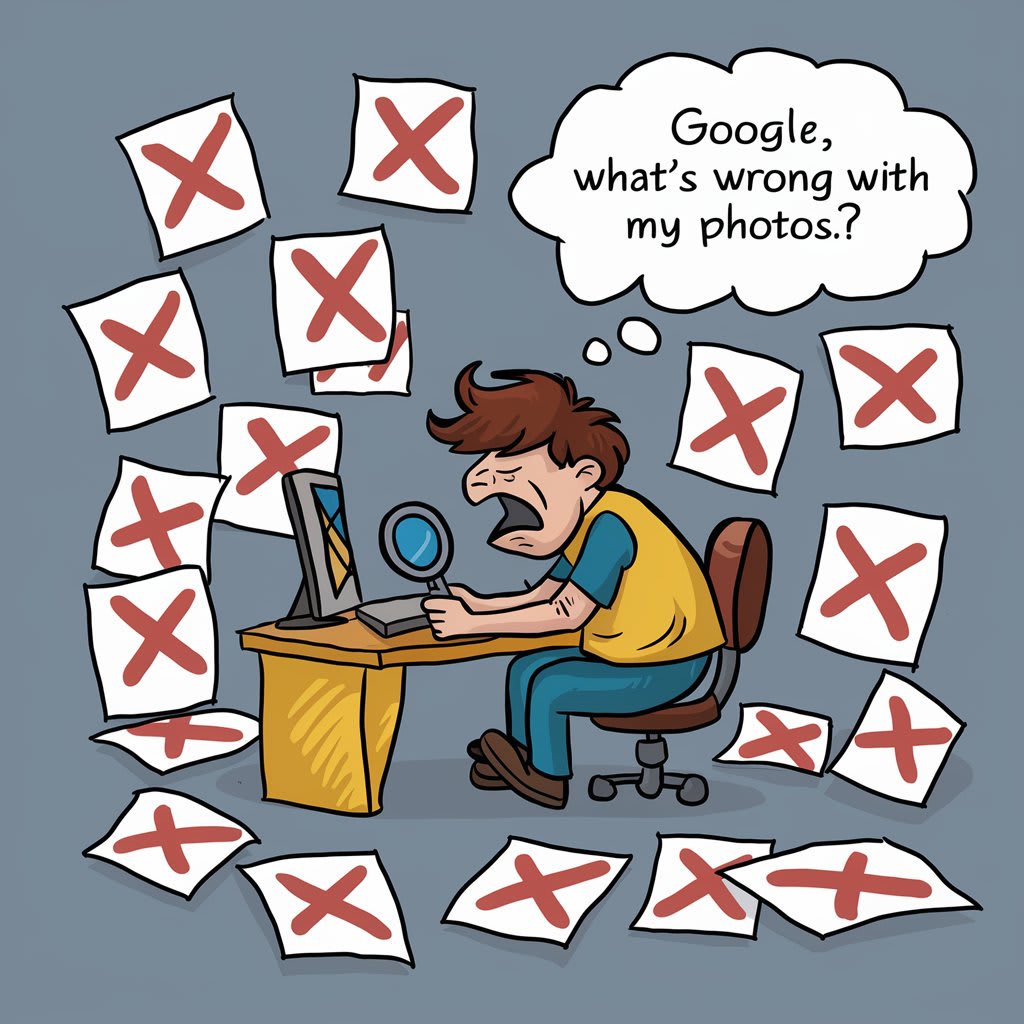
Hey, fellow business owners! John here, and boy, do I have a story for you. Remember when I first started my little coffee shop downtown? I was so excited to show it off on Google Business Profile that I went on a photo-snapping frenzy. But guess what? Google kept rejecting my photos. Talk about frustrating!
After weeks of trial and error (and maybe a tantrum or two), I finally cracked the code. So, grab a cup of joe, and let me spill the beans on how I got my photos to pass Google's picky approval process.
The Wake-Up Call
It all started when I realized my shop wasn't showing up in local searches. I mean, we had the best cold brew in town, but nobody could see it online! That's when I discovered the power of Google Business Profile photos. But man, getting those photos approved was like trying to get my gran to use a smartphone – seemingly impossible.
What Wasn't Working
First, let me tell you what I was doing wrong:
1. Snapping blurry pics on my ancient phone (sorry, old faithful)
2. Uploading photos of my prized cat, Whiskers (apparently, Google doesn't care how cute he is)
3. Using heavily filtered images (Instagram habits die hard)
The Eureka Moment
After my umpteenth rejection, I decided to put on my detective hat. I pored over Google's guidelines, stalked successful business profiles, and even cornered a techy nephew at a family barbecue. And then it hit me – Google wanted authentic, high-quality images that truly represented my business.
The Winning Formula
Here's what finally worked for me:
1. Invest in Good Equipment: I borrowed my sister's new smartphone. The difference was night and day!
2. Focus on Relevance: I took photos of our actual space, menu, and happy customers (with their permission, of course).
3. Lighting is Everything: I waited for a sunny day and let natural light work its magic.
4. Keep it Real: No filters, no fancy edits. Just clean, clear shots of my cafe.
5. Mix it Up: I uploaded a variety of photos – exterior shots, interior views, close-ups of our famous muffins.
6. Patience is a Virtue: I didn't upload all photos at once. I spaced them out over a few days.
The Sweet Taste of Success
Lo and behold, my photos started getting approved! And the impact? Let's just say I had to hire two new baristas to keep up with the influx of customers who found us through Google searches.
Bonus Tips from the Trenches
1. Name Your Files Smart: Instead of "IMG_12345.jpg", I used names like "Downtown-Cafe-Interior.jpg".
2. Use Alt Text: I added descriptions to each photo. It's like whispering sweet nothings to Google's algorithm.
3. Keep it Fresh: I update photos seasonally now. Our pumpkin spice latte pics in fall are a hit!
Wrapping Up
Look, I know the struggle is real. But trust me, nailing your Google Business photos is worth every ounce of effort. It's not just about getting approved; it's about showcasing what makes your business special.
Have you had any photo approval nightmares? Or maybe you've got a trick up your sleeve that I missed? Drop your stories in the comments – let's learn from each other and conquer this Google game together!
P.S. If you're in town, swing by for a coffee. I promise the lattes are even prettier in person than they are on Google!
About the Creator
Keep reading
More stories from Tanya Varshney and writers in Journal and other communities.
Top 10 Paid & Free Business Listing Sites in the USA
Introduction Hey there, savvy business owners and digital marketers! 👋 In today's digital landscape, getting your business noticed online is crucial. Whether you're a mom-and-pop shop or a growing enterprise, having your business listed on the right platforms can make a world of difference. But with so many options out there, where should you focus your efforts?
By Tanya Varshney2 years ago in Journal
Regulatory Throughput as a Determinant of Aircraft Operational Availability
Aircraft operational availability is commonly attributed to fleet size, technological reliability, and market demand. This perspective underestimates the structural influence of regulatory compliance on aviation systems. This paper examines how regulatory throughput defined as the speed and capacity at which compliance processes are executed functions as a primary determinant of aircraft availability. By analyzing maintenance workflows, parts certification, and operational approvals, the study argues that aviation availability is governed more by regulatory process alignment than by technical capability or demand intensity.
By Beckett Dowhan5 days ago in Journal
10 Times Rotten Tomatoes and I Disagreed
***Disclaimer*** I will be ranking these movies in the following manner: The greater the divide between Rotten Tomatoes and I, the higher up on the list (and I am referring to the critic's score, not the audience score). I will also show Rotten Tomatoes' score on each one in addition to my score. I am curious to know what everyone thinks, please let me know in the comments below!
By Madison "Maddy" Newton3 days ago in Geeks



Comments
There are no comments for this story
Be the first to respond and start the conversation.