
How to Spoof Location on iPhone – The Ultimate Guide
In this guide, we’ll walk you through 3 methods to fake GPS location on iPhone.
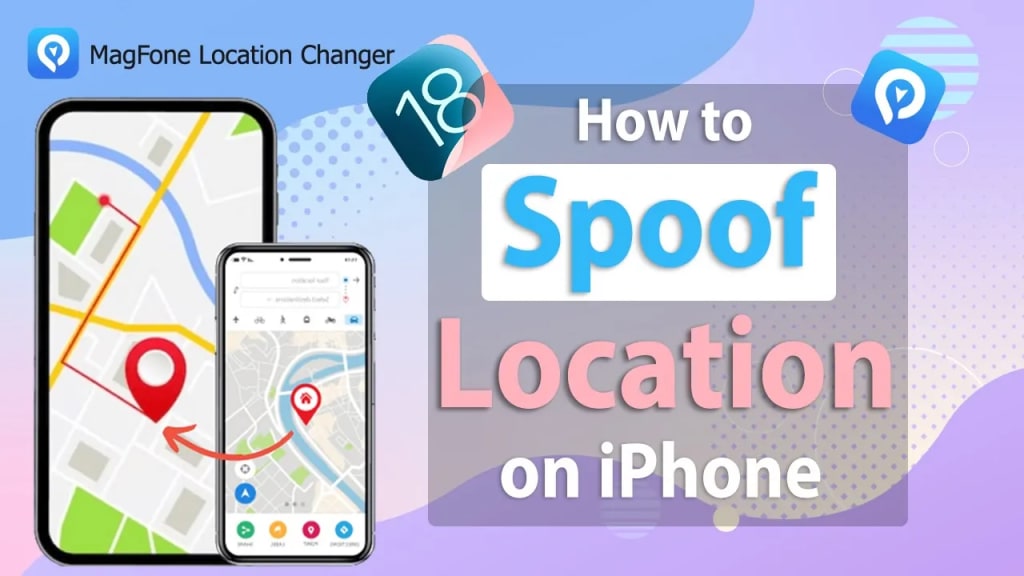
In today's digital world, location-based services play a crucial role in various apps, from social media to navigation and gaming. However, there are times when you may need to spoof location on iPhone for privacy reasons, accessing geo-restricted content, or testing apps. In this guide, we’ll walk you through different methods to fake GPS location on iPhone and introduce an tool, MagFone Location Changer, to help you change your location.
Why Spoof Location on iPhone?
Here are some common reasons why users want to fake GPS location on iPhone:
- Privacy Protection – Hide your real location from tracking apps.
- Access Geo-Restricted Content – Watch region-specific videos or unlock location-based apps.
- Enhance Gaming Experience – Change location in AR games like Pokémon GO.
- Social Media & Dating Apps – Change your location on apps like Tinder, Bumble, or Snapchat.
- Testing & Development – Developers can simulate different locations for app testing.
Regardless of the reason, finding the right way to spoof location on iPhone can save you time and effort.
How to Spoof Location on iPhone?
There are multiple ways to fake GPS location on iPhone, but not all methods are reliable or easy to use. Below are the most effective options. If you are wondering how to change iPhone location without VPN, this method suits you very well.
Method 1: Use a VPN (Limited Effectiveness)
Some users try using a VPN (Virtual Private Network) to change location on an iPhone. A VPN can mask your IP address, but it does not change GPS location.
- Download and install a VPN like NordVPN or ExpressVPN.
- Connect to a server in the desired country.
- Open location-based apps to see if the new virtual location is applied.
🚨 Note: A VPN only spoofs your online location but does not change your GPS location, meaning it won’t work for location-based apps like Pokémon GO, Tinder, or Snapchat.
Method 2: Jailbreak Your iPhone (Not Recommended)
Jailbreaking your iPhone allows you to install third-party apps that can spoof your GPS location. However, this method has serious risks:
- Voids Apple warranty
- Exposes your device to security risks
- May cause app instability
If you’re looking for a safe and reliable way to spoof location on iPhone, MagFone Location Changer is the best option without requiring jailbreak.
Method 3: Use MagFone Location Changer
The other convenient way to spoof GPS location on iPhone is by using MagFone Location Changer. This powerallows you to change GPS location anywhere in the world without jailbreaking your device.
Steps to Spoof Location on iPhone with MagFone Location Changer
- Download and install MagFone Location Changer on your Windows or Mac.
- Connect your iPhone to the computer using a USB cable.
- Open MagFone and select Modify Location Mode.
- Enter the desired location in the search bar or adjust the location on the map. Click Confirm to apply the new GPS location.
Once done, your iPhone will recognize the new location, and apps like Google Maps, Tinder, WhatsApp, and Pokémon GO will detect your fake location.
There are reasons why choose MagFone Location Changer as follows:
- Works on all iOS devices and Android devices without jailbreak.
- Allows real-time movement simulation.
- Supports location-based apps like Tinder, Facebook, Snapchat, and games like Pokémon GO.
- Simple interface, supports various language.
- Works on both Windows and Mac system.
Final Thoughts
Spoofing location on iPhone can be useful for privacy, gaming, social apps, and bypassing geo-restrictions. While some users try VPNs or jailbreak, method of using MagFone Location Changer is also a way to change the location on your iPhone.
About the Creator
Keep reading
More stories from writers in Geeks and other communities.
Marvel Zombie
The last entry into our 2025 superhero projects catalogue is Marvel Zombies. This was a show that was anticipated by absolutely no one and it disappeared from the public consciousness as quickly as it was released. There was nothing special about the project that made it a must see, or a must remember. In fact if anything it's a must forget.
By Alexandrea Callaghan29 days ago in Geeks
The Path to Salvation
The late autumn evening air filled the monk's lungs, but it wasn't the season that chilled his bones. The heavy-handed presence of evil he had sensed upon entering the woods surrounding this mountain village had not bothered to conceal itself from him.
By Made in DNA3 days ago in Fiction


Comments
There are no comments for this story
Be the first to respond and start the conversation.