
FC 26: EA FC 26's New User Interface, A Deep Dive into the Redesigned Ultimate Team Menu
Redesigned Menu System Brings Faster and Smarter Navigation

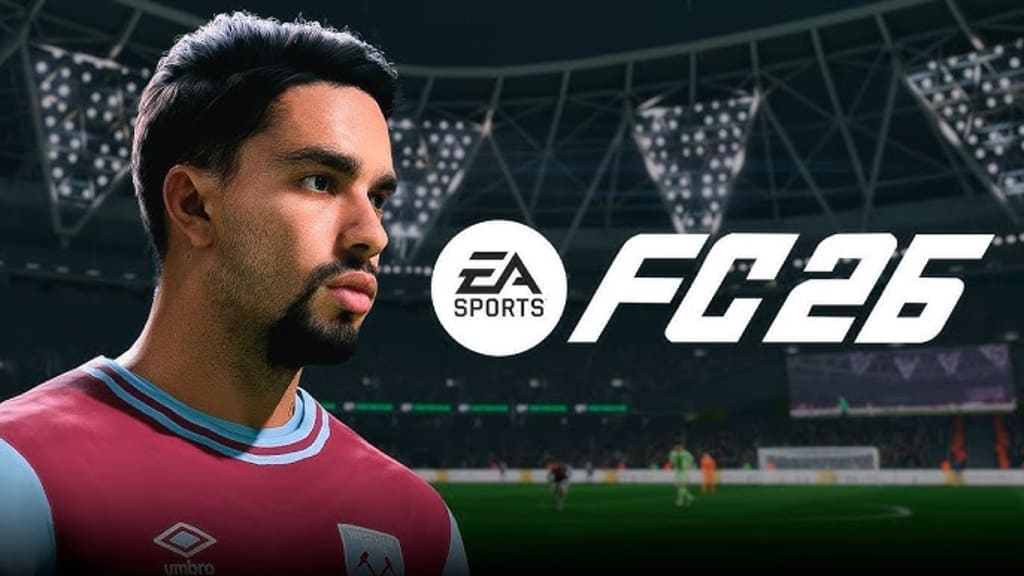
One of the most common criticisms from players in FC 25 was aimed at the menu system. Many felt it was clunky, slow to load, and frustratingly cumbersome to navigate. Switching between different pages often took longer than expected, which significantly disrupted the overall gameplay experience. To directly address this issue, EA has overhauled the entire user interface (UI) in FC 26, focusing particularly on Ultimate Team mode. The new design aims to provide a more intuitive, efficient, and player-friendly menu system, streamlining navigation across every major feature.
What's new in the FC 26 redesigned game menu?
The updated menu in FC 26 combines the familiar look of FC 25 with a new, grid-style layout for smoother organization. Using bumpers and triggers, players can now switch between tabs such as Game Objectives, Online Mode, or Play with Friends almost instantly. Whether you’re engaging in Ultimate Team or spending time in menu-heavy modes like Career, the consistent design ensures a cleaner and more logical experience across the board.
In Ultimate Team, the new "Recommended for You" tab keeps you up-to-date on currently available and upcoming modes and challenges. This change significantly improves the efficiency of accessing the most frequently accessed content, while other tabs like "Online," "Play vs. CPU," and "Play with Friends" are now more clearly categorized.
For You: Personalized Recommendations Tab
"For You" serves as the personalized hub for the entire menu, showcasing content based on your gaming behavior. It's organized into three core sections:
New: Showcases newly released or trending matches and modes, allowing you to try new content first.
Resume Playing: Quickly jump back to the game you left off, eliminating repetitive tasks.
Upcoming: Preview upcoming events and challenges, including entry requirements and team restrictions, to help you optimize your lineup ahead of time.
Online Mode Tab
All modes requiring an internet connection have been consolidated into the "Online" tab, including:
Rush Mode
Rivals
Championships
Challengers
Online Draft
Play vs. CPU
Single-player modes have also been better organized, including:
Team Battles
Moment Mode
Solo Draft
Play with Friends
Want to play with friends? The following options are available:
Couch Play (Local Classic Matches)
Online Matches with Friends (Classic Matches)
Additional Expanded Tabs
In addition to the core gameplay, the menu also provides access to:
FC Pro esports content
PlayStation Championships
Dynamic Live Events: Up to six live event tabs, dynamically updated throughout the season
Each mode option now features a separate grid menu below the tab, allowing for quick access to detailed information.
UI Enhancements: Clear Objectives and Events at a Glance
In addition to the visual improvements to the interface, a key user experience enhancement is the direct display of relevant objectives within the current mode. For example, in Squad Battles, all daily and weekly objectives associated with that mode are now displayed in the sidebar. Players can even quickly switch between challenges using the right analog stick, eliminating the need to repeatedly return to the menu.
For live events, you can now directly view participation requirements, such as player rating and nationality restrictions, making it easy to quickly adjust your roster for the event.
While it's still unclear whether FC 26's new UI will significantly improve performance and smoothness, its visual design and feature layout undoubtedly better suit the habits of modern players.
If you're looking to build a strong roster and unlock more modes faster in the new season, you might want to stock up on EA FC 26 Coins in advance to lay a solid foundation for your Ultimate Team, speed up your entry, and stay one step ahead of the competition.
About the Creator
Harvey
Video Gamer (2025 -
All the Games News - FC 26, Fortnite, GTA News
Winning the Deal: Sports Tactics That Strengthen Lending Strategy
Every great sports team begins with preparation. Baseball managers study pitchers, hitters, and field positions before the game starts. Football coaches review game film and plan plays based on the opponent’s defense. In the same way, lenders should prepare carefully before any negotiation begins. Preparation builds clarity and confidence. It also helps lenders see risks early and avoid costly mistakes. For this reason, many successful professionals rely on a clear lending negotiation strategy before entering a financial discussion.
By James Cretella2 days ago in Gamers
Rsvsr CoD BO7: Nightmare Skills Challenge
If you’re a veteran of Call of Duty: Black Ops 7, you know that Endgame combat is all about timing, strategy, and pure reflexes. You’ve memorized maps, perfected your loadouts, and learned how to coordinate with your squad down to the second. But the latest update has flipped the script entirely. Now, even the familiar CoD BO7 Bot Lobby is hiding a challenge that will test your skills like never before: the Glitch Fracture and Nightmare Skills system.
By Billo Nali2 days ago in Gamers



Comments
There are no comments for this story
Be the first to respond and start the conversation.