
How to Track My Daughter's iPhone Location: 4 Proven Ways
Ensure Her Safety with These Effective Methods


In the growing digital age, parents have little say when their teens ask for a personal phone. After all, the Gen Z kids are digital natives surrounded by technology and gadgets more than anything else.
Of all phones, teens are drawn to iPhones due to their massive popularity, fantastic camera results, and diverse features. The latest survey by Piper Sandler stated that 87% of U.S. teens own an iPhone, while 88% said their next phone would also be an iPhone.
Fortunately, iPhones' built-in features and parental controls have made it easy to keep a close eye on your daughter's everyday movements and phone activity to ensure their safety and well-being.
How Can I Track My Daughter’s iPhone - Check Out These 4 Practical Ways
Like every parent, giving your daughter an iPhone is easy. However, there's always a bit of concern when she spends the night at a friend's house, goes away for summer camp, or even runs a quick errand. You just want to be sure she's safe in any situation.
If you're trying to figure out how do I see my daughter's location on iPhone, here are some effective methods you can use.
1. Family Sharing
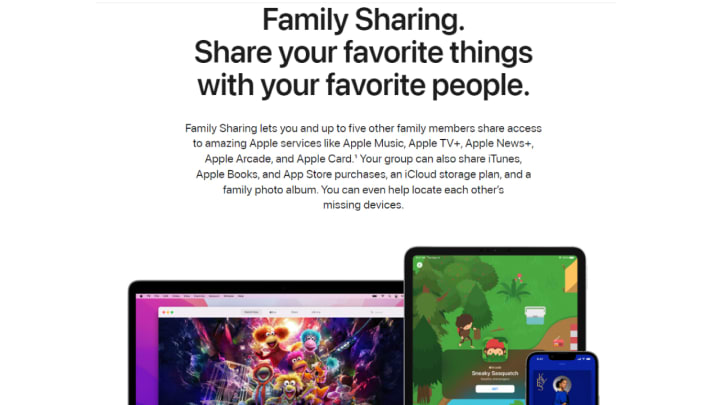
Apple’s Family Sharing is a sophisticated feature that allows family members to share purchases, subscriptions, and locations across their devices. Up to six family members can share App Store services without sharing each other’s IDs.
The purpose is for a family to enjoy services like Music, TV+, and iCloud storage without multiple purchases. The parental controls let parents ensure the kids watch age-appropriate content.
Most importantly, this feature includes location sharing through the Find My App. This makes it easy to track family members' locations in real-time for safety and convenience while maintaining privacy and control.
Let us explore the steps to find your daughter’s iPhone location using this method.
Enable Find My App Options
Access your daughter’s iPhone and open Settings. After clicking on the Apple ID, tap on the Find My app. Next, turn on the following options.
- Find My iPhone
- Send Last Location
- Find My Network
- Share My Location
Make a Family Share Group
Click on your Apple ID and then choose Family Sharing. You must add your daughter to the group. Once it's done, find the Location Sharing option and click on the Shared with Your Family list. Toggle it, which will allow each group member to track location without hassle.
Activate Location Sharing
Open Settings again on your daughter’s iPhone. Click on Apple ID and tap Family. Choose Location Sharing and enable ‘Automatically Share Location.’
Track Daughter’s iPhone on Find My App
Access your phone and open Find My App. Find your daughter’s name and tap on it. You can track the location on the map and get other phone details, such as the current address and battery timing.
2. Google Timeline
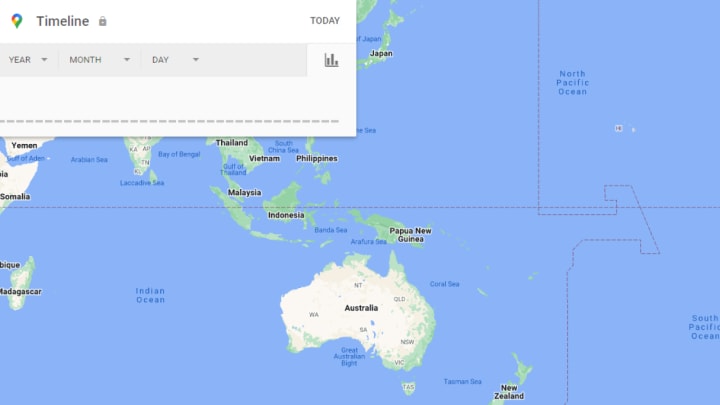
Google Maps are predominant for mobile users to track location accurately. It is primarily linked with Android devices but works on iPhones like Apple Maps. The Google Maps has a ‘Timeline’ tool that displays
- History of locations
- The date and timestamps
- The duration of the stay
Here is how to use it:
Install Google Maps
Ensure you and your daughter have the Google Maps app installed on the iPhones.
Enable Location Sharing
Open Google Maps on your daughter’s iPhone. Tap the profile icon in the top-right corner, then select Location Sharing. Toggle Share location, and select your Google account.
Track the Location
On your device, open Google Maps and go to Location Sharing. You can track your daughter’s real-time location on the map.
3. Monitoring App
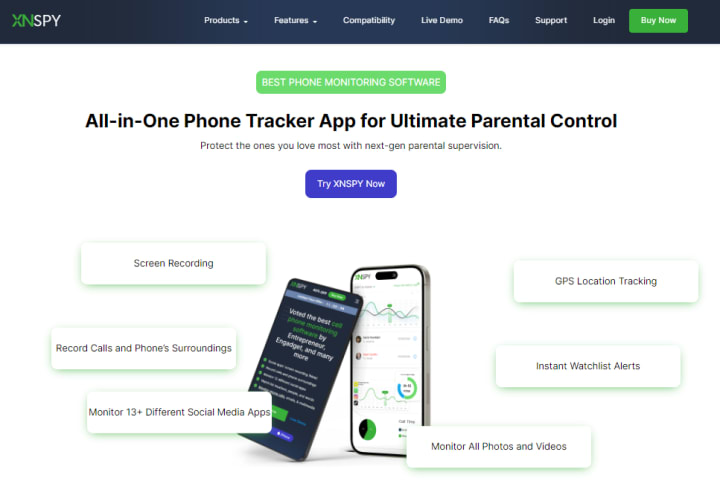
A monitoring app like XNSPY is one of the best ways if you are thinking how to track my daughter’s iPhone location without her knowing. With XNSPY, you get real-time location updates, a history of her whereabouts, and handy geofencing tools that alert you when she enters or exits designated areas.
This way, you can ensure she's safe while giving her some independence. Plus, XNSPY offers easy installation and an intuitive interface, making it simple to use. Just remember to use it ethically and responsibly – focus on keeping your daughter safe while maintaining trust in your relationship.
Here’s how to use it:
Sign Up for XNSPY
Start by visiting the XNSPY website and choose a subscription plan that fits your needs. Once you sign up, you’ll receive an email with all the details you need.
Install the App
Follow the instructions in the email to install XNSPY on your daughter's iPhone. You’ll need to access her device just once, so plan a good time to do it!
Set Up Location Tracking
After installation, log in to your XNSPY dashboard. From there, enable location tracking features to access real-time updates and location history. You can view the live location of your daughter’s phone. The pointer on the map shows the exact location with the relevant date and time. The app updates the location status after every 30 minutes.
Customize Geofencing Alerts
Create geofences by setting safe zones for your daughter. You’ll receive notifications if she enters or exits these areas, helping you stay informed.
Unlike native apps like Find My, XNSPY operates discreetly, offering more detailed tracking capabilities and reports without notifying your daughter.
4. Find the Device Using iCloud
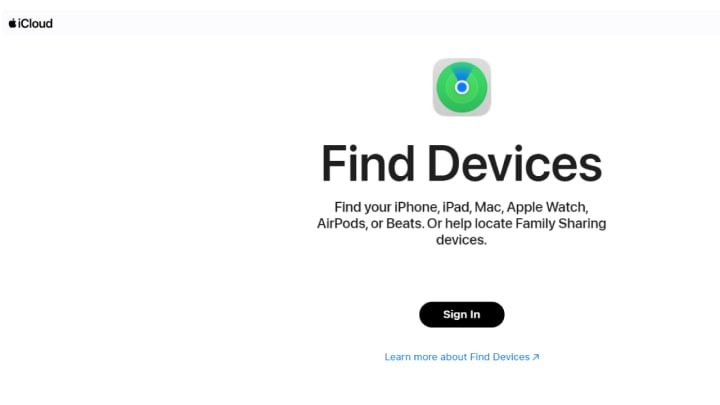
Like most apps, a web version of Find My is also available. This feature allows you to track your daughter's iPhone location for free. It is present in the iCloud storage. If you have added your daughter to Family Sharing then this method becomes more easy.
Here is what you need to do:
- Open iCloud.com on a web browser
- Log in with your Apple ID credentials
- Click on the "Find Devices" icon, and select your daughter's iPhone
- The iPhone’s location will appear on the map in real time.
This method provides a quick, secure way to track an iPhone’s location without needing any additional apps. However, if the cell phone is turned off or not connected to a network, then you will only see the last location.
How to Track My Daughter's iPhone Location For Free
Like most parents, you may be wondering can I track my daughter’s iPhone without paying for it? There are several reliable options: free third-party apps, in-built iPhone features, or a premium parental control app.
You may be tempted to use a free app or website service. However, there are several risks associated with this way. The free apps are unreliable and can sell your private data to third parties or install malware on the device, making data vulnerable to hacking.
The easiest way to track an iPhone location for free is to use Apple’s in-built Find My feature. You can enable it through Family Sharing or use iCloud to find the location details. The Find My app provides real-time location updates without any additional cost.
Final Takeaway
Today, a large population of teens owns an iPhone. However, with potential worries and online risks, it becomes imperative for a parent to safeguard their daughters. Learning how to track my daughter's location on iPhone can give you confidence when she's out with friends. Thankfully, with Apple’s formidable features and XNSPY’s monitoring tools, you can keep track of your daughter’s location and movements remotely.
About the Creator
Consuel Green
Consuel Green is a versatile writer specializing in fashion, technology, apps, cybersecurity, and health. Her insights blend style and substance, delivering engaging content across diverse topics.
Keep reading
More stories from Consuel Green and writers in Families and other communities.
Digital or In-Person? Why You Need Both to Monitor Your Child Effectively?
A parent's first instinct is to protect their children from all kinds of physical and emotional harm. When my kids were younger, I never imagined needing to impose so many restrictions to ensure their online safety. I didn’t think twice about letting them watch nursery rhymes or episodes of whatever kids' show was popular on YouTube, unaware of the effects of prolonged screen time.
By Consuel Greenabout a year ago in Families
Wise~Guys
— Look Behind what's in Front of You ~ Make Good Choices — Hey, So how you Doin'..! Made~Men — Mobster Movies romanticise a distinctive, elegant appearance, impeccable attire style, along with the 'Families' expressive lingo. Making their 'Bones' gave them Panache — with vintage fedoras, tailored pin-striped suits, mirror-polished wing-tip shoes adorned with tassels; with their 'Gun Moll' gorgeous dates on their arms.
By Jay Kantor24 days ago in Families
Lies Have No Feet
One afternoon, Wahab Sahib went to the school grounds to pick up his son, Abuzar. He saw Abuzar chatting happily with his classmate and friend, Tauseef. Tauseef, speaking casually, asked, “Hey Abuzar! Why didn’t you come to school yesterday? We missed you.”
By Sudais Zakwana day ago in Families




Comments
There are no comments for this story
Be the first to respond and start the conversation.