
How to See Someone’s Location on Snapchat - Parental Guide
Learn how to see someone’s location on Snapchat safely and responsibly. A complete step-by-step guide for parents who want to protect their teens without invading privacy.
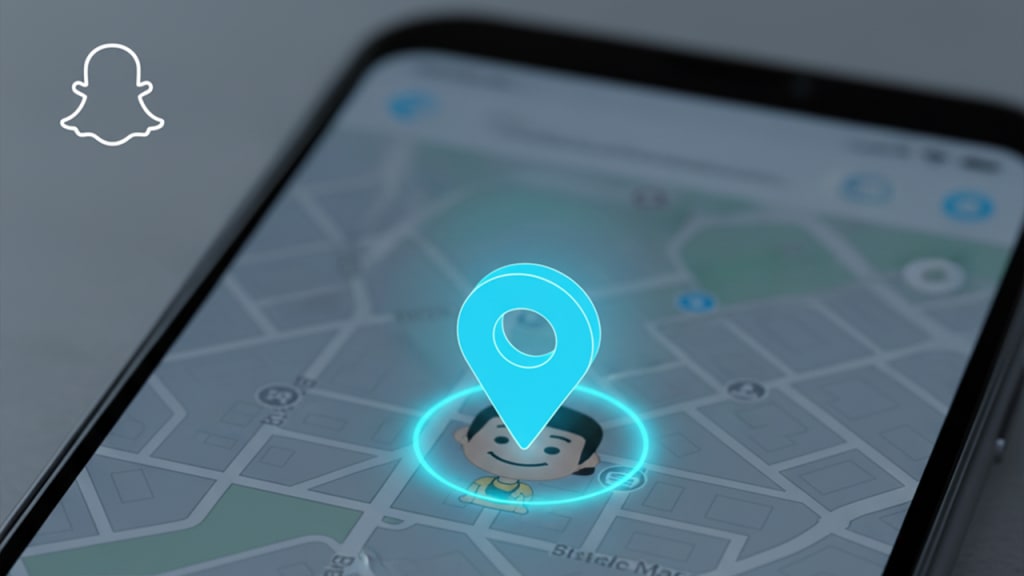
Introduction: Why Parents Might Want to Know Their Child’s Location
In today’s digital world, keeping track of children’s online and offline activities has become a growing concern for parents. Apps like Snapchat allow teens to share their real-time location with friends through the Snap Map feature. While this can help friends connect, it can also raise serious privacy and safety issues — especially if location sharing isn’t handled wisely.
As a parent, wanting to know your child’s location isn’t about control — it’s about ensuring their safety and understanding where they are when communication is limited. This guide will help you learn how to see someone’s location on Snapchat and introduce safe, responsible ways to monitor your child’s activity.
Understanding Snapchat’s Location Features
Snapchat offers a built-in location tool known as Snap Map. It shows users’ real-time locations on a map — but only if they’ve chosen to share them.
Here’s what parents should know:
- Snap Map: Displays Bitmojis of friends who have location sharing turned on.
- Live Location Sharing: Allows users to share their current location with specific friends for a set amount of time.
- Ghost Mode: When enabled, the user’s location becomes invisible to everyone.
- Privacy Control: Users can decide who sees their location — all friends, selected friends, or no one.
Understanding these settings helps parents know when and how their child’s location is visible on Snapchat.
How to See Someone’s Location on Snapchat (Official Way)
Snapchat makes it relatively easy to view someone’s shared location — as long as they’ve allowed it.
Follow these steps:
- Open Snapchat on your phone.
- Tap the Map icon in the bottom-left corner of the screen.
- You’ll see a world map showing your friends’ Bitmojis.
- Tap your child’s Bitmoji to view their location details.
- If you can’t see their Bitmoji, it means they’re either offline, have turned off location sharing, or enabled Ghost Mode.
Tip: Encourage your child to share their location with family members or close friends they trust. This promotes safety while respecting privacy.
When Snapchat’s Built-in Options Aren’t Enough
While Snap Map is helpful, it has limitations.
For instance:
- If your child enables Ghost Mode, you can’t see their location.
- The app only updates locations when users are active on Snapchat.
- It doesn’t provide a detailed movement history or alerts.
That’s why some parents look for alternative solutions to ensure their child’s safety — especially in emergencies or when communication breaks down.
Using a Snapchat Tracking App for Parental Supervision
If you need more detailed insight into your child’s digital activities, you can use a Snapchat tracking app. These apps can help parents:
- Monitor real-time location even when Snapchat’s features are disabled.
- View recent movement history.
- Get alerts if the child enters or leaves specific areas.
- Check Snapchat usage patterns (e.g., active hours, messages).
Important: Always use such tools ethically and responsibly.
Explain to your child why you’re using a monitoring tool — for their safety, not to invade their privacy. Many countries require parental consent when monitoring a minor’s phone, so always stay within legal boundaries.
Safety Tips for Parents on Snapchat Monitoring
Even with tools and apps, open communication remains the key to safe digital parenting. Here are a few smart tips:
- Talk about online safety: Discuss why sharing locations publicly can be dangerous.
- Promote digital responsibility: Encourage your child to use Ghost Mode wisely and limit who can view their location.
- Create family rules: Decide together when and with whom location sharing is acceptable.
- Be transparent: Let your child know if you’re using any form of supervision. This builds trust, not fear.
Final Thoughts: Responsible Parenting in the Digital Age
Technology offers both freedom and risk, especially for young users. As parents, our goal is to protect, not control. By understanding Snapchat’s location features and using supportive tools responsibly, you can keep your child safe without invading their independence.
The most powerful safety tool isn’t an app — it’s the relationship you build with your child through trust, guidance, and open conversation.
About the Creator
Keep reading
More stories from Ahmad Hassan and writers in Families and other communities.
How Gentle Parenting Actually Affects Kids
Parenting styles have evolved over the years, shifting from strict discipline to more understanding and emotionally aware approaches. One of the most discussed methods today is gentle parenting — a style that focuses on empathy, respect, and open communication rather than punishment or control. But how does this parenting approach actually affect children? Let’s take a closer look at the emotional, behavioral, and developmental impact gentle parenting has on kids.
By Ahmad Hassan3 months ago in Families
Wise~Guys
— Look Behind what's in Front of You ~ Make Good Choices — Hey, So how you Doin'..! Made~Men — Mobster Movies romanticise a distinctive, elegant appearance, impeccable attire style, along with the 'Families' expressive lingo. Making their 'Bones' gave them Panache — with vintage fedoras, tailored pin-striped suits, mirror-polished wing-tip shoes adorned with tassels; with their 'Gun Moll' gorgeous dates on their arms.
By Jay Kantor17 days ago in Families




Comments
There are no comments for this story
Be the first to respond and start the conversation.