
Essential Classroom Tools for Teaching Coding to Kids (Ages 8–14)
Empower kids aged 8–14 to code creatively using BBC Micro:bit and essential classroom tools for fun, hands-on learning.
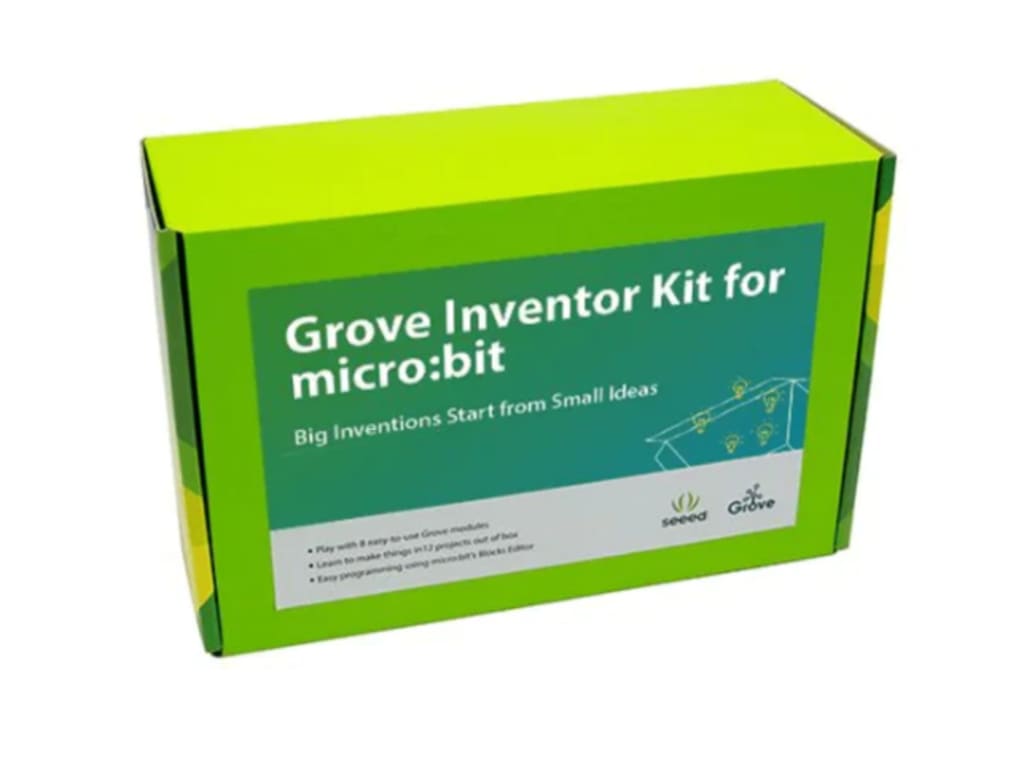
In a world driven by technology, teaching kids to code is no longer optional—it’s foundational. For educators and parents looking to nurture future engineers, inventors, and creators, choosing the right tools is critical.
One of the most versatile and kid-friendly coding tools is the BBC Micro:bit. With its engaging interface and wide range of Microbit accessories, it becomes more than just a coding board—it becomes a complete learning ecosystem.
In this blog, we’ll explore a toolkit of essential classroom resources to make coding fun, effective, and meaningful for students aged 8 to 14.
1. BBC Micro:bit (V2 Preferred)
The heart of the classroom. With built-in LEDs, accelerometer, compass, and Bluetooth, it introduces logic and interaction in a compact format. It’s ideal for block-based coding with MakeCode or scripting with Python.
2. Breakout Boards
Breakout boards make it easier to connect additional components like sensors, LEDs, or motors. They simplify wiring and keep classroom setups tidy—perfect for younger learners.
3. Alligator Clips and Crocodile Leads
These clips allow students to build circuits quickly and safely without soldering. A must-have for introductory electronics experiments using Micro:bit.
4. LED Strips and Neopixels
Lighting projects bring joy to any classroom. From mood lamps to visual timers, programmable LED strips connected to the Micro:bit help students visualize code execution.
5. Servo Motors and Micro Motors
Students can build moving parts—like mini robots, windmills, or flags—using motors. Pair these with simple button input code or sound sensors to build interactive systems.
6. Temperature and Moisture Sensors
Environmental sensors help turn data into stories. For example, students can measure the temperature of their classroom every hour, create bar graphs, and discuss trends.
7. Speaker or Buzzer Modules
Add sound to your lessons. Students can code simple melodies or use buzzers for alert systems. Sound is an excellent way to introduce variables, loops, and time intervals.
8. Battery Packs
For portability and real-world application, battery packs allow Micro:bits to be used without a USB cable. This makes it easier to build wearables or off-desk devices like plant monitors.
9. Micro:bit Case or Mounting Board
Durability is essential when dozens of hands are learning. A good case protects the board and makes it easier for students to manage their workstations.
10. Coding Curriculum Tools
Platforms like Microsoft MakeCode, Tinkercad Circuits, or Python with Mu Editor provide student-friendly interfaces. Teachers can use project templates, tutorials, and simulations to support blended learning.
Bonus: Classroom Storage and Labelling
Organize accessories in labeled kits or pouches. This helps students become independent problem solvers—they know what each tool does and how to use it, reducing reliance on the instructor.
Why Use This Toolkit?
When students have access to diverse tools—especially intuitive Microbit accessories—they begin to understand that coding isn't just about screens. It's about creating, sensing, building, and experimenting. The classroom becomes a playground of curiosity where a few blocks of code can light up LEDs, measure temperature, or control a robot.
For teachers, this toolkit offers scalability. You can teach basic blinking LEDs one day and move to wireless communication the next—without needing entirely new hardware. Additionally, students with different learning styles benefit from multimodal interaction—visual, auditory, and tactile. It’s an inclusive approach that levels the playing field.
Implementation Tips for Educators
- Begin with unplugged activities to introduce logic concepts.
- Let students document their builds using journals or digital portfolios.
- Encourage project showcases. This builds presentation and communication skills.
- Use problem-based learning. Pose real-world problems and challenge students to solve them using Micro:bit tools.
Final Thoughts
Teaching coding to kids doesn’t need to be complicated—it needs to be hands-on and exciting. With the BBC Micro:bit and the right accessories, you're not just teaching code, you're enabling creativity, experimentation, and confidence. Whether you're a STEM coordinator or a parent with a curious child, this toolkit empowers the next generation of creators to build, explore, and innovate.
About the Creator
Developing Strong Leadership Foundations for Sustainable Leadership Success
Strong leadership foundations help individuals guide teams, solve problems, and achieve shared goals. Leadership is not only about authority or position. It is about influence, responsibility, and the ability to support others. When people focus on building strong leadership foundations, they develop the skills needed to lead with confidence and purpose.
By Alfonso Kennard2 days ago in Education



Comments
There are no comments for this story
Be the first to respond and start the conversation.