
The Ransomware Threat And How To Prevent It
Ransomware is a dangerous cyber attack that needs to be prevented

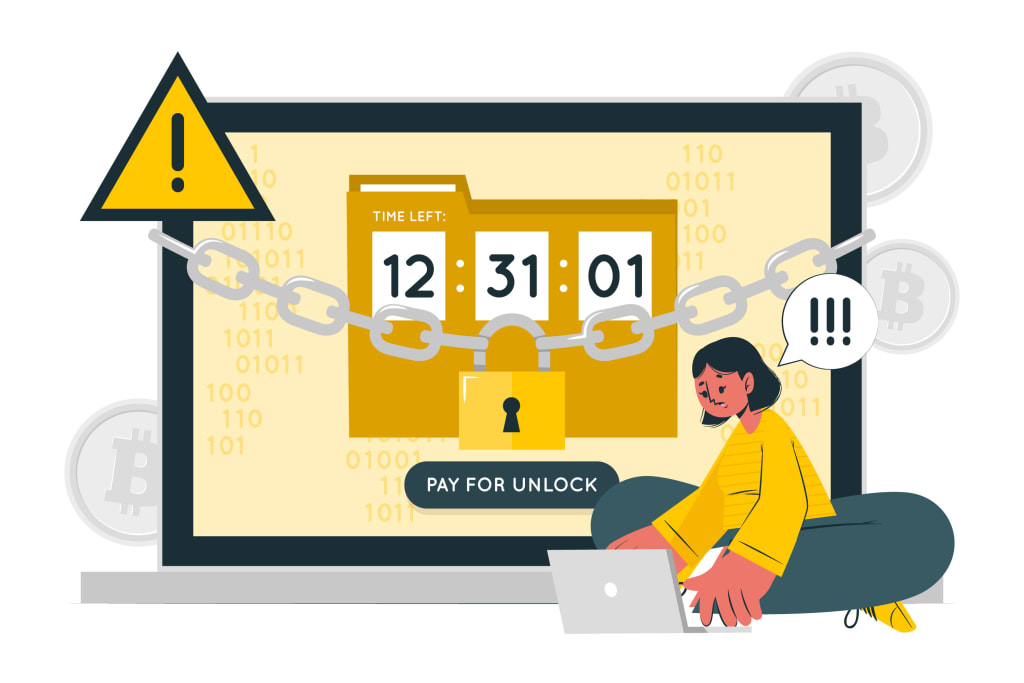
We'll look at what ransomware is and how it works, as well as discuss some effective strategies to prevent your organization from becoming a victim of such an attack. So let's get started and find out more about this insidious form of cybercrime!
What is Ransomware?
Ransomware is a type of malware that encrypts a victim’s files and demands a ransom payment in order to decrypt them. It can spread through phishing emails or by exploit kits that take advantage of unpatched software vulnerabilities. Once ransomware has encrypted a victim’s files, it will display a ransom note with instructions on how to pay the ransom and decrypt the files.
Ransomware is a growing threat as more and more cybercriminals are using it to target individuals and businesses. In 2019, there were over 4,000 ransomware attacks every day, and this number is expected to increase in 2020. Ransomware attacks can have devastating consequences, resulting in loss of data, productivity, and revenue.
There are several steps you can take to protect yourself from ransomware ( a type of cyber attack):
Keep your operating system and software up-to-date with the latest security patches
Don’t open email attachments from unknown senders
Be wary of clicking on links in emails or online ads
Install antivirus software and keep it up-to-date
Backup your data regularly
How does it work?
Ransomware is a type of malicious software that blocks access to your computer or files until you pay a ransom. It can spread through email attachments, downloads, and websites. Once it's on your computer, it can encrypt your files so you can't open them. It will then display a message asking you to pay a ransom to get your files back.
You can prevent ransomware by using antivirus and anti-malware software, keeping your software up to date, and backing up your files. If you think you have ransomware, don't pay the ransom. Instead, contact a professional to help you remove it from your computer.
This malware can wreak havoc on your devices
This malware can wreak havoc on your devices by encrypting your files and demanding a ransom for the decryption key. It can spread quickly and easily through email attachments, infected websites, or even by being bundled with legitimate software. Once it's on your system, it can be very difficult to remove without specialized tools or knowledge. Even if you do pay the ransom, there's no guarantee that you'll get your files back. The best way to protect yourself is to avoid getting infected in the first place by using strong anti-malware protection and being careful about what you click on and download.
Where does ransomware live?
Ransomware is a type of malware that encrypts your files and holds them hostage until you pay a ransom. It can infect your computer through email attachments, malicious websites, or drive-by downloads. Once it's on your computer, it will scan your hard drive for certain file types and encrypt them.
Some common file types that ransomware looks for are:
• Documents: .doc, .docx, .xls, .xlsx, .ppt, .pptx
• Images: .jpg, .jpeg, .png, .gif
• Videos: .mp4, .mov
• Audio files: .mp3, .wav
If any of these file types are found on your hard drive, the ransomware will encrypt them and append a new extension to the filename. For example, a file called "sample.jpg" might become "sample.jpg.id[random characters].encrypted." Once the encryption process is complete, the ransomware will display a ransom note with instructions on how to pay the ransom and decrypt your files.
Typically, the ransom must be paid in Bitcoin or another cryptocurrency as this is very difficult to trace. The amount demanded can range from a few hundred dollars to several thousand dollars depending on the type of ransomware and the number of files encrypted.
How can you prevent this cyber attack?
There are a few things you can do to prevent a ransomware attack:
-Keep your software and operating system up to date with the latest security patches.
-Install and use reliable antivirus and anti-malware software, and keep it up to date.
-Don't open email attachments from unknown or untrusted sources.
-Back up your important data regularly, so you can recover it if it's encrypted by ransomware.
About the Creator
Jayant Upadhyay
Jayant is a content marketer and leading strategist. He has 12 years of experience in content and digital business. When he is not writing, he is gardening, listening to songs and reading novels. He is working with BimaKavach
Keep reading
More stories from Jayant Upadhyay and writers in Criminal and other communities.
Malware Attacks: Why Are They So Dangerous?
Malware attacks are on the rise and can be incredibly dangerous if left unchecked. But what exactly are malware attacks, and why should we be so concerned about them? In this article, we’ll discuss the various types of malware that exist and the risks associated with them. We’ll also provide some tips for how to protect yourself from these malicious programs.
By Jayant Upadhyay3 years ago in Criminal
She Killed Her Sister When She Gave The Teen's Virginity to Her Boyfriend
Any person who can rape and kill an innocent member of their family is truly depraved. One who later admits they enjoyed it is truly demonic. Yet, a woman who took her criminal behavior to the depths of depravity is not even behind bars.
By Criminal Matters5 days ago in Criminal


Comments
There are no comments for this story
Be the first to respond and start the conversation.