
Inconsistent Confirmation speed in Ledger Wallet
Inconsistent Confirmation speed in Ledger Wallet
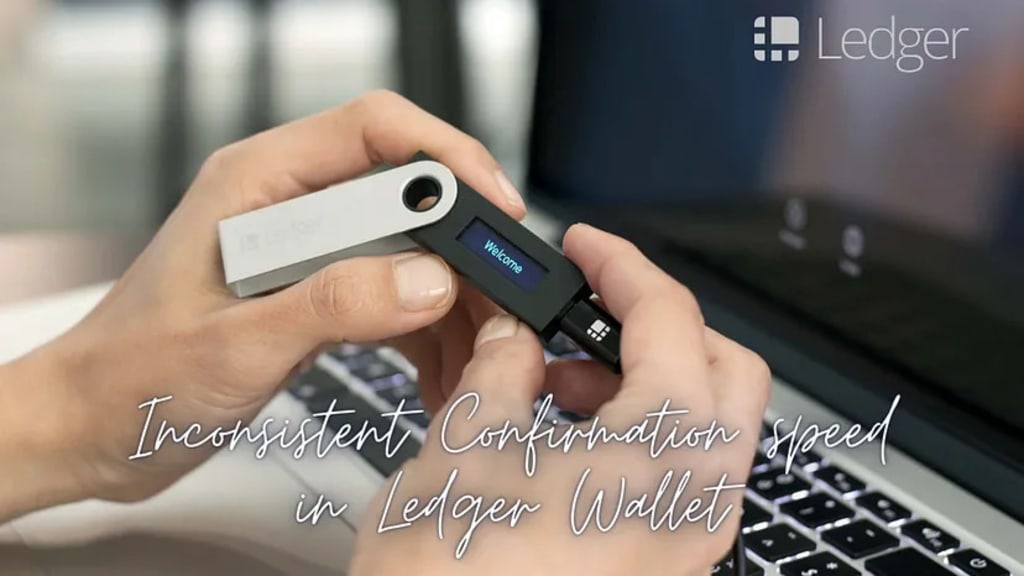
Transactions can sometimes take longer or be inconsistent due to network congestion on the Bitcoin network, impacted by factors like transaction fees and Ledger device settings.
This article will offer solutions such as adjusting transaction fees, trying alternative wallets, or reaching out to Ledger support for assistance.
To fix this
Please download the last update of Ledger Live Application:
- Network congestion: The Bitcoin network can sometimes become congested, which can slow down the confirmation times for transactions. You can check the current congestion level of the Bitcoin network on a website like https://blockchair.com/bitcoin-cash/mempool/outputs.
- Transaction fees: The higher the transaction fee you pay, the faster your transaction will be confirmed. This is because miners prioritize transactions with higher fees.
- Ledger device settings: There may be some settings on your Ledger device that can affect the confirmation speed of your transactions. For example, you may be able to choose between different transaction speeds.
Here are some things you can try to troubleshoot inconsistent confirmation speeds:
- Increase your transaction fee: If you are willing to pay a higher fee, your transaction will likely be confirmed more quickly.
- Use a different wallet: You can try using a different wallet to see if the confirmation speeds are more consistent.
If you are still having trouble, you can contact Ledger support for help.
About the Creator
Keep reading
More stories from Brad Belick and writers in Chapters and other communities.
The Future of Coding and AI
In the ever-evolving world of technology, the future of coding is undergoing a profound transformation driven by the rapid rise of artificial intelligence (AI). What was once the exclusive domain of human programmers is now becoming a dynamic partnership between humans and intelligent machines. As AI continues to advance, it’s not replacing coders, it’s redefining what it means to code.
By Gus Woltmann7 days ago in Chapters


Comments
There are no comments for this story
Be the first to respond and start the conversation.