
How to Check if Your Phone is Being Tracked?
Is My Phone Monitored? Find Out

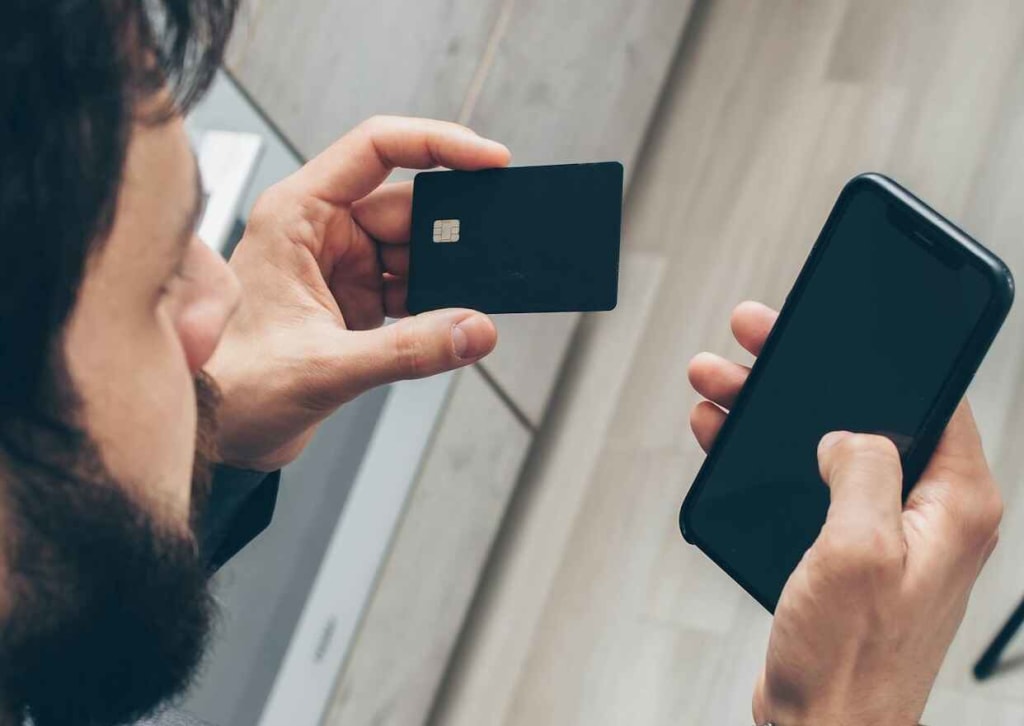
If you're wondering, how do I know if someone is tracking my phone, and what can I do about it? This article is going to answer those crucial questions.
Last year, more illegal Android spyware was discovered on the Google Play Store. For years, it had hidden in seemingly legitimate apps, snooping on the thousands of people who downloaded it. Gathering info about whether targets were rich enough to steal from.
We all store an incredible amount of personal info on our phones. Text messages, emails, voicemail, photos and my social media accounts, browsing history, even bank transaction info, all this sensitive data is right here. On one hand, this is wonderfully convenient, but on the other hand, if someone is tracking your phone, that leaves you deeply vulnerable.
There's always a risk that a hacker, a co-worker, even a jealous ex or a significant other, may be invading your privacy and spying on you. This is usually done through spying apps that monitor our phones.
You never consented to it, but you don't even know about it, but they're always there, and you don't even know. And they are watching you. So, how can I know if someone is tracking my phone? What are the signs? There are actually easily identifiable signs that will help you understand if there is someone tracking your phone location. If your phone is using up more data than it's supposed to, it could be using that data to transmit information about you.

How to Check if Your Phone is Being Tracked
If your phone keeps rebooting, apparently all by itself, if it makes a noise or lights up when you're not using it, and you're not getting calls or messages, it could mean that someone else is accessing it remotely. The spyware runs in the background, monitoring your activity and this uses a lot of battery. For the same reason, your battery may be hot, even if your phone is taking forever to switch off properly. This means that there are a lot of processes running in the background.
And this could be a sign that your phone is infected by spyware. Your phone will probably also be a lot slower to respond or perform tasks. Have you ever received a text message that has just a jumble of numbers or symbols? Spyware uses these kinds of messages to stay in contact with their target devices. If you're hearing strange noises when you're on a call, your call might be tapped. Guys, I know this stuff is just terrifying. An invasion of privacy, at this level, is deeply dangerous.
And at this point, there's that one person who recognized those signs and is now thinking, someone is tracking my phone, and how do I stop it? Don't worry, because it's possible to sort out a spyware problem, and you can do it by yourself. First, I need to check if spyware is installed on my phone. Go to your phone settings. Most spyware uses words that describe what the app does, like track, monitor, stealth or spy.
You can see that there's a pattern to the way they are named. Search apps using terms that are common to spyware. However, it doesn't have to have an obvious name. So investigate anything you don't recognize as well. If you see anything that looks like spyware, delete it. If you're wondering, what should I do if I use iOS? It's tougher to access your life folders on iOS, but there's also another solution to that. The most straightforward way to fix a spyware problem on iOS is to update your operating system.
Backup Your Data
Remember to back up your data first though. If you've deleted suspicious-looking apps from your Android phone or updated your Apple phone, but you're still getting the suspicious symptoms of a spyware infection, the next step is to do a factory reset. This is a nuisance, I know, but it does get rid of any unwanted guests. To do this, first make sure your phone is backed up, updated and charged.
For Android, open settings, hit additional settings, then select backup and reset. Tap factory data reset. Then choose to erase all app data and apps that can be uninstalled.
On an iPhone, go to settings, then reset all settings. Finally, if you use iOS, you definitely need to change your iCloud password. Because if anyone knows that or can get it, it can access just your entire life. It's easy to install certain legitimate spyware via the app store.
And whether you're an Apple or Android user, you need to change your device's password. Use at least 12 characters, including upper and lower case as well as numbers and symbols. And don't use a word that's in the dictionary.
Final thoughts:
Update your operating system often, as the updates often contain fixes as well as the latest security. Disable automatic sync to your cloud or drive, as some spyware works via the cloud. Security experts recommend disabling Siri on the lock screen, if you're using an iPhone. Install a VPN for safe, secure browsing.
About the Creator
Piyush Verma
Blogger and Content Creator. Former Web developer.
Keep reading
More stories from writers in Chapters and other communities.
Fair Exchange, No Robberies
Dark Memoirs - Index There are at least two kinds of people in the world: those who write this half-arsed kind of intro to a story that looks to separate the rare and the norm, and those who realise it's an overused framing device and don't.
By Paul Stewart17 days ago in Chapters
Thoughts on Vocal and the way the world is
"Death cannot stop true love, only delay it." – Wesley in The Princess Bride. I decided to come back to Vocal on a very cold and dark night at the end of December. I had been, and still am, convalescing from a horrible staph infection that had gone misdiagnosed for months. This, paired with the increasing challenges of being healthy, making the best choices for my co-parented child, being a wife, and being a director at a new job, was a lot to manage.
By Jazzy 4 days ago in Confessions


Comments
There are no comments for this story
Be the first to respond and start the conversation.