Ahnaf Sami
Stories (2)
Filter by community
What is Cancer?Causes,types,prevention and hope for the future
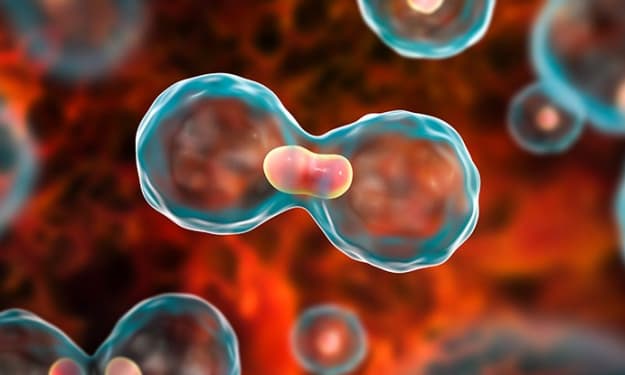
Understanding Cancer: Causes, Types, Prevention, and Hope for the Future Cancer is one of the most complex and feared diseases in the world, affecting millions of lives each year. Despite advances in medical research, it remains a leading cause of death globally. Understanding cancer—its causes, types, prevention strategies, and emerging treatments—can empower individuals to take proactive steps toward reducing their risk and supporting those affected by the disease.
By Ahnaf Sami11 months ago in Earth
Google Photos on Android can now give your old pics a whole new life.
Google Photos on Android Revitalizes Your Old Memories with AI-Powered Enhancements. In this day and age of smartphones, we take countless snapshots of countless occasions—birthdays, vacations, family get-togethers, and everyday moments—that frequently end up in our photo libraries. Poor lighting, blurry images, or images with an out-of-date resolution may cause these images to lose their appeal over time. However, with the help of cutting-edge AI enhancements, Google Photos on Android is now bringing your old photos back to life and turning them into stunning, high-quality images. Google Photos and AI's Potential Google Photos is not an exception to the company's long history of incorporating AI and machine learning into its products. The most recent updates make use of cutting-edge artificial intelligence (AI) algorithms to analyze and enhance old photos in ways that were previously only possible with advanced editing software. How Google Photos is reviving your old photos is as follows: 1. Sharpening the Past with Photo Unblur. Motion blur or camera shake, especially in low light, is one of the most annoying things about old photos. AI is used by Google Photos' "Photo Unblur" feature to sharpen details and reduce blurriness. This tool can make faces and objects clearer and reconstruct missing details from any photo, whether from your childhood or one you took on the spur of the moment years ago. 2. Enhanced Color Correction and Lighting. Poor exposure or fading can cause photos to lose their original vibrancy over time. Auto-enhancement tools that change brightness, contrast, and saturation to make old photos look newer are now available in Google Photos. The artificial intelligence can even bring back the richness of the original moment by recovering faded photographs' lost colors. 3. Using a Magic Eraser to get rid of unwanted objects. Have you ever wished you could get rid of distracting elements or photobombs from an old photo? On Google Photos for Android, the Magic Eraser tool, previously only available on Pixel devices, is now more widely available. After removing unwanted objects, it intelligently fills in the background using AI, making your old photos appear cleaner and more polished. 4. Portrait Light – Adding Professional Lighting Effects
By Ahnaf Sami11 months ago in Photography