
Tips for Creating Book Mockups
Tips for Creating Book Mockups
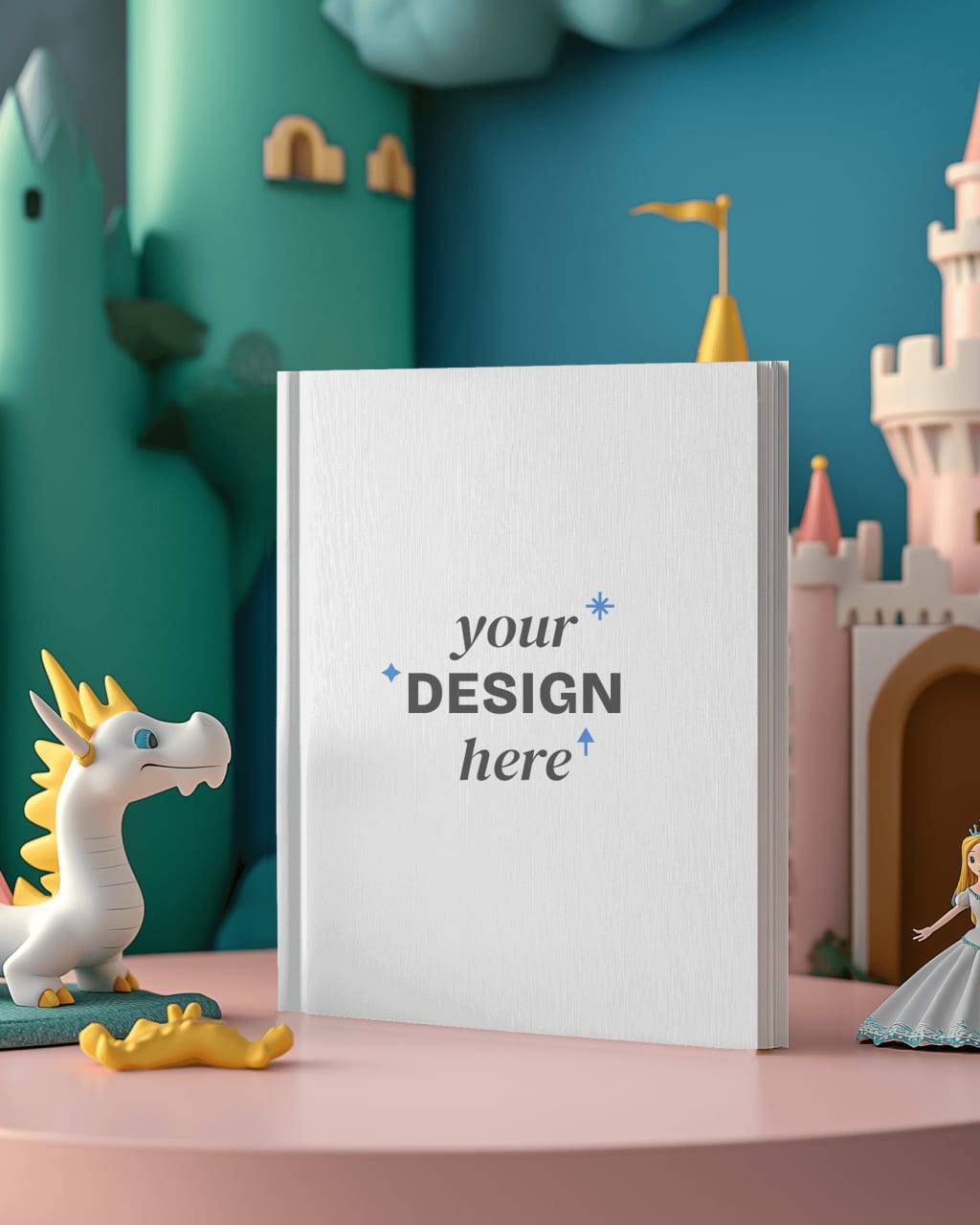
Creating a book mockup can be a game-changer for authors, designers, and marketers. It gives you a chance to showcase your book cover in a visually appealing way before it's actually printed or published. Whether you're an independent author, a designer working for a client, or someone looking to market a book, a high-quality mockup can make a huge difference in how your book is perceived. In this post, we’ll explore some helpful tips for creating book mockups using online mockup generators.
1. Choose the Right Mockup Generator
When starting with book mockups, the first and most important decision is choosing the right mockup generator. It’s essential to pick a tool that provides high-quality images and a variety of customization options to make your book look realistic. Some of the best options available are platforms like Mockey.ai, Placeit, and Mediamodifier, which offer easy-to-use interfaces and a wide range of mockup templates.
Mockey.ai is one of the top choices for high-quality mockups. It offers diverse templates, including hardcover, paperback, and digital formats, giving you plenty of flexibility.
Placeit and Mediamodifier also provide great customization features, allowing you to upload your book cover and adjust the background, shadows, and other elements to suit your needs.
2. Consider the Type of Book
Different types of books often require different mockup styles. Whether you're working with a paperback, hardcover, or digital eBook, you need to ensure that the mockup reflects the correct format of the book you’re showcasing.
For paperbacks, look for mockups that feature realistic images of paperbacks on a table or held by a person.
For hardcovers, you might want to use mockups that showcase the book’s spine, as it’s a distinctive feature of hardcover books.
If you're showcasing an eBook, digital mockups can give you a clean, sleek look to promote the book on a screen or tablet.
Choose a mockup generator that offers these different formats so you can tailor your presentation to fit the specific type of book.
3. Use High-Resolution Images
When uploading your book

design to a mockup generator, ensure that you use high-resolution images. Low-quality images will result in pixelated and blurry mockups, which could give your audience a negative impression of your book. High-resolution images ensure that your cover design looks sharp and professional on all devices and in all formats.
Check the size and quality of your design before uploading it. A resolution of 300 dpi is often recommended for print-quality images. For digital mockups, 72 dpi may suffice, but the higher the resolution, the better your final result.
4. Pay Attention to Lighting and Shadows
When creating book mockups, lighting and shadows play an essential role in making your design look realistic. A well-lit mockup can make your book cover shine, whereas poor lighting can make it appear flat or artificial. Most mockup generators allow you to adjust the lighting, shadow angles, and intensity, so take advantage of these features.
Consider the environment your book is set in. Is it placed on a wooden desk, against a bright wall, or held in someone’s hand? Each of these scenarios may require different lighting effects. Keep your lighting consistent and natural to avoid creating a mockup that looks overly staged or unrealistic.
5. Focus on Backgrounds
The background is just as important as the book itself in making a mockup stand out. A clean, simple background often works best, as it allows the book to be the focal point. If you’re using a custom background, make sure it complements the book’s design without overwhelming it.
Most mockup generators give you the option to change the background to something more fitting, such as a cozy bookshelf, a scenic landscape, or a minimalist table. Think about the theme or genre of your book and choose a background that reflects it. For example, a thriller book might look great on a dark, moody background, while a self-help book could be paired with a light and airy environment.
6. Make Sure the Text is Legible
One crucial element to keep in mind when creating a book mockup is ensuring that the text on your cover is clearly visible. Mockups should highlight your book’s title and author name without any distractions. Make sure the font is legible, and the contrast between the text and the background is high enough for easy readability.
If the mockup generator allows for adjustments to the image, you can tweak the brightness or contrast to make sure the text pops. Some mockups even let you add text effects or adjust the depth of field for added emphasis.
7. Experiment with Multiple Angles
Most book mockup generators allow you to showcase your design from different angles. Don’t limit yourself to just one view. Experiment with front-facing views, side views, and angled perspectives to see which best highlights your design.
If your book features intricate details, such as spine artwork or embossed text, make sure to use mockups that highlight these features. Experiment with 3D mockups if the tool allows for this, as they provide an even more immersive and realistic look
8. Consider Using Multiple Mockups
Sometimes, a single mockup isn’t enough to tell the full story of your book. You may want to create several mockups for different purposes. For example, you could create one mockup for a book promotion on social media, another for your website, and another for print marketing materials.
Using multiple mockups helps you present your book in different contexts, giving your audience a better understanding of how it will look in the real world. A mockup generator can make this process easy by offering a variety of formats and angles, so don’t hesitate to create multiple versions of your book mockup.
9. Use Mockups to Experiment with Design Changes
Book mockups aren’t just for showcasing finished designs; they’re also great for experimenting with different cover options before you finalize your design. Mockup generators allow you to swap out colors, fonts, and imagery, letting you quickly visualize how different design choices might look in a real-world setting.
This flexibility can help you refine your book’s cover before it goes to print, ensuring that you’re happy with the final product.
Conclusion
Creating a book mockup is an essential step in promoting and presenting your book in a professional way. By choosing the right mockup generator, using high-quality images, adjusting lighting and shadows, and focusing on the details, you can create mockups that truly showcase your design. Experimenting with backgrounds, angles, and multiple mockups will allow you to refine your presentation further.
Mockup generators like Mockey.ai, Placeit, and Mediamodifier are excellent tools to help you bring your book cover to life. With these tips in mind, you’ll be able to create eye-catching book mockups that capture your audience’s attention and effectively showcase your book design.
About the Creator
Keep reading
More stories from Backlink Wizard and writers in Art and other communities.
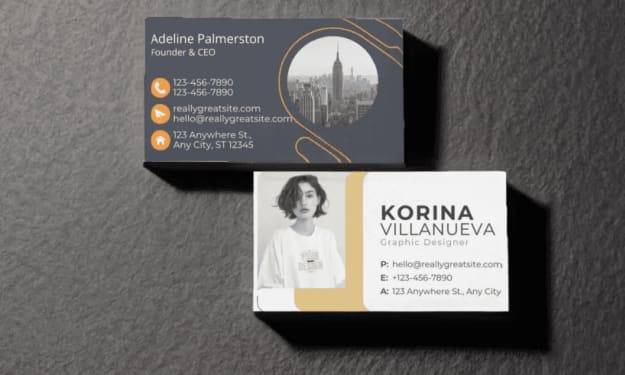
12 Best Free Business Card Mockup Generators for Your Designs
A business card is often the first impression a potential client or partner gets of you, so it’s important to make it stand out. A well-designed business card reflects professionalism and creativity, but creating a realistic mockup to showcase your design can be tricky without the right tools. Fortunately, there are several free business card mockup generators available online that make it easy for designers to showcase their business card creations. These tools help you visualize your design in a real-world setting without needing to print or invest in expensive software.
By Backlink Wizardabout a year ago in Art
'Till Death We Do Art
There would be nothing divine in this world without art. Nature may surpass the divine to all intents and purposes, but like everything it absorbs and is absorbed by, it remains here, stuck on the surface of this world, ever-present, physically bound to the universe.
By Avocado Nunzella BSc (Psych) -- M.A.P 12 days ago in Art
Personal Reflections
In a distant future, on the planet of Eldoria, where technology had advanced beyond dreams, lived a girl named Mira. She was fourteen years old and often described herself as a curious explorer. Unlike her friends who indulged in virtual realities, Mira loved to wander the lush forests of Eldoria, where trees touched the sky and creatures of all shapes roamed.
By Hamad Afridi 7 days ago in Art
Pearl
1980 something. we all hung out at Pearl and you and i were nothing special, or so i thought. i mean we all danced, drenched in our own sweat, our own saline solution of fear, too many beers, shots, laughter, tears, fucks in the bathroom and i don't know when we began to be afraid. do you?
By ROCK aka Andrea Polla (Simmons)3 days ago in Fiction



Comments
There are no comments for this story
Be the first to respond and start the conversation.