
Taking the best photos .
Photography hack on smartphones.
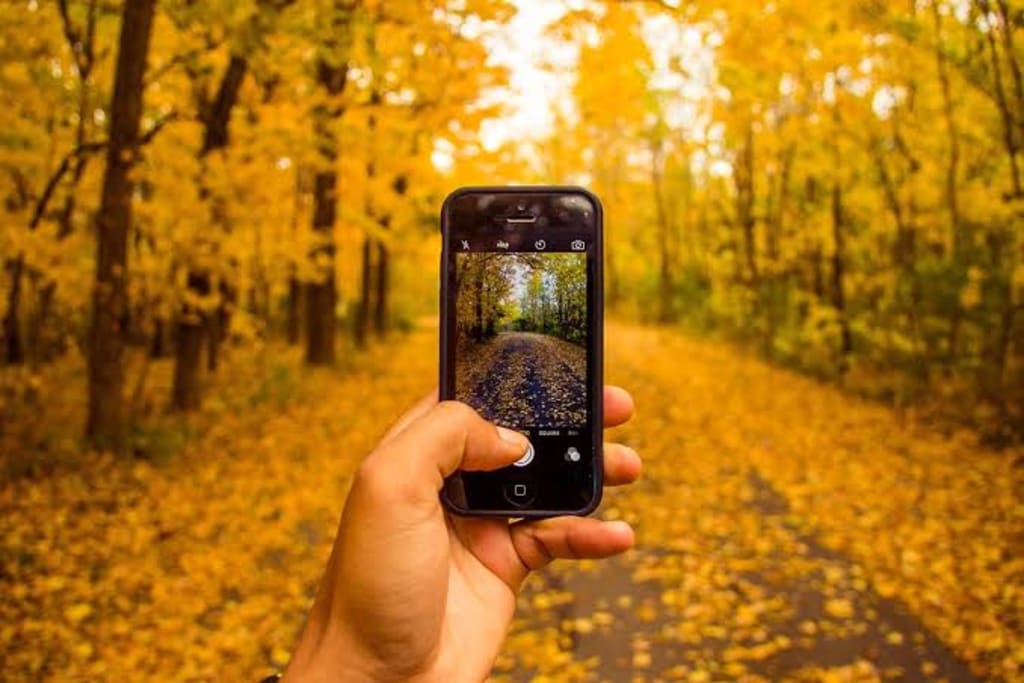
9martphone photography is a great way to capture anything that catches your photographer’s eye. Both candid images and planned shots are possible.
A smartphone is probably the most convenient camera you can have. You'll always have it with you, it fits in your pocket, and it doesn't require any manual adjustments before you can take a photo. Even if you own a nicer camera, you'll probably still use your smartphone to capture unexpected photo moments. Therefore, it's a good idea to learn how your phone's camera works so you'll be ready when you want to take a photo.
Understanding the 3 main features of a smartphones camera
Focusing
Many phones have basic cameras that use a focus-free system (which means pretty much everything stays in focus all the time). However, more and more phones are starting to have high-quality cameras that require focusing.
As you learned in our lesson on Getting to Know Your Camera, most cameras use a two-stage shutter button to trigger the auto-focus. Some smartphones, such as the Motorola Droid, have a two-stage shutter button. To auto-focus the camera, you'll simply press the shutter button halfway down. Other phones, such as the iPhone, allow you to touch a specific area of the screen to focus the camera. When you do this, the iPhone will also adjust the exposure so the focal point of your photo will always look good.
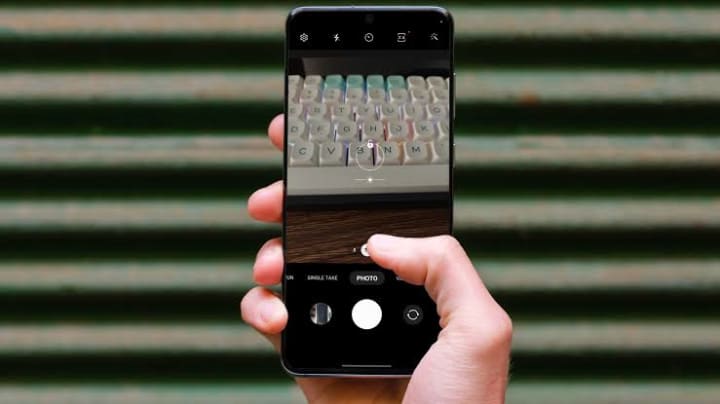
Zooming
Many smartphones have a digital zoom you can use to capture small or distant objects. On the iPhone, you can bring up the zoom slider by using a pinch gesture, while on an Android phone you can tap the plus (+) and minus (-) buttons. It's important to keep in mind that this is a digital zoom, which is of a lower quality than an optical zoom.
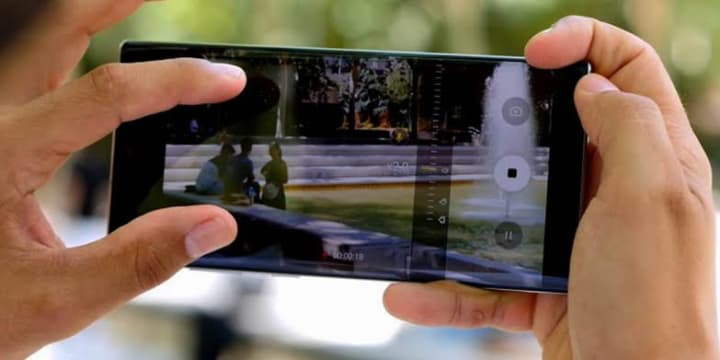
Scene modes
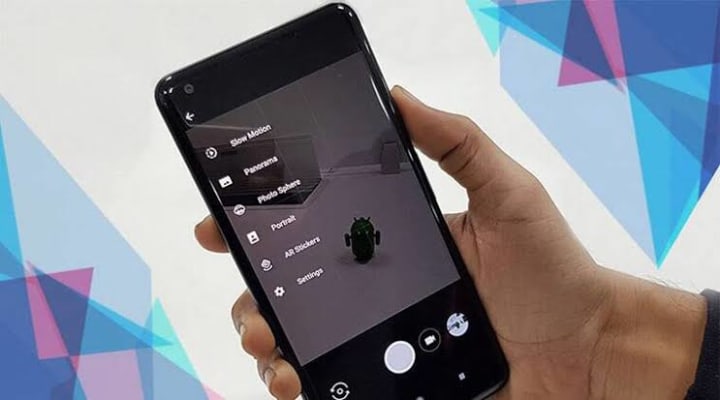
Scene modes are a great way to take better photos in specific situations. For example, the Landscape, Sports, Night Portrait, and Closeup/Macro modes are each tailored to different situations. Some smartphones allow you to select scene modes. For example, many Android phones allow you to tap the right side of the screen to access scene modes (as well as other options).
Now to the real deal on how to get the best photos, listen super closely,
Before you shoot a single picture, you’ll want to make sure your gear is in order. Often, that means doing a bit of pre-shot cleaning. “That’s the first rule for me,” says portrait and fine art photographer Henry Oji. “Always clean your phone camera lens before you take an image.”
While wiping your lens on your jeans might do the job, using coarse materials, like a cotton shirt, or a napkin you dipped in water, may end up damaging your lens over time. If you’d like to keep scratches at bay, use a softer material — like a microfiber cloth — to clean any smudges off your camera lens.
- Understanding your smartphones camera
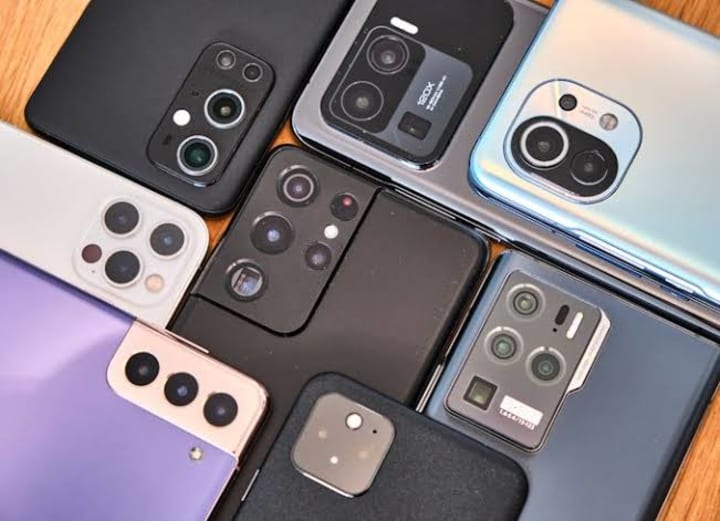
Start by taking some time to find out exactly what your phone’s camera is capable of. Analyse the auto mode and look at how it focuses and takes an exposure to light, this is normally done by touching the screen where you want the focus point to be, but it’s good to check.
- See the light intensity
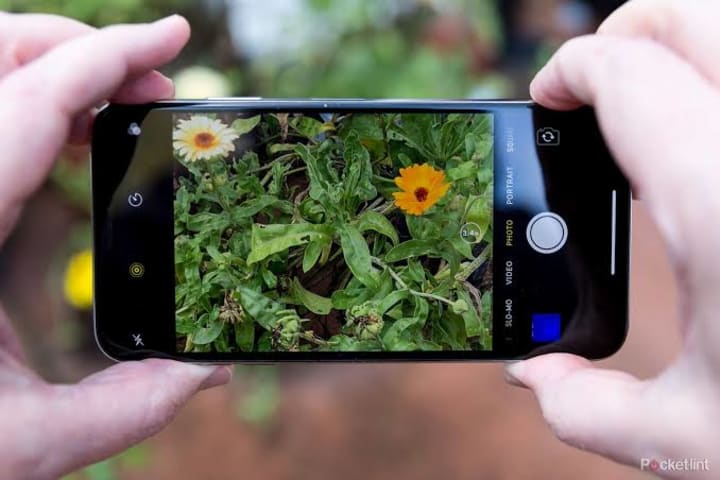
Your best shot might end up getting ruined if you didn’t have proper lights when you took the photo. Whether you are taking a portrait, capturing a landscape, or taking an animal photo, light has its importance. So, make sure you always have proper light.
- Stabilization
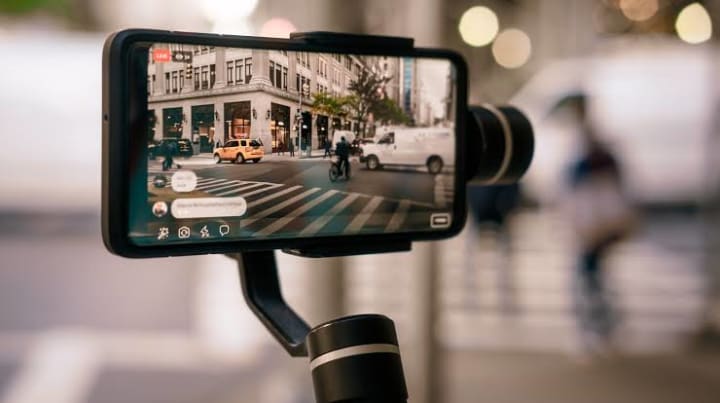
Try to avoid shaking. One small shake and the photo is blurred. In some cases, you might regret taking a blurred photo if you have got only one shot to click ,Use both hands to hold your mobile & keep it close to your body for support.Use a monopod or tripod when you need more stability.
- Focusing is the key
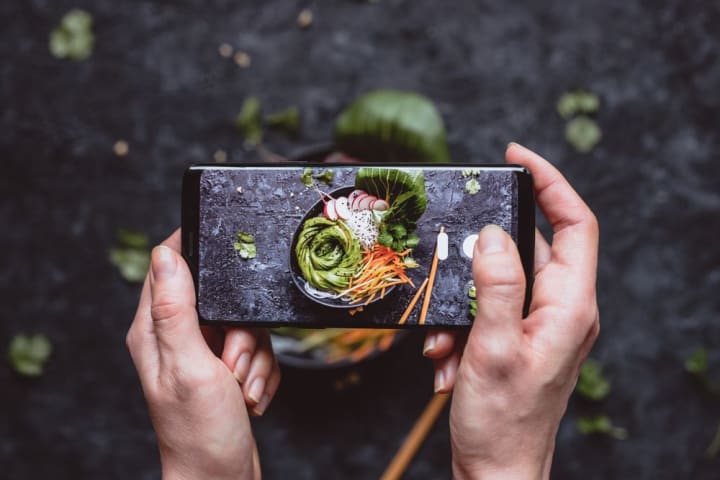
Smartphones these days come with an auto-focus system. It works generally to focus on the closest person to the camera when you are clicking pictures of a group. But you can manually focus on other areas of the frame. Just press the point of the screen where your desired item/object is. Your mobile’s system will then blur out other items a bit to keep focusing on the item that you want.
- Burst shot
When taking images of a moving object, use the burst shot. By doing that, you can at least get one photo which is least blurry. Or if you are lucky, that one photo can be the one which isn’t blurry at all. Rather, it is just the way you wanted it to be.
Burst shot can also be helpful when you are in a rush. Suppose, you have been on the beach the whole afternoon, waiting to click the amazing sunset. However, you might find yourself in a situation where you want to hurry back home. But you don’t want your waiting to go in vain. In such circumstances, burst shot is beneficial. You don’t have the time to click a photo, see it, and then click another one. So, burst shots will get you multiple photos with a single click. Almost all mobile phone cameras have this. It’s really easy to use. Just tap & hold the shutter icon, and you will have 10-60 photos in a single second.
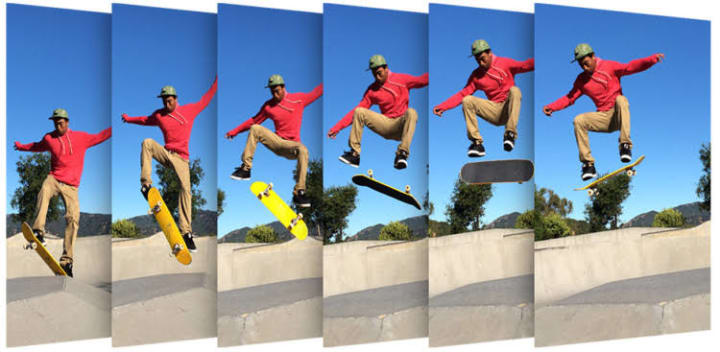
And lastly the most important
-he Magic of perspective
Click photos of the same object of the person from multiple angles. Don’t just stick to taking close-up or straight-on photos. Even just a few degrees can make the difference between a regular photo or an extra-ordinary one. You can click the first photo of the object in a straight angle then move around the object to get further shots. And if you are taking pictures of a person, you can even ask them to give multiple poses. This way, you can stay in your position and that person will change their posing angles. Or both of you can move from position to position to have photos from multiple angles and poses.
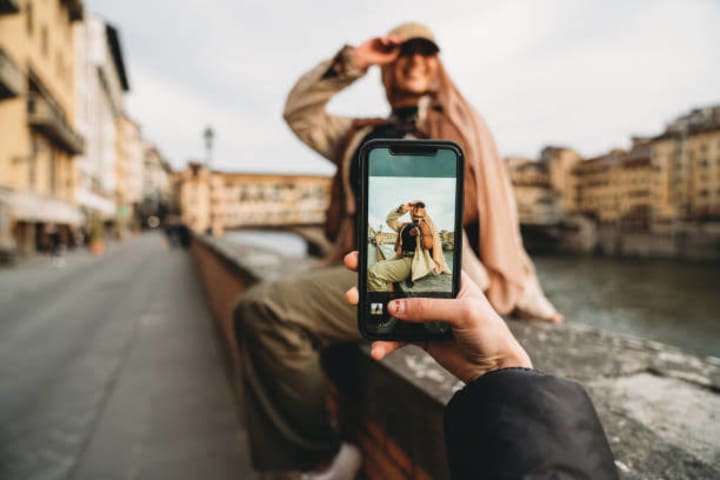
Follow these steps and watch your photography turn from good to pro level ..Stay blessed
About the Creator
Keep reading
More stories from Adimegwu Emmanuel and writers in Art and other communities.
What makes a successful man
When I look at the word “success,” it becomes incredibly problematic. For some, the notion of a success is a Trumpian world where the gleaming opulent lifestyle should somehow bleed inward, resulting in a magnificent internal world gilded by good looks.
By Adimegwu Emmanuel 3 years ago in Education
'Till Death We Do Art
There would be nothing divine in this world without art. Nature may surpass the divine to all intents and purposes, but like everything it absorbs and is absorbed by, it remains here, stuck on the surface of this world, ever-present, physically bound to the universe.
By Avocado Nunzella BSc (Psych) -- M.A.P 17 days ago in Art
The Dress That Broke the Internet Was Gold and Nobody Could Agree on Why
She walked into the room and everything stopped. Not because of her confidence or music that was playing, though there was plenty of that. Everything stopped because of the dress. Floor-length, liquid, blazing gold, it caught every light in the room and threw it straight back.
By CurlsAndCommas2 days ago in Art




Comments
There are no comments for this story
Be the first to respond and start the conversation.