
How to Enhance Your Travel Photos with AI
With the right AI tools, you don’t need advanced photo editing skills to get the best out of your photos.

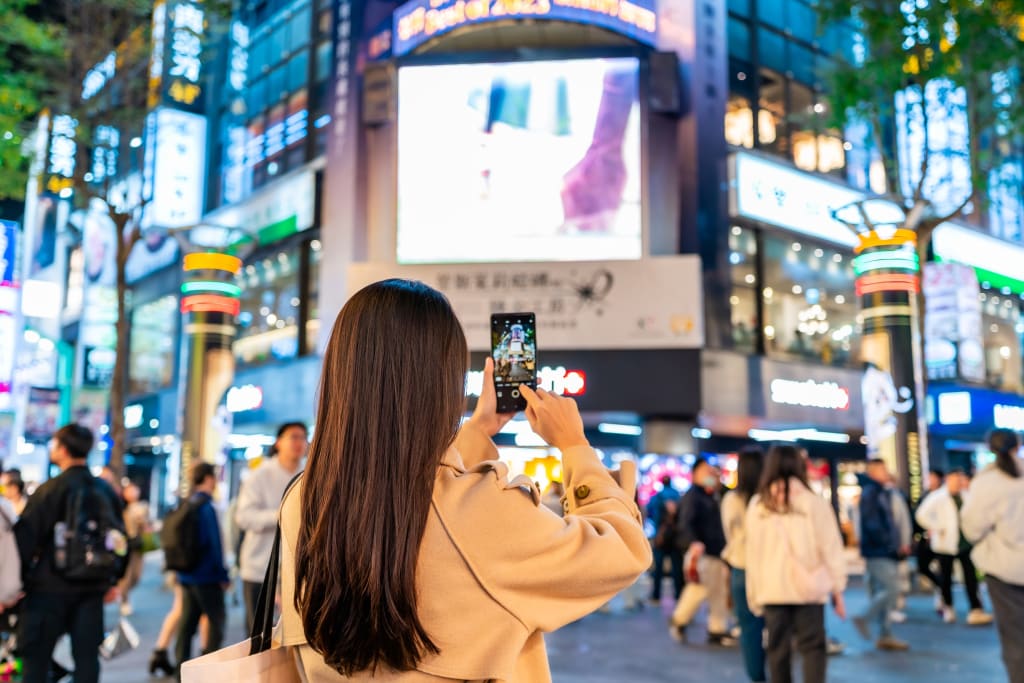
Travel photos hold some of our most treasured memories, capturing places, people, and experiences we want to remember. Sometimes, however, reality gets in the way. A stranger might wander into your perfect shot, the sky may look dull, or low light can leave everything grainy.
While these issues aren’t a big deal for someone skilled with professional photo editors, many people feel frustrated when scrolling through their pictures, desperately searching for a snapshot that satisfies the inner perfectionist and feels worthy of sharing on social media.
If that sounds familiar, you probably haven’t yet tried using AI to fix accidental “flaws” in your photos. In fact, there are numerous straightforward and effective tools that can help you refine your shots, enhance details, and add polish, making them look more like the way you want to remember the moment.
Here are ten practical ways to use AI to enhance your travel photos, along with tools to get you started when you return from your next trip.
Remove unwanted objects and passersby
Tourist hotspots are usually crowded, so you shouldn’t expect them all to yourself. AI can remove random passersby, as well as unwanted street signs, background clutter, and more, filling in the space naturally. Pro tip: ensure you’re not overlapping with the object you want to erase; otherwise, your figure can be affected during removal.
Try this: Photoroom AI Photo Editor
Reduce noise in low-light shots
Night cityscapes or dimly lit interiors often suffer from grainy noise. Using AI, you can denoise the image, smoothing it out while preserving sharp details, making your photos clearer and more vibrant.
Try this: Topaz DeNoise AI
Fix colors
Different lighting, such as harsh sun, neon lights, or indoor shadows, can throw off your colors. AI-powered color grading tools can analyze a scene and help you balance tones, restoring natural hues or suggesting cinematic presets.
Try this: Lightroom Photo Editor
Enhance faces in portraits
Candid portraits are a big part of travel, but street photography may result in quick, “imperfect” shots. Maybe you were rushing to take a photo before the scene changed or other people walked in, or you simply weren’t looking your best after a long flight. You can even out your skin tone, clarify texture, brighten the eyes, and even subtly enhance your features using an AI face enhancer. Just keep the adjustments moderate to avoid a fake, “over-retouched” look.
Try this: Remini AI Photo Enhancer
Add artistic variations
Exploring new cultures and stunning natural settings yields alluring photos on their own, but sometimes you might feel like adding a creative twist. For instance, you may want your image to resemble a watercolor painting, adopt a fantasy-inspired vibe, or be transformed into a stylized portrait. By uploading your photo into an AI image generator, you can remix it with artistic filters and transfer a new style onto your base image without losing its essence.
Try this: ARTA AI Image Generator
Upscale quality and details
Wide-angle shots often lose sharpness and decrease in quality when taken handheld or heavily cropped. AI upscalers can help boost resolution and restore fine textures and contours, maximizing both the level of detail and the accuracy of your original.
Try this: Topaz Gigapixel AI
Replace dull skies
A flat, gray, or washed-out sky can ruin an otherwise stunning landscape, instantly killing the mood. AI sky replacement enables you to swap it for a sunset, dramatic clouds, or a clear blue backdrop while preserving the rest of the scene intact.
Try this: Luminar Neo Skylum
Expand the frame
AI-based background extension tools are perfect for when you wish you’d stepped back a bit more while shooting. They can extend a photo vertically or horizontally by generating realistic additions to the existing scene, giving your shot more breathing room and a broader perspective.
Try this: Fotor AI Image Extender
Fix distractions
High-resolution cameras can easily capture minor imperfections that can draw attention, like wrinkles in clothing, messy hair, foggy glasses, or an occasional pimple. There are multi-functional AI-powered retouching tools, though, that can help you refine all of these without your edits being noticeable.
Try this: Meitu AI Photo Editor
Reframe for social media
Wide landscape photos are likely inevitable if you want to catch a panoramic view, but they don’t always translate well to vertical feeds. AI can help you reframe wide shots into vertical or square formats, keeping the main subject in focus, which is perfect for Instagram or TikTok.
Try this: Canva Magic Resize
About the Creator
Ana Chur
Holistic health advocate and wellness writer
Male Tattoo Artist Roles in Contemporary Tattoo Culture
Walking into a studio today feels very different from the old days of loud music and tough talk. Modern tattoo shops can be calm, warm and welcoming, and the person guiding you through the whole process is often a male tattoo artist who takes his job very seriously.
By Tools of Trade Studios3 days ago in Art
'20/20'
"Do It Again" the track that would ultimately open the Beach Boys final album on Capitol Records which was released on February 10th 1969 had originally been released as a single in August of 1968. The track was the first of many post-Pet Sounds era throwbacks to the early Beach Boys sound which would become continually more cliched and eventually lead the Beach Boys to the level of self-parody they would eventually succumb to in the 1980s while their closest contemporaries The Beatles nearing the end of their run in 1969 would go on to be viewed as the most influential band of all time. However, the song itself is not bad on its surface, and it opens with a futuristic sounding (for 1969) drumbeat captured by then-Beach Boys engineer Stephen Desper using tape delays on the drums performed by Dennis Wilson and John Guerin. The song has been re-recorded numerous times over the years on various Beach Boys-related projects most notably the 2011 re-recording at Capitol studios featuring the five surviving Beach Boys at the time backed instrumentally by various members of both the Brian Wilson Band and Mike Loves touring "Beach Boys" to promote the then upcoming Beach Boys 50th Anniversary reunion tour in 2012. The hammering and power drill sound at the end of the song was an excerpt from a track called "Workshop" that was to be a part of the uncompleted "SMiLE" album.
By Sean Callaghan6 days ago in Beat



Comments
There are no comments for this story
Be the first to respond and start the conversation.