
Best Book Mockups for Hardcover and Softcover Designs
Best Book Mockups for Hardcover and Softcover Designs

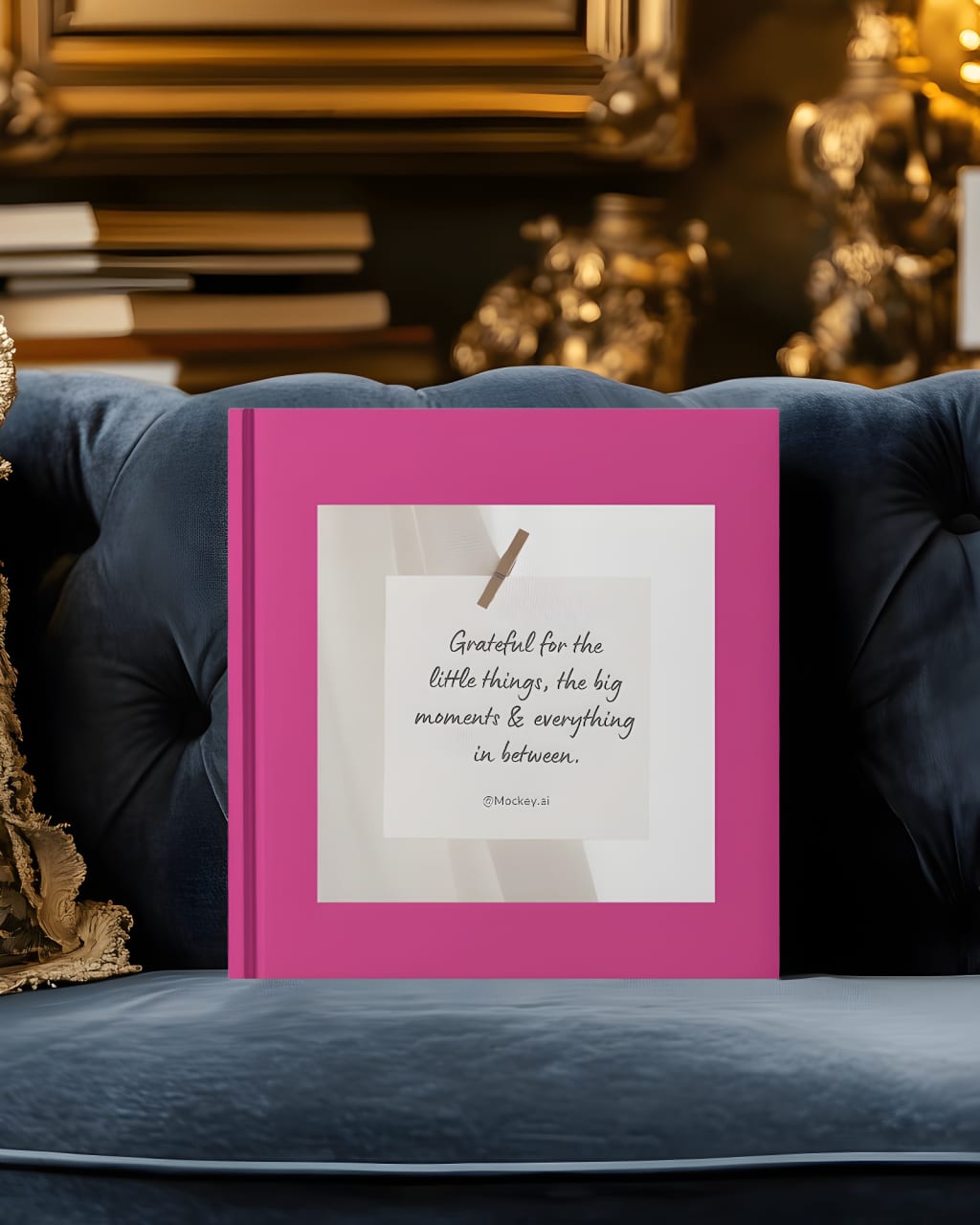
Book mockups play a crucial role in presenting your book designs in a professional and visually appealing manner. Whether you’re designing for hardcover or softcover books, choosing the right mockup can make a significant difference in how your work is perceived. Mockups help authors, designers, and publishers showcase their projects in real-world settings, building excitement and trust among readers and clients. Let’s dive into the best options for hardcover and softcover book mockups and how a book mockup generator can simplify the process.
Hardcover Book Mockups
Hardcover books exude a sense of durability and prestige. To capture this essence, you need mockups that highlight the sturdy nature of your design. Here are some top mockup styles for hardcover books:
- Flat Lay Mockups: Showcase your hardcover design laid out on a clean surface, surrounded by complementary objects like pens, glasses, or coffee cups. This style is perfect for social media and portfolio presentations.
- 3D Perspective Mockups: Use 3D mockups to highlight the depth and thickness of your hardcover book. These mockups allow viewers to see the front, back, and spine, giving a complete view of your design.
- Lifestyle Mockups: Place your hardcover design in real-life settings, such as on a bookshelf or in a reader’s hands. Lifestyle mockups evoke an emotional connection, making your book feel more relatable.
- Dust Jacket Mockups: If your hardcover design includes a dust jacket, choose mockups that display it beautifully. These mockups help emphasize the premium quality of your book.
Softcover Book Mockups
Softcover books are known for their flexibility and affordability. To make your softcover designs stand out, opt for mockups that highlight these attributes:
- Stacked Mockups: Show your softcover book stacked with others to emphasize its size, thickness, and cover design.
- Open Book Mockups: Use mockups that display your book’s interior pages alongside the cover. This is particularly useful for showcasing layouts, typography, and illustrations.
- Handheld Mockups: Display your softcover design in a reader’s hands. This approach gives a sense of scale and usability, helping readers imagine themselves engaging with your book.
- Outdoor Settings: Place your softcover design in casual, outdoor settings like a park bench or a picnic table. These mockups are ideal for light-hearted or travel-themed books.
Why Use a Book Mockup Generator?
A book mockup generator simplifies the process of creating professional-quality mockups. These tools offer a wide range of templates for both hardcover and softcover designs, saving you time and effort. Platforms like Mockey, Placeit, and Smartmockups provide user-friendly interfaces, allowing you to upload your design and customize the mockup to suit your needs.
Mockey, for example, stands out with its extensive library of hardcover and softcover mockups. Whether you want a minimalist design or a vibrant lifestyle setting, Mockey makes it easy to create stunning visuals without advanced design skills.
Tips for Choosing the Right Mockup
- Match Your Theme: Select a mockup that aligns with your book’s genre and theme. For instance, a hardcover mockup in a cozy library setting works well for academic or literary books, while a vibrant outdoor setting suits travel guides.
- Consider Your Audience: Think about what will resonate with your target readers. A professional, polished mockup may appeal to business audiences, while casual and fun designs work better for younger readers.
- Focus on Quality: High-resolution mockups create a better impression. Avoid using low-quality templates that can diminish the impact of your design.
- Test Multiple Styles: Experiment with various mockups to see which one showcases your design most effectively. Many book mockup generators allow you to try different styles quickly and easily.
Conclusion
Hardcover and softcover book mockups are essential tools for presenting your designs professionally. They help you communicate your vision, attract readers, and enhance your marketing efforts. Whether you choose a flat lay, lifestyle, or 3D perspective mockup, the key is to select one that complements your book’s style and purpose.
Using a book mockup generator like Mockey or Placeit can streamline the process, giving you access to a wide variety of templates for every need. Start exploring these tools today and elevate your book design presentations to the next level!
also read:
About the Creator
ladali official
I am a content creator with a love for storytelling and turning ideas into visuals that captivate and connect. I focus on creating engaging, high-quality content that speaks to audiences across platforms
Keep reading
More stories from ladali official and writers in Art and other communities.
What is a Flyer Mockup?
In the world of graphic design, a flyer mockup is a pre-designed template or digital representation used to visualize how a flyer will appear in a real-world setting. It acts as a tool for designers, marketers, and business owners to present their flyer designs in a polished and professional manner before proceeding with printing or digital distribution. Flyer mockups simulate the final product, offering a realistic preview that helps stakeholders make better decisions about design and layout.
By ladali officialabout a year ago in Art
What Happened to Keith Porter?
I am writing this letter with a heavy heart and an unwavering commitment to justice. On New Year’s Eve, our community lost a beloved father, son, and friend—Keith Porter Jr., a 43-year-old Black man whose life was tragically cut short at his Northridge apartment complex. Keith was not just a name in the news; he was a loving father, a “girl dad,” and a man who brought joy and kindness to everyone who knew him. His mother, Franceola Armstrong, described him best:
By Organic Products 7 days ago in Art



Comments
There are no comments for this story
Be the first to respond and start the conversation.