
A Complete Guide to Mobile Mockups: Elevate Your Designs
A Complete Guide to Mobile Mockups: Elevate Your Designs

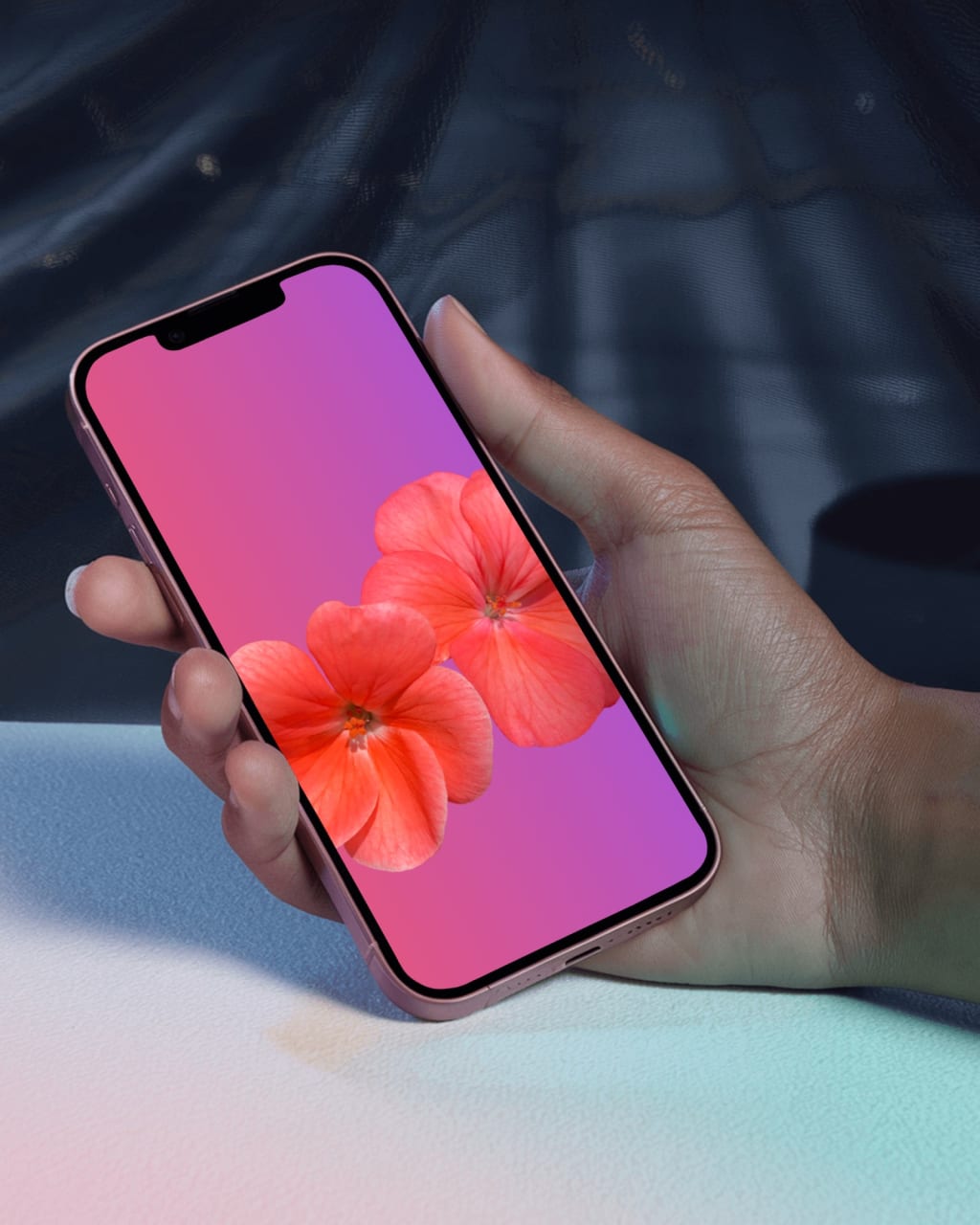
In the ever-evolving digital landscape, mobile mockups have become essential tools for designers, developers, and marketers alike. Whether you're creating a mobile app, a website, or a marketing campaign, mobile mockups offer a visual representation of your ideas, helping you refine designs and communicate effectively. In this guide, we’ll explore everything you need to know about mobile mockups and how they can transform your creative process.
What Is a Mobile Mockup?
A mobile mockup is a visual representation of a design concept displayed on a mobile device. It’s typically used to showcase apps, websites, or other digital products in a realistic or stylized setting. Mockups go beyond wireframes by adding color, typography, and visual elements to make the design look polished and professional. Mobile mockups can be static (simple images) or interactive (clickable prototypes), depending on your goals and the tools you use.
Why Use Mobile Mockups?
Mobile mockups serve several purposes that make them indispensable in the design and marketing world. They allow you to visualize your ideas and see how your app or website will appear on real devices. By providing a clear and professional representation, mockups help you communicate designs effectively with clients, developers, or stakeholders. They also enable you to test usability and identify design flaws, ultimately improving the user experience before development. Additionally, mobile mockups enhance marketing efforts by showcasing your product’s potential in advertising and presentations.
Types of Mobile Mockups
Mobile mockups come in various styles to suit different purposes. Flat mockups are clean and simple, displaying your design without additional context, making them ideal for highlighting design elements without distractions. Device mockups, on the other hand, include designs displayed on realistic mobile device frames such as iPhones or Android phones, making them great for presentations and portfolios. Lifestyle mockups show your design in real-world scenarios, like being held by a person or placed on a desk, which makes them perfect for marketing materials and social media posts. Interactive mockups, also known as clickable prototypes, allow users to interact with the design, simulating the final product’s functionality. These are often used during the UX testing phase.
Best Tools for Creating Mobile Mockups
Mockey is an intuitive platform offering a wide range of customizable mobile mockup templates. From simple flat designs to lifestyle mockups, Mockey caters to all design needs. It features an extensive library of templates for Android and iOS devices, an easy-to-use interface, and customizable backgrounds and device frames. Placeit specializes in lifestyle mockups, providing templates that feature mobile devices in real-world settings. It is known for its drag-and-drop functionality, thousands of customizable templates, and high-resolution output. Adobe XD is a professional tool for creating interactive and static mockups. While it requires more expertise, it’s ideal for designers looking for advanced features. Adobe XD offers clickable prototypes, integration with other Adobe tools, and custom design capabilities.
Steps to Create a Mobile Mockup
Creating a mobile mockup is easier than you might think. Start by defining your goals. Identify the purpose of your mockup, whether it’s for showcasing a new app, testing a website design, or creating marketing visuals. Next, choose a platform like Mockey, Placeit, or Adobe XD based on your skill level and project requirements. Once you’ve selected a platform, browse its library and pick a mobile mockup template that suits your vision. Customize the design by uploading your design files, such as screenshots or graphics, and adjust colors, backgrounds, and angles as needed. After customizing, preview your mockup to ensure it aligns with your goals, making necessary edits to enhance its visual appeal. Finally, download your mockup in high resolution and use it in presentations, social media posts, or client proposals.
Tips for Creating Stunning Mobile Mockups
To create stunning mobile mockups, it’s essential to keep them realistic by using high-quality templates and realistic device frames. Focus on branding to ensure the mockup aligns with your brand’s colors and style. Test multiple variations to determine what works best for your project. Always use high-resolution graphics to avoid blurry or pixelated images, ensuring a professional appearance. Choose the right context for your mockups to match the target audience and maximize impact.
Conclusion
Mobile mockups are powerful tools that bring your designs to life. Whether you’re pitching a concept to a client, testing usability, or creating marketing materials, mockups provide a visual edge that captures attention and communicates your ideas effectively. phone mockup generator makes it easy to create stunning mobile mockups without advanced technical skills. So, start exploring these tools today and elevate your designs to the next level!
About the Creator
ladali official
I am a content creator with a love for storytelling and turning ideas into visuals that captivate and connect. I focus on creating engaging, high-quality content that speaks to audiences across platforms
Keep reading
More stories from ladali official and writers in Art and other communities.
Comparing the Best Notebook Mockup Tools for Designers
When you’re a designer, the way you present your work matters. A good notebook mockup can turn a simple design into a professional-looking piece of art, ready to impress clients or showcase in your portfolio. But with so many tools available, how do you choose the best one for your needs? In this blog, we’ll compare some of the top notebook mockup tools, both free and paid, to help you find the perfect fit for your projects.
By ladali officialabout a year ago in Art
Smart phones, Humans and Aliens.
WARNING. I will be tapping into one of your favorite creative tensions: The absurdity of humans worshipping their glowing rectangles as if they were tiny oracles. There’s something deliciously poetic about that contradiction, and it lends itself beautifully to an instructive proviso.
By Novel Allen4 days ago in Poets




Comments
There are no comments for this story
Be the first to respond and start the conversation.