
Aharoni Font: A Bold and Iconic Typeface
Aharoni Font

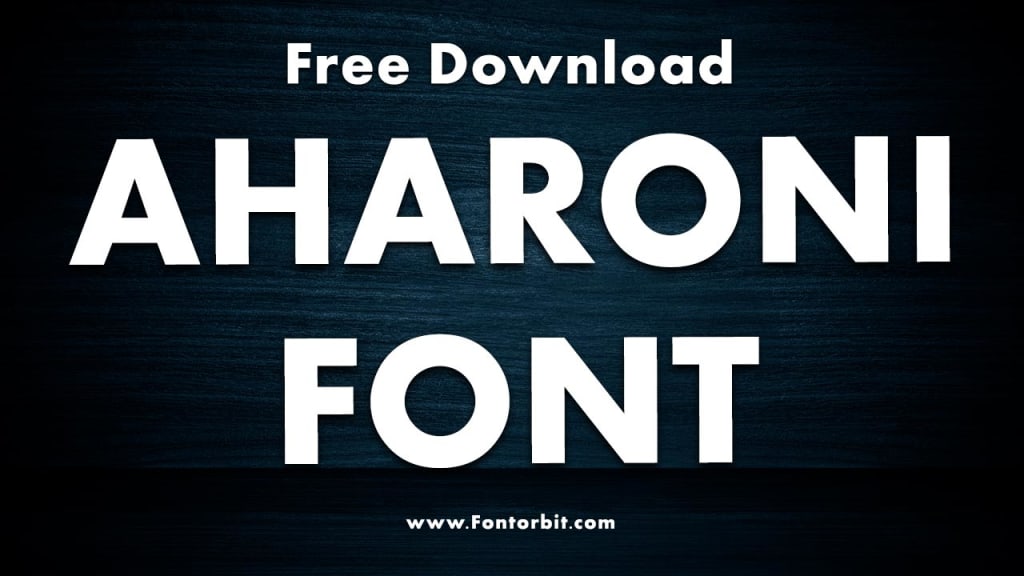
The Aharoni font is a bold, sans-serif typeface widely recognized for its clean lines and strong geometric structure.
Named after its designer, Eliyahu Aharoni, this Hebrew typeface has gained popularity in both print and digital media. Its unique combination of clarity, modern aesthetics, and versatility makes it a favorite choice for a variety of design applications. In this article, we’ll explore the history, features, and uses of the Aharoni font, along with some practical design tips.
History and Origin
Aharoni font originated as part of an effort to create a contemporary Hebrew typeface that could cater to the evolving needs of designers and publishers.
It was first developed during the mid-20th century and later included in Microsoft’s Windows operating systems, boosting its global reach. Despite its Hebrew origins, it includes Latin characters, making it suitable for multilingual designs.
Key Features of Aharoni Font
Boldness: Aharoni’s heavy, bold strokes make it ideal for headings and titles. The weight of the font ensures visibility and impact, even from a distance.
Geometric Design: Its clean, geometric structure gives it a modern and timeless appearance, suitable for various design styles.
Multilingual Support: Aharoni’s inclusion of Hebrew and Latin characters allows for seamless use in bilingual projects.
Versatility: While primarily used for display purposes, Aharoni can also work in branding, advertising, and packaging.
Applications in Design
The Aharoni font’s boldness and simplicity make it a favorite for:
Signage and Billboards: Its legibility ensures clear communication.
Logos: Many brands leverage its clean lines for memorable visual identity.
Posters and Flyers: The bold strokes capture attention quickly.
Web Design: It’s often used for headers and call-to-action elements.
Publishing: The font works well for book covers and magazine titles.
Tips for Using Aharoni Font
Pairing: Pair Aharoni with a light or regular-weight sans-serif font for body text to create a balanced design.
Spacing: Adjust letter spacing to ensure readability, especially for smaller sizes.
Color: Use contrasting colors to enhance the visibility of the font.
Avoid Overuse: Reserve Aharoni for titles and headings to prevent visual fatigue.
Conclusion
The Aharoni font is a powerful tool for designers seeking a bold and modern typeface. Its strong presence, combined with its versatility, makes it an excellent choice for a wide range of design projects.
Whether used in signage, branding, or digital interfaces, Aharoni’s timeless appeal ensures its continued relevance in the world of typography.
FAQs about Aharoni Font
1. What makes the Aharoni font unique?
Aharoni’s bold strokes and geometric design, coupled with multilingual support, set it apart from other typefaces.
2. Can Aharoni be used for body text?
While it’s primarily suited for headings and titles, careful use in short body text can work if readability is maintained.
3. Is the Aharoni font free?
Aharoni is included with some versions of Microsoft Windows. For other uses, licensing may be required.
4. What languages does Aharoni support?
It supports Hebrew and Latin characters, making it ideal for bilingual and multilingual projects.
5. Which design projects are best suited for Aharoni?
Aharoni excels in signage, logos, posters, and any application that requires a bold, attention-grabbing typeface.
6. How can I pair Aharoni with other fonts?
Pair it with lighter sans-serif fonts like Arial or Open Sans to create contrast and balance.
7. Where can I find the Aharoni font?
It is available on Windows operating systems and through various font repositories online, subject to licensing terms.
About the Creator
Jillur Rahaman
Jillur Rahman is the creative mind behind FontOrbit. This website is a vibrant hub for typography enthusiasts. With a CSE degree and over a decade of experience in web design & development, Jillur got passion for sharing knowledge.
Keep reading
More stories from Jillur Rahaman and writers in Art and other communities.
Helvetica Neue Condensed Font: A Comprehensive Overview
Helvetica Neue Condensed is a versatile typeface that has earned its place as a favorite among designers worldwide. Known for its clean lines and modern appeal, this font is a part of the Helvetica Neue family, which builds upon the legacy of the original Helvetica typeface introduced in 1957. Let’s explore the features, uses, and nuances of Helvetica Neue Condensed to understand why it’s such a celebrated choice in typography.
By Jillur Rahamanabout a year ago in Art
In the Name of Allah
Ahmad Raza was a children’s author who specialized in mystery and detective stories. His tales were filled with suspense and wonder, captivating readers of all ages. At home, besides him, only one trustworthy servant, Akram, managed the household. Ahmad Raza’s wife had passed away years ago, and their only son, a doctor, lived in the United Kingdom.
By Sudais Zakwan3 days ago in Art



Comments
There are no comments for this story
Be the first to respond and start the conversation.