
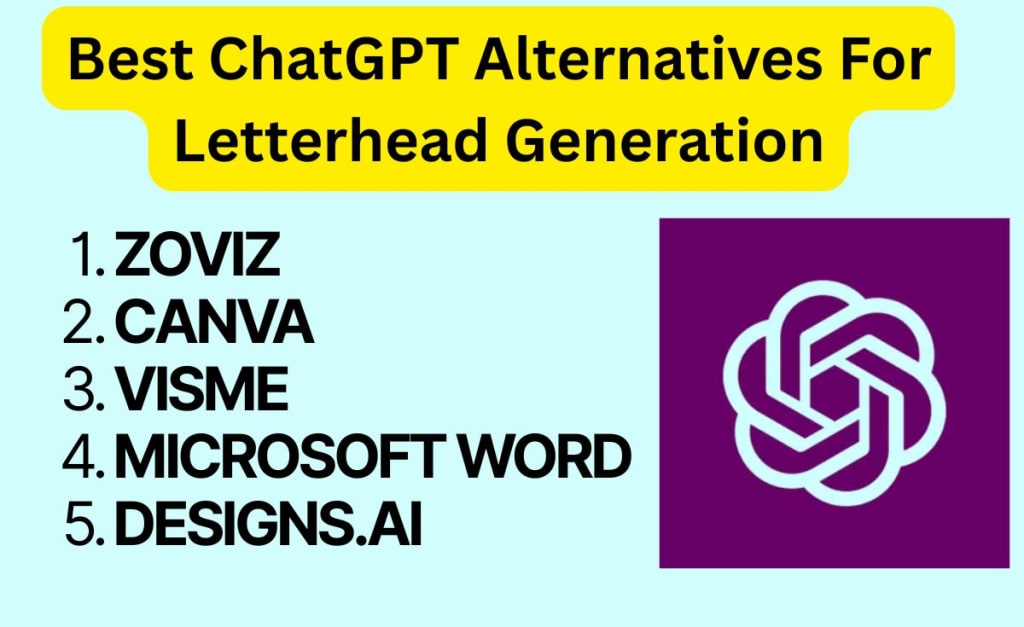
5 Best ChatGPT Alternatives for Letterhead Generation
(#1 Outsmarts Others)
When it comes to AI tools, ChatGPT gets all the attention, and for good reason. It’s flexible, powerful, and incredibly helpful for writing, brainstorming, and creative work.
But here’s the catch: ChatGPT isn’t a design tool.
If you're trying to generate a professional-looking letterhead, you know, with logos, layout, alignment, spacing, and file exports, you’ll quickly hit a wall.
That’s why it makes sense to look at dedicated AI tools built for branding and design. These platforms combine automation with layout precision, brand integration, and export-ready formats, things ChatGPT simply doesn’t do natively.
So, if you’ve ever tried prompting ChatGPT to create a letterhead and ended up with a rough text outline and no actual design, this list is for you.
Below are the top 5 AI-powered tools that specialize in letterhead generation, starting with my go-to favorite: Zoviz.
🥇 1. Zoviz – Best Overall, Fast & AI-Based
Zoviz leads the pack when it comes to simplicity, speed, and branding alignment. Whether you're a freelancer, a startup, or a small business, Zoviz helps you generate a print-ready letterhead that looks like it came from a designer.
✨ Features:
- You can upload your existing logo or create a new one with Zoviz AI Logo Maker.
- Choose a background color that matches your brand color.
- Exports in PDF and PNG, ready for print or sharing via email.
✅ Pros:
- Ready-to-use templates.
- No headaches, simple one-click editing.
- Get full commercial rights.
❌ Cons:
- Template designs cannot be tweaked.
🥈 2. Canva – Best for Creative Flexibility
Canva offers thousands of templates for every document type, including letterheads. You get full design control with drag-and-drop functionality.
✅ Pros:
- Huge variety of styles and templates.
- Add logos, elements, and background color.
- Export in multiple formats (PDF, JPG, PNG).
❌ Cons:
- No AI-based layout generation—manual tweaks required.
🥉 3. Visme – Best for Visual & Data-Driven Brands
If your documents include charts, infographics, or rich visuals, Visme is a great option. Their letterhead tool is part of a broader brand communication suite.
✅ Pros:
- Includes smart visual layout features.
- Over 15,000+ templates in various categories.
- AI-enhanced design recommendations.
❌ Cons:
- Slightly complex interface, not user-friendly for beginners.
4. Microsoft Word Online – Best for Familiarity
Sometimes the best tool is the one you already have. Word’s built-in templates are basic but effective, especially for traditional businesses and professionals.
✅ Pros:
- Easy to use and widely accessible.
- Access all Word Doc features, including fonts, bullets, symbols, formulas, etc.
- Easy PDF conversion with no 3rd-party tool required.
❌ Cons:
- Templates feel outdated compared to newer tools.
5. Designs.AI – Best for AI-Assisted Branding Kits
Designs.AI offers more than just letterheads; think full brand identity kits. The AI suggests visuals based on your business name and tone.
✅ Pros:
- Generates logos, business cards, and letterheads in one go.
- AI branding assistant recommends layouts.
- Good for new businesses building everything from scratch.
❌ Cons:
- More of graphic design tools rather than AI letterheads.
🧾 Final Thoughts
Your letterhead is more than decoration—it's a visual handshake. And with AI tools now doing the heavy lifting, there's no excuse to send another plain document with no personality.
If you want something clean, fast, and smart, Zoviz is the standout. It integrates with other AI tools like logo and business card generators.
About the Creator
Keep reading
More stories from abizer izzy and writers in Art and other communities.



Comments
There are no comments for this story
Be the first to respond and start the conversation.