
What are APPs, once you know it, you can't live without them?
5 APPs for you!

Unboxing a brand-new device is one of the most satisfying emotions imaginable. On the other hand, many people who use technology have a certain application on their devices that they can't live without and they feel lost without it. Different people have different priorities when it comes to the type of application they use. Some people want a more secure device, while others want productivity applications.
Users in every region of the world, regardless of the amount of technological sophistication they possess, each have a "signature" application that is among the first to arrive on a freshly released piece of hardware. Here are the 5 apps you can't live without.
1. UPDF
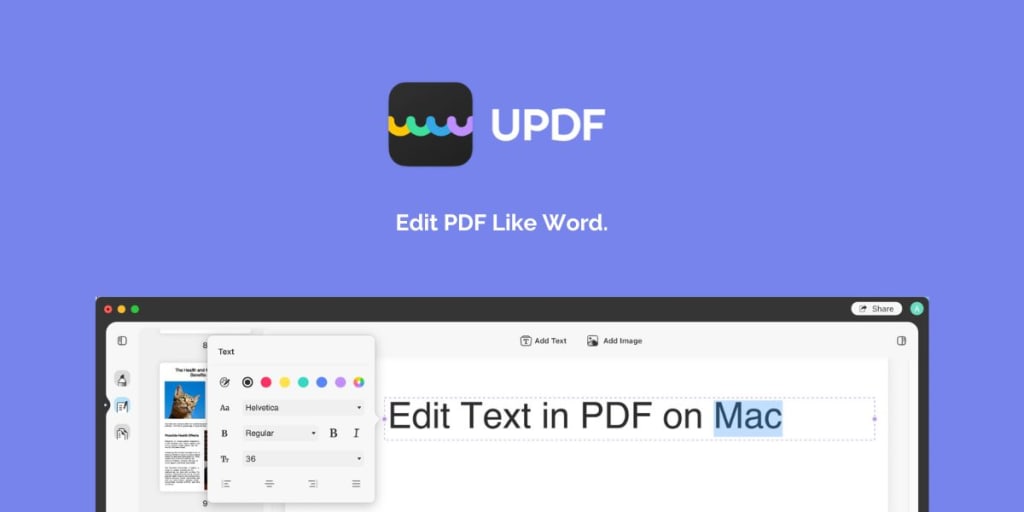
Free PDF editor UPDF lets you make changes to text and graphics in PDF files on any device. UPDF, on the other hand, makes all of your PDF document's potential a reality.
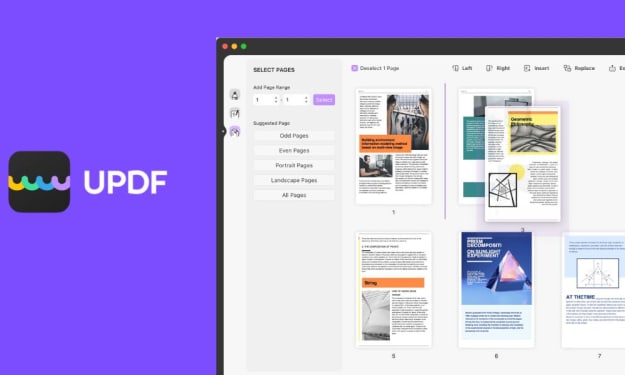
However, dragging and dropping pages in a document is all that's required for editing. Pages can be removed or added to your document in addition to arranging them. All of this can be handled by UPDF in a matter of minutes. There is no complexity to be found in this program.
There are no limits, advertisements, or demands for your credit card information when it comes to editing PDF files. In this section, it is important to note that UPDF is compatible with a wide range of platforms and devices, including iOS, Android, and macOS. In the near future, it will also be available for Windows soon.
Results
It is obvious that you can’t live without UPDF, why? Because PDF files are the need of today’s fast modern world. You may need to edit PDF files at any time in your lifetime. Not only this, but big companies are using apps like UPDF on daily basis to run their processes. Indeed, it is an app you can’t live without.
2. Google Sheets
Within the context of the Google Drive service, the Google Sheets application is a cost-free, web-based spreadsheet program that is made available by Google. The program is also offered as a desktop application for ChromeOS, as well as a mobile version for Android, Windows, iOS, and BlackBerry devices. Other Google products, such as Google Docs, Slides, and Forms, may be accessed using the Drive service provided by Google.
Users are granted the ability to edit, organize, and do analysis on a variety of data types within Google Sheets. It enables collaborations, and several users may edit and format files at the same time in real-time. Additionally, a revision history can be used to keep track of any changes that were made to the spreadsheet.
Results
Google Sheets has been used by billions of people around the world regularly. Some people use it for budgeting, others find it helpful for data organization. It has become an integral part of everyone’s life.
3. WhatsApp
It's possible that WhatsApp isn't a particularly well-known messaging program in the United States, but in many other regions of the world, it's practically indispensable. The app, which is owned by Facebook, is without a doubt one of the most popular messaging services in the whole wide globe.
It is necessary to realize that WhatsApp was one of the first mobile applications to offer free messaging that was based on the internet in order to comprehend the app's immense popularity. WhatsApp relies mostly on a connection to a user's home Wi-Fi network to send and receive free calls and messages. This is in contrast to traditional cellular data networks, which require users to pay a charge to send and receive text messages.
Results
Ever thought of living without WhatsApp? That’s a horrifying thought indeed. Because it can simplify users' conversations regardless of the device they use or the area they are in, more than 2 billion people across the world use WhatsApp.
4. Microsoft Team
Microsoft Teams is a persistent chat-based collaboration platform that comes equipped with document sharing, online meetings, and a lot of other capabilities that are incredibly helpful for corporate interactions.
To be able to make creative decisions and communicate well with one another, having a good place for the team to work is essential. Shared workspace software makes it much simpler to accomplish this goal, which is especially helpful in situations in which a specific team is located in a very big firm, has a high number of workers that work remotely, or is comprised of a large number of team members.
When it comes down to it, organizations should make use of Microsoft Teams since it is incredibly user-friendly and may promote a working environment between remote users or inside a huge business itself.
Results
In times of global pandemic, Microsoft Teams has been an effective platform among people, most important businesses. It now seems impossible to work without the use of Microsoft Teams.
5. Todoist
Todoist is a fantastic tool for list-based task management that has a user-friendly UI and a feature set that is cutting edge. There is a lot to appreciate about this, but because it does not have any sophisticated views or capabilities, it did not make our list of the top project management software.
Having said that, as you'll discover as we continue through this comprehensive review of Todoist, the app is nonetheless a wonderful addition to your entire toolkit.
Todoist is an excellent list software that performs just as well as, if not better than, its predecessor, Wunderlist, as well as its successor, Microsoft To-Do. Todoist was developed by the same company.
Results
Are you the one who’s always struggling with managing tasks and deadlines? If so, then Todoist is for you. It has helped a lot of people manage their day-to-day activities.
Conclusion
There are almost three million applications available across the app stores of Apple and Google; however, which ones are the most practical? We reviewed the 5 best apps you can’t live without and I’m sure that UPDF is the one that you can’t leave behind.
About the Creator
UPDF
UPDF is a PDF editor software developed by startup company Superace Software Technology Co., Ltd. It provides all-in-one PDF solution that lets you edit, annotate and convert PDF easily and enjoyfully. Visit: https://updf.com/
How Tax Outsourcing Companies Are Helping U.S. Businesses Stay Compliant and Profitable
Taxes are one of the most unavoidable parts of doing business in the United States. Whether you’re running a small startup or managing a growing company, tax compliance can quickly turn into a major headache. This is where Tax Outsourcing Companies have become a game-changer for businesses across the USA. By handing over complex tax responsibilities to professionals, companies are finding smarter ways to save time, reduce errors, and stay compliant with ever-changing tax laws.
By Outsourced Bookkeeping Solutions3 days ago in 01



Comments
There are no comments for this story
Be the first to respond and start the conversation.