
I Found A Use For One Drive
That Windows Thing That No One Seems To Want

Introduction
I don't know when it first came into my life, but the idea seemed good until I appeared to run out of space and it started to ask me for money or to take out a subscription, none of which I wanted to do. Here is the wiki entry if you want to read up on it:
Like Google Drive, it is Cloud storage and gives you 5Gb of storage free (although you need to have purchased a Windows computer with a Windows operating system to get it), Google Drive gives me 15Gb "free" although with my first Google Pixel phone it was unlimited, and now they keep telling me that I am running out of space so I can buy more.
It is strange how almost every "free" offer requires you to buy something first.
So How Have I Found A Use For One Drive?
I have just got a new Windows 11 Professional laptop to sort of go with my Windows 11 Professional desktop. Both are reconditioned, the desktop about ten months old and the laptop and early Christmas present from Fiona.
There are times that I want to work on something while on holiday that I can finish at home. Cloud based solutions allow us to access things on multiple devices such as phones, tablets and different computers.
One of the main problems is that they try to back up your devices, taking everything that is on there, and this soon gobbles up all the free space they initially give you. This is part of the move towards renting things rather than owning things.
I have seen a meme that complains that people have to rent music from Spotify or Apple when they could just download a song or buy a hard copy.
On my computers, I have purchased Microsoft Office 2021, and with music, I buy CDs, Vinyl and Downloads so I can listen when I want and do not pay for streaming providers and the artists get my money.
I switched One Drive back on again but switched off all backups. I now use it as a holding area for work, which is common to my devices. One of those is the pictures in my wallpaper slideshow.
I also use it for data that I use to create my Kindle books, so I can update them on either computer.
To make One Drive work, you have to take control of it. It appears as one of your network connections, but you do need a live internet connection to make it function.
Conclusion
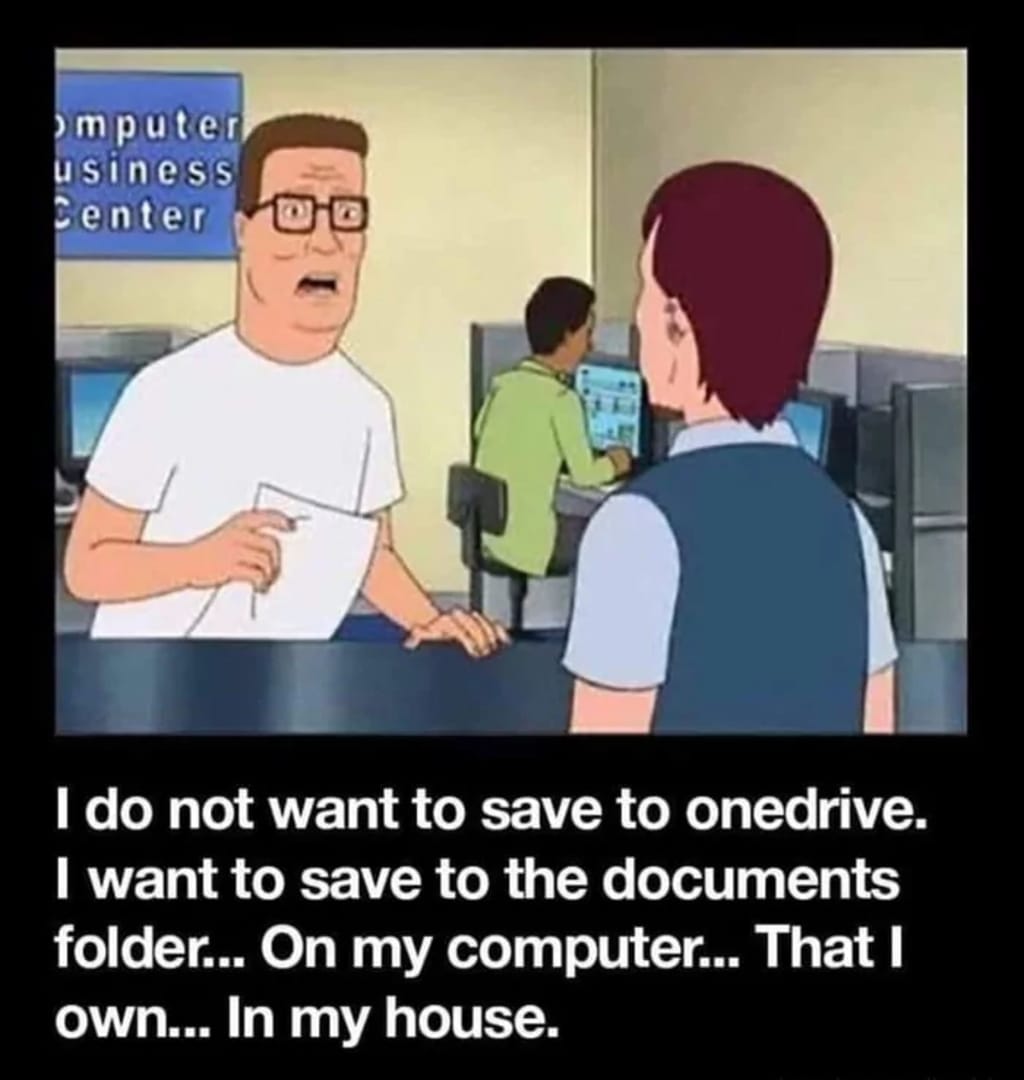
The lead cartoon shows the attitude I had at first, and most of my work is held on one of my computers, but my One Drive is now controlled by me.
I do not have enough space on there to use it as a backup, but it is useful as a work area. Over my last two holidays, it has functioned well with no harassment to buy anything.
Google Drive is a bit more awkward because it backs up all my phone photographs and videos, but to control this I download them, store them on my home computer and then delete them from Google Drive, but it sends me warnings when I am 80% full, I should only be bothered and informed when it gets to 98%. I haven't found a way of dealing with the messages apart from ignoring them.
So the way to deal with these drives is to take control where you have the option.
Thank you for reading and I hope you feel a little less annoyed with One Drive.
About the Creator
Keep reading
More stories from Mike Singleton 💜 Mikeydred and writers in 01 and other communities.
The Role of AI in Transforming Modern eLearning App Development
In the digital era, education is no longer confined to traditional classrooms. The demand for personalized, accessible, and interactive learning experiences has driven the growth of eLearning app development. Among the most transformative technologies shaping this space is Artificial Intelligence (AI). By integrating AI into educational platforms, businesses and institutions are revolutionizing how content is delivered, assessed, and adapted to learners’ needs.
By keith laurance2 days ago in 01
How AI-Powered Digital Experience Solutions are Redefining Customer Journeys in 2026
In 2024, the digital customer journey was a series of clicks. A user visited a website, navigated a menu, applied a filter, and scrolled through results. In 2026, the journey has changed. The "click" is dying. It is being replaced by intent.
By ViitorCloud Technologies2 days ago in 01
Guard Your Battery
Why are some people so attractive just by standing there? It’s not because they are "likable," but because they don’t need everyone to like them. I realized later that truly charismatic people allow themselves to be criticized, but they never criticize themselves. They never try to please the world; instead, the world stops to watch them.
By Emily Chan - Life and love sharing4 days ago in Poets


Comments (4)
Thanks for the insight. I hate how One Drive takes over and backs up all the time. I have switched it off and do any back-ups manually if I want to, when I want to. I started to use an external hard drive which was working well, except now it keeps turning itself off and often has to be manually restarted.
Omgggg, I always get those warning messages from Google Drive too, lol. As for One Drive, I have no idea how to use it hehehe
Me too. I use it when I have to. Good work and share.
Can relate!