
How to Link Tidal to Serato DJ Online and Offline
Add Tidal Songs to Serato DJ Pro/Lite
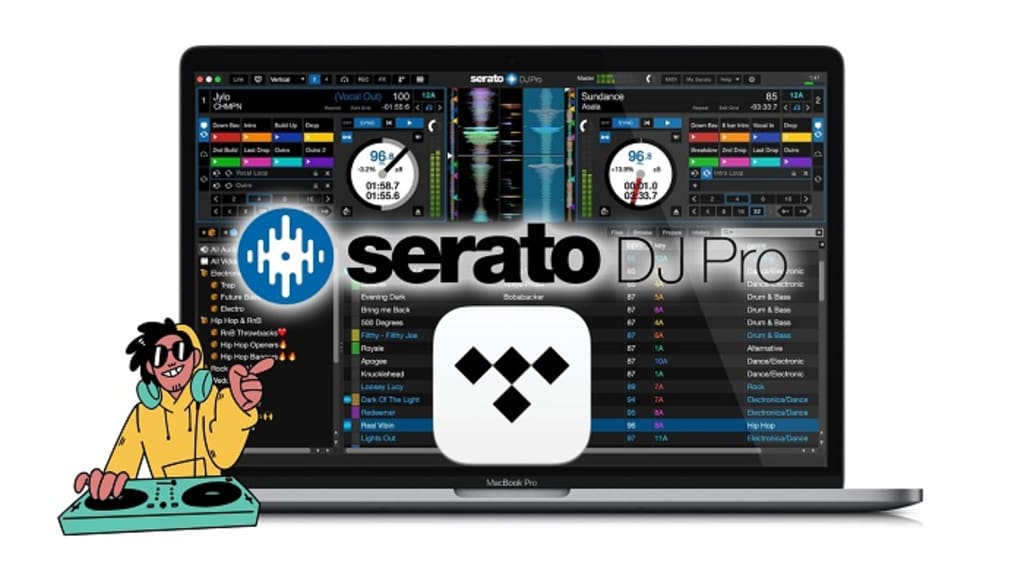
Serato DJ is a powerful tool for DJs, offering seamless integration with various music sources. TIDAL, known for its high-fidelity audio and vast music library, is a popular choice for sourcing tracks.
With the latest streaming integration with TIDAL, Serato has curated a series of playlists for DJs to use in Serato DJ Lite or Serato DJ Pro.
In this article, we explore two effective ways to use TIDAL music with Serato DJ Online and : linking TIDAL directly to Serato DJ and downloading TIDAL music as MP3 or other Serato-supported formats using Macsome TIDAL Music Downloader for offline importing.
Method 1: Linking TIDAL to Serato DJ
Serato DJ supports direct integration with TIDAL, allowing you to stream music from TIDAL’s library within the Serato interface. This method is ideal for DJs who prefer real-time access to TIDAL’s catalog without needing to store files locally. Here’s how to set it up:
Requirements
- A Serato DJ Pro license (version 2.1 or later).
- A TIDAL HiFi or HiFi Plus subscription (required for Serato integration).
- A stable internet connection.
- A compatible Serato DJ controller or mixer.
- Steps to Link TIDAL to Serato DJ
Update Serato DJ: Ensure you’re running the latest version of Serato DJ Pro. You can download updates from the official Serato website.
Log in to TIDAL:
Open Serato DJ Pro.
Navigate to the “Files” panel and locate the TIDAL icon in the left sidebar.
Click the TIDAL icon and sign in with your TIDAL HiFi or HiFi Plus account credentials.
Browse and Load Tracks:
Once logged in, you’ll see TIDAL’s music library, including playlists, albums, and tracks.
Browse or search for tracks, then drag and drop them into your Serato DJ crates or deck for playback.
Stream and Perform:
TIDAL tracks stream in real-time, so ensure a stable internet connection to avoid buffering.
Use Serato DJ’s features like cue points, loops, and effects as you would with local files.
Benefits
Instant Access: Stream millions of tracks without downloading.
High-Quality Audio: TIDAL’s HiFi plan offers FLAC streaming, ensuring excellent sound quality.
No Storage Needed: Saves disk space since tracks are not stored locally.
Limitations
Internet Dependency: Requires a reliable internet connection, which may not be ideal for live performances in areas with poor connectivity.
No Offline Mode: You can’t access tracks without an active internet connection.
Subscription Cost: Requires a TIDAL HiFi or HiFi Plus subscription.
This method is perfect for DJs who perform in venues with strong Wi-Fi and want quick access to TIDAL’s extensive library.
Method 2: Downloading TIDAL Music with Macsome TIDAL Downloader and Importing to Serato DJ
For DJs who prefer working with local files or need offline access, downloading TIDAL music as MP3 or other Serato-supported formats is a great alternative. TIDAL’s prevents direct downloads in compatible formats, but tools like Macsome TIDAL Music Downloader can convert TIDAL tracks into formats like MP3, AAC, WAV, or FLAC, which Serato DJ supports. Here’s how to do it:
Requirements
- A TIDAL subscription (any tier).
- Macsome TIDAL Music Downloader installed on your computer (available for Mac and Windows).
- Serato DJ Pro or Lite.
- Sufficient storage space for downloaded files.
Steps to Download and Import TIDAL Music
1. Install Macsome TIDAL Music Downloader:
Download and install Macsome TIDAL Music Downloader from the official Macsome website. Launch the program and sign in with your TIDAL account.
2. Select Tracks and Output Format:
Browse TIDAL’s library or drag and drop playlists, albums, or tracks into the downloader.
Choose an output format compatible with Serato DJ, such as MP3 (most common), AAC, WAV, or FLAC.
Adjust output settings (e.g., bitrate up to 320kbps for MP3 or lossless for FLAC) to balance quality and file size.
3. Download TIDAL Music:
Click the “Download” button to start converting and downloading the selected tracks.
4. Import Files to Serato DJ:
- Open Serato DJ Pro.
- Go to the “Files” panel and navigate to the folder where Macsome saved the downloaded tracks.
- Drag the tracks or folders into your Serato DJ crates or library.
Benefits
Offline Access: Downloaded tracks work without an internet connection, ideal for live performances.
Permanent Files: Once downloaded, tracks are yours to use in Serato DJ without relying on a TIDAL subscription.
Flexibility: MP3, AAC, WAV, or FLAC files can be used in other DJ software or devices.
Limitations
Storage Space: Downloaded files take up disk space, especially in lossless formats like FLAC or WAV.
Initial Setup Time: Downloading and organizing tracks requires more upfront effort than streaming.
Legal Considerations: Ensure you comply with TIDAL’s terms of service and local copyright laws when using downloaded files.
This method is ideal for DJs who need reliable offline access or want to build a permanent music library for Serato DJ.
Tips for Using TIDAL with Serato DJ
Check Compatibility: Ensure your Serato DJ version supports TIDAL integration (2.1 or later for streaming).
Backup Files: For the download method, back up your converted TIDAL tracks to avoid data loss.
Test Tracks: Before a live performance, test streamed or downloaded tracks in Serato DJ to ensure they load and play correctly.
Monitor Storage: If downloading, keep an eye on disk space, especially with high-quality formats like WAV or FLAC.
Stable Connection: For streaming, use a wired Ethernet connection or a strong Wi-Fi signal to prevent interruptions.
Conclusion
Using TIDAL music with Serato DJ opens up a world of high-quality tracks for your performances. Linking TIDAL directly to Serato DJ offers instant access to millions of songs, making it ideal for DJs with reliable internet and a TIDAL HiFi subscription.
On the other hand, downloading TIDAL music with Macsome TIDAL Music Downloader provides offline flexibility and permanent files, perfect for gigs without internet or for building a local library. Choose the method that best suits your workflow, storage capacity, and performance needs, and elevate your DJ sets with TIDAL’s premium audio.
By combining the power of TIDAL’s catalog with Serato DJ’s versatility, you can create unforgettable mixes with ease. Happy DJing!
About the Creator
The Message on Her Phone
The Night Everything Changed In 2023, Arjun believed his life was finally stable after years of struggle, because he had a steady job, a comfortable apartment, and a wife he trusted completely, yet what he did not realize was that the device sitting quietly on the kitchen table that night would reveal a truth he had never imagined facing. The evening had been ordinary, filled with routine conversations about groceries, work stress, and weekend plans, and nothing about the calm atmosphere hinted that within minutes his entire perception of his marriage would begin to collapse.
By The Curious Writerabout 7 hours ago in 01



Comments
There are no comments for this story
Be the first to respond and start the conversation.