
File Integrity vs. Authenticity: What's the Difference?
Learn the key differences between file integrity and authenticity. How each protects your data from malware and why both matter in cybersecurity and trust.

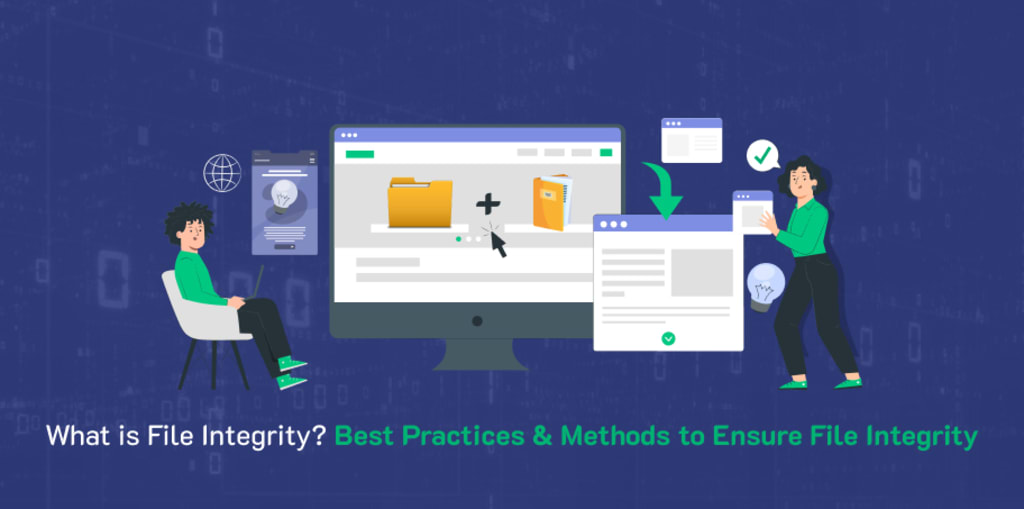
File integrity is maintaining the accuracy, reliability, and security of digital files. As part of file integrity, the data contained in a file should remain unchanged except for authorized modifications.
A file maintains integrity if the file is uncorrupted and has not been changed or tampered with in any manner. File integrity is of utmost importance for firms that utilize data for decision-making, financial transactions, and compliance purposes.
Maintaining file integrity involves monitoring and verifying the file's integrity to identify unauthorized changes to the file.
To maintain the integrity of their data, businesses can rely on verified cryptographic processes, verified monitoring tools, and monitoring access to systems.
If a file is modified or the potential for modification exists, an alerting system can notify system administrators to enable quick action to determine the extent of the modification and take action to mitigate threats.
Role of File Authenticity in Cybersecurity
It Prevents Software Spoofing
File authenticity ensures the software or related file comes from a verified and legitimate source. When file authenticity does not exist, an attacker can send a spoofed original file, embedding malware or backdoor malware into seemingly authentic software, which is installed by the user.
When a file lacks authenticity, the user may unknowingly install the malicious software that appears to be valid.
Organizations and users can mitigate the risks of software spoofing or file tampering by confirming the authenticity of the software or file, using digital signature or digital certificate processes.
Establish Trust
Authenticity instills confidence in end users that the software they are installing or the file they are opening was created by an identifiable and trusted developer.
For developers, this is an essential element of developing a reputation; digitally signed files give end users confidence that the software has not been modified since it was published. Trust leads to higher adoption, improving user experience and brand image.
Decreases Risk of Supply Chain Attacks
A growing proportion of modern-day cyberattacks are targeting the software supply chain, where hackers compromise third-party developers or development environments to insert malicious code into legitimate software files.
Authenticity measures, such as code signing, identify these attacks early in their process. If an attacker replaces the code with their own modified code, located in a legitimate file, the original digital signature will not verify; therefore, the attack gets blocked by either the operating system or the end user
Compliance and Security
Standards Many cybersecurity standards and compliance frameworks (e.g. ISO 27001, NIST, HIPAA) require file authenticity as part of their security controls.
Using mechanisms such as digital certificates to verify authenticity increases the security of your system while also improving compliance requirements (i.e., regulatory requirements).
This is particularly crucial in fields like finance, healthcare, and government, where secure file handling is essential.
Supports File Integrity for Complete Protection
File integrity checks simply show that a file has not been modified, while authenticity checks show that it has been created legitimately by a trusted source.
The combination of these two constitutes a complete defense against unauthorized modifications and impersonation.
The introduction of authenticity checks ensures that if someone attempts to modify a file while keeping the file structure or file size unchanged, the system will reject the file due to the signature not matching. For high-risk cybersecurity environments, multi-layered verification is extremely valuable.
File Integrity vs. File Authenticity
Definition
- File Integrity: Ensures a file has not been altered, corrupted, or tampered with during storage or transmission.
- File Authenticity: Confirms the file's origin and verifies it was created by a trusted, legitimate source.
2. Primary Goal
- File Integrity: Detects changes or modifications to the file content.
- File Authenticity: Validates the identity of the file's creator or sender.
3. How It's Verified
- File Integrity: Using checksums, hash functions, or file comparison tools.
- File Authenticity: Using digital signatures or certificates issued by a trusted certificate authority.
4. Security Focus
- File Integrity: Protects against unauthorized changes and data corruption.
- File Authenticity: Protects against impersonation, spoofing, and unauthorized distribution.
5. Tools Used
- File Integrity: SHA-256, MD5, CRC32, file integrity monitoring software.
- File Authenticity: Code signing certificates, X.509 digital certificates, PGP/GPG signatures.
6. Example
- File Integrity: Ensuring a downloaded software file hasn't been altered from its original version.
- File Authenticity: Verifying that the software was published by Microsoft or Adobe, not a fake source.
7. Can Work Without the Other?
- File Integrity: Yes, integrity can be verified without knowing the source.
- File Authenticity: No, authenticity inherently depends on verifying both the identity and the integrity.
8. Use Case
- File Integrity: Detect tampering in file storage or data transfer.
- File Authenticity: Confirm source credibility in software distribution or secure email communication.
Keep Reading - https://signmycode.com/blog/what-is-file-integrity-difference-between-file-integrity-and-authenticity
About the Creator
Anna Shipman
Anna Shipman is a Cyber Security Consultant with a strong technical background and experience with a high analytical skillset. She has been involved in the information security industry for more than a decade.
Keep reading
More stories from Anna Shipman and writers in 01 and other communities.
Amazon EC2 Metadata Exposed Through Server-Side Request Forgery (SSRF) Attack
On March 25, 2024, the National Security Agency (NSA) and the Cybersecurity and Infrastructure Security Agency (CISA) issued a joint advisory highlighting the increasing threat of Server-Side Request Forgery (SSRF) vulnerabilities. This advisory underscores the growing concern over SSRF, particularly in cloud environments where its exploitation can lead to significant security breaches.
By Anna Shipman9 months ago in 01
App Development Cost in Delaware: A Practical Guide
So, you want to build an app in the First State? Welcome to 2026, where every "idea guy" thinks they need an LLM wrapper. You're probably staring at a blank spreadsheet wondering if you should sell your car to fund this.
By Samantha Blakeabout 16 hours ago in 01
Top 10 MVP Development Companies in USA 2026
In today’s fast-paced startup and digital product ecosystem, building a Minimum Viable Product (MVP) is no longer just a preliminary step—it is a strategic foundation for long-term success. Startups, scaleups, and enterprises alike are prioritizing rapid validation, lean development, and scalable architecture to test ideas, attract investors, and enter markets faster. As we move into 2026, the demand for specialized MVP development services continues to grow, driven by AI-powered prototyping, cloud-native infrastructure, agile methodologies, and data-driven product decisions.
By Daniel Jones7 days ago in 01
Miss Persephone's Manual to a Seemingly Ordinary Life
Miss Persephone was found at the dining table, her blue eyes swollen, her tears arriving and retreating like the tides of the ocean. Earlier that day, her family had visited her in the retirement home where she had lived for eight years. It was her eightieth birthday.
By Imola Tóth5 days ago in Fiction


Comments
There are no comments for this story
Be the first to respond and start the conversation.