
What is SSO and SSO ID? A Clear Guide to Single Sign-On and Its Identifier
Guide to Single Sign-On and Its Identifier
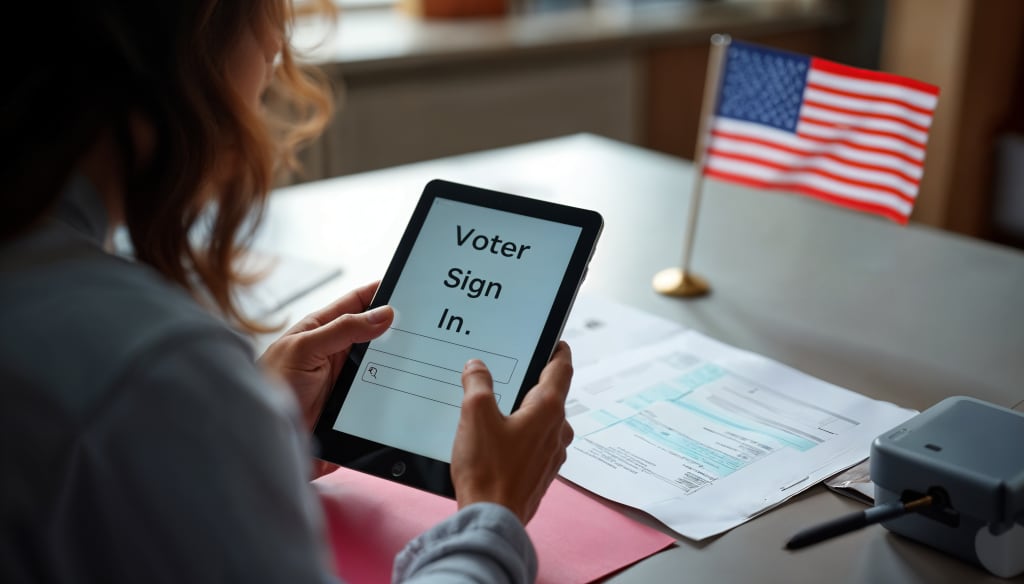
In an increasingly connected digital world, hopping between apps, websites, and systems is an everyday experience. But logging in to each of them separately? That’s a hassle most of us would rather skip. Enter Single Sign-On (SSO)—a smart, seamless way to log in once and access everything you need. Alongside this is the SSO ID, your digital passport in a connected ecosystem. Let’s break it down into simple terms.
SSO Explained: One Login, Endless Access
Single Sign-On (SSO) is like having a master key for your digital life. With it, you can log in just once and instantly access multiple services—whether it’s email, cloud storage, or internal tools at work—without needing to sign in again.
Picture this: You log into your company’s portal in the morning, and now you can open Slack, Google Drive, Salesforce, and more—no repeated logins, no forgotten passwords.
Behind the scenes, SSO is powered by a system that verifies your identity and passes on that authentication to connected apps using secure tokens. It’s like showing your ID once and then getting a VIP wristband that grants you access to every room in the building.
What is an SSO ID?
While SSO is the gatekeeper, the SSO ID is your unique identity within that system. Think of it as your digital fingerprint—it doesn’t change and helps every connected app recognize you instantly.
An SSO ID Login is often tied to your username or email address but can also carry additional data like your role, department, or access level. It ensures that when you move from one app to another, your identity and permissions stay consistent.
For example, universities give students a single SSO ID so they can access class schedules, course materials, library systems, and payment portals—all through a unified login experience.
How Does SSO Actually Work?
Let’s say you’re using a system like Okta, Microsoft Azure AD, or Google Workspace:
- You visit an app that’s connected to your SSO system.
- Instead of logging in directly, the app redirects you to the central identity provider (IdP).
- You enter your login credentials once.
- The IdP verifies your identity and sends a token back to the app confirming you’re authenticated.
- You now have access—not just to this app, but to any other connected platform, without needing to log in again.
- This entire process often takes just seconds, but it significantly enhances both user experience and security.
Why SSO and SSO ID Matter
1. Frictionless User Experience
No more juggling multiple logins or hitting “Forgot Password?” every week. With SSO, a single secure login gets you where you need to go—faster and easier.
2. Boosted Security
Fewer logins mean fewer chances for password-related attacks. Organizations can focus on securing one entry point, often combining SSO with multi-factor authentication (MFA) for extra protection.
3. Streamlined IT Management
When a new employee joins or someone leaves, IT can control access in one place. Disable one SSO account, and access to all systems is revoked instantly.
4. Consistent User Identity Across Platforms
The SSO ID ensures that every connected system knows who you are and what you can do—whether you’re an admin, a student, or a customer support agent.
Real-World Examples of SSO and SSO ID
- Corporate Environments: Employees use SSO to access internal tools like Zoom, Jira, and Confluence with a single login. Their SSO ID carries their role and access permissions.
- Education Portals: Students log in once to access Moodle, library systems, and course registration portals—all tied to a single SSO ID.
- Government Services: Platforms like India’s Rajasthan SSO Portal allow citizens to access government schemes, utility bills, and job portals with one ID and password.
Any Drawbacks?
As with any tech, SSO comes with trade-offs:
- If your SSO provider is down, access to all systems may be interrupted.
- If someone compromises your SSO credentials, they potentially get access to everything.
To counter these, organizations implement MFA, monitor user behavior, and use secure protocols like SAML or OpenID Connect.
Final Thoughts
In the digital age, where convenience and security often seem like a trade-off, SSO offers the best of both worlds. It simplifies user access while giving IT teams powerful tools to manage and secure digital identities. And at the heart of it all lies the SSO ID—a unique, consistent way to recognize and authenticate users across the board.
About the Creator
Keep reading
More stories from writers in Writers and other communities.




Comments
There are no comments for this story
Be the first to respond and start the conversation.