
Top WordPress Plugins to Optimize Your Website
WordPress

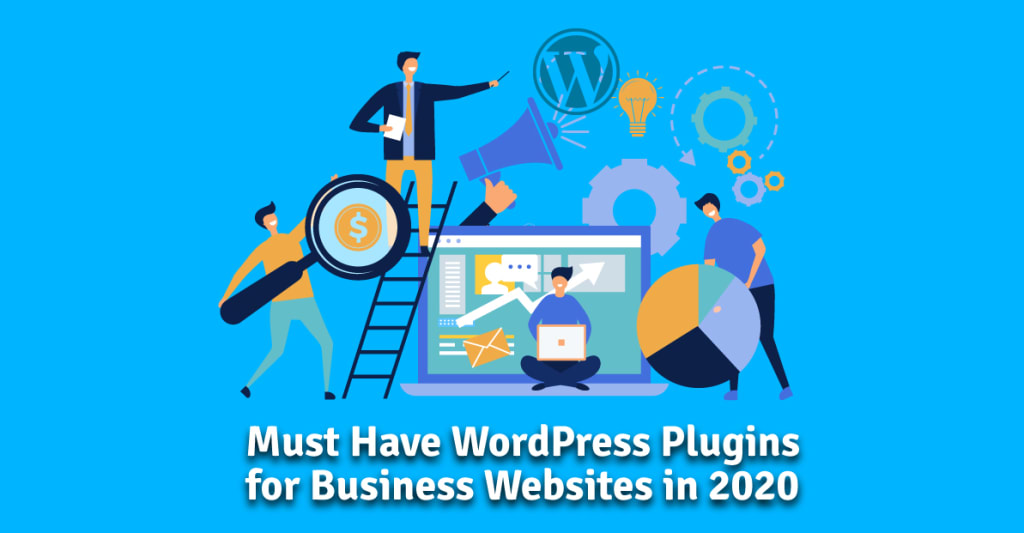
Enhancing your WordPress website requires the right plugins to boost performance, security, and functionality. For those managing business websites, be sure to check out WordPress Plugins for Business Websites for additional must-have tools. Below are the essential plugins to help you optimize your WordPress site.
Yoast SEO
Yoast SEO is a must-have plugin for optimizing your website’s search engine visibility. It provides comprehensive tools like keyword tracking, meta tag management, and readability analysis, ensuring your site’s content is well-optimized to attract more organic traffic.
Wordfence Security
Wordfence Security helps keep your site safe with its firewall protection, malware scanning, and real-time threat defense. This plugin is critical for safeguarding your WordPress site from potential vulnerabilities and ensuring your data remains secure.
WP Rocket
WP Rocket is a powerful caching plugin that significantly improves your website’s speed. With features like page and browser caching, file compression, and lazy loading, WP Rocket ensures your site loads faster, which is key for user experience and SEO.
Elementor
Elementor is a user-friendly page builder that allows you to design custom web pages with its intuitive drag-and-drop interface. You can create professional layouts without needing coding skills, making it ideal for both beginners and experienced users.
WooCommerce
If you're planning to run an online store, WooCommerce is an essential plugin. It provides a complete e-commerce solution, allowing you to manage products, payments, and orders seamlessly on your WordPress site.
Akismet Anti-Spam
Akismet Anti-Spam automatically filters out spammy comments, ensuring your site’s comment sections remain clean and professional. This plugin helps maintain a positive user experience by preventing unwanted clutter on your site.
UpdraftPlus
UpdraftPlus is a reliable backup plugin that allows you to schedule automatic backups and store them in the cloud. It offers easy restoration options, providing peace of mind that your data is safe and recoverable if something goes wrong.
Contact Form 7
For handling user inquiries, Contact Form 7 offers customizable forms that are simple to implement. It supports spam filtering and CAPTCHA, making it an efficient tool for managing contact forms on your website.
MonsterInsights
MonsterInsights connects your WordPress site to Google Analytics, giving you valuable insights into user behavior and traffic sources. With this plugin, you can make data-driven decisions to improve your website’s performance.
Smush
Optimizing your site’s images is essential for faster load times, and Smush automates this process by compressing images without reducing quality. This helps improve your site’s speed and overall user experience.
Conclusion
Using these essential WordPress plugins will enhance your site’s functionality, security, and performance. If you're running a business website, don't forget to explore WordPress Plugins for Business Websites for more tailored plugin recommendations.
About the Creator
Seraphina Isabella
Seraphina is a budding blogger, sharing her passions through captivating stories.
Keep reading
More stories from Seraphina Isabella and writers in Writers and other communities.
Best Free WordPress SEO Plugins to Enhance Your Website's Search Performance
Optimizing your website for search engines is essential for boosting traffic and gaining visibility online. WordPress users have access to a wide range of plugins, but selecting the best free WordPress SEO plugin can be a challenge. Thankfully, there are many powerful options that offer robust SEO features without the need to invest money.
By Seraphina Isabella2 years ago in Writers
Early March 2026: 4 Goals Accomplished
It's early March and I've now accomplished my 4th writing goal for the year of 2026. Before diving into the behind-the-scenes of it... why not tell you up front what that accomplishment was? I was published in a 2nd publication for this year. Published in Helix Literary Magazine out of Central Connecticut State University. You can read it for free right now!
By Stephen Kramer Avitabile6 days ago in Writers
What is the Difference?
I just thought of this article from the idea of my previously published drabble of future writing projects. What is the difference between old-school typewriting and keyboarding. In a keyboarding class do they still make the students use correct posture, fingers on homerow, how to figure margins and such beginning skills of beginning typists? Do they have Timed writings for speed and accuracy? How many of us who had Typing in school remember when having these one-minute, three-minute or five-minute writings to make sure of proper finger placement, proper posture with feet flat on the floor and the teacher walking up and down the aisle making sure.
By Mark Graham5 days ago in Writers
Hottest in the Office
Dear Rafi, You’re very distracting to work around. For the first second I saw you the other day, I thought you were some type of executive. It took a moment to realize no, you were just the new guy, dressed up for the job he wants. Be still, my heart.
By Gabriel Shamesa day ago in Pride



Comments
There are no comments for this story
Be the first to respond and start the conversation.