
Printer Not Printing from Phone? Here’s How to Fix It Fast
Discover the most common reasons and easy-to-follow steps to get your mobile printing working again fast.
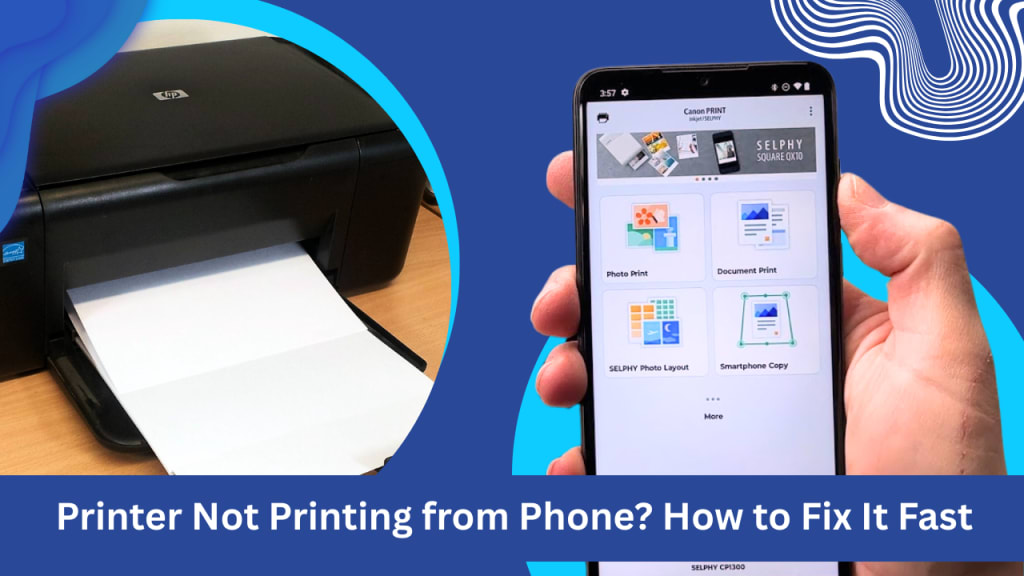
The convenience of printing directly from your phone or tablet is undeniable. Need a hard copy of an important document, a boarding pass, or a memorable photo? A few taps, and it should be on its way. However, the frustration that ensues when your printer is not printing from the phone can be significant. You’re not alone. This is a common issue, and thankfully, often a resolvable one.
We understand how frustrating it is when technology lets us down. So, we've put together this easy-to-follow but detailed step-by-step guide so that you can diagnose and have perfect mobile printing again in minutes. We'll start with the most common reasons for your printer not printing from your phone and how to fix them.
1. The Network Connection: The Building Block of Wireless Printing
The most frequent cause that your printer will not print from the phone is connectivity issues. Wireless printing is only possible if both your phone and printer are connected to the same Wi-Fi network. Look for the following:
Both Wi-Fi Devices Must Be On Same Network: Ensure that your printer and your smartphone or tablet are both connected to the same Wi-Fi network. This would likely be simple to double-check initially, but it's certainly worth doing anyway. Check your phone for Wi-Fi and ensure your printer screen or network status.
Router Problems: Yes, sometimes the router is the problem. Try restarting your router. Shut down your router, wait for 30 seconds or so, and then turn it back on again. When it's on, try printing again.
Printer's Wi-Fi Connection: Your printer Wi-Fi connection may have been temporarily lost. Check your printer user guide for step-by-step instructions on renewing it to your network. This is likely to be done by accessing the printer control panel.
Forget and Reconnect: Forget your Wi-Fi network and reconnect with your phone. Utilize this to resolve intermittent connectivity.
2. Software and Compatibility: Ensuring Smooth Communication
Another typical cause why your printer will not print from phone is software and compatibility-related:
Printer Apps and Drivers: Modern operating systems usually come with few printing features pre-installed, but some printers use proprietary mobile apps or plugins to talk best with smart phones. Verify the official mobile print app of your printer brand from their website or app store. Ensure installing and updating it on your phone.
Operating System Updates: Older versions of operating systems on your phone sometimes cause compatibility issues. Update phone software with all updates.
AirPrint (for iOS): In printing from an Apple device and an AirPrint printer, ensure proper installation of AirPrint on your printer. AirPrint facilitates easy printing without drivers. Check your printer manual to observe AirPrint support and installation.
Google Cloud Print (Legacy): Google Cloud Print is no longer supported. If you were printing with the service, you'll need to search for a replacement mobile printing feature from your phone or your printer operating system.
3. Printer Settings and Status: Checking the Basics
Sometimes, though, the issue is not connectivity but rather the underlying settings or status of the printer:
Printer Power: Ensure that your printer is powered on and not in sleep mode.
Paper and Ink/Toner: Ensure that your printer is not running out of paper and has sufficient ink or toner. A "low ink" or "out of paper" message might prevent printing even from your phone.
Error Messages: Check error messages on the printer screen. Attempting to fix the error messages immediately might fix the issue.
Paused Printing: Print queue popping up by mistake will pause printing. Check for paused jobs on your print app or printer control panel.
4. Advanced Troubleshooting: When the Basics Don't Work
If the basics have not worked and your printer still is not printing from phone, some further advanced steps are:
Restart Everything: Try a hard reboot of your router, printer, and phone. This will typically erase temporary software bugs.
Firewall Issues: Firewall configurations on your router in certain situations may hinder phone-to-printer communication. Refer to your router manual for the step-by-step procedure to configure the firewall.
Printer Firmware: Moreover, defective printer firmware also, at times, causes compatibility problems. Check your printer manufacturer's website for alternatives to update printer firmware and for the upgrade installation instructions.
Direct Wi-Fi Connection (Wi-Fi Direct): Some printers support a direct Wi-Fi connection mode (typically called Wi-Fi Direct or something similar). This allows your phone to directly connect with the printer without using your home network. Check your printer's manual for how to accomplish it.
Getting Back to Printing
It is frustrating to have to work around a printer that won't print from a cell phone, but following these steps in a logical sequence should be able to locate the problem for you. Be sure to read your printer manual and your cell phone manual for directions specific to your machines.
At PrinterNotPrinting, we'd like to help you troubleshoot your printing problem as quickly and with as minimal discomfort as possible. If you've followed the above and still have a problem, then please visit our site for more in-depth guidance and support information. Your pages should be printing off of your phone and onto paper with comparative ease, and we'll help you do that.
About the Creator
Printer Not Working
Printer Not Working is your expert guide for fixing common printer errors quickly and easily. Whether your printer is not responding, printer stuck in queue, or needs regular printer maintenance, we provide best troubleshooting guides.
Keep reading
More stories from Printer Not Working and writers in Writers and other communities.
Fix Your Prints Fast: 3D Printer Troubleshooting for US Hobbyists
Nothing’s more frustrating than when your 3D printer suddenly stops working right in the middle of a cool project. Whether you're printing cosplay parts, tools, or fun prototypes at home, these hiccups can be a real buzzkill. But don’t worry—this guide is for all you US-based printer makers who just want simple, real fixes that work.
By Printer Not Working10 months ago in Writers



Comments
There are no comments for this story
Be the first to respond and start the conversation.