
How to Write a Professional and Engaging Article: Steps and Key Elements
Article write

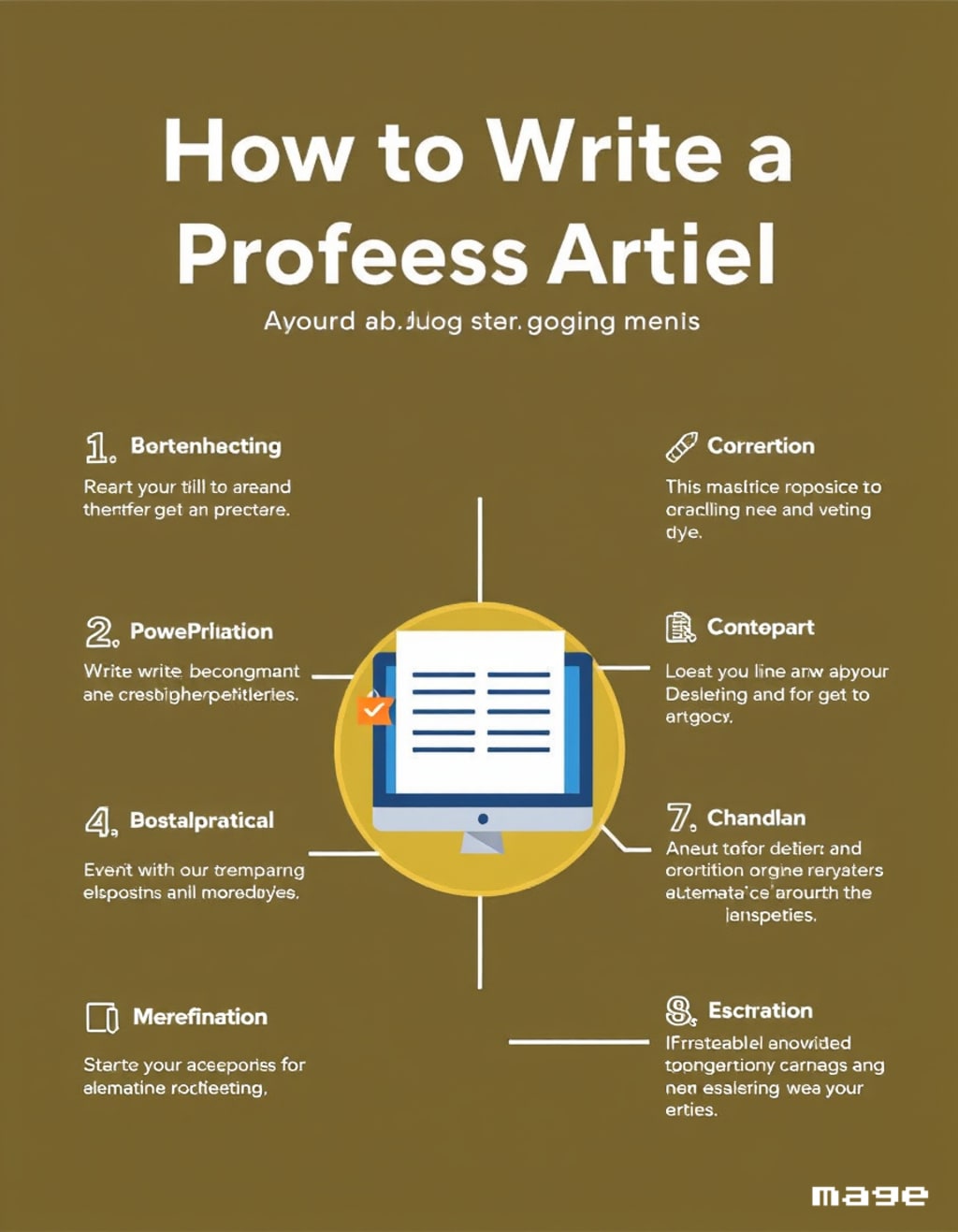
Writing a professional article isn't just about putting words together. It's a craft that requires a balance between creativity and technical skills. The goal is to deliver content that is both valuable and captivating for the reader, keeping them engaged from start to finish. In this article, we'll explore the essential steps to writing a professional article, and highlight some key elements to make your content even more compelling.
Choosing the Right Topic
The first step in writing a successful article is choosing the right topic. It’s crucial that the topic addresses the readers' interests, answers their questions, or provides solutions to their problems. Researching keywords that people are searching for on search engines can help identify the most popular topics and cater to general interests, thereby improving the article's ranking using SEO techniques.
Tip: Always try to choose a unique topic or offer a fresh perspective on a popular subject. If the topic is widely covered, provide unconventional insights or in-depth analysis to add new value.
Crafting a Catchy Title
The title is the first thing that catches the reader's attention and convinces them to read the article, so it needs to be clear, expressive, and catchy. It’s recommended that the title includes the main keywords of the article, and is intriguing enough to make the reader want to learn more.
Examples of Catchy Titles:
•

"How to Write a Professional Article That Captivates Readers and Achieves Top Results"
• "Secrets of Writing Articles That Dominate Search Engine Rankings"
• "Practical Steps to Writing an Unforgettable Article"
Writing an Engaging Introduction
The introduction is a crucial part of the article as it determines whether the reader will continue reading. It's best to keep the introduction short and captivating, arousing the reader's curiosity about what they will learn or benefit from by reading the article. You could start with an interesting fact, a surprising statistic, or a brief story related to the topic.
Tip: Make the introduction clear and direct, highlighting the value that the reader will gain without revealing all the details.
Organizing Content Professionally
It's very important for the article to be well-organized and structured in a way that helps the reader navigate easily. Dividing the content into clear subheadings and well-arranged paragraphs enhances the reading experience.
Key Elements for Organizing an Article:

• Subheadings: Subheadings help break the article into sections, making it easier to read.
• Short Paragraphs: Avoid long paragraphs that may bore the reader. Each paragraph should be around 3-4 sentences.
• Lists and Bullet Points: Use lists or bullet points when presenting multiple pieces of information or steps.
Adding Elements of Attraction and Engagement
To make the article more appealing, it's important to include elements that make the content more interactive and engaging:
• Stories and Personal Experiences: Sharing personal experiences or relevant stories adds credibility and helps the reader feel connected to the writer.
• Interactive Questions: Ask questions that provoke the reader's thoughts or encourage them to share their opinions or experiences.
• Statistics and Data: Providing reliable data that supports the ideas presented enhances the article's credibility and makes it more persuasive.
Enhancing the Article with SEO Techniques
To ensure the article is SEO-friendly, making it visible in search results and attracting the largest number of visitors, consider the following techniques:
• Use Keywords Naturally: Distribute keywords appropriately in the title, introduction, and subheadings, without overdoing it.
• Internal and External Links: Add links to related articles on the site and external links to reputable sources.
• Optimizing Images: If the article includes images, use alternative text (alt text) that contains keywords.
Writing a Strong Conclusion with a Call to Action
The conclusion should be concise and comprehensive, summarizing the main points with a call to action. You can invite the reader to share the article, leave a comment, or try a specific tip. The goal is to leave a strong impression and encourage the reader to engage further.
Example of a Compelling Conclusion: "Now that you've learned the steps to writing a professional article, it's time to put these tips into practice. Don't forget to share your experience with us in the comments, and stay tuned for more articles that provide valuable information."
Reviewing and Proofreading
Do not publish the article without thoroughly reviewing it. Read the article aloud to check for sentence flow and logical connection of ideas, and ensure there are no spelling or grammatical mistakes. This will make the article appear professional and polished.
Conclusion
Writing a professional article requires planning and organization, along with delivering valuable content that engages the reader and achieves the intended goal. From choosing the topic and crafting a catchy title to optimizing the article with SEO techniques, all of these steps contribute to writing a successful article that reaches a wide audience and leaves a strong impact.
Start now and apply these tips to make your articles rank high in search results and reach a broad audience of readers.
About the Creator
Ali Sadeek Ahmed
Engineer-writer,( content creator, and poet )-Blogger-Youtuber
Keep reading
More stories from Ali Sadeek Ahmed and writers in Writers and other communities.
A Comprehensive Article on the History, Origin, Development, and Types of Ice Cream
A Comprehensive Article on the History, Origin, Development, and Types of Ice Cream Introduction Ice cream is one of the world’s most popular frozen treats, enjoyed by people of all ages. This article explores the fascinating history of ice cream, its evolution from primitive recipes to a global favorite, and the wide variety of flavors and textures available today.
By Ali Sadeek Ahmedabout a year ago in Writers
Unofficial Challenge: Black History Celebration
Forward: February 28th, 10:53 PM, EST... The final hour of Black History Month, 2026. Hello fellow writers. I've had this challenge waiting in my drafts for most of the month. But I held off on publishing it, until now.
By Sam Spinelli7 days ago in Writers
"Scream 7" (2026): Running out of Fresh Screams
This is the seventh time we’ve had a Ghostface crisis. Scream 7 is the latest edition of the Scream franchise. Sydney Prescott and her family are under attack by another anonymous killer dressed in a Ghostface costume. While having issues with her daughter, Tatum, they run from the bloody murders, trying to determine who is behind it all.
By Marielle Sabbag7 days ago in Horror




Comments (1)
My friends, my article discusses how to write and present a professional article. I hope you like the topic and I hope you will provide me with your comments and advice