
How the Point Cloud to BIM Process Enhances Real-World Construction Projects
Point Cloud to BIM Process

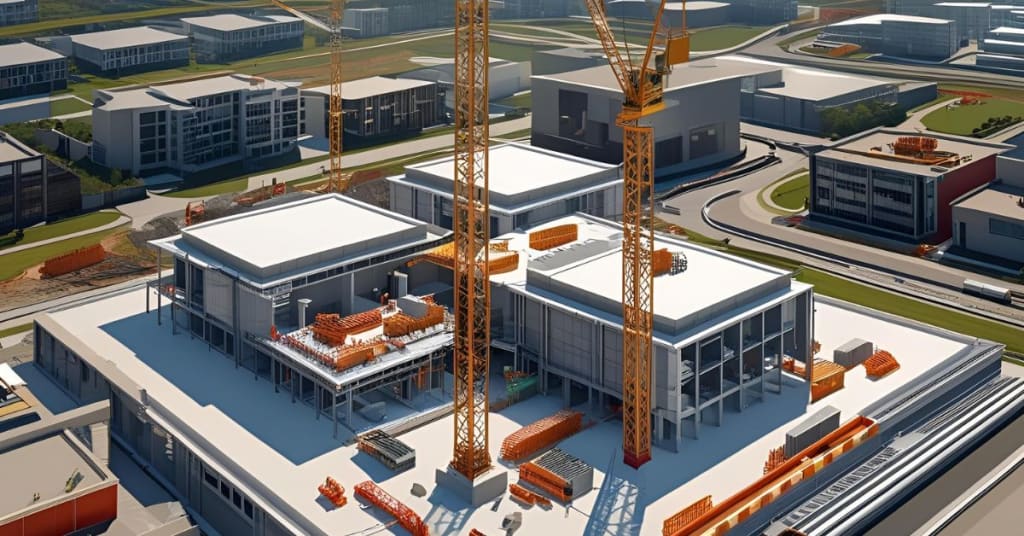
In the architecture, engineering, and construction (AEC) industry, fast and precise documentation of existing structures is critical to success—especially in retrofit, renovation, and heritage conservation projects. The Point Cloud to BIM process has emerged as a reliable bridge between physical reality and digital construction environments. It allows professionals to convert 3D laser scan data into intelligent Building Information Models (BIM), supporting more accurate design, planning, and project delivery.
Understanding the Point Cloud to BIM Workflow
The process begins with 3D laser scanning of the project site using LiDAR or photogrammetry. The result is a dense set of spatial data points—commonly known as a point cloud—which captures the geometry and spatial relationships of the as-built environment.
Once the point cloud is acquired, it's imported into BIM-authoring platforms like Autodesk Revit or ArchiCAD. Here, skilled modelers recreate architectural, structural, and MEP elements in 3D with varying Levels of Detail (LOD), typically ranging from LOD 200 to LOD 500, depending on the project requirements.
Key Applications of the Point Cloud to BIM Process
Renovation and Retrofit Projects
In older buildings where 2D plans are outdated or missing, point cloud scanning enables accurate data capture of existing conditions. This data is then modeled into BIM, allowing for better coordination, clash detection, and informed decision-making before renovations begin.
Heritage and Conservation Work
In heritage buildings, accuracy is paramount. The point cloud to BIM process enables the creation of geometrically precise models of historical structures without physical contact or intrusive measurements—essential for preservation planning and documentation.
Facility Management and Operations
Once the BIM model is created, it becomes a valuable asset for facility management. Building owners can integrate it with CAFM or CMMS systems for ongoing maintenance, asset tracking, and lifecycle management.
If you're interested in implementing this solution for your next renovation or infrastructure upgrade, click here to learn more about our Point Cloud to BIM Process.
How It Improves Collaboration Across Stakeholders
The digital models generated through the point cloud to BIM process act as a single source of truth. Architects, engineers, contractors, and owners can collaborate with clarity. By identifying spatial conflicts early and aligning every stakeholder to a common model, the process reduces rework, saves time, and cuts costs.
Cloud platforms like BIM 360 and Navisworks allow these models to be shared in real time, with annotated issues, change logs, and version control, leading to more transparent and coordinated project delivery.
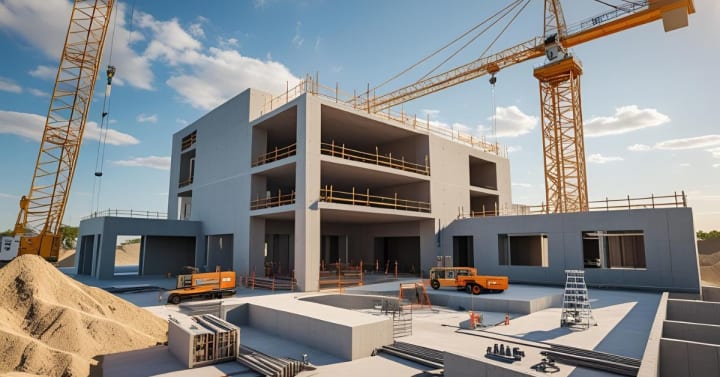
Accuracy and Tolerance Management in Scan-to-BIM Projects
One of the most underestimated challenges in the point cloud to BIM process is tolerance management. Not every project requires millimeter-level precision. For example, architectural modeling might tolerate +/- 20 mm, whereas MEP modeling might demand much tighter tolerances.
Professional BIM service providers define these tolerances upfront, ensuring the deliverables are aligned with project goals and not over-modeled—saving both time and cost.
Software Tools and File Handling
Popular tools in the point cloud to BIM workflow include:
- FARO SCENE or Leica Cyclone for initial scan processing
- Autodesk Recap for registering and cleaning the point cloud
- Autodesk Revit for modeling
- Navisworks or Solibri for model review and clash detection
Handling large point cloud files also requires careful consideration. Often, segmentation and down-sampling are used to reduce file size and improve modeling efficiency without compromising accuracy.
Common Challenges and Best Practices
Noise and Irregularities in Scan Data
Scanned data often includes noise or artifacts. Filtering and cleaning are essential before modeling. Aligning scans properly (registration) is also key to maintaining geometric accuracy.
Inconsistent Site Conditions
Scanning must be planned to avoid obstructions like vehicles or temporary scaffolding. Multiple scans from different angles often help create a complete dataset.
Clear Definition of Scope and LOD
A vague or over-ambitious scope leads to unnecessary detailing and inefficiencies. Always define the modeling scope, LOD expectations, and deliverable format with the client before starting the project.
Why AEC Firms Are Increasingly Adopting This Process
Speed, accuracy, and data-rich outcomes are driving AEC firms toward scan-to-BIM workflows. Compared to manual measurements or outdated drawings, point cloud to BIM drastically reduces uncertainties and allows for better risk assessment, cost planning, and sequencing. With construction becoming increasingly digitized, this process is fast becoming a standard practice rather than a value-add.
Conclusion: Reality Capture That Adds Real Value
The Point Cloud to BIM process is more than a technical workflow—it’s a strategic approach to modern construction. From capturing the current state of a building to enabling accurate renovations, its benefits span the entire project lifecycle. For firms that value precision, coordination, and digital readiness, investing in point cloud to BIM services is a smart move forward.
About the Creator
PavanSid
We offer Architectural & Engineering CAD Design, Drafting Services, and Building Information Modeling (BIM) infused services.
What Is a Visual Search Engine? A Complete Guide by Chance Vision
Most of us are used to typing words into a search bar. But what if you don’t know what something is called? You may have seen an item, a place, or an object and thought, “I wish I could just show this to my phone and get an answer.”
By Ausfab Group5 days ago in Writers




Comments
There are no comments for this story
Be the first to respond and start the conversation.