
Best Bookkeeping Software for Small Business 2025
Best Bookkeeping Software for Small Business: 2025 Ultimate Guide

Did you know that 82% of small businesses fail due to poor financial management?¹ If you’ve ever found yourself buried under receipts or scrambling to reconcile bank statements at month-end, you’re not alone. Bookkeeping for small business is more than just number-crunching—it’s the foundation for confident decision-making, smoother cash flow, and sustainable growth.
In this comprehensive guide, we’ll explore why bookkeeping matters, how to choose the right solution, and review the top 10 bookkeeping for small business in 2025. Whether you’re a solo entrepreneur or managing a growing team, you’ll discover actionable insights and real-world examples to make your financial processes effortless.
Why Bookkeeping Matters for Small Business
The Impact of Accurate Bookkeeping
Accurate books give you a clear picture of revenue, expenses, and profitability. With up-to-date records, you can:
- Forecast cash flow to avoid unexpected shortfalls.
- Identify cost-saving opportunities, like recurring subscriptions you no longer need.
- Prepare for tax season with confidence, reducing stress and penalties.
Consider Sara, a freelance designer. After switching from Excel to an online bookkeeping service, she cut her invoice-to-payment time by 40%—freeing up hours each week to focus on clients.
Common Bookkeeping Challenges
Small business owners often struggle with:
- Manual data entry errors, leading to costly discrepancies.
- Time constraints, as bookkeeping competes with core business tasks.
- Lack of visibility, making it hard to spot trends or issues until it’s too late.
By automating routine tasks and gaining real-time insights, you can avoid these pitfalls and stay on top of your finances.
How to Choose the Right Bookkeeping Software
Before diving into our top-10 list, let’s cover the key criteria for selecting the best bookkeeping software for small business.
Key Features to Consider
- Automation & AI: Automate bank reconciliations, categorize transactions, and generate reports automatically.
- Invoicing & Payments: Create professional invoices, accept online payments, and send automated reminders.
- Multi-currency Support: Essential for businesses selling internationally.
- User Permissions: Grant your accountant or team members access without compromising security.
- Integrations: Connect with your payroll, CRM, e-commerce platforms, and more.
Pricing, Scalability & Ease of Use
- Free or Freemium Plans: Great for startups, but watch for limited features.
- Tiered Pricing: Scales with your business—look for clear upgrade paths.
- User Interface: A clean, intuitive dashboard reduces onboarding time and errors.
Customer Support & Community
Responsive support can be a lifesaver when you’re facing an urgent reconciliation issue. Look for:
- Live chat or phone support
- Extensive knowledge base
- Active user communities or forums
Also Read: 10 Tips for Bookkeeping for Small Business
Top 10 Best Bookkeeping Software for Small Business
Below are the top picks for bookkeeping software for small business, ranked by features, ease of use, and overall value.
1. Otto AI
“The future of bookkeeping is here.”
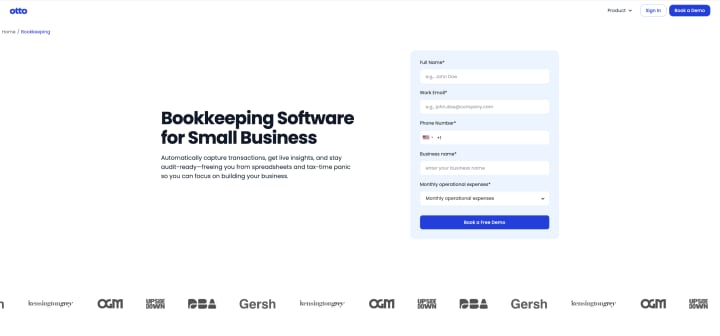
Why we love it: Powered by advanced AI, Otto AI automates data entry, categorizes transactions with 98% accuracy, and delivers real-time financial insights through an intuitive dashboard. Its conversational interface allows you to ask questions like, “How were our expenses last month?” and get instant answers.
Key features: AI-driven categorization, voice-enabled queries, real-time cash-flow forecasting, smart invoice reminders.
Ideal for: Businesses that want cutting-edge AI automation and minimal manual work.
2. QuickBooks Online
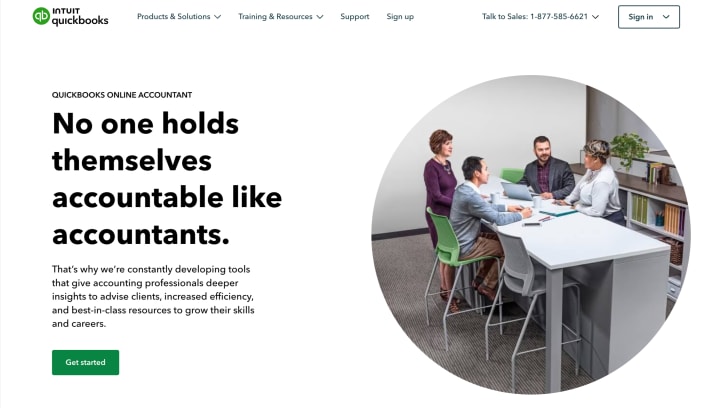
A perennial favorite, QuickBooks Online offers robust invoicing, expense tracking, and customizable reporting. It seamlessly integrates with hundreds of apps and banks.
Strengths: Vast ecosystem, detailed reporting, payroll add-ons.
Considerations: Can be pricey at higher tiers; steeper learning curve for advanced features.
3. Xero
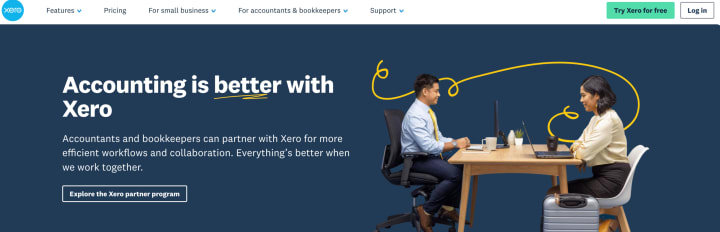
Known for its clean interface and unlimited user access, Xero simplifies collaboration with accountants and team members.
Strengths: Unlimited users, strong bank reconciliation tools, excellent mobile app.
Considerations: No built-in payroll in all regions; add-ons required.
4. FreshBooks
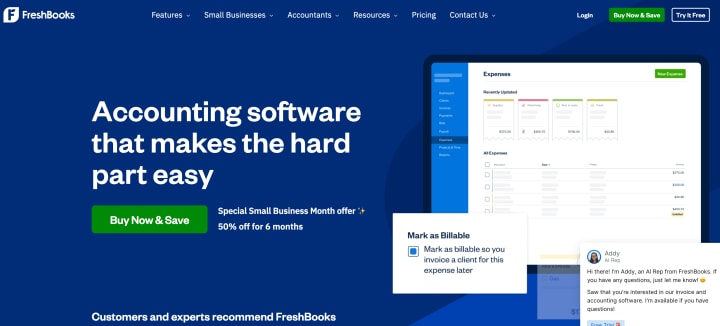
FreshBooks shines for service-based businesses, offering easy time-tracking, expense management, and flat-rate pricing.
Strengths: Intuitive invoicing, time and expense tracking, client portal.
Considerations: Limited inventory management features.
5. Wave
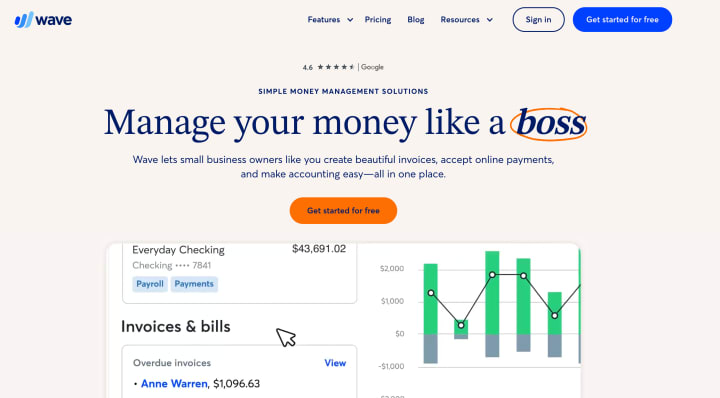
Wave provides a truly free solution for basic bookkeeping, including invoicing and receipt scanning.
Strengths: Completely free for core features, unlimited users, built-in receipt scanning.
Considerations: Advanced features (like payroll) cost extra; limited integrations.
6. Zoho Books
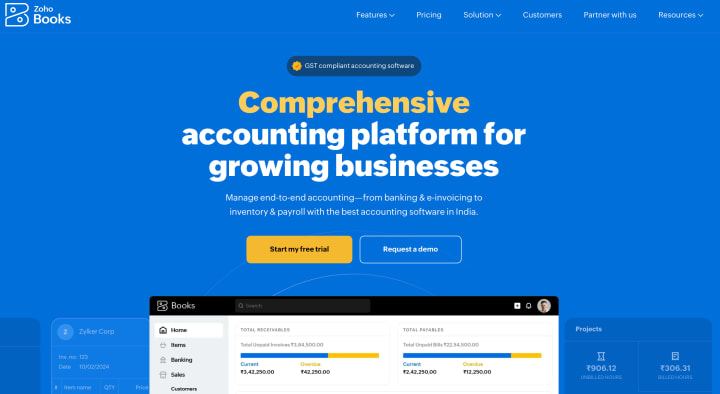
Part of the Zoho suite, Zoho Books offers comprehensive bookkeeping with strong automation and AI capabilities.
Strengths: Powerful automation, multi-currency, affordable pricing.
Considerations: Best suited for users already in the Zoho ecosystem.
7. Kashoo
Focused on simplicity, Kashoo automates bank reconciliations and offers easy collaboration with accountants.
Strengths: Simple setup, auto-categorization, free accountant access.
Considerations: Lacks some advanced reporting features.
8. Sage Business Cloud Accounting
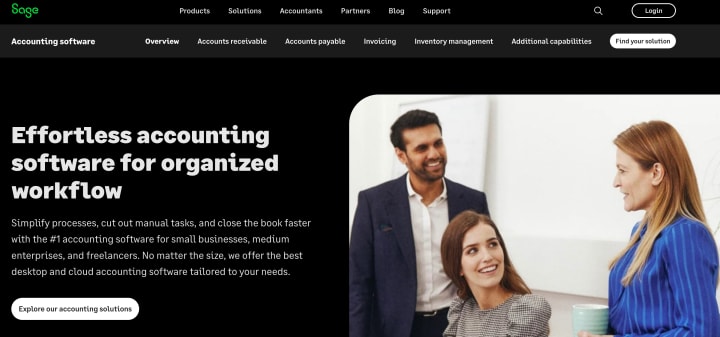
A trusted name in finance, Sage offers scalable solutions for growing businesses.
Strengths: Solid reporting, inventory tracking, robust security.
Considerations: Interface can feel dated; steeper learning curve.
9. FreeAgent
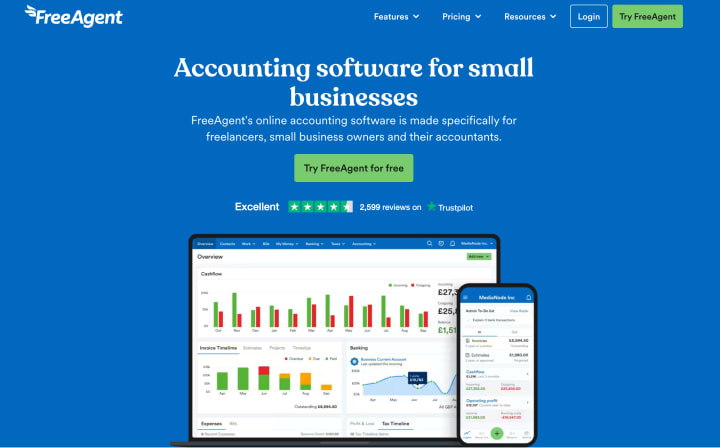
Popular among freelancers and agencies, FreeAgent combines project-based billing with solid bookkeeping tools.
Strengths: Project tracking, expense forecasting, tax-friendly features for freelancers.
Considerations: Higher cost for solo users; limited third-party integrations.
10. Bench
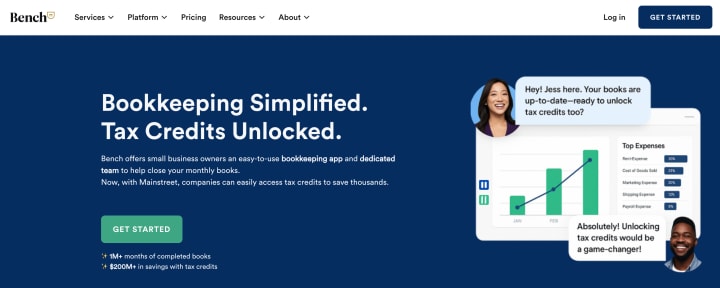
More a bookkeeping service for small business than software, Bench assigns you a dedicated bookkeeper who reviews and categorizes transactions weekly.
Strengths: Hands-off approach, monthly financial statements, expert support.
Considerations: Cost starts at $249/month; not software you control directly.
Benefits of Using Online Bookkeeping Services for Small Business
Switching from manual methods or desktop software to an online solution delivers numerous advantages:
- Accessibility Anywhere: Cloud-based platforms mean you can check your books from your laptop, tablet, or smartphone.
- Automatic Backups & Security: Your data is encrypted and backed up daily—no more lost files.
- Real-Time Insights: Get up-to-the-minute reports on cash flow, expenses, and profitability.
- Reduced Errors: Automation minimizes manual data entry mistakes.
- Scalability: Easily add users, features, or integrate with other business apps as you grow.
Read More: How Much Does Monthly Bookkeeping Cost
Bookkeeping Services vs Software: Which Is Right for You?
DIY with Bookkeeping Software
Pros:
- Cost-effective for tight budgets.
- Full control over your data and workflows.
Cons:
- Time investment for learning and maintenance.
- Potential for human error if you miss reconciliations.
Hiring Online Bookkeeping Services
Pros:
- Professional expertise ensures accuracy.
- Frees up your time to focus on core business activities.
Cons:
- Higher ongoing cost.
- Less hands-on control.
Tip: Consider a hybrid approach—use bookkeeping software like Otto AI for daily tasks and engage a service like Bench for quarterly reviews.
Tips for Getting the Most Out of Your Bookkeeping Software
1. Set a Weekly Routine
- Spend 15–30 minutes each week reviewing transactions, invoices, and reports.
2. Leverage Automation
- Use rules or AI categorization to handle repetitive tasks automatically.
3. Integrate Your Apps
- Connect your payment processor, CRM, and e-commerce platform to avoid manual entry.
4. Train Your Team
- Ensure everyone understands how to upload receipts and log expenses correctly.
5. Review Reports Monthly
- Focus on profit & loss, cash flow, and aged receivables to spot trends early.
Common Mistakes to Avoid
- Ignoring Reconciliations: Unreconciled accounts can hide errors—make reconciliation non-negotiable.
- Overlooking Data Security: Use strong passwords, two-factor authentication, and regular reviews of user permissions.
- Skipping Backups: Even cloud services can fail—export periodic backups of your data.
- Underutilizing Features: Many users only scratch the surface—explore your software’s full capabilities through tutorials or webinars.
Conclusion
Effective bookkeeping for small business is no longer a tedious chore—it’s a strategic advantage. By choosing the right bookkeeping software or service, you gain clarity, save time, and position your business for sustainable growth. From Otto AI’s AI-driven automation to the hands-on expertise of Bench, there’s a solution tailored to your needs.
Which features matter most to you—AI-powered categorization, unlimited users, or a dedicated bookkeeping team? Let us know in the comments below! And if you found this article helpful, share it with fellow entrepreneurs or check out related posts on optimizing your financial workflow.
About the Creator
Miss Divya Shukla
I'm a digital marketing enthusiast diving deep into the world of AI and emerging tech. Join me as I unravel complex concepts, share bite-sized knowledge, and inspire creativity through compelling visuals!
Keep reading
More stories from Miss Divya Shukla and writers in Writers and other communities.
Step-by-Step Guide to Catch-Up Bookkeeping
Overwhelmed by a pile of receipts, outstanding invoices, and financial statements you have yet to review for months? Don't worry, you're not alone. Catch-up bookkeeping can be intimidating, but learning about it is key to knowing your finances and making wise business choices. In this article, we'll take you through the specific steps you should follow to complete catch-up bookkeeping and get back in charge.
By Miss Divya Shukla9 months ago in Writers




Comments
There are no comments for this story
Be the first to respond and start the conversation.