
Planning A Trip?
I love to plan trips, I really love to use Google Map. I'll walk you through how I do it.


I love to travel, but I don't want to pay someone to plan out a trip for mr so instead I use Google Maps. I feel that it is under used so, I wanted to give a guide that maybe will help someone out. I'm going to do my best to explain it. Start by opening Google Maps.
Step One is to get to click on the saved button on desktop or the "you" button on mobile.

Step Two on the far right side click Maps and click the hyperlink. Clcik Create new map.

Step Three start designing your trip I always start from my home and plan from there, but for the sake of privacy I am going to plan a two day trip in Washington D.C. This will show you the different things you can do.

Step Four search for what you are looking for. In this case I'm going to look up Washington D.C hotels. It will bring up the hotels in the area. When you found something you like click "add to map". After that cancel your search and move on to the next place.


Step Five when you have two or more you can change the icons and reorder them. You can personalize them by clicking them and hitting the bucket icon in the corner. Add a full day of activities.

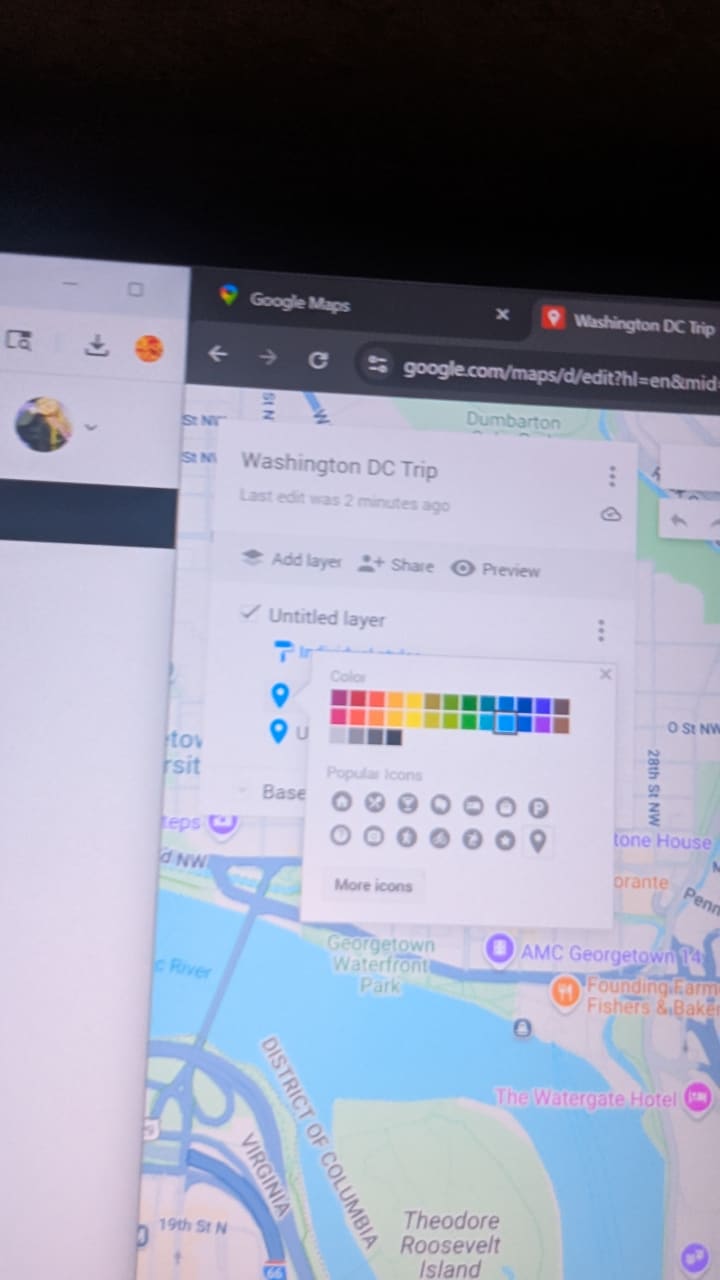
Step Six label your layer whatever you'd like I'm using Day 1. To label it just double click the "untitled layer".

Step Seven add another layer for a different day. Do the same thing as day one. Color coordinate them as you please.
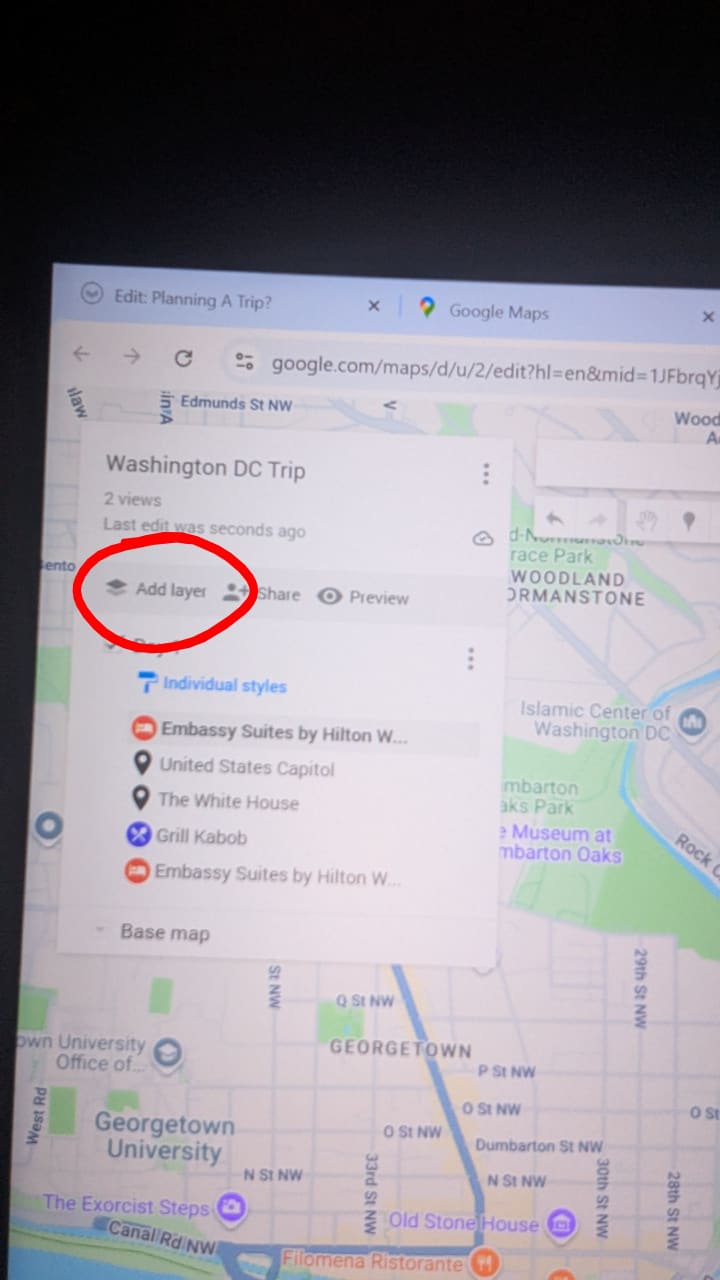

You can do this for just about any destination. There is several more tools including a measure tool (green), Directions (purple), Draw a line tool which shows you a route that's good for your chosen mode of transportation (yellow), Add a marker (pink), selecting different places you see on the map (gray).

You can change the look of the map you are adding markers to. When you push on a marker it gives you additional information to contact the place like website, address, and numbers.

Hopefully this will help you plan your next trip. If you have any questions leave a comment and I'll do my best to help out.
Little note: Some of these pictures are a little blurry and I am so sorry for that but I hope you still get the just. Also here is my map link in case you are interested. Thank you for reading.
About the Creator
Haylee Sandberg
Hey!! I love to write about anything! I hope you stick around for more.
Reader insights
Nice work
Very well written. Keep up the good work!
Top insights
Compelling and original writing
Creative use of language & vocab
Easy to read and follow
Well-structured & engaging content
Keep reading
More stories from Haylee Sandberg and writers in Wander and other communities.


Comments
There are no comments for this story
Be the first to respond and start the conversation.