

Want to take professional-looking product photos without breaking the bank? Check out these 10 tips for shooting stunning product photographs at home on a low budget.
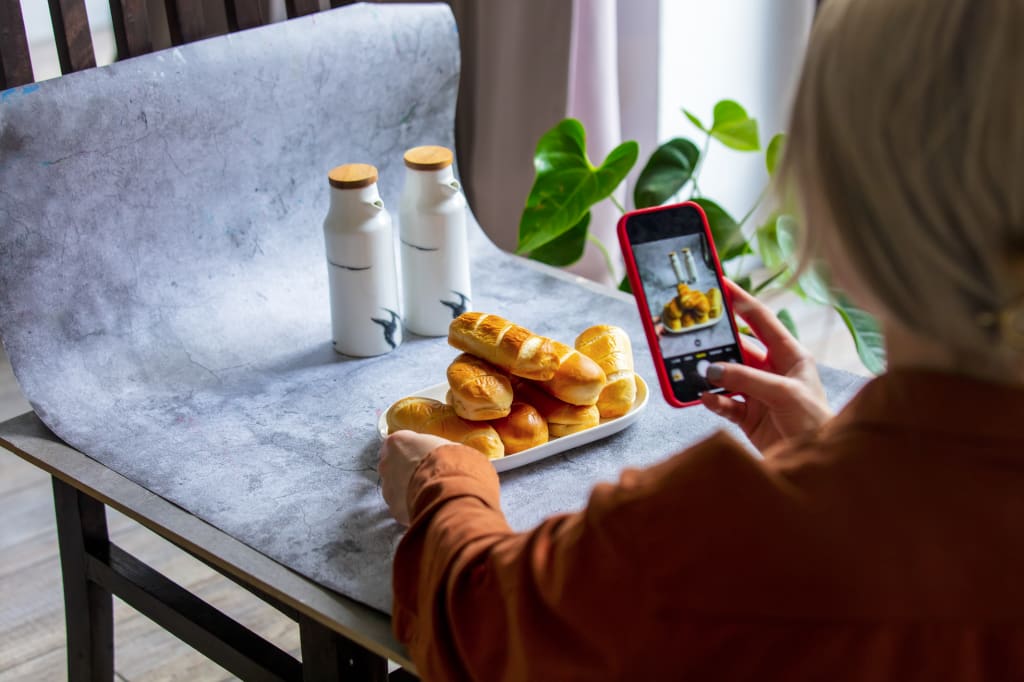
Choose a well-lit area: Find a location in your home where there is plenty of natural light. Position your product near a window or door to take advantage of the natural light.

Create a simple background: Use a plain white or neutral background to make your product stand out. You can use a white sheet, poster board, or even a large piece of paper.
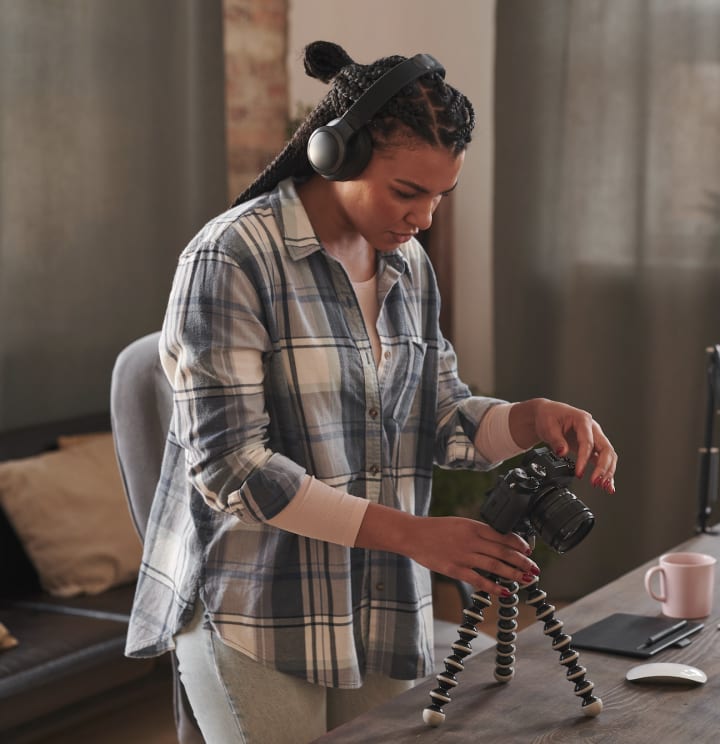
Use a tripod: A tripod will keep your camera steady and prevent blurry photos. If you don't have a tripod, use a stable surface like a table or shelf.
Use a smartphone camera: You don't need an expensive camera to take great photos. Most modern smartphones have high-quality cameras that can produce great results.
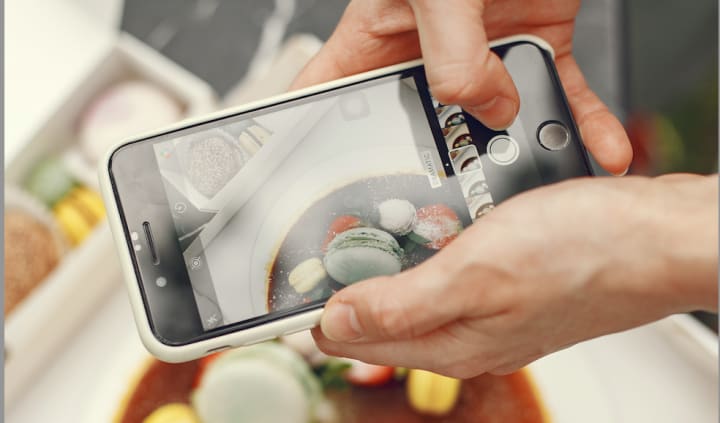
Focus on the details: Make sure to highlight the unique features of your product. Take close-up shots of the details and textures to give viewers a better idea of what they're getting.
Shoot from multiple angles: Take photos of your product from different angles to give potential customers a better idea of what the product looks like.
Edit your photos: Use photo editing software to make your photos look their best. You can adjust brightness, contrast, and color balance to make your product pop.
There are a variety of mobile apps available that can help you edit your product photos and make them look their best. Here are a few popular options:
- Adobe Lightroom: This is a powerful photo editing app that allows you to adjust brightness, contrast, and color balance, as well as apply filters and presets. The app also offers advanced editing tools for more complex edits.
- Snapseed: This is a free photo editing app that offers a wide range of editing tools, including brightness and contrast adjustments, selective adjustments, and filters. The app is easy to use and offers a variety of preset options.
- VSCO: This app offers a variety of filters and presets that can give your photos a unique and professional look. The app also offers basic editing tools, including brightness, contrast, and color adjustments.
- Canva: While not strictly a photo editing app, Canva offers a variety of design tools that can be used to create eye-catching product photos. The app allows you to add text, graphics, and other elements to your photos, as well as make basic adjustments to color and brightness.
No matter which app you choose, remember to keep your editing subtle and avoid over-processing your photos. The goal is to enhance your photos and make them look their best, without making them look artificial or overly manipulated.
Use props: Props can add context to your photos and make your product more appealing. For example, if you're selling a mug, you could include a picture of the mug with a cup of coffee next to it.
Keep it simple: Avoid cluttering your photos with too many props or distracting backgrounds. Your product should be the main focus of the photo.
Be consistent: If you're selling multiple products, make sure to use the same lighting, background, and props for all your photos. This will create a cohesive look and make your store look more professional.
I hope these tips have helped you to capture high-quality product photos that will grab the attention of your customers. Remember, with a little creativity and attention to detail, you can produce stunning photos that showcase your products in the best possible light. Don't be afraid to experiment and have fun with your photography, and don't hesitate to reach out if you have any questions or need further assistance. Happy shooting!
follow me on instagram: @zeynep.btc
About the Creator
Zeynep.btc
I am a cinematographer, stock photographer and videographer for over 10 years now. And I have me Master Degree on Art History. I would love to share my experiences.
Keep reading
More stories from Zeynep.btc and writers in Photography and other communities.
10 Jaw-Dropping Photography Tricks That Will Leave You Speechless!
Are you tired of taking the same old boring photos? Do you want to up your photography game and impress your friends and family with stunning images? Look no further! We've compiled a list of 10 jaw-dropping photography tricks that will leave you speechless.
By Zeynep.btc3 years ago in Photography
The Photographer's Code
You decide to visit your local park. You have become a close confidant to the homeless people who gather there most days. While talking to Cleo and Reed, you notice a new face in the crowd. It belongs to a stick-thin, middle-aged woman. She has her hand on her forehead as if taking her temperature.
By Paul Aaron Domenick6 days ago in Photography



Comments
There are no comments for this story
Be the first to respond and start the conversation.