
How to Make a Billboard Mockup
How to Make a Billboard Mockup

Creating a billboard mockup is a fantastic way to visualize how your design will appear in a real-world setting before printing or publishing. Whether you’re showcasing a brand campaign or testing new ideas, using an online billboard mockup generator simplifies the process. These tools provide realistic visuals, save time, and eliminate the need for expensive software. Let’s dive into the steps to make a professional billboard mockup.
Why Use a Billboard Mockup?
Billboards are a powerful medium for advertising, but designing them requires careful planning to ensure they grab attention and communicate effectively. A mockup helps:
Visualize how your design looks on a large scale.
Present ideas to clients professionally.
Spot potential flaws in your design before production.
Tools You’ll Need
To create a billboard mockup, you don’t need advanced design skills or pricey software. Many online tools offer user-friendly interfaces and customizable templates. Here are some popular mockup generators you can use:
Mockey
Placeit
Freepik
Mediamodifier
Canva
Let’s explore the process of creating a billboard mockup using these tools.
Step 1: Choose a Billboard Mockup Generator
Start by selecting an online platform that suits your needs. Below are the features of the tools mentioned above to help you decide:
1. Mockey
Mockey stands out for its high-quality templates and straightforward interface. This platform is ideal for creating realistic billboard mockups without hassle. Simply upload your design, adjust the placement, and customize the scene to match your vision.
2. Placeit
Placeit offers a wide range of templates for outdoor advertising, including various billboard styles. You can drag and drop your design into the template, adjust the colors, and preview how it will look in a real-world environment.
3. Freepik
Freepik provides a collection of billboard mockup templates available for download. While it requires some familiarity with design software like Photoshop, it offers versatile options for professional-looking mockups.
4. Mediamodifier
Mediamodifier is another excellent choice for creating billboard mockups. It allows you to upload your design directly onto templates and make adjustments in real time. This tool is perfect for quick previews and client presentations.
5. Canva
Canva, known for its user-friendly interface, also features billboard mockup templates. It’s a great option for beginners and those looking for an all-in-one platform to design and create mockups.
Step 2: Prepare Your Design
Before uploading your design to a mockup generator, ensure it’s polished and ready. Keep these tips in mind:
Resolution: Use high-resolution images to avoid pixelation.
Dimensions: Follow billboard size guidelines (e.g., 14x48 feet for standard billboards).
Readability: Choose bold fonts and minimal text for maximum impact.
Step 3: Upload Your Design
Here’s how to upload your design to different tools:
Mockey: Log in, select a billboard template, and click the upload button to add your design. Resize and position it as needed.
Placeit: Drag and drop your design directly onto the mockup template. Use the editing tools to customize the appearance.
Freepik: Download the mockup file and open it in Photoshop. Replace the placeholder with your design using smart objects.
Mediamodifier: Choose a template, upload your design, and preview the result instantly.
Canva: Select a template, drag your design into the placeholder, and adjust colors or backgrounds if necessary.
Step 4: Customize the Mockup
Once your design is uploaded, it’s time to make adjustments:
Positioning: Ensure your design fits perfectly within the template boundaries.
Background: Some tools allow you to change the background to reflect different environments (e.g., urban streets or highways).
Lighting and Shadows: Enhance the realism by adjusting lighting effects if available.
Step 5: Download and Save
After perfecting your billboard mockup, download it in your preferred format. Most tools offer options like PNG, JPEG, or PDF. Save the file with a clear name for easy access.
Tips for a Stunning Billboard Mockup
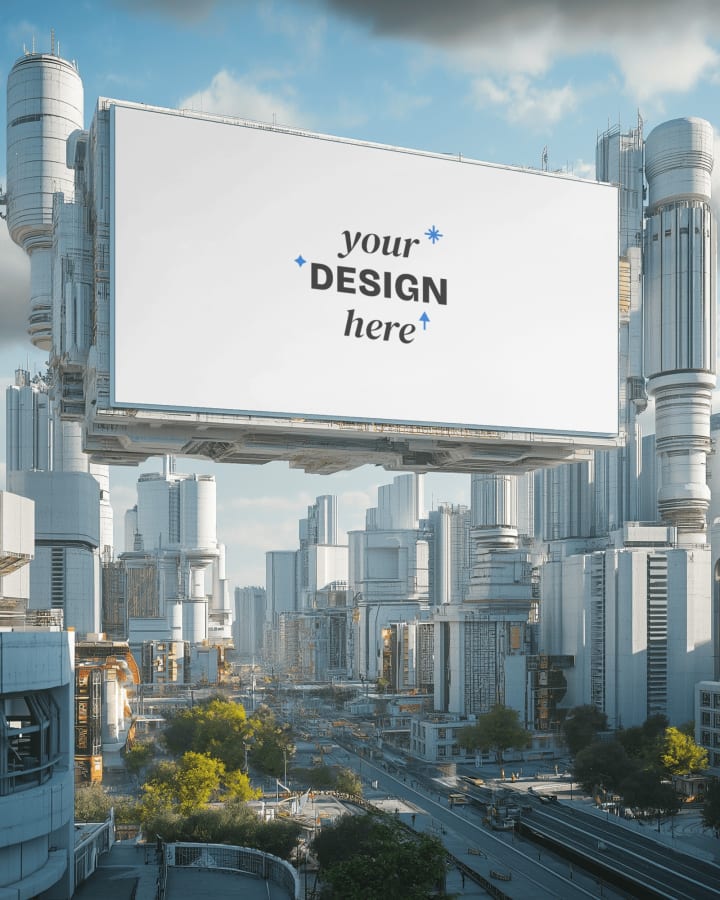
Use Bold Colors: Bright and contrasting colors attract attention from a distance.
Keep It Simple: Avoid clutter. A clear and focused message is more effective.
Test Different Scenarios: Experiment with various templates to see how your design looks in different settings.
Why Mockey Is a Great Choice
If you’re new to mockup creation or want a hassle-free experience, Mockey is highly recommended. Its user-friendly platform, extensive template library, and customization features make it one of the best online billboard mockup generators. Plus, it’s cost-effective and saves time.
Conclusion
Creating a billboard mockup is an essential step for designers and advertisers. By using an online billboard mockup generator, you can visualize your ideas realistically and impress clients with professional presentations. Follow the steps outlined above, and try tools like Mockey, Placeit, and Mediamodifier to bring your designs to life.
Ready to create your next billboard mockup? Start with one of these easy-to-use platforms and watch your vision come to life!
About the Creator
Keep reading
More stories from Backlink Wizard and writers in Photography and other communities.
How to Create Box Mockup in Photoshop
Creating a box mockup in Photoshop is an essential skill for designers, marketers, and business owners who want to visualize their packaging designs. A box mockup gives your designs a realistic and professional look, making it easier to present your ideas or showcase products online. With tools like Photoshop and mockup generators, you can effortlessly create stunning box designs that grab attention.
By Backlink Wizardabout a year ago in Photography
Leavie Scott
ORDER HERE Chicago – A Radiant Urban Masterpiece by Leavie Scott Arts & Culture Review – Feature Story In his striking new work Chicago, photographer Leavie Scott captures the soul of the Windy City with a level of vibrancy and emotional resonance that is impossible to ignore. The image immerses viewers in a dazzling skyline bathed in mesmerizing tones of purple, pink, and gold—a palette rarely seen in traditional urban photography and one that instantly distinguishes Scott’s artistic voice.
By Organic Products 5 days ago in Photography
Curious Photography Tips Every Beginner Should Try
Have you ever wondered why two people using the same camera can produce completely different photos? The answer often lies in how well the photographer understands the camera itself. For beginners, cameras can seem filled with confusing buttons, dials, and settings. But what if those settings are actually the key to better photos?
By Craig Spiesman2 days ago in Photography


Comments
There are no comments for this story
Be the first to respond and start the conversation.