
Best Free Luxury Business Card Mockup Tools
Best Free Luxury Business Card Mockup Tools
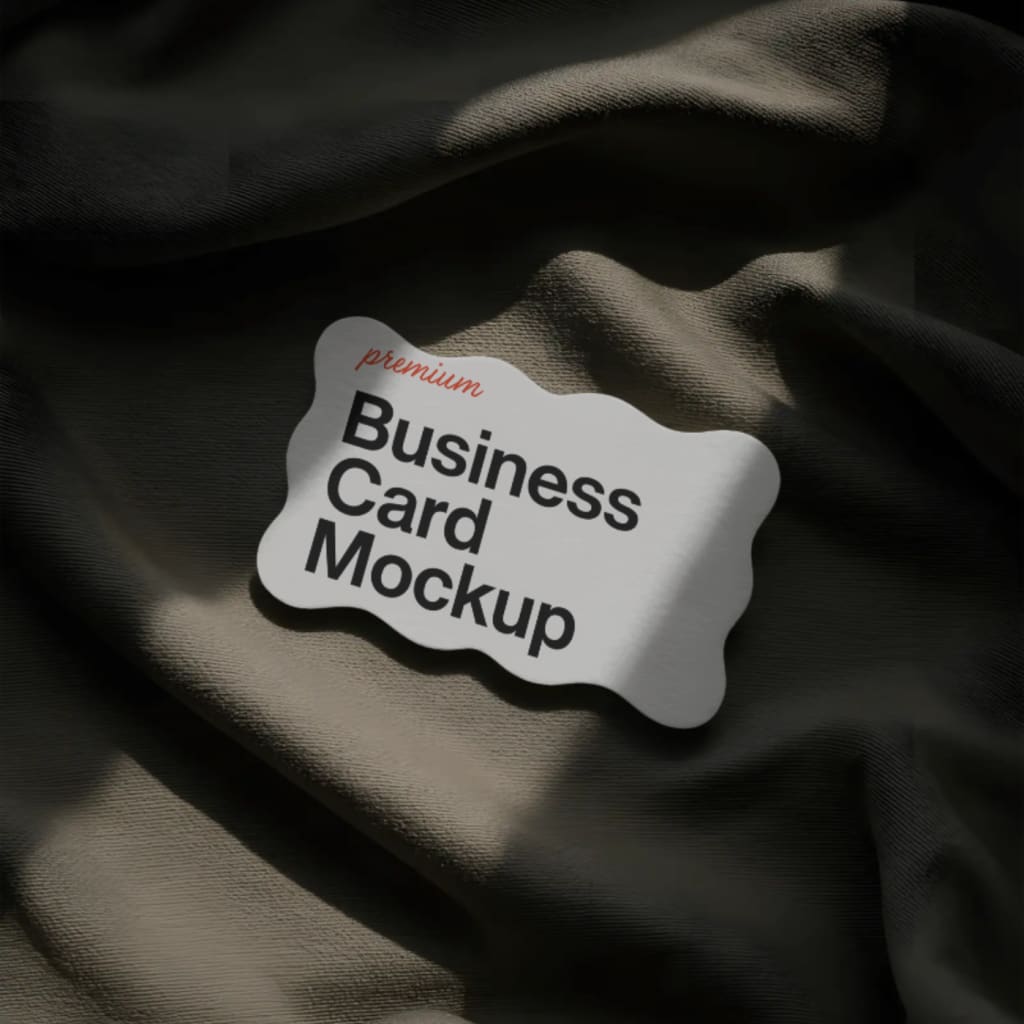
If you are a designer or a business owner trying to make a powerful first impression, your business card plays a big role. A luxury business card adds that extra shine to your brand, making it feel more professional, elegant, and trustworthy.
But how do you know if your card design actually looks good until it’s printed?
That’s where business card mockup tools come in. They help you visualize your card in a real-world setting. Whether you want to see how your black and gold design will look on textured paper or how the logo shines with a foil finish, mockups are the key.
In this article, we’ll show you the best free tools to create stunning luxury business card mockups — no complicated software required.
What Makes a Luxury Business Card Stand Out?
Luxury cards are more than just your name and contact. They speak style and success. What makes them luxurious?
- Premium colors like black, deep navy, or pure white
- Gold or silver foil for logos or initials
- Minimalist fonts
- Thick cardstock or textured finishes
- Embossed or raised details
A good mockup helps you showcase these features realistically, so your clients or team can see the final product before it's printed.
Top Free Luxury Business Card Mockup Tools
Here are some of the best free tools to try:
1. Mockey
Mockey is a free AI mockup generator designed to simplify your design process. Whether you want to showcase a luxury business card or a minimal corporate style, Mockey offers templates that make your card look like it’s already printed.
Top features:
- No design skills needed
- Upload your image and see it in seconds
- Choose from 1000+ mockups
- One-click download
- Realistic shadows, lighting, and angles
- Specific categories for luxury business card mockups
Mockey is perfect if you want fast results and stunning visuals. If you’re building a portfolio or pitching to clients, it saves you a lot of time.
2. Canva
Canva is well known for its simple drag and drop interface. Though it’s more of a design tool, it also allows you to add mockup effects to your cards by placing them on backgrounds or scenes.
Why use it:
- Beginner-friendly
- Huge collection of templates
- Lets you create cards and place them in realistic settings
- Great for social media presentation
While Canva is not focused entirely on mockups, it still works well for presenting card designs attractively.
3. Visme
Visme is another design platform that also lets you visualize business card designs. It's mainly for visual storytelling, but with a bit of creativity, you can use its templates and tools to present your cards professionally.
Why use it:
- Good for presentations
- Clean, polished design tools
- Easy to export and share
4. Renderforest
Renderforest is an all-in-one design platform. You can use its free templates to place your card designs in a visually engaging environment. It’s especially useful for branding kits.
What it offers:
- Templates for cards and logos
- Ability to see your business card in 3D views
- Animation and video mockups (paid plans have more features)
5. Photopea
Photopea is like a free Photoshop that runs in your browser. It allows you to open and edit PSD mockup files — which is great if you’ve downloaded luxury business card mockups from elsewhere.
Why it’s useful:
- Free and browser-based
- Works with PSD templates
- Great for advanced editing if needed
Note: You need to find your own PSD mockup files separately, but Photopea helps you edit them for free.
Why Use a Business Card Mockup Generator?
Mockup generators are not just for fun — they are a must for any designer or business owner. Here’s why:
- Quickly test multiple styles before printing
- Save time on editing and presentation
- Wow your clients with realistic previews
- Create a professional portfolio without printing samples
Even if you’re not a designer, tools like Mockey make the process simple.
Tips to Create an Impressive Business Card Mockup
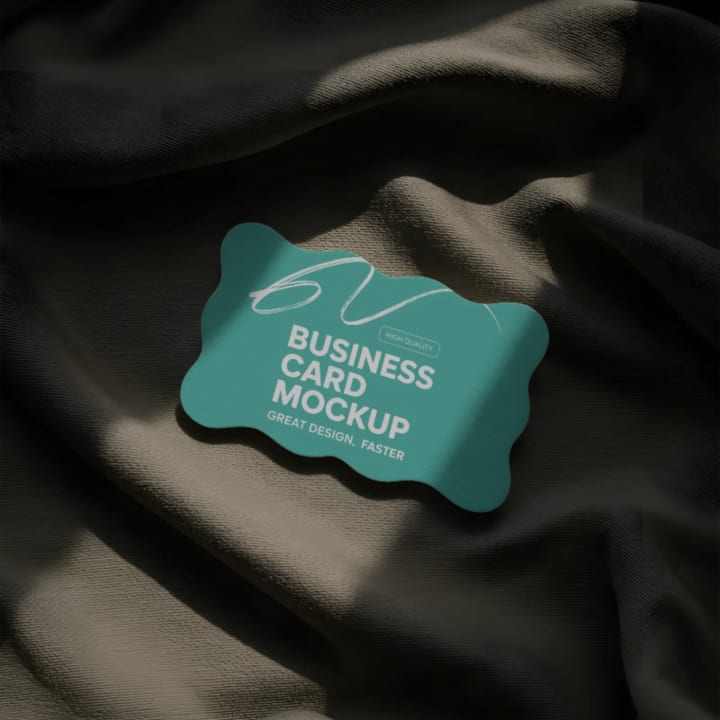
To make your business card look truly luxurious in a mockup:
- Stick to one or two colors, like black and gold
- Use elegant fonts – nothing too playful
- Try a mockup with a textured or foil finish
- Make sure your logo is centered and visible
- Keep your design simple but bold
Remember, a clean design paired with a realistic mockup will always impress.
Final Thoughts
A luxury business card can leave a lasting impact — but only if it’s presented the right way. Instead of spending hours in complicated software, use a business card mockup generator like Mockey to make your ideas come alive.
With tools like Mockey, Canva, Visme, and more, you can create high-end visuals that wow your audience — without spending a single rupee.
So go ahead, try these free tools and give your business card the luxury treatment it deserves.
About the Creator
Keep reading
More stories from Backlink Wizard and writers in Photography and other communities.
What Is a Packaging Mockup?
In today’s world, where first impressions matter more than ever, product packaging plays a big role in grabbing attention. But before a product hits the shelves or your online store, how can you see how it will actually look in real life?
By Backlink Wizard10 months ago in Photography
The Photographer's Code
You decide to visit your local park. You have become a close confidant to the homeless people who gather there most days. While talking to Cleo and Reed, you notice a new face in the crowd. It belongs to a stick-thin, middle-aged woman. She has her hand on her forehead as if taking her temperature.
By Paul Aaron Domenick5 days ago in Photography
The Gold Tone (Orotone) Technique
She picked it up from a dusty shelf at an estate sale, thinking it was just an old frame. Then the light caught it. The image glowed, not like a print, not like a painting, but like something that seemed to carry its own inner warmth. That was her first encounter with an Orotone, and she bought it without asking the price.
By CurlsAndCommas2 days ago in Photography


Comments
There are no comments for this story
Be the first to respond and start the conversation.